Responsive Email Templates for OpenCart








Built for OpenCart 1.5–4.x, this module helps you replace basic default emails with branded responsive store email templates that match your store design. Edit email templates for OpenCart content and visual elements from the admin panel without coding, and keep order confirmations, shipping updates, invoices, order emails, and other customer emails cleaner, more consistent, and easier to recognize.
How It Works:
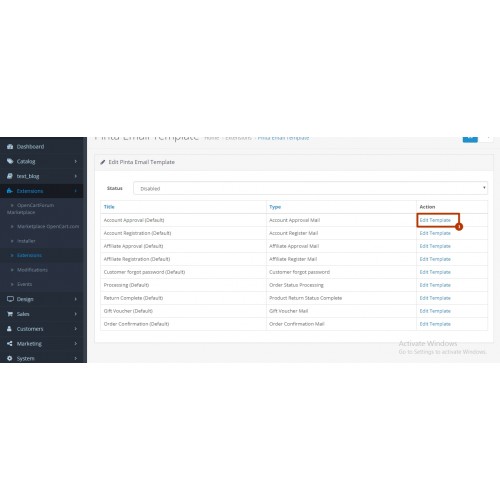
- Choose the email you want to edit — Select a specific store email and customize it separately instead of applying the same changes to every message.
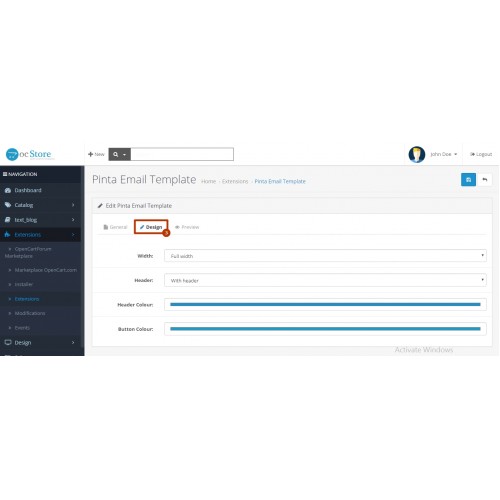
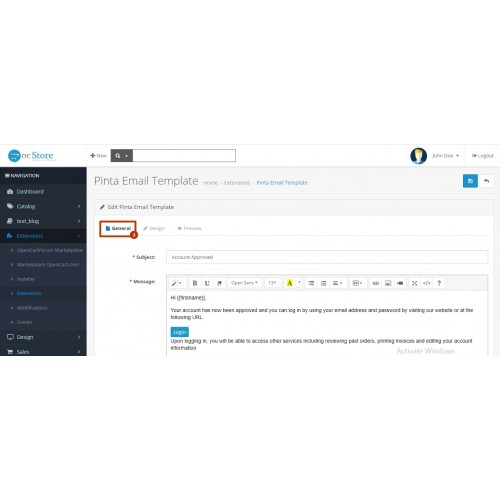
- Update content and design settings — Adjust the subject, message content, header display, colors, layout width, and contact links from the admin panel.
- Preview and save your changes — Check the email layout on mobile preview, tablet preview, and desktop preview before saving, and restore default message if you need to roll back content changes.

- Responsive store email templates — Keep order emails and other customer notifications clear and readable across mobile, tablet, and desktop devices.
- Multilingual email support — Send branded emails in the customer’s preferred language for a more localized store experience.
- Individual template editing — Edit specific store emails separately, so order confirmations, invoices, and status updates do not all have to use the same setup.
- Admin panel control — Update subjects, content, and design settings directly from the admin panel without advanced technical work.
- Custom email design settings — Adjust visual elements to keep store emails aligned with your storefront branding.
- Built-in contact links — Add messaging and contact options inside emails so customers can reach your store faster when they need help.
Use Cases:
Why Choose Custom Email Templates - Store Design Integration?

Price
$20.00
- Developed by OpenCart Community
- 6 Months Free Support
- Documentation Included
Rating
Compatibility
4.0.0.0, 4.0.1.0, 4.0.1.1, 1.5.0, 1.5.0.1, 1.5.0.2, 1.5.0.3, 1.5.0.4, 1.5.0.5, 1.5.1, 1.5.1.1, 1.5.1.2, 1.5.1.3, 1.5.2, 1.5.2.1, 1.5.3, 1.5.3.1, 1.5.4, 1.5.4.1, 1.5.5, 1.5.5.1, 1.5.6, 1.5.6.1, 1.5.6.2, 1.5.6.3, 1.5.6.4, 2.0.0.0, 2.0.1.0, 2.0.1.1, 2.0.2.0, 2.0.3.1, 2.1.0.1, 2.1.0.2, 2.2.0.0, 2.3.0.0, 2.3.0.1, 2.3.0.2, 3.0.0.0, 3.0.1.0, 3.0.1.1, 3.0.1.2, 3.0.1.3, 3.0.2.0, 4.x.x.x, 3.0.3.0, 3.0.3.1, 3.0.3.2, 3.0.3.3, 3.0.3.5, 3.0.3.6, 3.0.3.7, 3.0.3.8, 4.0.0.0
Last Update
2 Jun 2026
Created
26 Feb 2020
1 Sales
1 Comments

Login and write down your comment.
Login my OpenCart Account