Swipe Slider for OpenCart
Swipe Slider for OpenCart


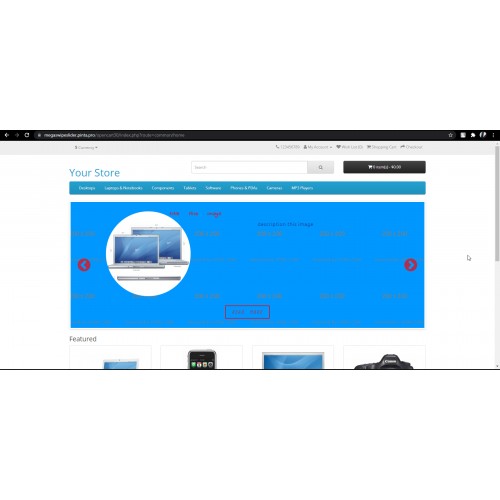
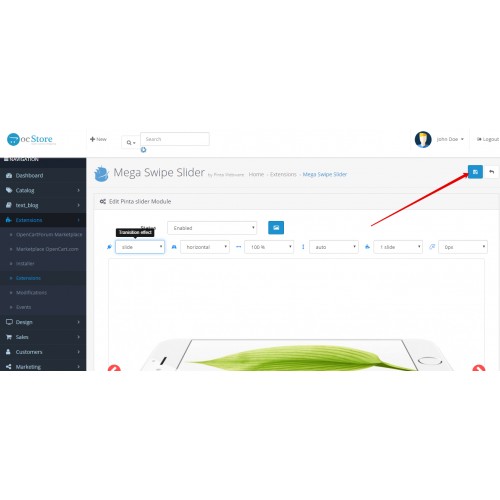
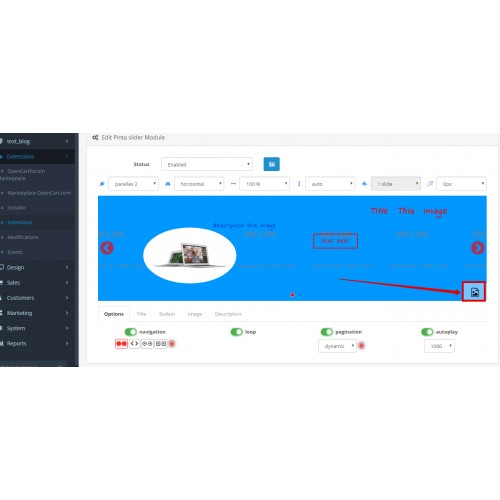
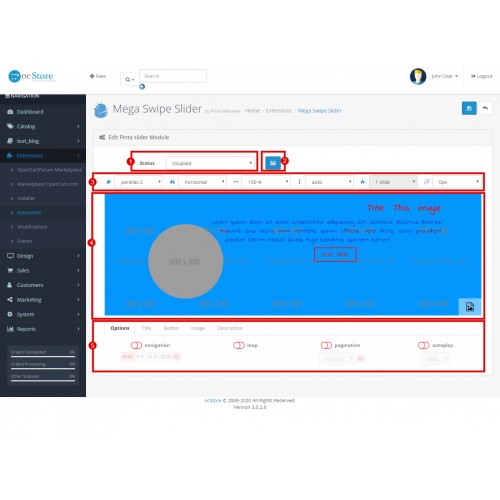
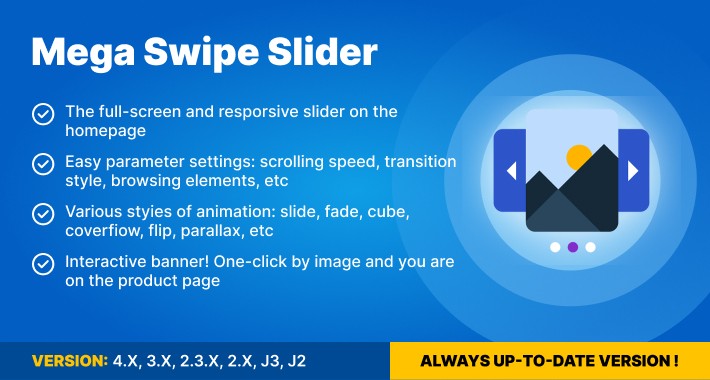
Designed for OpenCart 1.5–4.x, this responsive touch and swipe slider helps you add mobile-friendly banners to your store. It supports touch gestures, multiple layout options, and custom styles, making it easier to showcase products, promotions, or seasonal offers on any device. With a straightforward setup in the admin panel, you can manage your slider settings and integrate them into your storefront without complex coding.

Key Benefits:

  • Better mobile experience — Native-like touch and swipe support ensures a smooth browsing experience for mobile and tablet users.
  • Flexible slider layouts — Choose between multiple display modes, including single-slide, multi-slide, and centered layouts, to fit your store design.
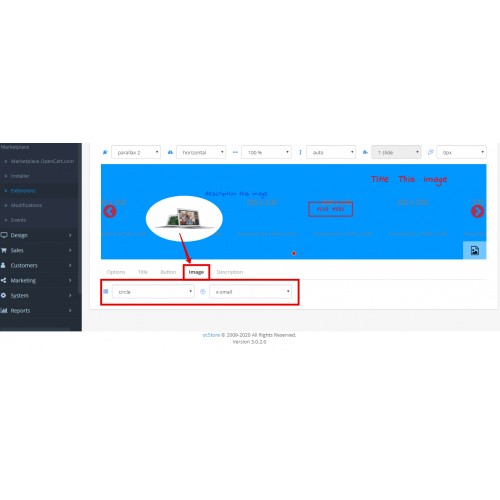
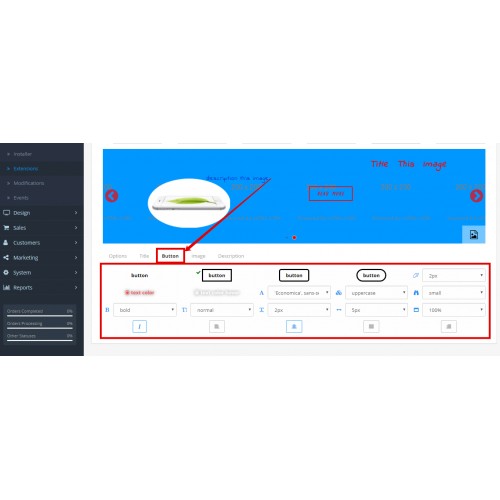
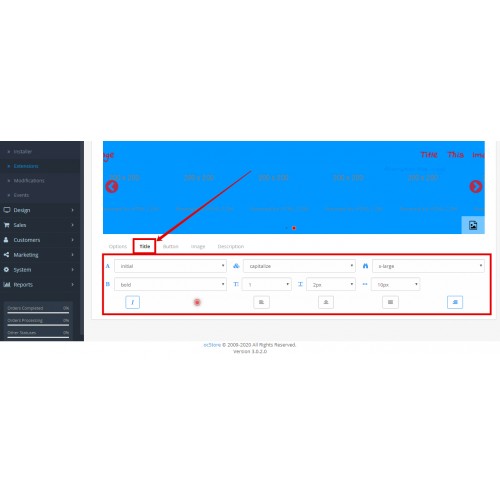
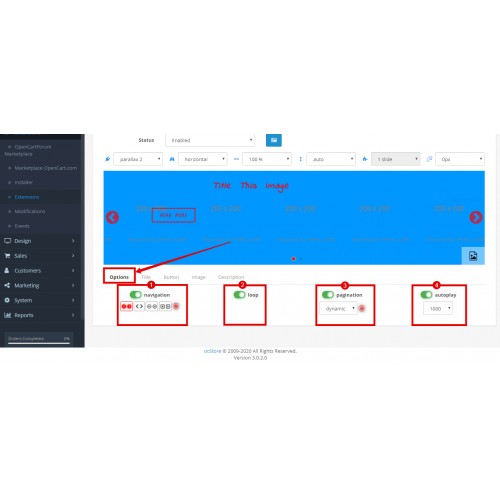
  • Easy to customize — Adjust speed, navigation, pagination, and styling directly from the module settings in the admin panel.
  • Wide compatibility — Works across OpenCart versions from 1.5 to 4.x and integrates well with various store themes.


  • Touch and swipe support — Fully responsive slider with native-like swipe gestures for mobile devices.
  • Multiple display modes — Support for various layouts: single slide, multiple slides per view, and centered slide mode.
  • Navigation and pagination controls — Enable or disable arrows and dots to guide users through your content.
  • Autoplay and speed settings — Control the slide transition speed and set up automatic scrolling for your banners.
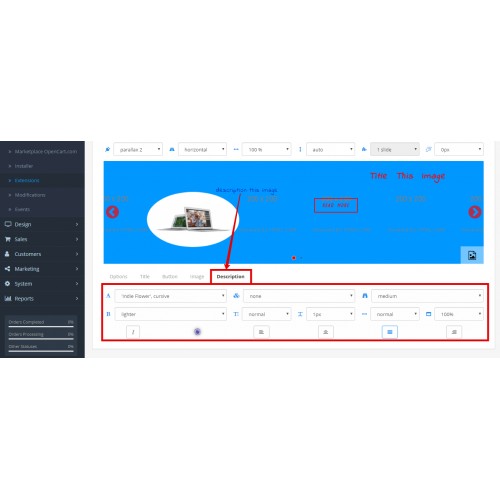
  • Custom styling options — Add custom CSS classes and adjust slider height, margins, and effects through the admin interface.
  • Multi-language support — Configure slider content and labels for different store languages.
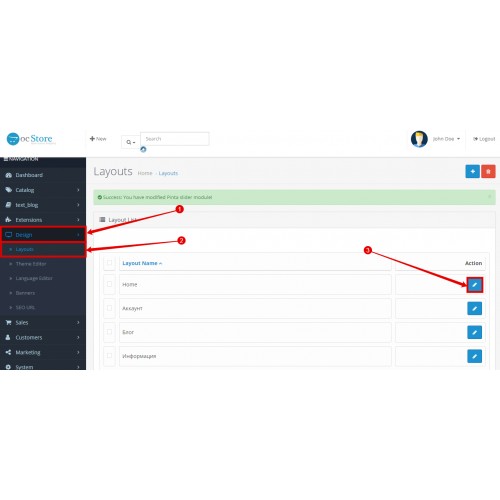
  • Simple integration — Easily place the slider on the homepage or any other layout via the OpenCart Design > Layouts section.


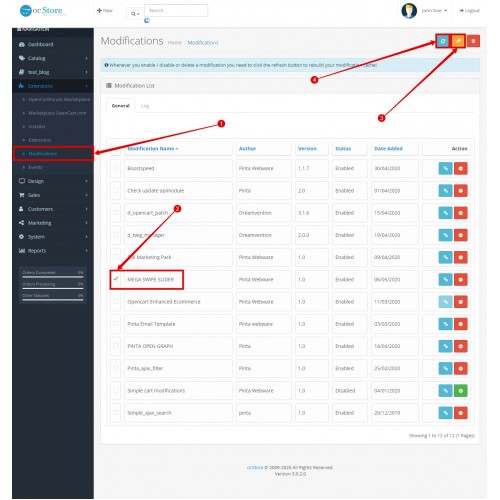
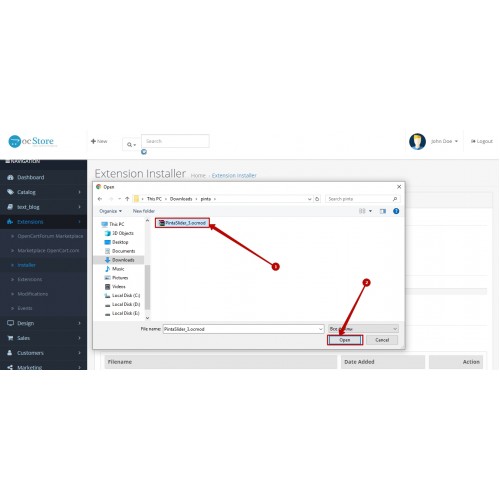
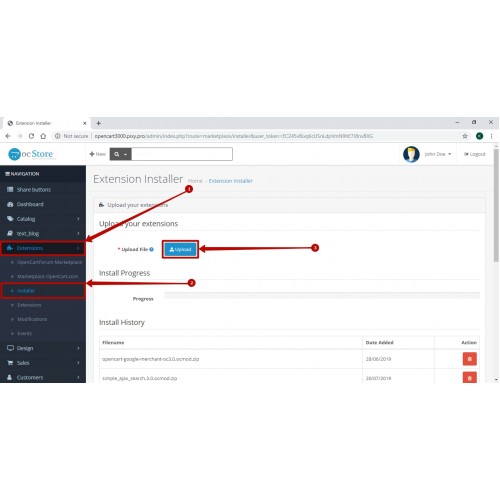
    • Upload the extension archive using the OpenCart Installer.
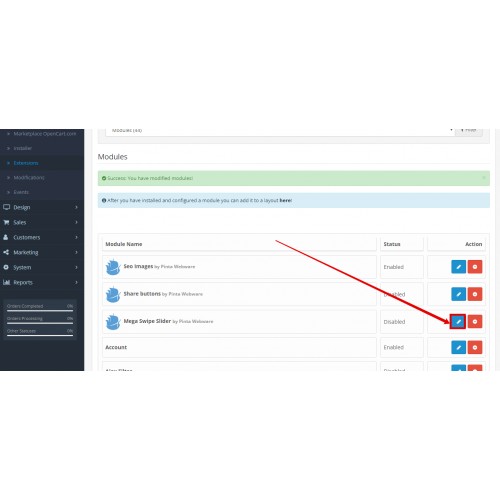
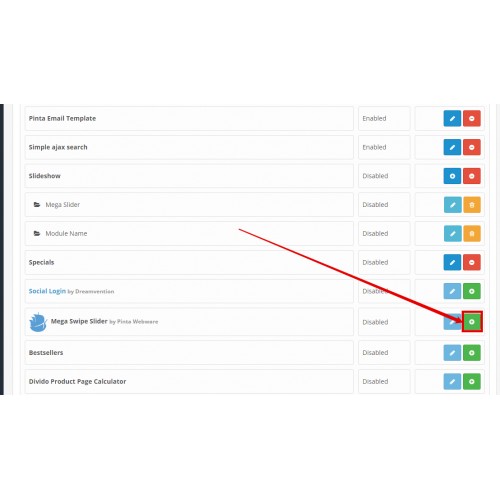
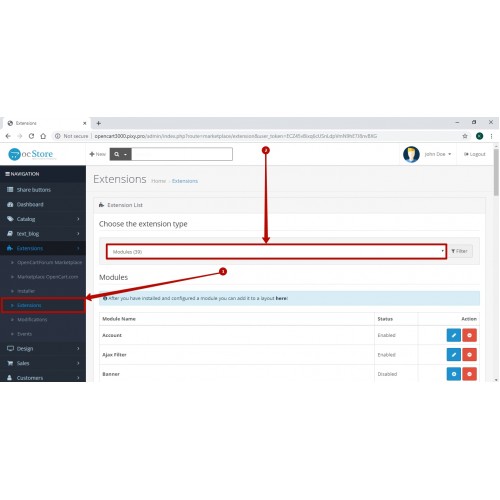
    • Install the module in the Extensions > Modules section.
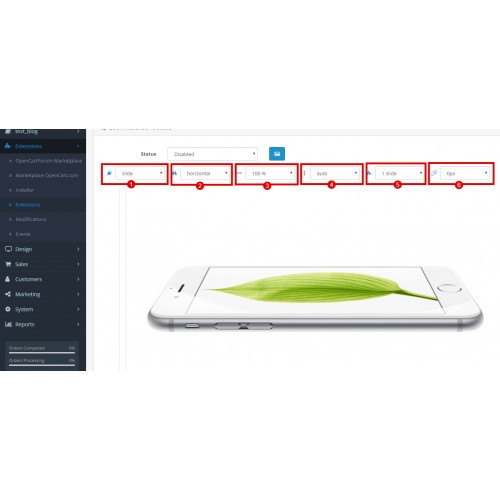
    • Open the module settings to configure your slider: set dimensions, speed, and navigation preferences.
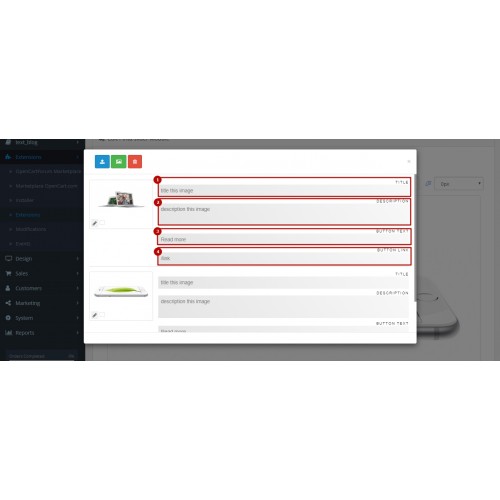
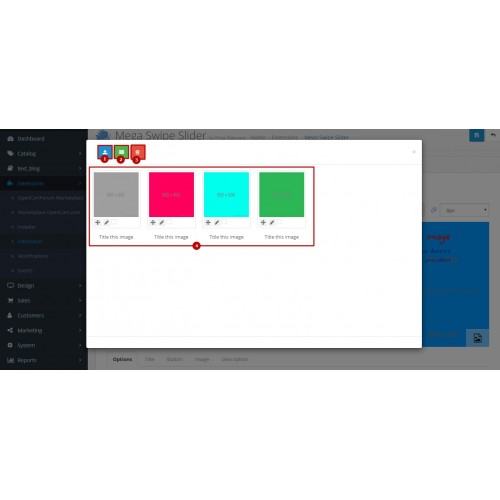
    • Add your banner images and link them to products or categories.
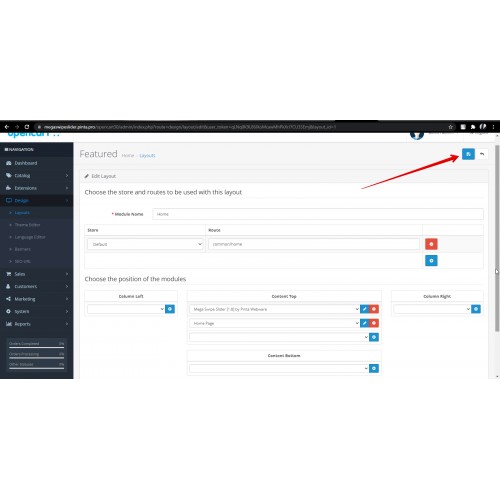
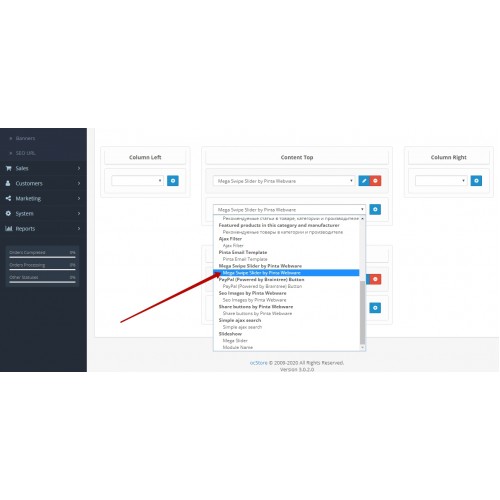
    • Go to Design > Layouts and assign the Swipe Slider module to your preferred position (e.g., Content Top on the Home page).


    Version 2.0
    *Added support for OpenCart 4.
    Version 1.9
    *Improved compatibility with other slider libraries.
    *Refined slider styling behavior for cleaner integration.
    Version 1.8
    *Improved swiper scrolling performance in OpenCart 3.0.
    Version 1.7
    *Improved slider library stability and updated core slider assets.
    Version 1.6
    *Improved icons and version support information.
    Version 1.5
    *Improved layout and mobile display.
    *Fixed parallax effect display issues.


  • Price
    $24.99

    • Developed by OpenCart Community
    • 6 Months Free Support
    • Documentation Included

    Rating

    Compatibility
    4.0.0.0, 2.0.0.0, 2.0.1.0, 2.0.1.1, 2.0.2.0, 2.0.3.1, 2.1.0.1, 2.1.0.2, 2.2.0.0, 2.3.0.0, 2.3.0.1, 2.3.0.2, 1.5.0, 1.5.0.1, 1.5.0.2, 1.5.0.3, 1.5.0.4, 1.5.0.5, 1.5.1, 1.5.1.1, 1.5.1.2, 1.5.1.3, 1.5.2, 1.5.2.1, 1.5.3, 1.5.3.1, 1.5.4, 1.5.4.1, 1.5.5, 1.5.5.1, 1.5.6, 1.5.6.1, 1.5.6.2, 1.5.6.3, 1.5.6.4, 3.0.0.0, 3.0.1.0, 3.0.1.1, 3.0.1.2, 3.0.1.3, 3.0.2.0, 4.x.x.x, 3.0.3.0, 3.0.3.1, 3.0.3.2, 3.0.3.3, 3.0.3.5, 3.0.3.6, 3.0.3.7, 3.0.3.8, 4.0.0.0

    Last Update
    2 Jun 2026

    Created
    6 May 2020
    1 Sales
    0 Comments
    pintawebware
    pintawebware
    Member since: 19 Dec 2016

    View all extensions Get Support