Order with Prescription

Overview of TMD OpenCart Order with Attachment or Prescription
========================================================================
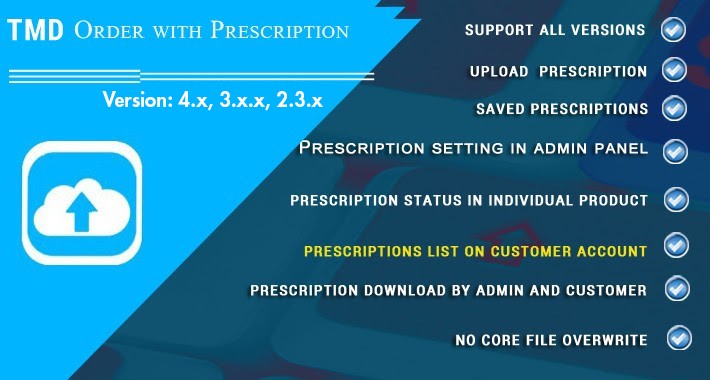
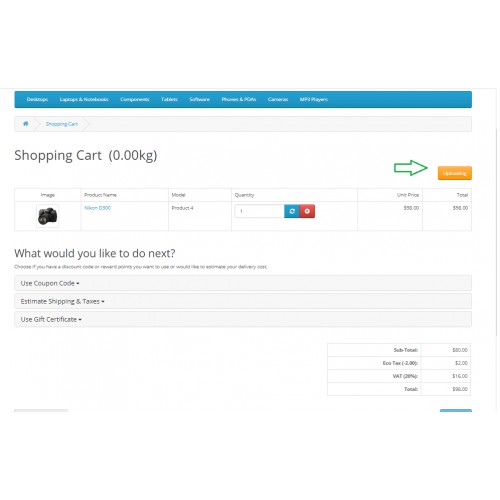
This module enables your customers to upload the attachment or prescription while pacing the order. An upload file button will automatically appear on the cart page. The admin can select the products and categories to have the attachment feature available. The uploaded attachment will be available for both the customer and admin to download.
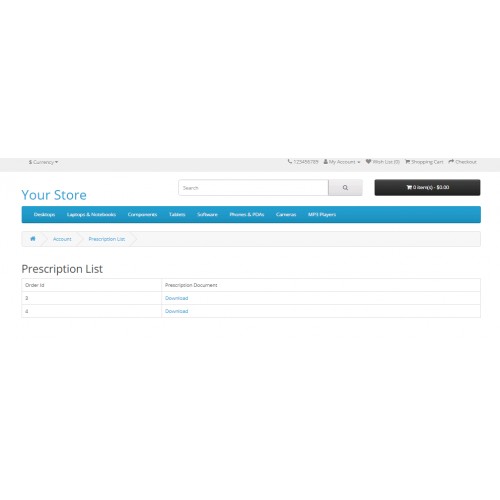
The attached document will be present with the downloadable link in the customer account and admin for better order management. Also, the admin can enter an acceptable file extension list.
The extension is versatile with user-friendly UI/UX. The broader audience will benefit from its features without having to change their existing website. It is compatible with the latest version of OpenCart and themes.



Essential for Pharma Sales: When you are selling a pharma-related product such as medicine. Your customer adds the medicine to the cart. On the Shopping cart page, they can upload the doctor's prescription.
Helpful for Custom Design and Other Items: This OpenCart order with attachment extension will bridge the communication gap between the customer and the website when a customer orders custom designer items. Customers can write the instructions and upload them as order attachments.
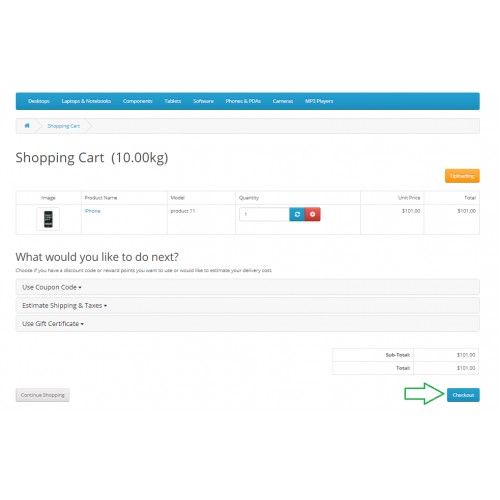
Upload Document Feature: The customers can upload prescriptions or attachments in various formats on the shopping cart page before moving to the checkout. The upload button will only display when you have attachment attachment-enabled product in your cart list.
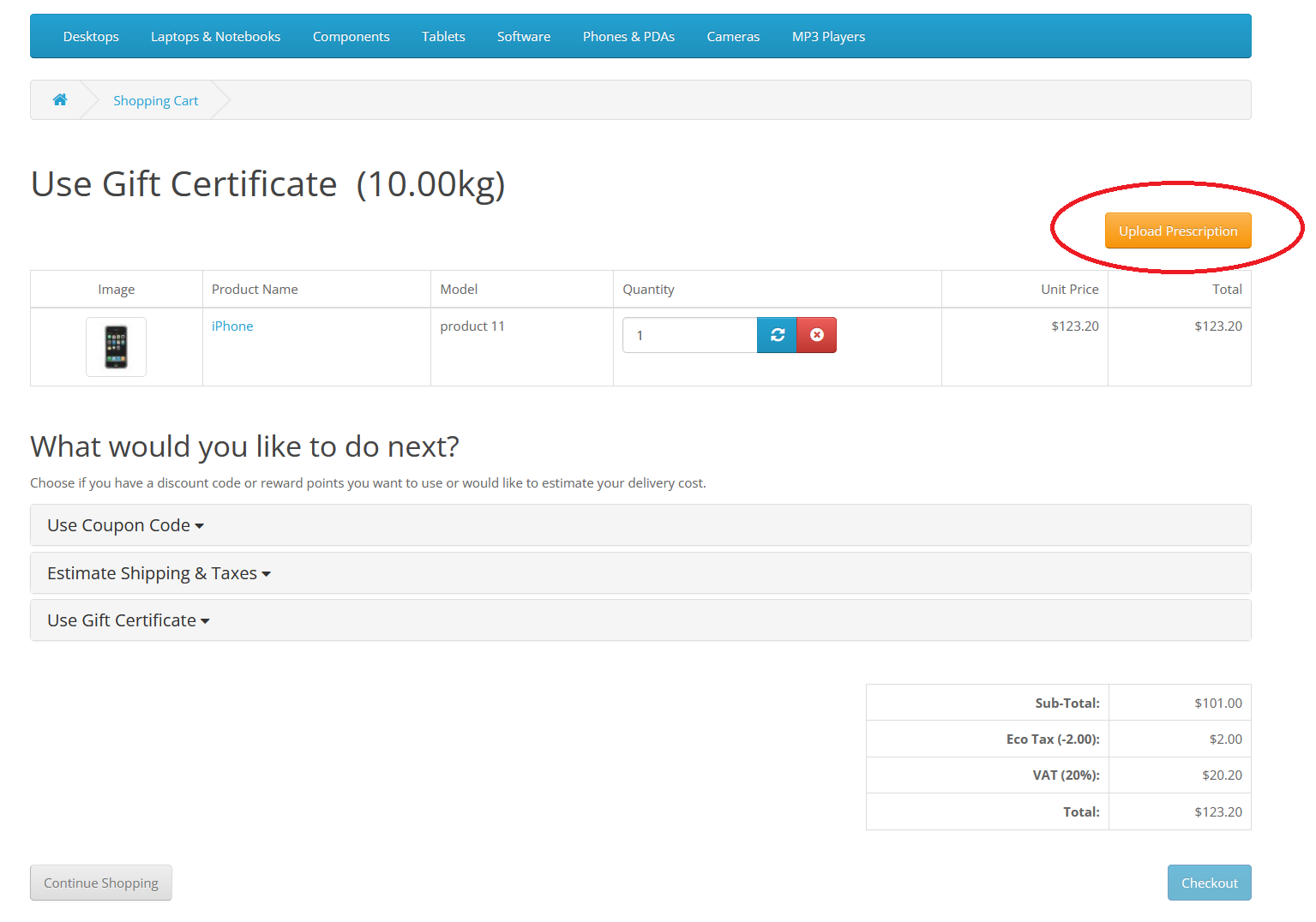
Error Messaging:] Notifies customers at checkout if a required document is missing. This ensures the customer won't proceed to checkout without uploading the required document.
Enable Attachment in Products or Categories: Let the admin specify which products or categories require a prescription. In the setting, the admin can select multiple individual products and categories. A prescription tab will be added to all the individual and products under selected products.
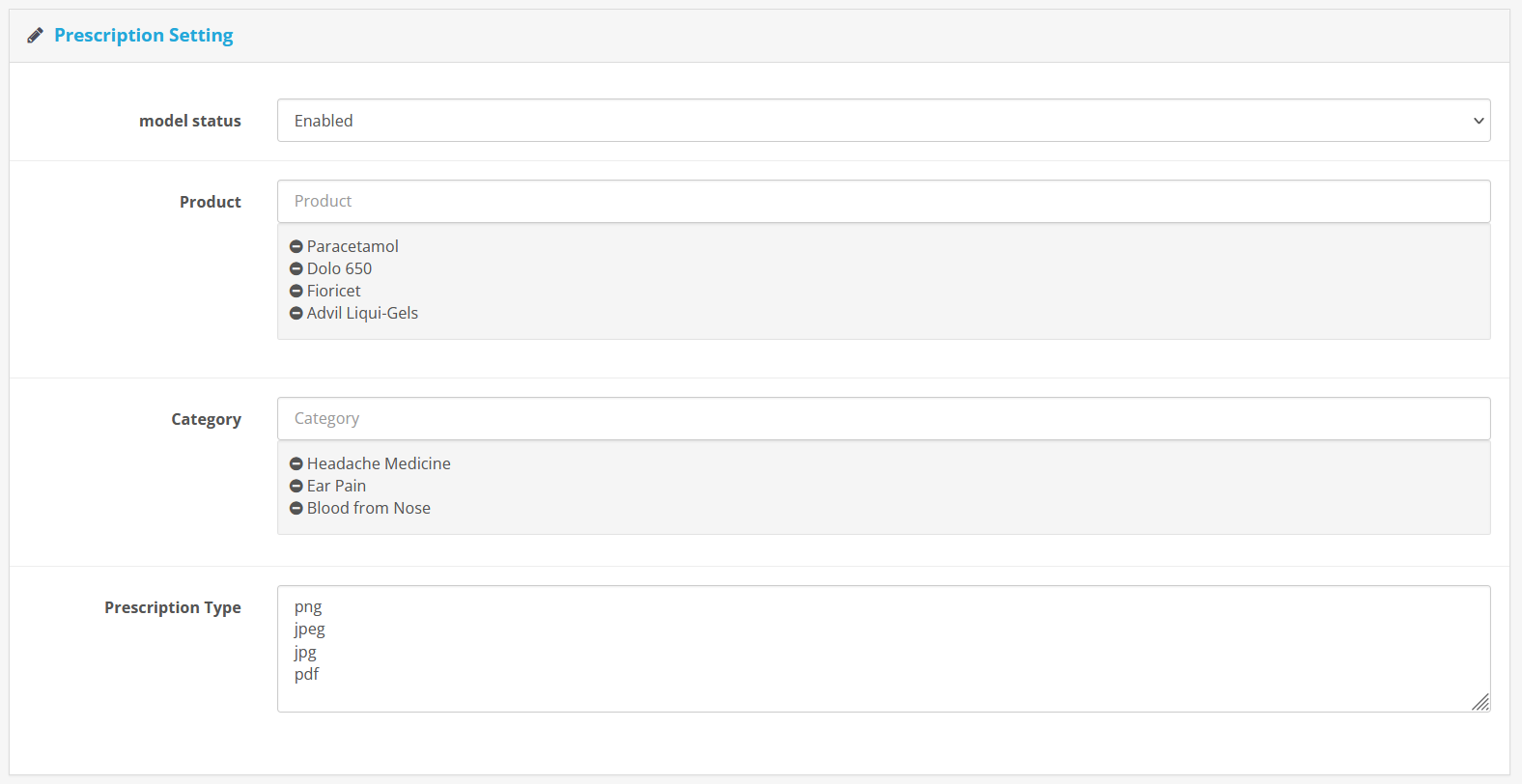
File Format: Admins can write acceptable file formats that customers can upload. Having the right file format that is accessible by both the customer and you will make order management easy. The admin can write multiple file extensions in the setting.

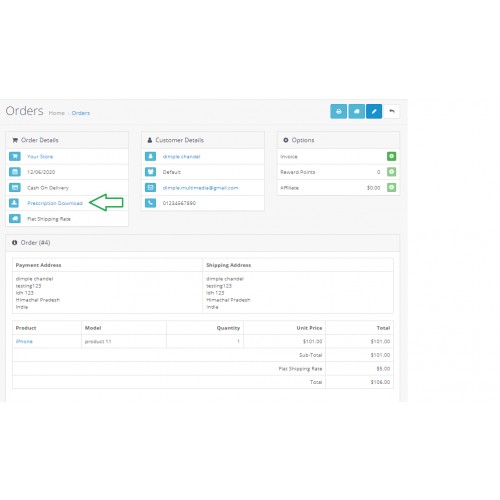
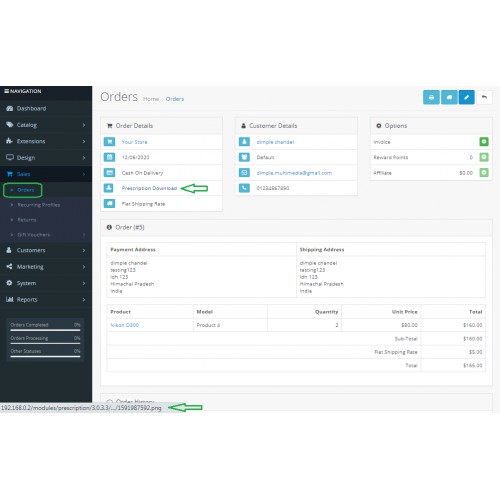
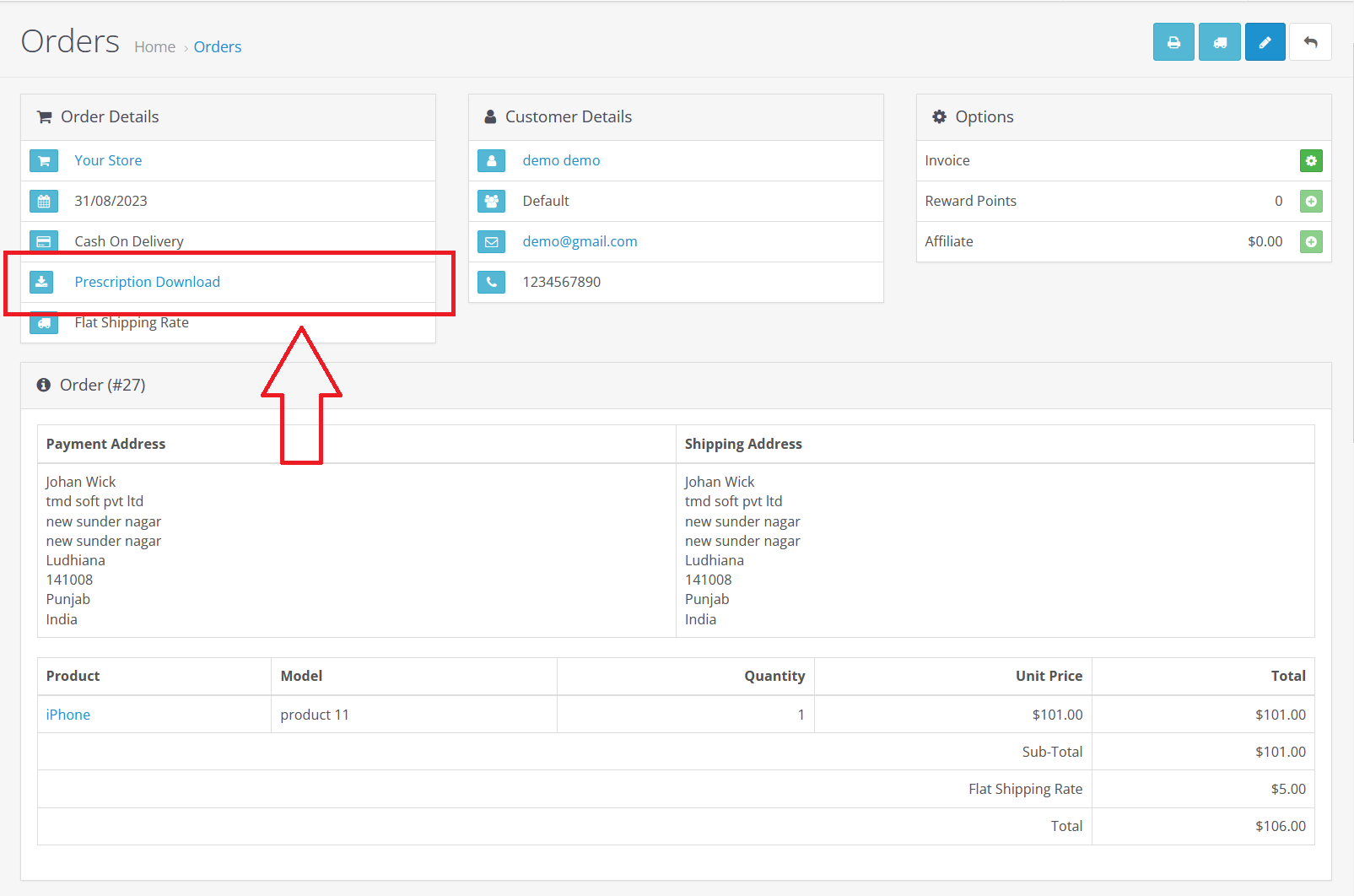
Order Details: Shows the attached prescription or attachment file in the admin panel. You can download the attachment from the customer's order detail section and send it to the sales team to get the item ready for shipment.
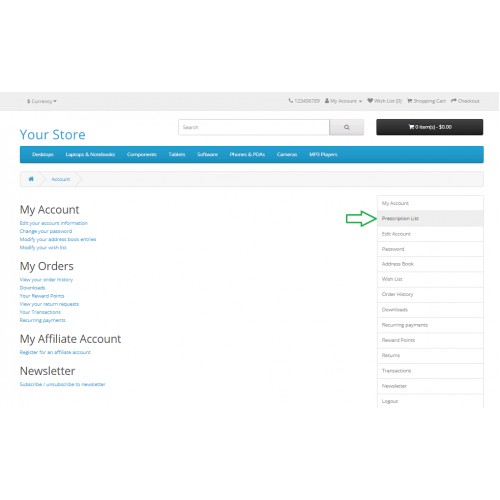
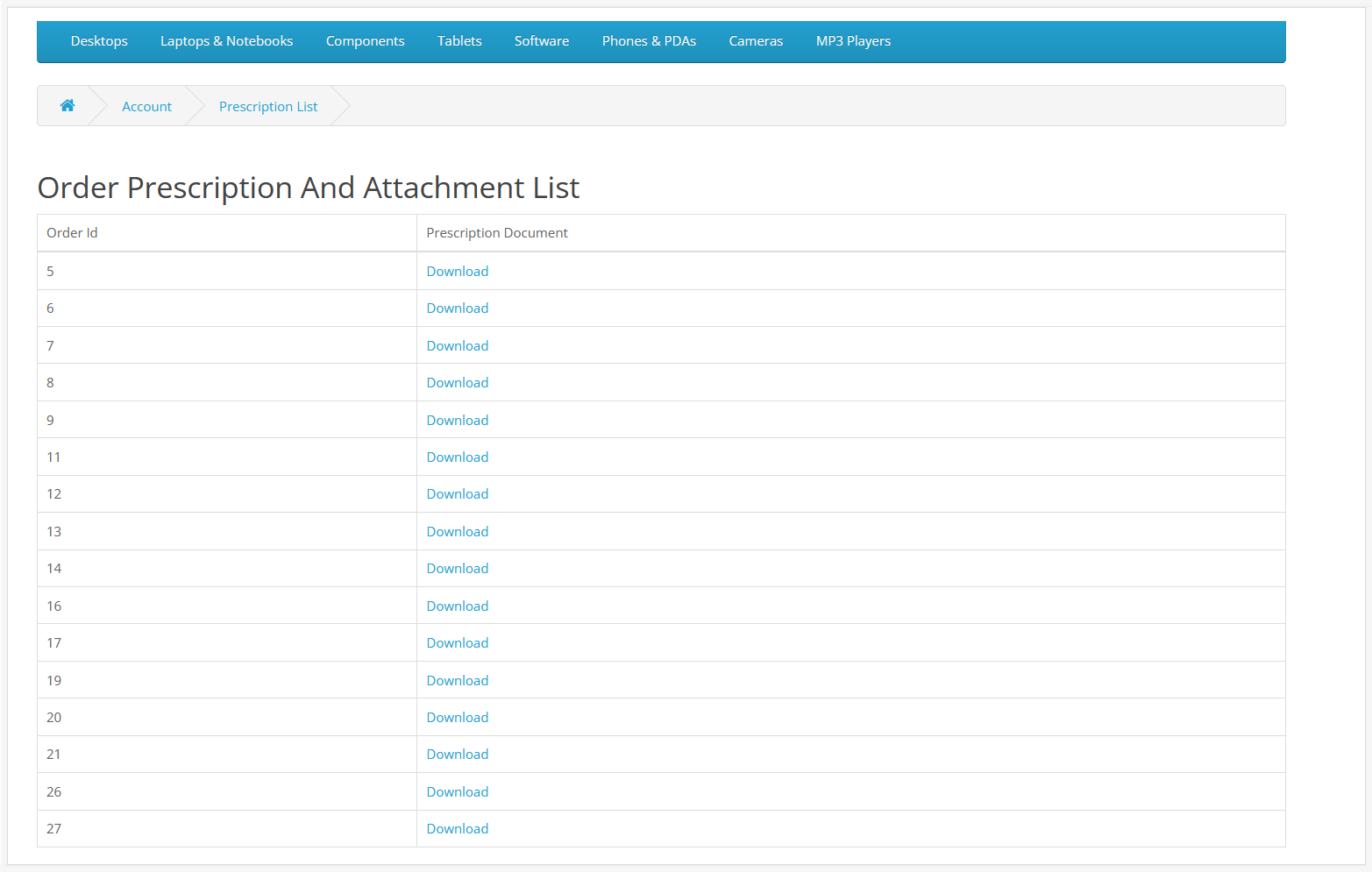
Customer Account: The uploaded attachment is also present in the customer order history. The attachment file is available to download from their order detail page.
Multiple Formats: When a customer is about to upload the document, the module will check file mime type. if the file extension matches with the admin specify the file mime type list in the setting. If it matches then only the customer will able to upload the document it throws an error and shows a list of acceptable file formats.
Admin Order Management: This order with attachment extension will definitely improve order processing. It serves as a digital database of all attachments associated with each order, accessible to the admin for verification, order preparation, or compliance needs.
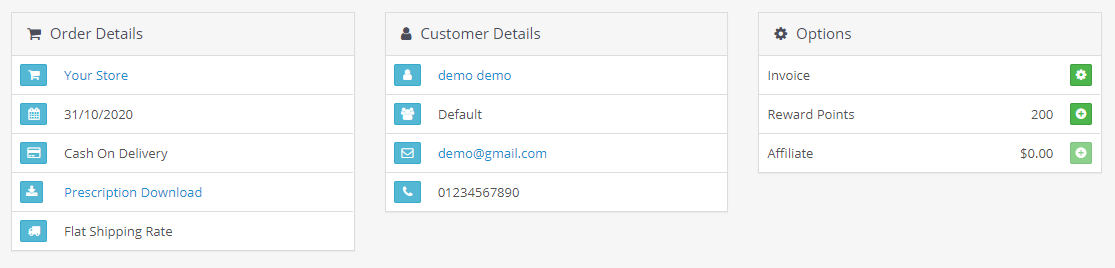
Record-Keeping: This module maintains a record of orders with an attached document. It is particularly useful for various scenarios such as audits, legal requirements, or customer inquiries.
Time Saver: Streamlines the process for both customers and admins. This cuts down on the time the business spends on manual verification, cross-referencing prescriptions, and even potential back-and-forths with the customer for clarifications.
Support most of the OpenCart themes: This extension is tested with various themes to ensure the quality and work as expected.
Compatibility: Supports OpenCart 2x, 3x and 4x versions. You will always find this extension compatible with the website OpenCart versions.
Plug and Play Installation: Easy to install and use right away. This module is built using the OCMOD. And follows the standard OpenCart installation process. You can install this extension on your website using the extension installer of admin or unzip the extension and upload the individual files on your website server manually. And activate the module from the module list page.

Support: The installation of this module is free. If you are looking for help regarding your website development or want to create a new module. Please create a ticket, We will get back to you as soon as possible.
========================================================================
This module enables your customers to upload the attachment or prescription while pacing the order. An upload file button will automatically appear on the cart page. The admin can select the products and categories to have the attachment feature available. The uploaded attachment will be available for both the customer and admin to download.
The attached document will be present with the downloadable link in the customer account and admin for better order management. Also, the admin can enter an acceptable file extension list.
The extension is versatile with user-friendly UI/UX. The broader audience will benefit from its features without having to change their existing website. It is compatible with the latest version of OpenCart and themes.
Essential for Pharma Sales: When you are selling a pharma-related product such as medicine. Your customer adds the medicine to the cart. On the Shopping cart page, they can upload the doctor's prescription.
Helpful for Custom Design and Other Items: This OpenCart order with attachment extension will bridge the communication gap between the customer and the website when a customer orders custom designer items. Customers can write the instructions and upload them as order attachments.
Upload Document Feature: The customers can upload prescriptions or attachments in various formats on the shopping cart page before moving to the checkout. The upload button will only display when you have attachment attachment-enabled product in your cart list.
Error Messaging:] Notifies customers at checkout if a required document is missing. This ensures the customer won't proceed to checkout without uploading the required document.
Enable Attachment in Products or Categories: Let the admin specify which products or categories require a prescription. In the setting, the admin can select multiple individual products and categories. A prescription tab will be added to all the individual and products under selected products.
File Format: Admins can write acceptable file formats that customers can upload. Having the right file format that is accessible by both the customer and you will make order management easy. The admin can write multiple file extensions in the setting.
Order Details: Shows the attached prescription or attachment file in the admin panel. You can download the attachment from the customer's order detail section and send it to the sales team to get the item ready for shipment.
Customer Account: The uploaded attachment is also present in the customer order history. The attachment file is available to download from their order detail page.
Multiple Formats: When a customer is about to upload the document, the module will check file mime type. if the file extension matches with the admin specify the file mime type list in the setting. If it matches then only the customer will able to upload the document it throws an error and shows a list of acceptable file formats.
Admin Order Management: This order with attachment extension will definitely improve order processing. It serves as a digital database of all attachments associated with each order, accessible to the admin for verification, order preparation, or compliance needs.
Record-Keeping: This module maintains a record of orders with an attached document. It is particularly useful for various scenarios such as audits, legal requirements, or customer inquiries.
Time Saver: Streamlines the process for both customers and admins. This cuts down on the time the business spends on manual verification, cross-referencing prescriptions, and even potential back-and-forths with the customer for clarifications.
Support most of the OpenCart themes: This extension is tested with various themes to ensure the quality and work as expected.
Compatibility: Supports OpenCart 2x, 3x and 4x versions. You will always find this extension compatible with the website OpenCart versions.
Plug and Play Installation: Easy to install and use right away. This module is built using the OCMOD. And follows the standard OpenCart installation process. You can install this extension on your website using the extension installer of admin or unzip the extension and upload the individual files on your website server manually. And activate the module from the module list page.
Support: The installation of this module is free. If you are looking for help regarding your website development or want to create a new module. Please create a ticket, We will get back to you as soon as possible.
Price
$39.00
- Developed by OpenCart Partner
- 6 Months Free Support
- Documentation Included
Rating
Compatibility
4.0.1.0, 4.0.1.1, 4.0.2.0, 4.0.2.1, 4.0.2.2, 4.0.2.3, 4.1.0.0, 4.1.0.1, 4.1.0.2, 4.1.0.3, 2.3.0.0, 2.3.0.1, 2.3.0.2, 3.0.0.0, 3.0.1.0, 3.0.1.1, 3.0.1.2, 3.0.1.3, 3.0.2.0, 4.x.x.x, 3.0.3.0, 3.0.3.1, 3.0.3.2, 3.0.3.3, 3.0.3.5, 3.0.3.6, 3.0.3.7, 3.0.3.8, 3.0.3.9, 3.0.4.0, 3.0.4.1, 3.0.5.0
Last Update
4 Jun 2026
Created
12 Jun 2020
4 Sales
1 Comments

Login and write down your comment.
Login my OpenCart Account