Image Optimizer for OpenCart: WebP, JP2 & Lazy Load
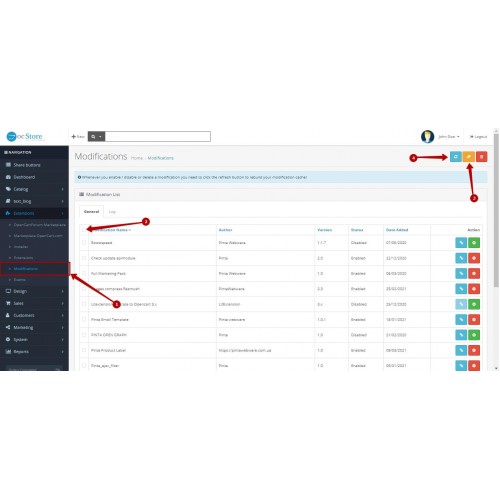
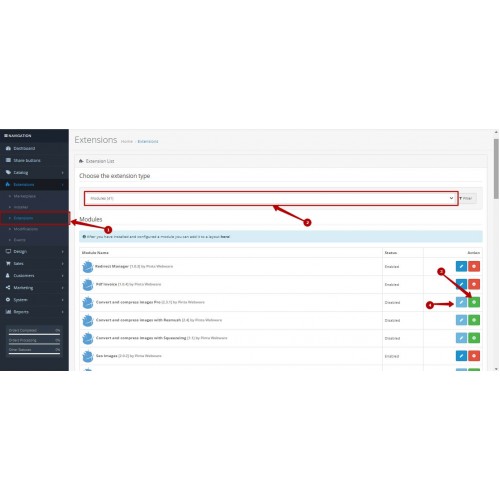
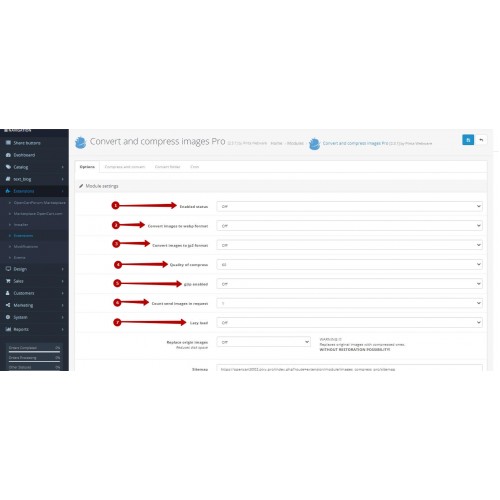
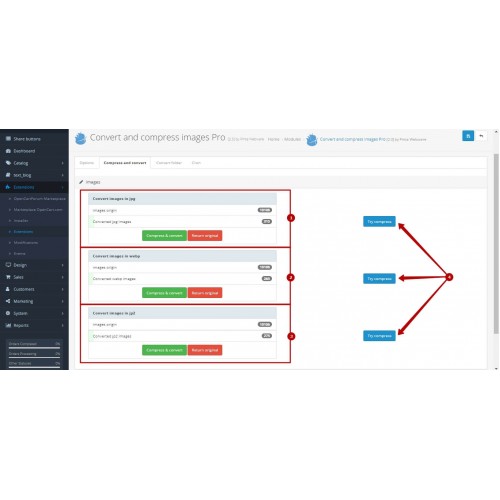
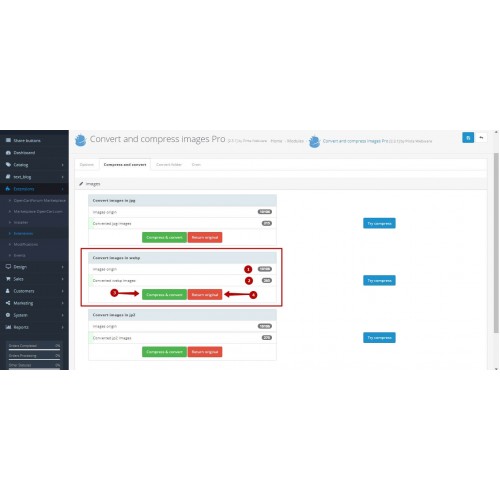
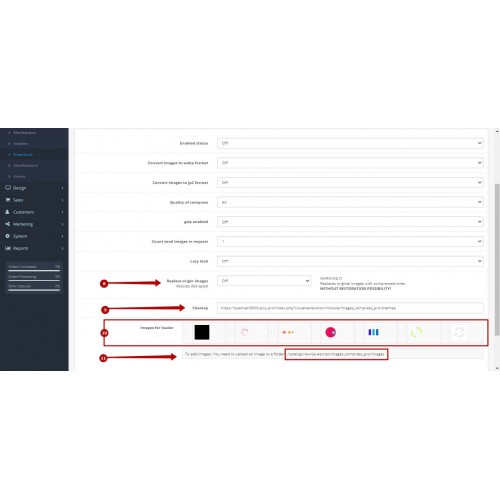
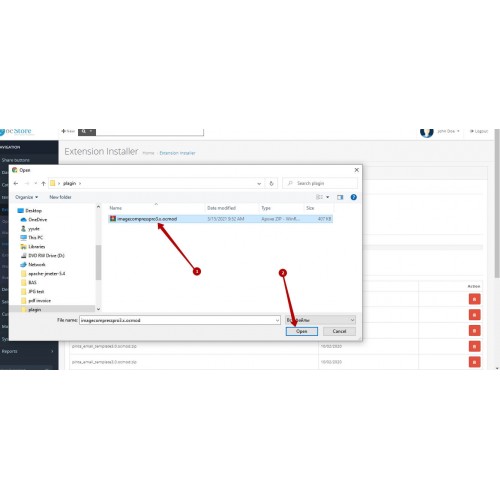
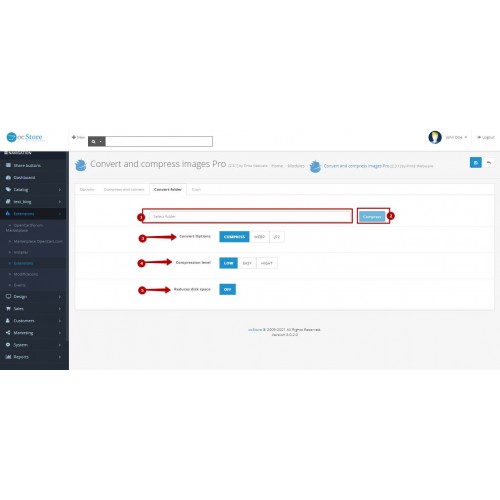
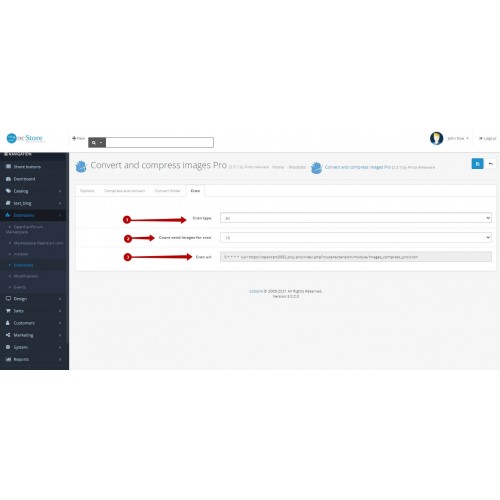

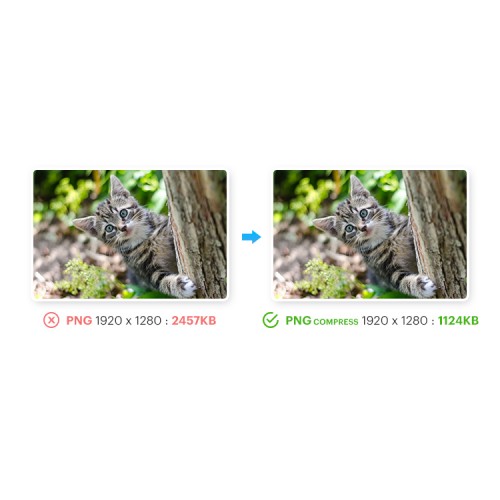
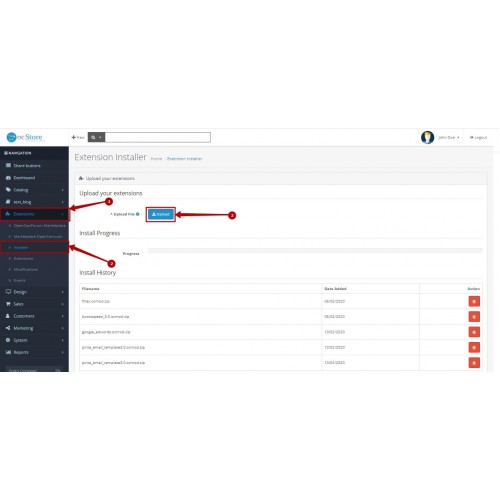

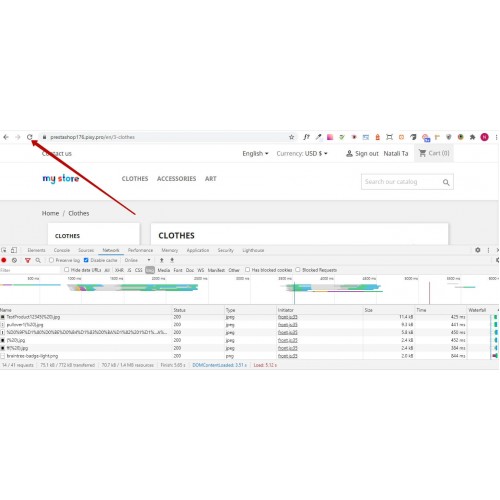






Image Optimizer for OpenCart helps you reduce image weight, speed up page loading, and manage image optimization across large OpenCart catalogs. It combines compression for PNG, JPG, JPEG, and GIF images, WebP and JP2 conversion, Lazy Load, and flexible processing controls to support lighter image delivery without noticeable quality loss. This is not just a WebP converter or a basic image compressor, but a complete image optimization tool for OpenCart stores.
How it works?
- Choose the compression quality and conversion mode that fit your store’s image strategy.
- Preview before bulk processing so you can compare the original and optimized image with confidence.
- Process the full image library or optimize only selected folders when you need to update specific image groups.
- Run image optimization manually or schedule it with CRON for routine processing.
- Control server load by limiting how many images are processed per request or CRON run, especially on larger stores.
- Keep original images or replace original images with optimized versions when disk space matters.
- Restore original images if you need to roll back the applied changes.]

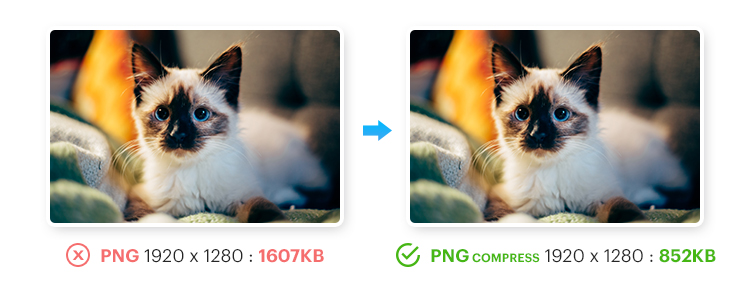

- Preview optimization results before bulk processing.
- Restore original images anytime if you need to roll back changes.
- Replace original images with optimized versions to free up more disk space.
- Control how many images are processed per CRON run to avoid extra server load on large stores.
- Generate a dynamic XML image sitemap to help search engines discover and crawl image content more efficiently.
- Compress PNG, JPG, JPEG, and GIF images to reduce file size without noticeable quality loss.
- Convert images to WebP and JP2 to deliver lighter image formats across the storefront.
- Enable Lazy Load for product, theme, module, CMS, logo, and other site images.
- Optimize unlimited images across image-heavy OpenCart catalogs.
- Adjust compression and conversion settings to match your store’s performance and storage efficiency goals.
- Add GZIP compression for extra performance support.
Compatibility and Requirements
- Requires PHP Imagick and WebP support enabled on the server.
- Works on Apache2 and Nginx servers.
- Microsoft IIS is supported only when the Rewrite module is enabled.
- Not compatible with the Google PageSpeed Module.
- Compatible with Journal2, Journal3, and other OpenCart themes.
- May require an additional adjustment if you use the OpenCart Lightning plugin.


- Install the extension in your OpenCart admin panel.
- Configure the image optimization settings for your store.
- Enable the optional features you want to use.
- Run image optimization and apply the processed images to your store.
- Use the full documentation if you need advanced server or setup guidance.
FAQ
Will image optimization affect visual quality on the storefront?
The module is designed to compress and convert images without noticeable visual quality loss. You can also use the preview before processing option to compare results.
How can I reduce server load during bulk image processing?
You can control how many images are processed per request and per CRON run. This helps handle optimization safely on larger stores and lighter hosting environments.
Can I optimize only newly added or recently updated images?
Yes. The module can process images from a selected folder, which is useful for optimizing specific groups instead of the full library.
Can I save disk space by replacing original images?
Yes. The module includes an original image replacement option in the settings to reduce disk usage.

*Improved folder-based image processing for smoother work with selected image groups.
*Better stability during image compression and image conversion.
*Added extra handling for processing errors to make image optimization more reliable.
*Updated core and package structure for smoother maintenance and installation.
What customers say about Image Optimizer for OpenCart: WebP, JP2 & Lazy Load

The extension provider couldn't get the extension work for 3 days and now I can't get any response from them. I would like to get my refund.
~erdinc0135
~erdinc0135
Price
$45.00
- Developed by OpenCart Community
- 6 Months Free Support
- Documentation Included
Rating
Compatibility
4.0.0.0, 4.0.1.0, 4.0.1.1, 3.0.0.0, 3.0.1.0, 3.0.1.1, 3.0.1.2, 3.0.1.3, 3.0.2.0, 4.x.x.x, 3.0.3.0, 3.0.3.1, 3.0.3.2, 3.0.3.3, 3.0.3.5, 3.0.3.6, 3.0.3.7, 3.0.3.8, 4.0.0.0, 2.1.0.1, 2.1.0.2, 2.2.0.0, 2.3.0.0, 2.3.0.1, 2.3.0.2, 2.0.0.0, 2.0.1.0, 2.0.1.1, 2.0.2.0, 2.0.3.1, 1.5.0, 1.5.0.1, 1.5.0.2, 1.5.0.3, 1.5.0.4, 1.5.0.5, 1.5.1, 1.5.1.1, 1.5.1.2, 1.5.1.3, 1.5.2, 1.5.2.1, 1.5.3, 1.5.3.1, 1.5.4, 1.5.4.1, 1.5.5, 1.5.5.1, 1.5.6, 1.5.6.1, 1.5.6.2, 1.5.6.3, 1.5.6.4
Last Update
2 Jun 2026
Created
9 Jul 2020
26 Sales
9 Comments

Login and write down your comment.
Login my OpenCart Account