Made In Country Extension
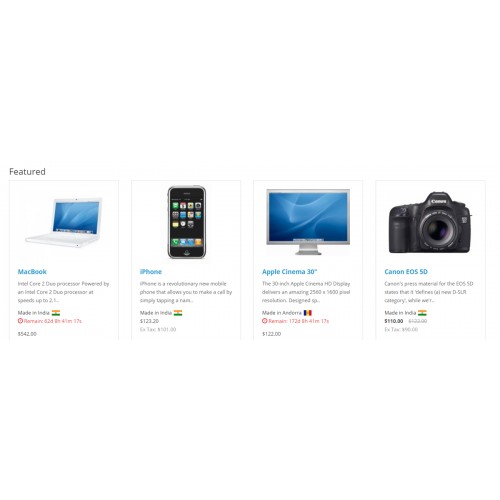
Looking for a way to show the "Made In Country" with product information then look no further!
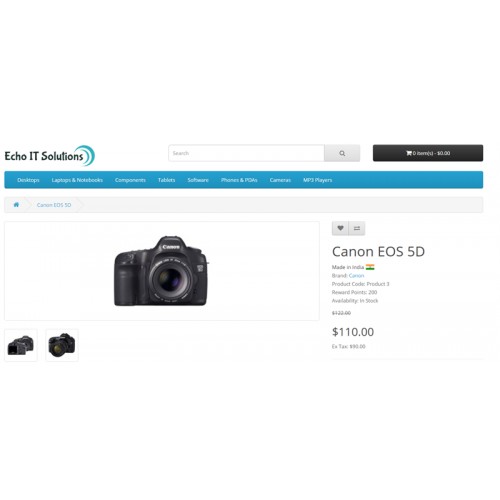
Made In Country Extensions can help you to show the origin of products. Give more confidence to your customer before buying any product, so customers can know the origin country of the products.
Please find some features list of plugin following:
Features List
Easy to Install
Extension easy to use in OpenCart 3x versions using the installation process as provided by OpenCart but If still, you face any problem then we will suggest you read our “Basic Steps To Install The Extensions In OpenCart 3.x” post and If still, you have a problem then contact to our support team.
The compatible with Product Profile and Featured, Special and Latest extensions
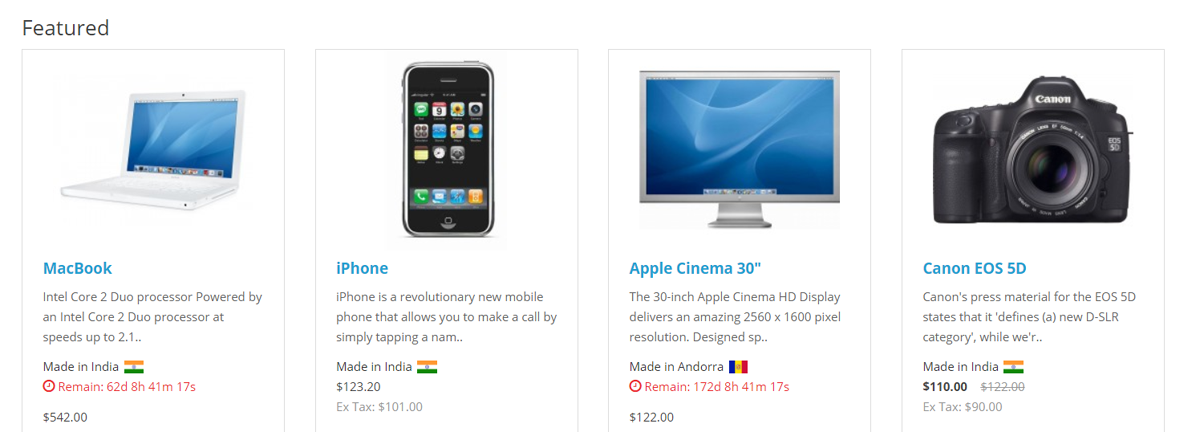
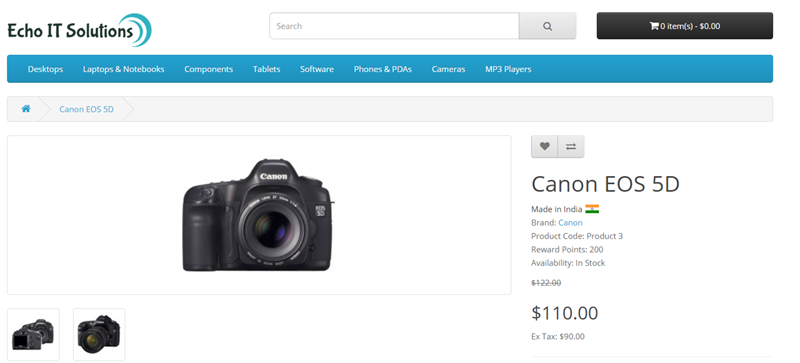
Shortcodes, Multilingual and Colour support
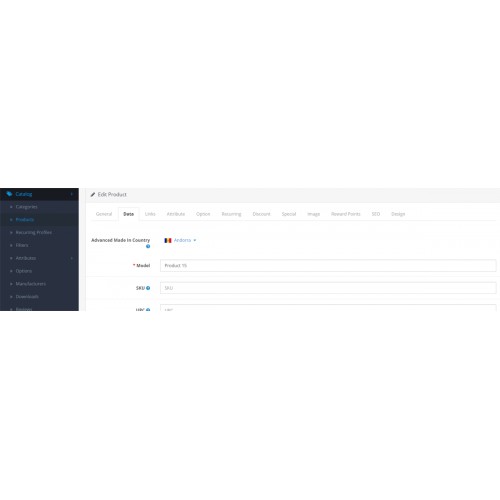
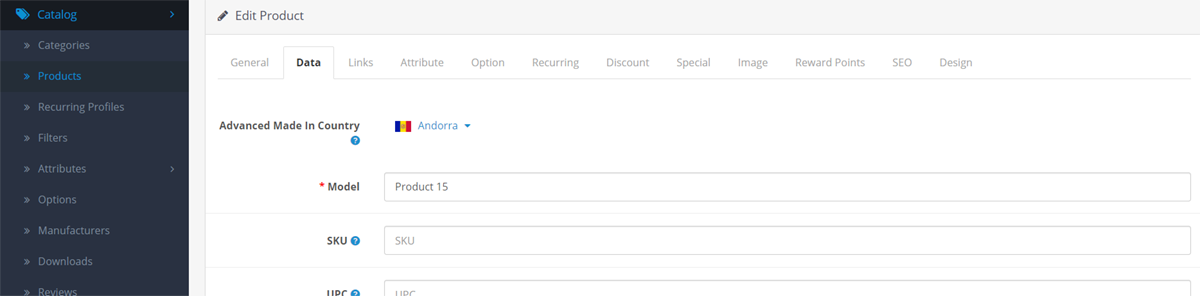
Allows admin to set the country with every single product
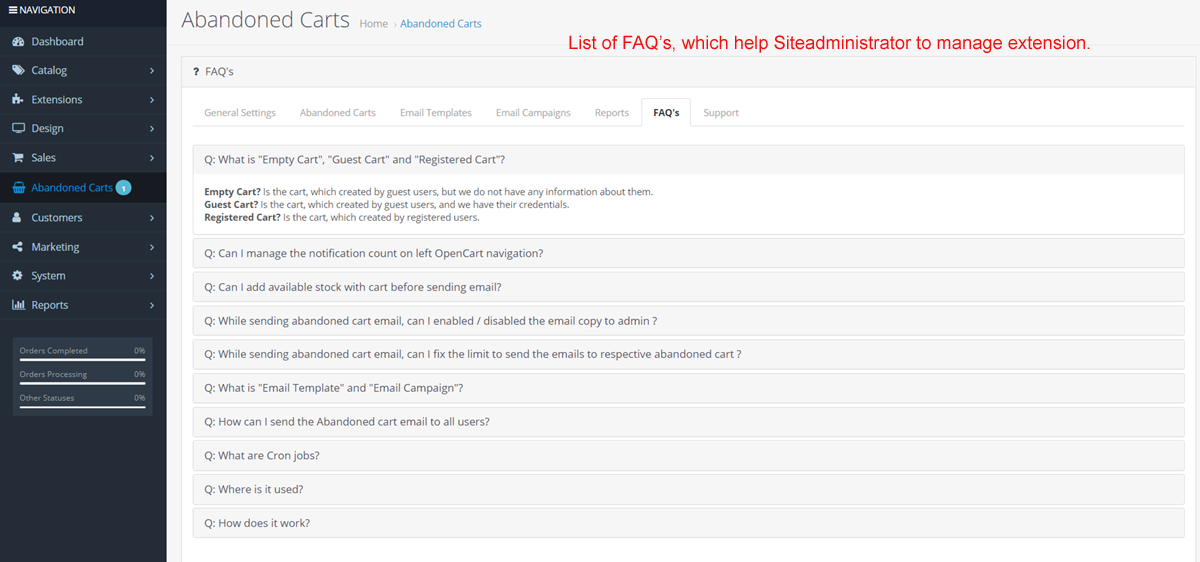
FAQ’s
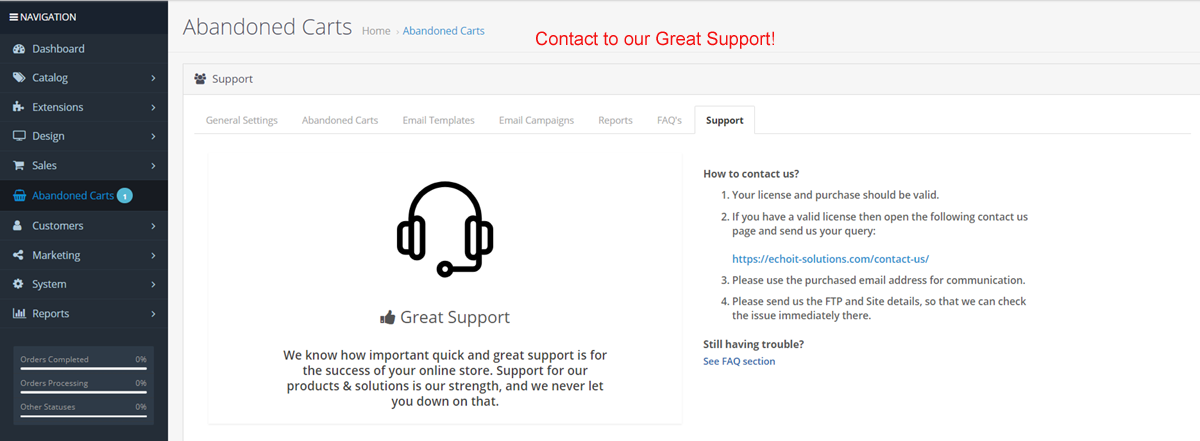
Easy Support Contact

Installation via OCMOD. No standard OpenCart files are replaced. Installation instruction in the INSTALLATION.txt file
How To Install
Please follow the following steps to install the extensions in the OpenCart 3.x
Step 1 Download the zip file of Made In By extensions. Please make sure that you are downloading the correct version extension.
Step 2 Open the following installer page admin section of OpenCart 3.x.
Admin >> Extensions >> Installer
Step 3 On the above installer page upload the downloaded extension zip file.
Step 4 After successfully installed the extension from Step-3, now open the following Modifications page and click on “Clear” button on top right side to clear all modifications.
Admin >> Extensions >> Modifications
Step 5 Now, go to the following Module page and click on the “Install” button to install the extension completely:
Admin >> Extensions >> Modules
Great!! You installed the extension successfully. Please read our blog post to read it more or contact us, If face any problem there.
https://echoit-solutions.com/2019/04/15/install-extensions-opencart3

For Support
Please contact our support team for any technical support at contact@questwalktech.com.
Made In Country Extensions can help you to show the origin of products. Give more confidence to your customer before buying any product, so customers can know the origin country of the products.
Please find some features list of plugin following:
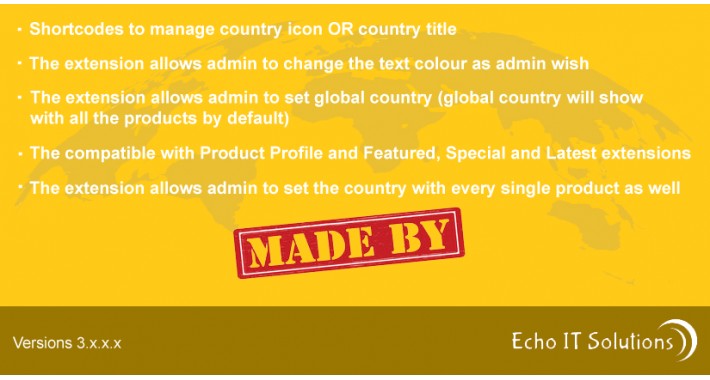
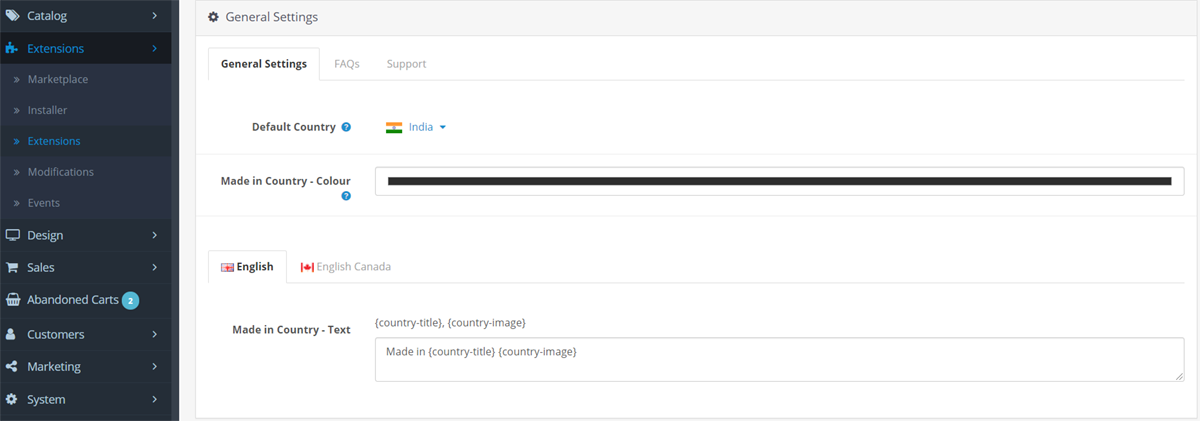
- Shortcodes to manage country icon OR country title
- Multilingual support
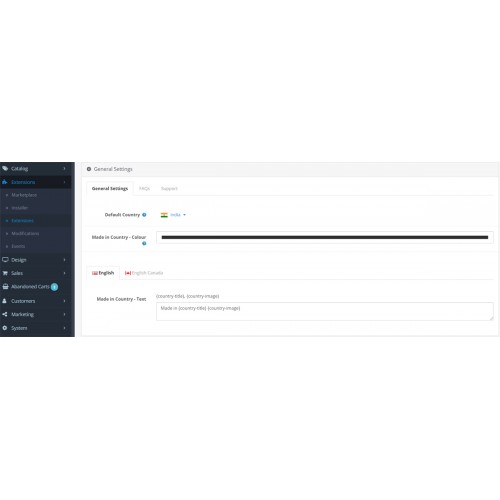
- The extension allows the admin to change the text color as the admin wishes
- The extension allows admin to set global country (global country will show with all the products by default)
- Compatible with Product Profile and Featured, Special and Latest extensions
- The extension allows admin to set the country with every single product as well
Features List
Easy to Install
Extension easy to use in OpenCart 3x versions using the installation process as provided by OpenCart but If still, you face any problem then we will suggest you read our “Basic Steps To Install The Extensions In OpenCart 3.x” post and If still, you have a problem then contact to our support team.
The compatible with Product Profile and Featured, Special and Latest extensions
Shortcodes, Multilingual and Colour support
Allows admin to set the country with every single product
FAQ’s
Easy Support Contact
Installation via OCMOD. No standard OpenCart files are replaced. Installation instruction in the INSTALLATION.txt file
How To Install
Please follow the following steps to install the extensions in the OpenCart 3.x
Step 1 Download the zip file of Made In By extensions. Please make sure that you are downloading the correct version extension.
Step 2 Open the following installer page admin section of OpenCart 3.x.
Admin >> Extensions >> Installer
Step 3 On the above installer page upload the downloaded extension zip file.
Step 4 After successfully installed the extension from Step-3, now open the following Modifications page and click on “Clear” button on top right side to clear all modifications.
Admin >> Extensions >> Modifications
Step 5 Now, go to the following Module page and click on the “Install” button to install the extension completely:
Admin >> Extensions >> Modules
Great!! You installed the extension successfully. Please read our blog post to read it more or contact us, If face any problem there.
https://echoit-solutions.com/2019/04/15/install-extensions-opencart3
For Support
Please contact our support team for any technical support at contact@questwalktech.com.
Price
$20.00
- Developed by OpenCart Community
- 3 Months Free Support
- Documentation Included
Rating
Compatibility
3.0.3.0, 3.0.3.1, 3.0.3.2, 3.0.3.3, 3.0.3.5, 3.0.3.6, 3.0.3.7
Last Update
12 Feb 2025
Created
10 Jul 2020
1 Sales
0 Comments

Login and write down your comment.
Login my OpenCart Account