Step By Step Order Tracking
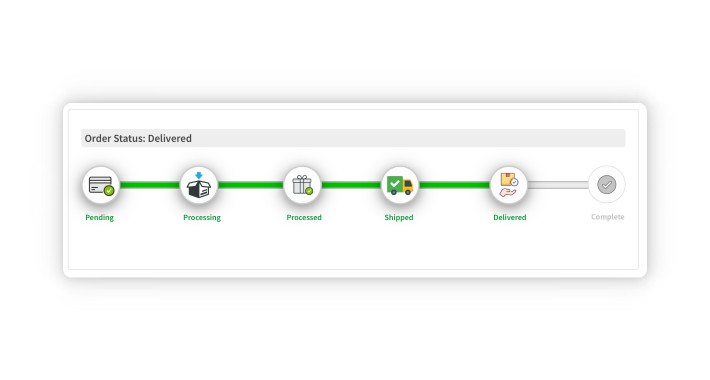
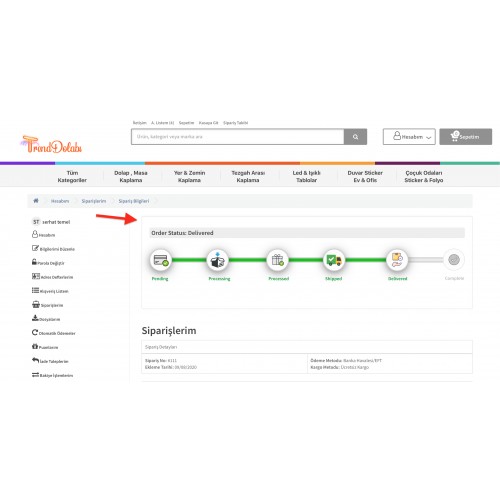
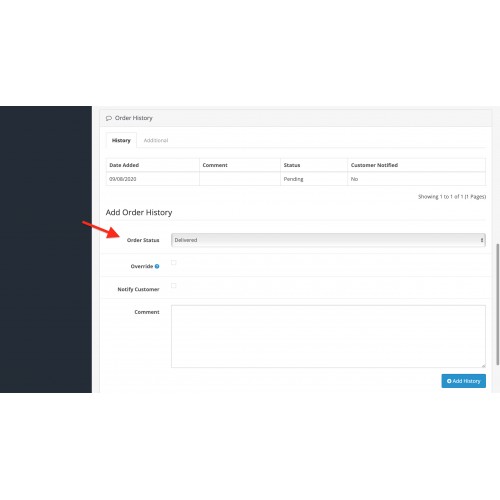
Step By Step Order Tracking Module
Demo: http://www.demo.paketweb.com/e130/index.php?route=account/order/info&order_id=1
E-Mail: demo@demo.com
Password: demo1234
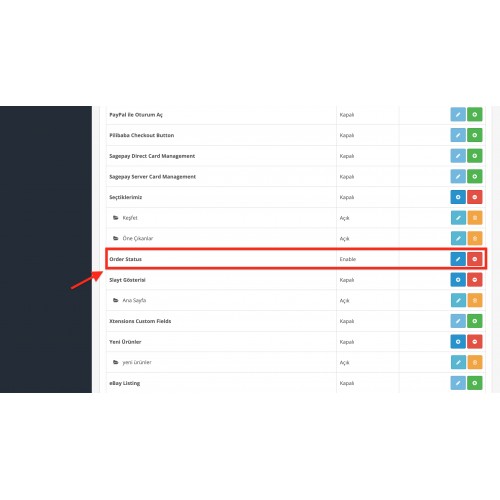
How to install Step By Step Order Tracking Module
Go to Extensions -> Installer in admin side and upload your extension.
Go to Extensions -> Modifications and refresh modifications cache.
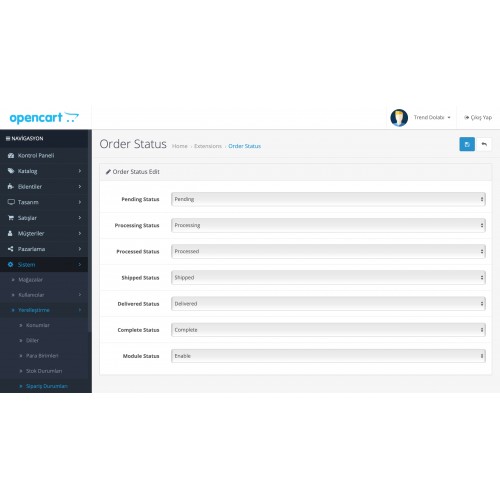
Go to Extensions -> Extensions to activate and set up the module.
Demo: http://www.demo.paketweb.com/e130/index.php?route=account/order/info&order_id=1
E-Mail: demo@demo.com
Password: demo1234
How to install Step By Step Order Tracking Module
Go to Extensions -> Installer in admin side and upload your extension.
Go to Extensions -> Modifications and refresh modifications cache.
Go to Extensions -> Extensions to activate and set up the module.
Price
$20.00
- Developed by OpenCart Community
- Documentation Included
Rating
Compatibility
3.0.0.0, 3.0.1.0, 3.0.1.1, 3.0.1.2, 3.0.1.3, 3.0.2.0, 4.x.x.x, 3.0.3.0, 3.0.3.1, 3.0.3.2, 3.0.3.3, 3.0.3.5, 3.0.3.6
Last Update
4 Sep 2020
Created
4 Sep 2020
4 Sales
3 Comments

Login and write down your comment.
Login my OpenCart Account