Quick Order Form for OpenCart – Buy in One Click
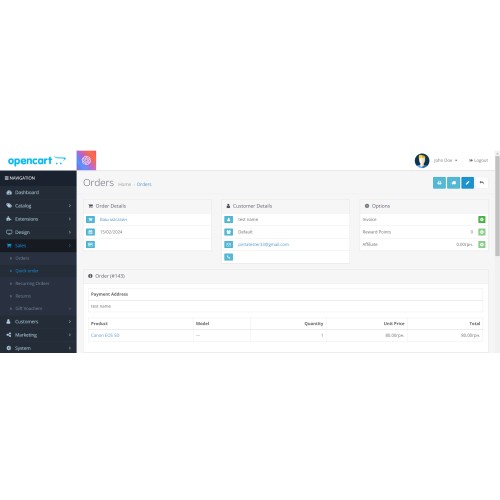

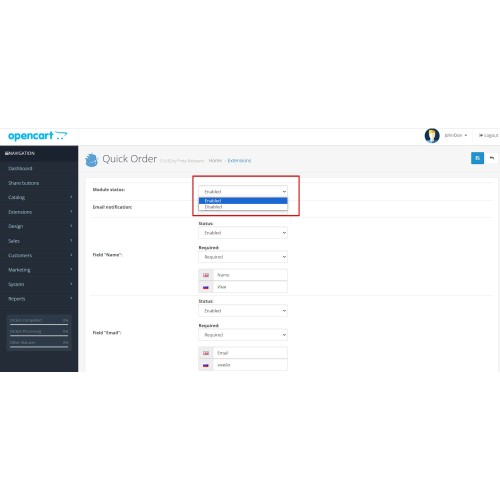
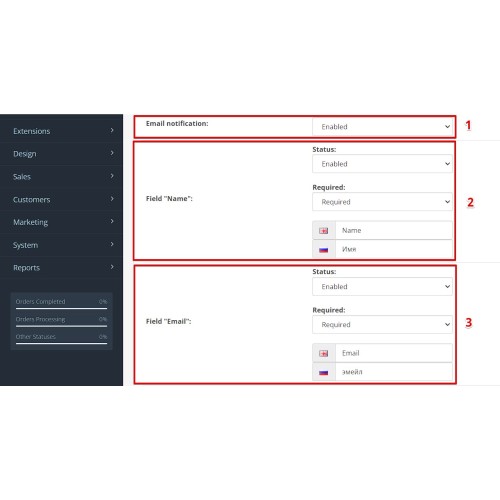
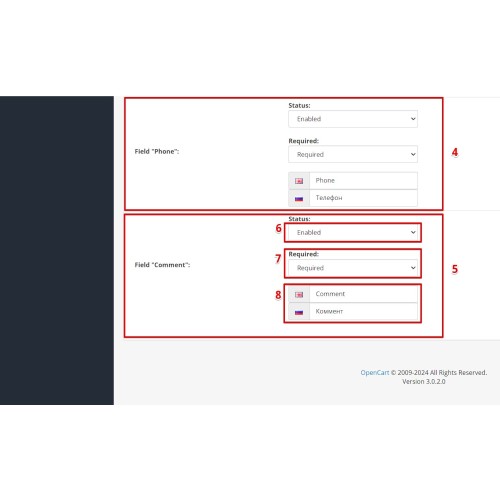
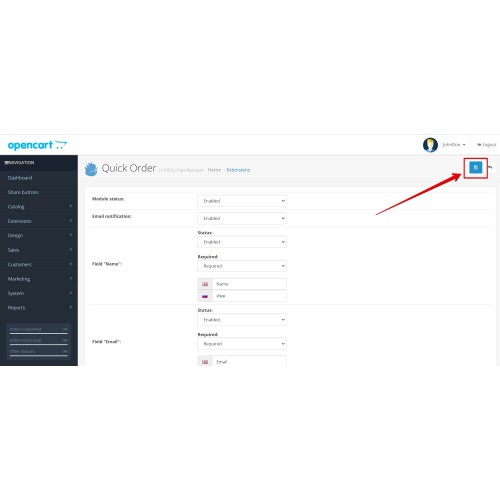
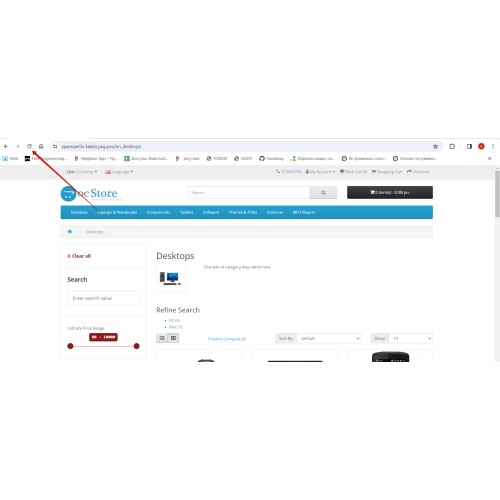
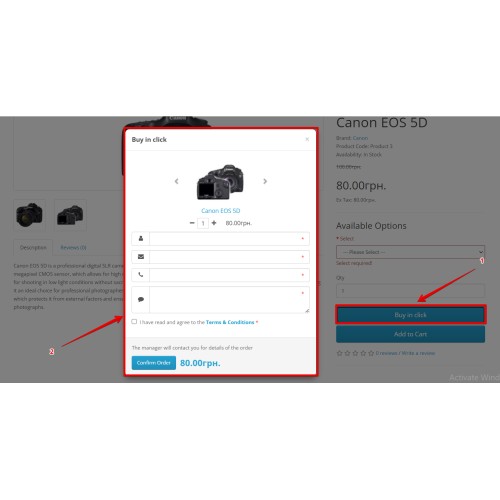
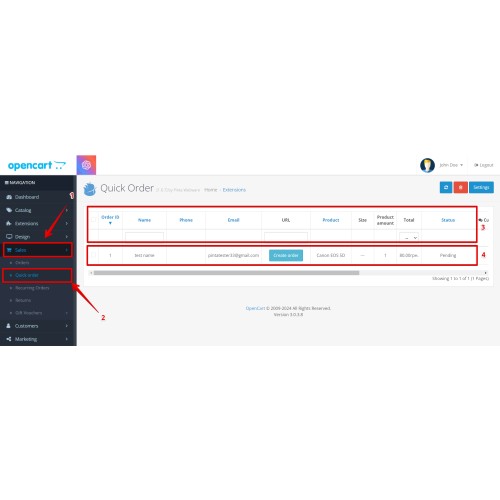




Compatible with OpenCart 1.5–4.x, this Quick Order Form lets customers place an one click order from product and category pages without going through the full cart and checkout process. Instead of losing buyers in long forms, you get a faster purchase flow with product details, editable quantity, customizable customer fields, and a dedicated Quick Orders section in the admin panel—helping you reduce checkout friction, capture more requests, and increase conversion potential.
Key Benefits
- Reduce checkout friction and help customers order faster.
- Capture more quick purchase requests from product and category pages.
- Simplify the buying process for customers who do not want to complete full checkout.
- Keep quick orders organized and easier to process from one admin section.
- Turn quick requests into completed orders with less manual work.

- Quick Order button on product and category pages.
- Order form with product name, photo, quantity, and total.
- Editable quantity in the order form.
- Show or hide fields from the admin panel.
- Configure each field separately as required or optional.
- Rename field labels in the store languages available in your store.
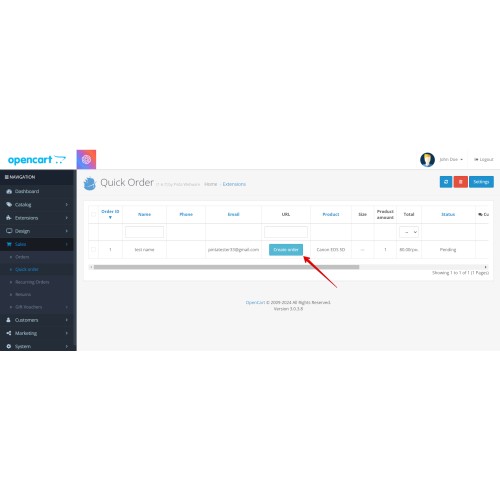
- Quick Orders table and order filtering in the admin panel.
- One-click conversion from a quick request to a standard OpenCart order.
- Admin email notifications for new quick orders.


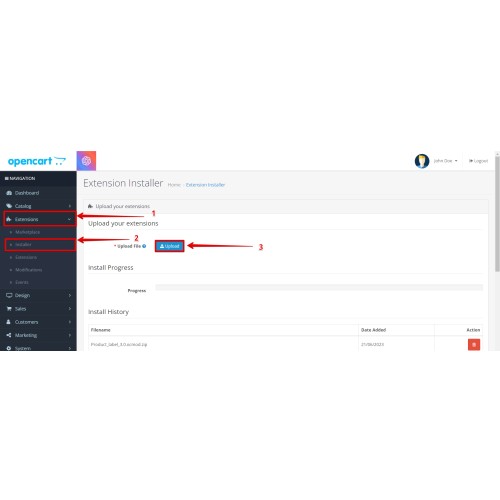
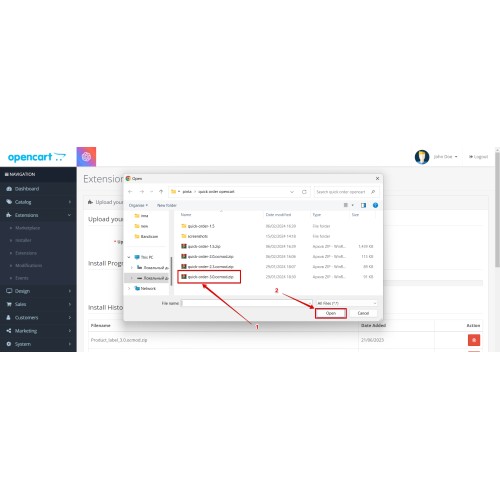
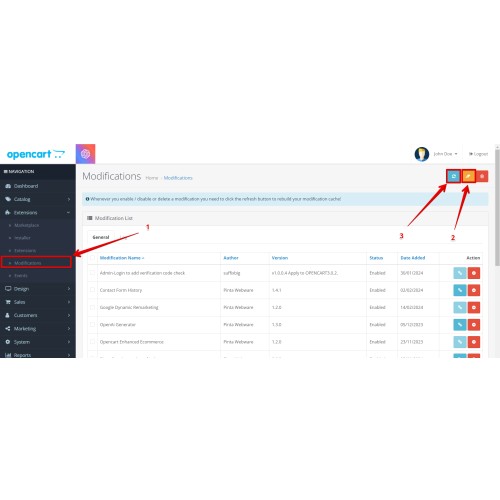
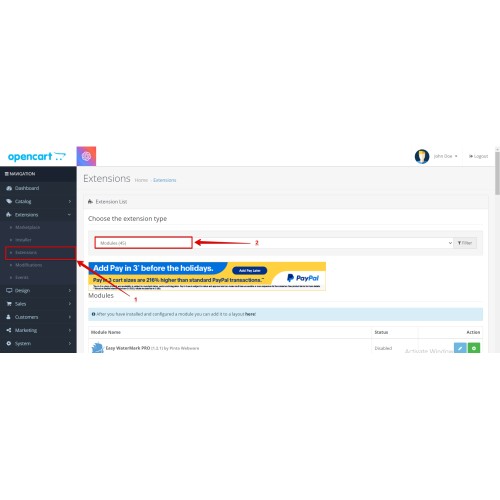
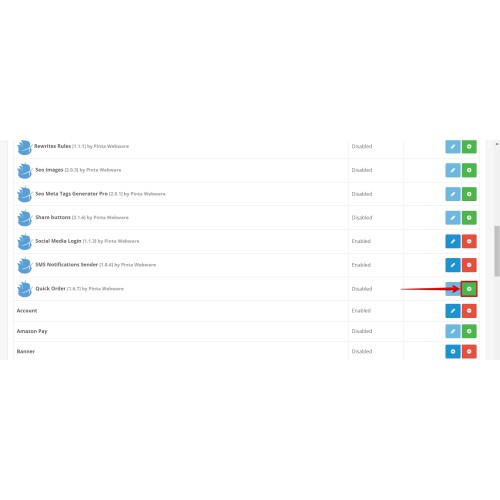
- Install and enable the module in your OpenCart admin panel.
- Choose which fields to display in the order form.
- Set field requirements and labels for your store languages.
- Start receiving requests in the Quick Orders section.
FAQ
Do I receive admin email notifications for new quick orders?
Yes. The module can send admin email notifications to the store administrator when a new one click order is placed.
Where do quick orders appear before they become standard OpenCart orders?
All quick orders are collected in the Quick Orders section of the admin panel, where you can review and filter requests.
Can I customize the form fields?
Yes. You can customize form fields by showing or hiding them, setting them as optional, and renaming labels.
Can I use the module on both product and category pages?
Yes. The Quick Order button can be displayed on both product and category pages.

Version 1.6.8
*Reliable request processing: Improved order confirmation flow.
*Better language handling in the admin panel for cleaner management.
Version 1.6.7
*Added faster order creation and access from Quick Orders for OpenCart 2.0, 2.3, 3.x, and 4.x.
*Better compatibility and structure for OpenCart 4.
Version 1.6.6
*Added Ukrainian, German, Spanish, and French localizations.
*Improved support for multilingual stores.
What customers say about Quick Order Form for OpenCart – Buy in One Click

perfect support, recommend!
~offman
~offman
Price
$20.00
- Developed by OpenCart Community
- 6 Months Free Support
- Documentation Included
Rating
Compatibility
4.x.x.x, 4.0.0.0, 4.0.1.0, 4.0.1.1, 4.0.2.0, 4.0.2.1, 4.0.2.2, 4.0.2.3, 3.0.0.0, 3.0.1.0, 3.0.1.1, 3.0.1.2, 3.0.1.3, 3.0.2.0, 3.0.3.0, 3.0.3.1, 3.0.3.2, 3.0.3.3, 3.0.3.5, 3.0.3.6, 3.0.3.7, 3.0.3.8, 3.x.x.x, 3.0.3.9, 2.3.0.0, 2.3.0.1, 2.3.0.2, 2.0.0.0, 2.0.1.0, 2.0.1.1, 2.0.2.0, 2.0.3.1, 2.1.0.1, 2.1.0.2, 2.2.0.0, 1.5.0, 1.5.0.1, 1.5.0.2, 1.5.0.3, 1.5.0.4, 1.5.0.5, 1.5.1, 1.5.1.1, 1.5.1.2, 1.5.1.3, 1.5.2, 1.5.2.1, 1.5.3, 1.5.3.1, 1.5.4, 1.5.4.1, 1.5.5, 1.5.5.1, 1.5.6, 1.5.6.1, 1.5.6.2, 1.5.6.3, 1.5.6.4
Last Update
2 Jun 2026
Created
30 Sep 2020
25 Sales
7 Comments

Login and write down your comment.
Login my OpenCart Account