Order preview product
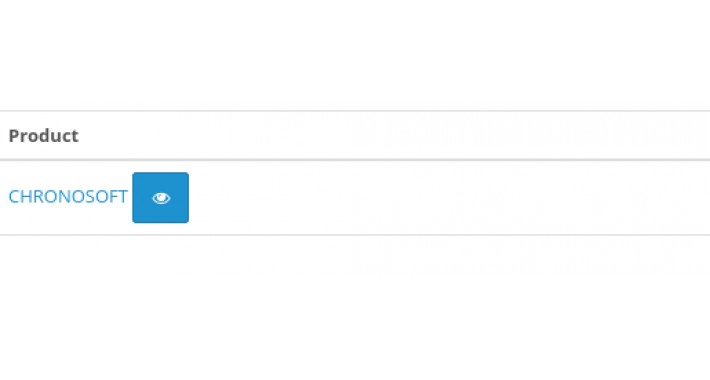

Preview the product on the admin order detail page
installation:
1. extensions -> installer. upload file Order_preview_product.ocmod.zip
2. clear cache in extensions -modification
3. dashboard on the right cogwheel and refresh theme
after successful installation and clearing of the cache, you should see the "view" button next to the edit button in the Sales --> Orders --> order detail
Preview product in the admin link:
https://www.opencart.com/index.php?route=marketplace/extension/info&member_token=NDEPw9P5LVJ3DXSq7amxWMObkOYpvb9t&extension_id=40936
installation:
1. extensions -> installer. upload file Order_preview_product.ocmod.zip
2. clear cache in extensions -modification
3. dashboard on the right cogwheel and refresh theme
after successful installation and clearing of the cache, you should see the "view" button next to the edit button in the Sales --> Orders --> order detail
Preview product in the admin link:
https://www.opencart.com/index.php?route=marketplace/extension/info&member_token=NDEPw9P5LVJ3DXSq7amxWMObkOYpvb9t&extension_id=40936
Download
- Developed by OpenCart Community
- Documentation Included
Rating
Compatibility
3.0.0.0, 3.0.1.0, 3.0.1.1, 3.0.1.2, 3.0.1.3, 3.0.2.0, 3.0.3.0, 3.0.3.1, 3.0.3.2, 3.0.3.3, 3.0.3.5, 3.0.3.6
Last Update
15 Jan 2021
Created
8 Jan 2021
73 Downloads
2 Comments

Login and write down your comment.
Login my OpenCart Account