Extra Custom Setting Fields for Admin Forms
Extra Custom Setting Fields for Admin Forms
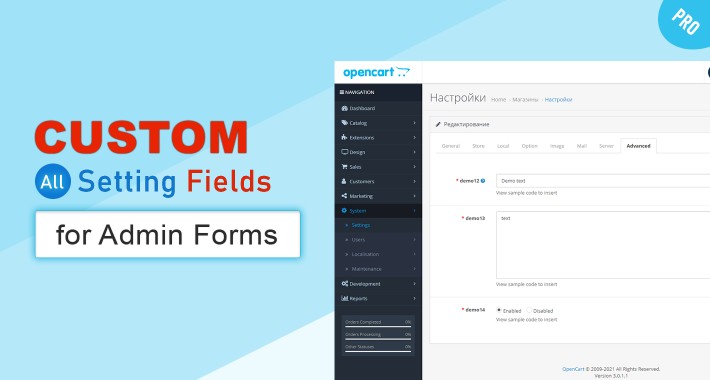
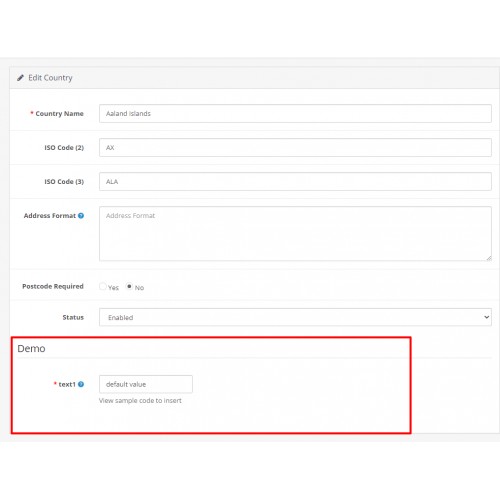
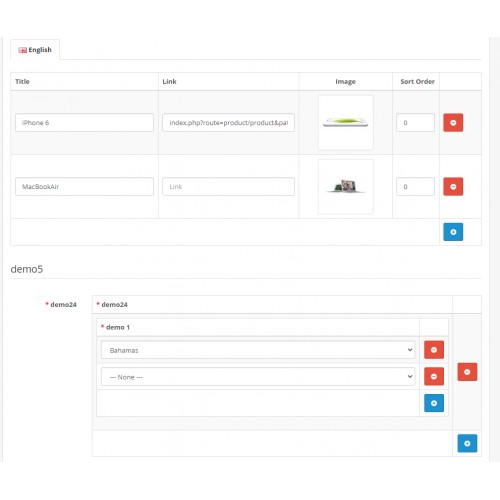
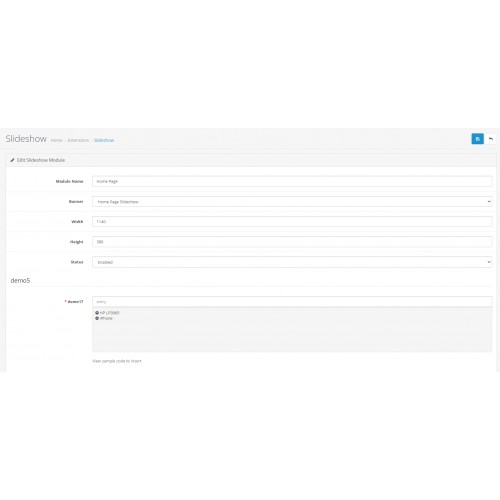
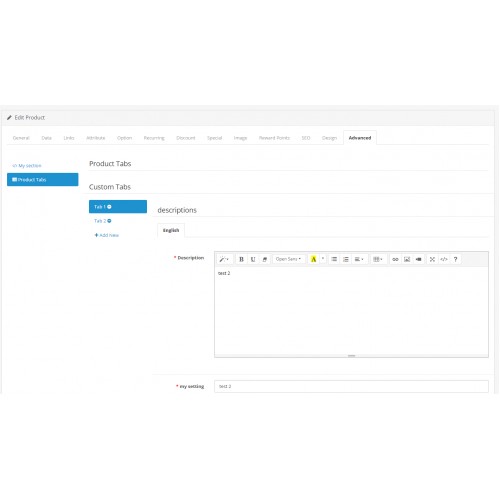
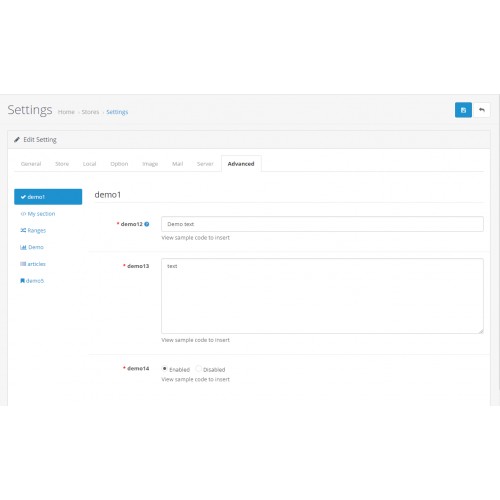
The module displays new additional fields in any forms of the admin panel that you specify.

Attention! The module is intended exclusively for developers, as to get the values of the fields, you will need your own ocmod or edit the controllers.

login: demo
password: demo
How the module works
List of fields that can be added

In order to protect you as much as possible from getting into files, there are

What else can you do?
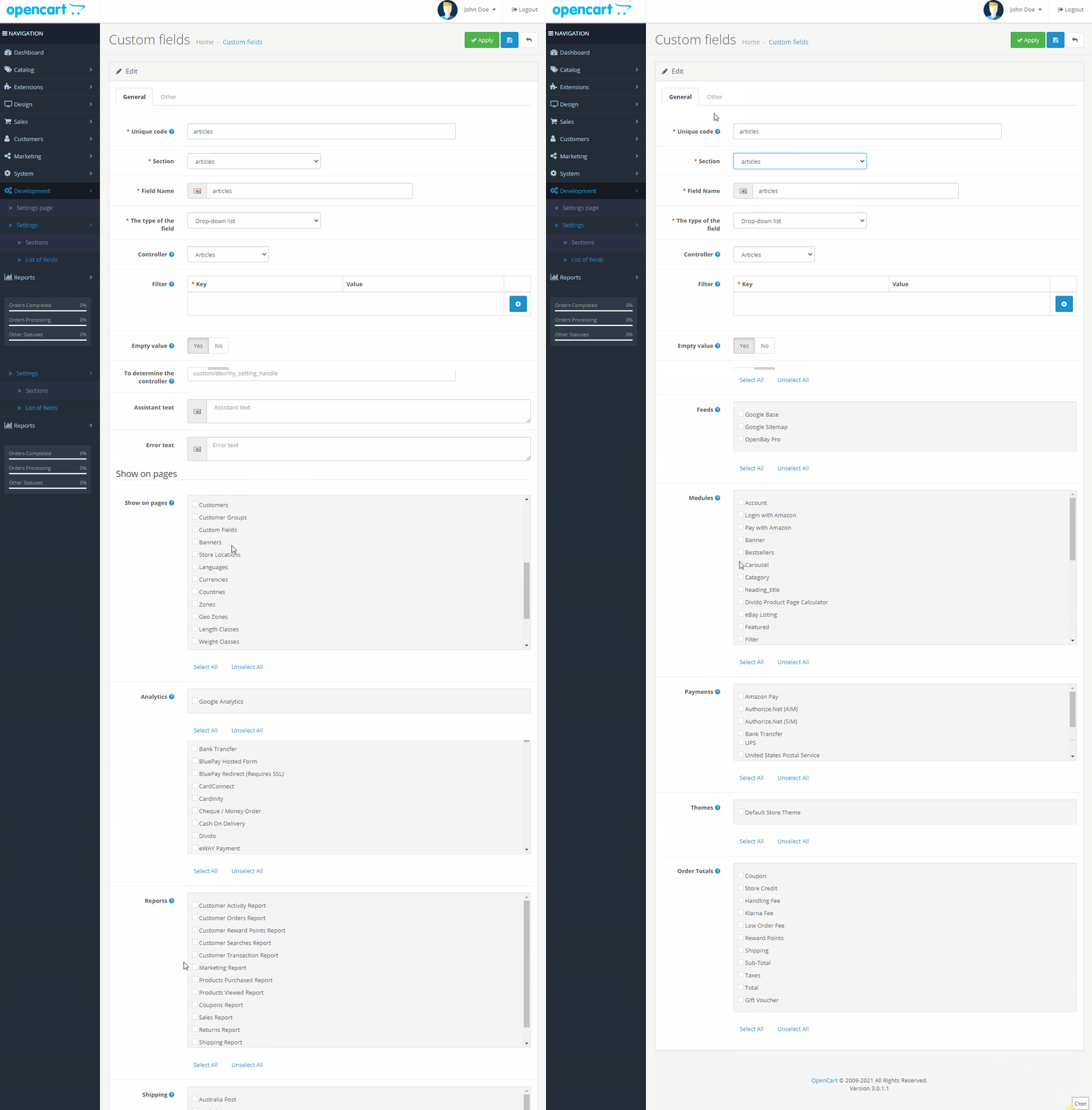
In Developer mode
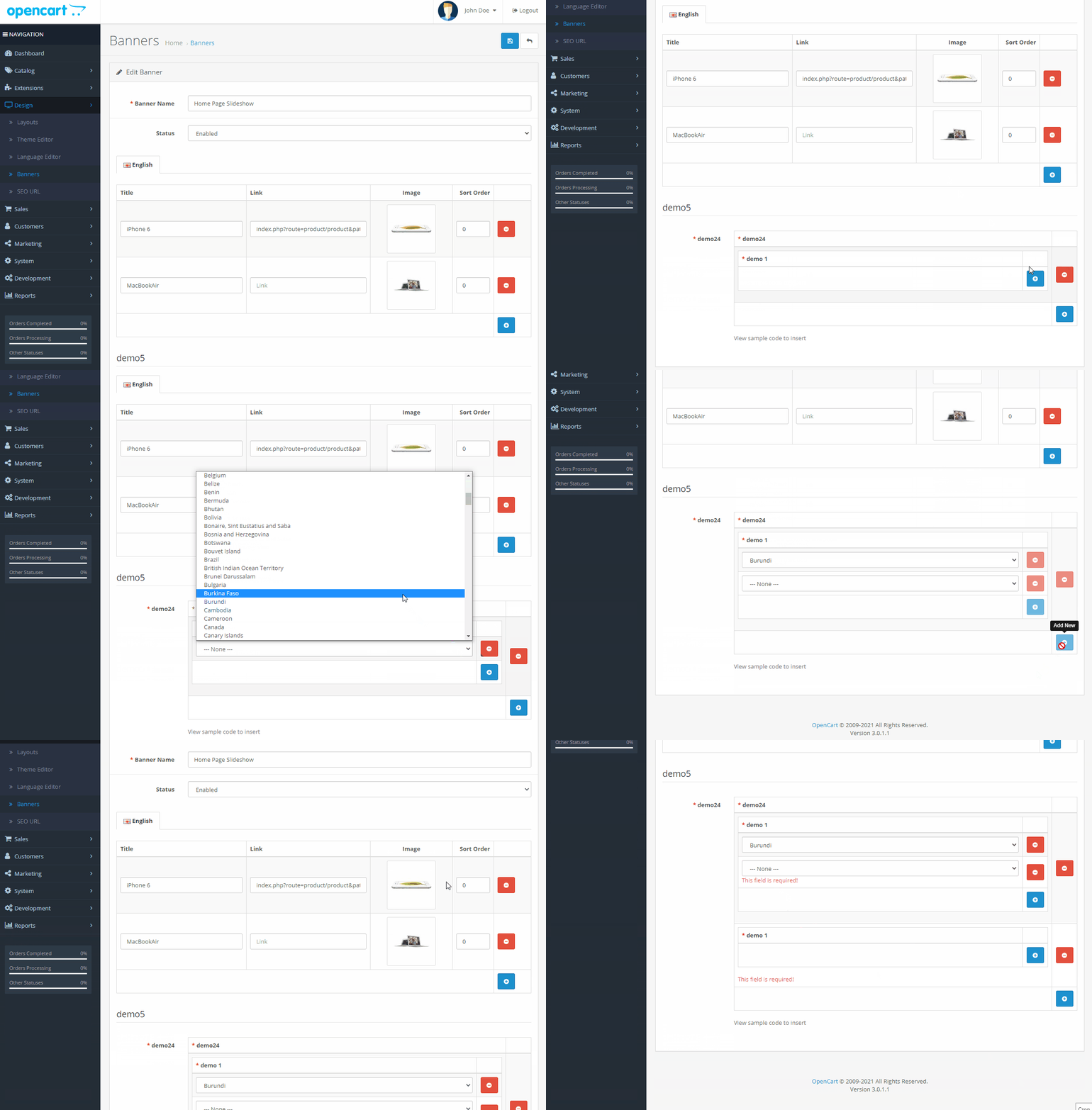
What is required to display information on the site?
In the controller, make a request to the field values
Output twig
in the current twig template, output and process the information
As you can see, in order to embed the field in opencart, you only need a couple of lines, which you can insert using ocmod
At the same time, if you integrate the field in developer mode, it will not be possible to delete it, which definitely makes sense sometimes
When can this module be required?
The module displays new additional fields in any forms of the admin panel that you specify.
Attention! The module is intended exclusively for developers, as to get the values of the fields, you will need your own ocmod or edit the controllers.
login: demo
password: demo
In developer mode, you can download the installation of fields in php format, and insert it by 1 click into your module.
This is the only module on the market that allows you to do this.
How the module works
- Install the module
- Adding a new field via the form
- Specify where you want to display, for example in the product form
- Go to the product form, specify the value of the field
- Output information from this field via the controller in the directory or ocmod in a few lines
List of fields that can be added
- Text field
- Language text
- Large text
- Large language text
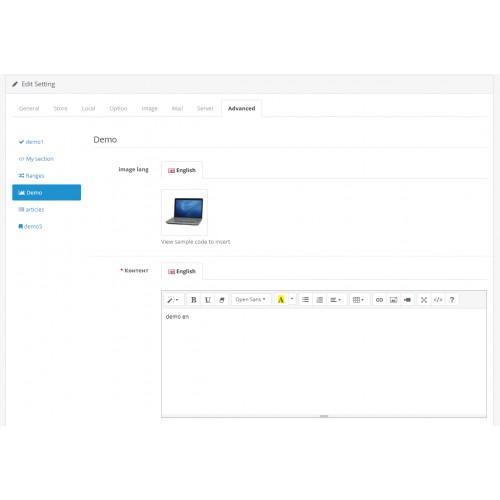
- Language text editor
- The linguistic image
- The number
- Password
- Checkbox
- Radio buttons
- Radio Buttons (Old)
- Drop-down list
- Image
- The linguistic image
- Text Editor
- Code Editor
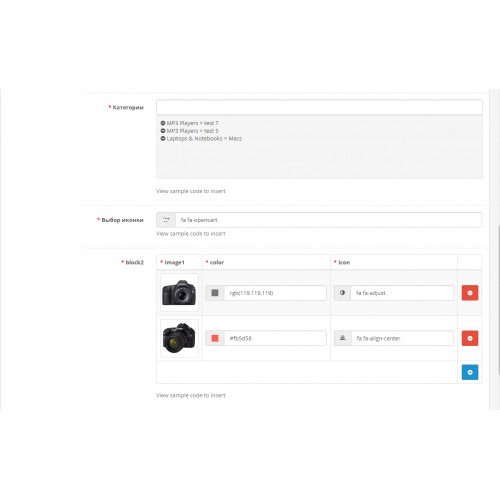
- Color
- Date
- Icon
- Range
- Autofill
- Multiple autofill
- Block with fields
- Tabs with fields
- Adding tabs
- Title
- Notification
- Array of values
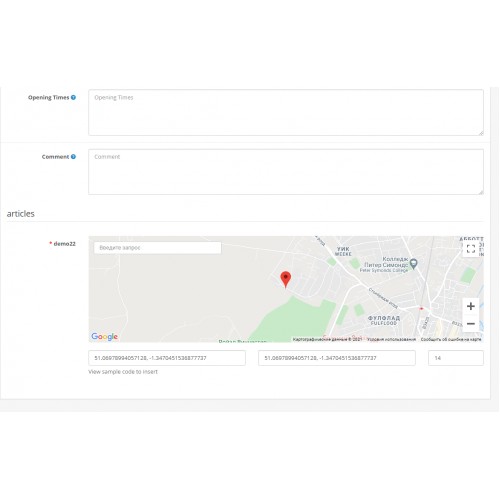
- Mapping
- The Coordinates (Map)
- Drop-down list (Values of another field)
- Html
- Accordion
- Controller
In order to protect you as much as possible from getting into files, there are
- Checking whether
- PHP is required checking regex,
- Specifying any data types as values, products, categories, options, etc.
- Creating blocks with other fields, like product attributes, as a block, can also be another block
- Field mask regex, phone, email, etc.
- The ability to specify the field to view, absolutely in any form in the admin panel, including any module
- If you still need it, you can specify your own controller to check the field, specify its values and output
What else can you do?
- Specify Placeholder
- Specify the width
- Specify the help field
- To specify sorting
- Specify the error text
- And additionally for each field, there are different options
In Developer mode
- You can integrate the field, so that it can not be deleted and edited, the field is glued to the CMS
- View the code for installing the field, through your component (installer)
- View sample code to insert into the controller, ocmod and twig, to display information on the site
What is required to display information on the site?
In the controller, make a request to the field values
// Getting the value of the categories field from the my_section section

$setting_value = $this->load->controller('custom/setting/getValue', array(

'section' => 'my_section', / / A unique section identifier that is specified when creating it in the admin panel

'setting' = > 'categories', / / Unique field identifier that is specified when creating in the admin panel

'page' = > 'setting' / / Form code in the admin panel, for example setting, product, module

'id' = > ' 23 ' / / id, such as product id, category id, module id, etc

));


// Initializing the received data

$data['setting_value'] = $setting_value;
Output twig
in the current twig template, output and process the information
{{ setting_value }}As you can see, in order to embed the field in opencart, you only need a couple of lines, which you can insert using ocmod
At the same time, if you integrate the field in developer mode, it will not be possible to delete it, which definitely makes sense sometimes
When can this module be required?
- When introducing additional information to the site
- If necessary, specify additional values for an object, product, store, or category
- When developing your theme
- When developing an add-on
- If you are developing a store on opencart, this module will replace most of the paid modules with minimal knowledge of php and twig
- Speed up your work at times
- Extend opencart
Price
$20.00
- Developed by OpenCart Community
- 12 Months Free Support
- Documentation Included
Rating
Compatibility
3.0.0.0, 3.0.1.0, 3.0.1.1, 3.0.1.2, 3.0.1.3, 3.0.2.0, 3.0.3.0, 3.0.3.1, 3.0.3.2, 3.0.3.3, 3.0.3.5, 3.0.3.6, 2.3.0.0, 2.3.0.1, 2.3.0.2, 2.3.0.0
Last Update
9 Jan 2022
Created
15 Jan 2021
4 Sales
1 Comments

Login and write down your comment.
Login my OpenCart Account