Order Label / Tag Plugin
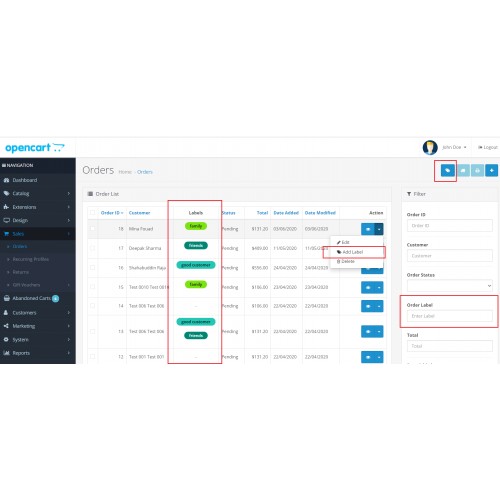
MANAGE ORDERS!!
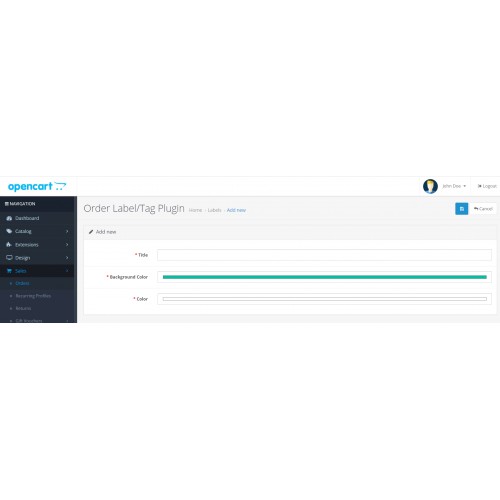
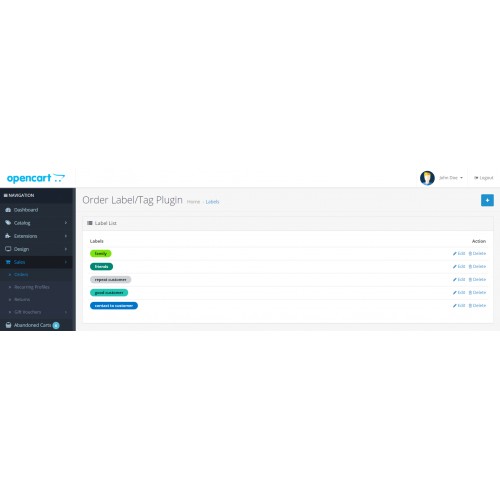
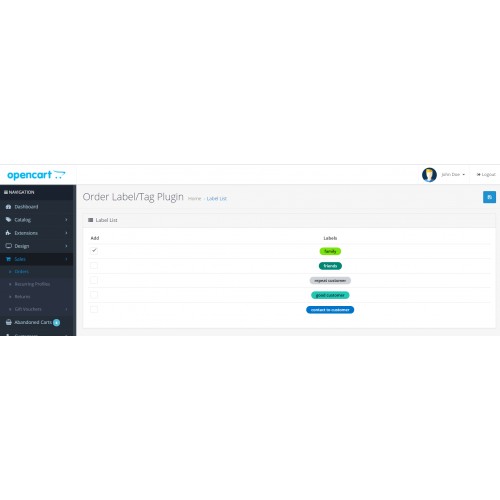
This plugin allows the store administrator to manage his order with more flexibility. Admin can add labels on the order and also can search the orders based on labels.
Easy to Install
Extension easy to use in OpenCart 3x versions using the installation process as provided by OpenCart but If still, you face any problem then we will suggest you read our “Basic Steps To Install The Extensions In OpenCart 3.x” post and If still, you have a problem then contact to our support team.
Installation
Installation via OCMOD. No standard OpenCart files are replaced. Installation instruction in the INSTALLATION.txt file
How To Install
Please follow the following steps to install the extensions in the OpenCart 3.x
Step 1 Download the zip file of Order Label / Tag Plugin. Please make sure that you are downloading the correct version extension.
Step 2 Open the following installer page admin section of OpenCart 3.x.
Admin >> Extensions >> Installer
Step 3 On the above installer page upload the downloaded extension zip file.
Step 4 After successfully installed the extension from Step-3, now open the following Modifications page and click on “Clear” button on top right side to clear all modifications.
Admin >> Extensions >> Modifications
Step 5 Now, go to the following Module page and click on the “Install” button to install the extension completely:
Admin >> Extensions >> Modules
Great!! You installed the extension successfully. Please read our blog post to read it more or contact us, If face any problem there.
For Support
Please contact our support team for any technical support at contact@questwalktech.com.
This plugin allows the store administrator to manage his order with more flexibility. Admin can add labels on the order and also can search the orders based on labels.
Easy to Install
Extension easy to use in OpenCart 3x versions using the installation process as provided by OpenCart but If still, you face any problem then we will suggest you read our “Basic Steps To Install The Extensions In OpenCart 3.x” post and If still, you have a problem then contact to our support team.
Installation
Installation via OCMOD. No standard OpenCart files are replaced. Installation instruction in the INSTALLATION.txt file
How To Install
Please follow the following steps to install the extensions in the OpenCart 3.x
Step 1 Download the zip file of Order Label / Tag Plugin. Please make sure that you are downloading the correct version extension.
Step 2 Open the following installer page admin section of OpenCart 3.x.
Admin >> Extensions >> Installer
Step 3 On the above installer page upload the downloaded extension zip file.
Step 4 After successfully installed the extension from Step-3, now open the following Modifications page and click on “Clear” button on top right side to clear all modifications.
Admin >> Extensions >> Modifications
Step 5 Now, go to the following Module page and click on the “Install” button to install the extension completely:
Admin >> Extensions >> Modules
Great!! You installed the extension successfully. Please read our blog post to read it more or contact us, If face any problem there.
For Support
Please contact our support team for any technical support at contact@questwalktech.com.
Price
$20.00
- Developed by OpenCart Community
- 3 Months Free Support
- Documentation Included
Rating
Compatibility
2.3.0.2, 3.0.3.0, 3.0.3.1, 3.0.3.2, 3.0.3.3, 3.0.3.5, 3.0.3.6, 3.0.3.7
Last Update
12 Feb 2025
Created
13 Mar 2021
6 Sales
2 Comments

Login and write down your comment.
Login my OpenCart Account