Password Strength Indicator for Opencart 30xx
Kindly Follow The Installation Steps
1. Kindly take backup of cache folder( Storage and vqcache).
2. Upload the 'upload files' to root directory of your project using FTP or Cpanel.
3. Click refresh in Extensions -> modifications.
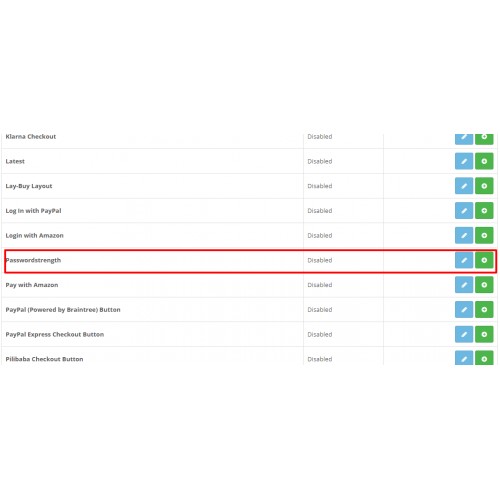
4. Click Extensions -> Extensions -> Modules
Step 4.1 : On Password strength row Click install link.
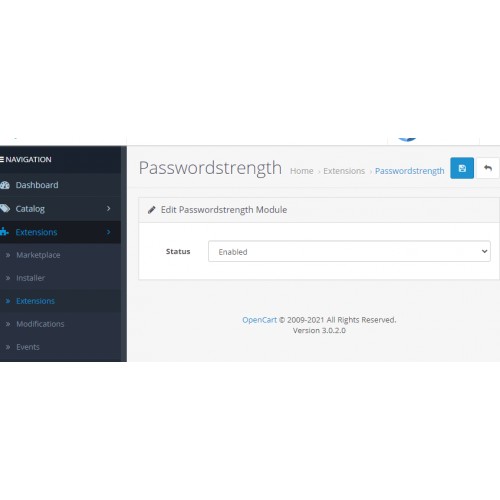
Step 4.2 : Then click edit.
Step 4.3 : Select status Enable or Disable.
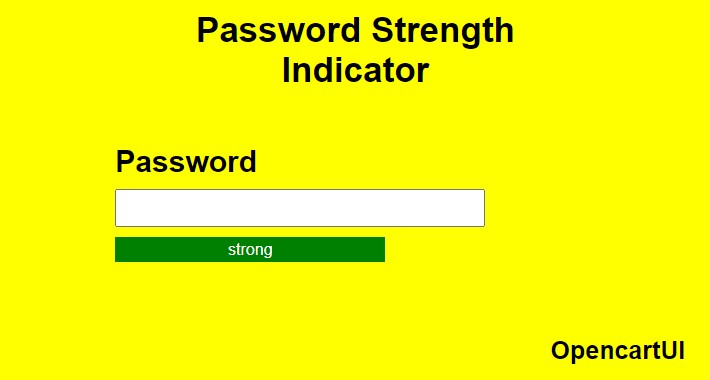
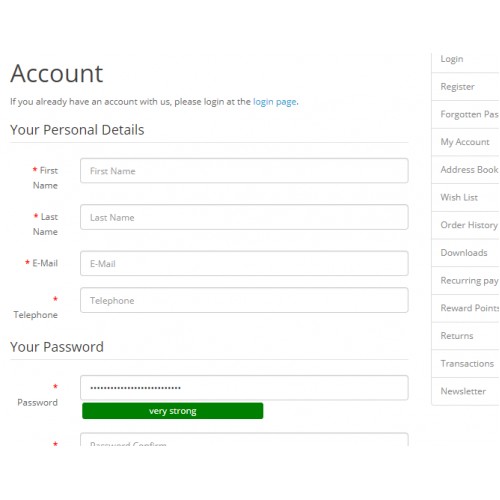
5. On frontend register page you could find password indicator bar on focus of password field.
6. This extension helps customers to set secure password.
1. Kindly take backup of cache folder( Storage and vqcache).
2. Upload the 'upload files' to root directory of your project using FTP or Cpanel.
3. Click refresh in Extensions -> modifications.
4. Click Extensions -> Extensions -> Modules
Step 4.1 : On Password strength row Click install link.
Step 4.2 : Then click edit.
Step 4.3 : Select status Enable or Disable.
5. On frontend register page you could find password indicator bar on focus of password field.
6. This extension helps customers to set secure password.
Download
- Developed by OpenCart Community
- 12 Months Free Support
- Documentation Included
Rating
Compatibility
3.0.0.0, 3.0.1.0, 3.0.1.1, 3.0.1.2, 3.0.1.3, 3.0.2.0
Last Update
13 Apr 2021
Created
6 Apr 2021
116 Downloads
1 Comments

Login and write down your comment.
Login my OpenCart Account