All-In-One Video Showcase Plugin


SALE BOOSTER!!
"Video is the future of e-commerce platform". Start to show product video as an image with OpenCart product.
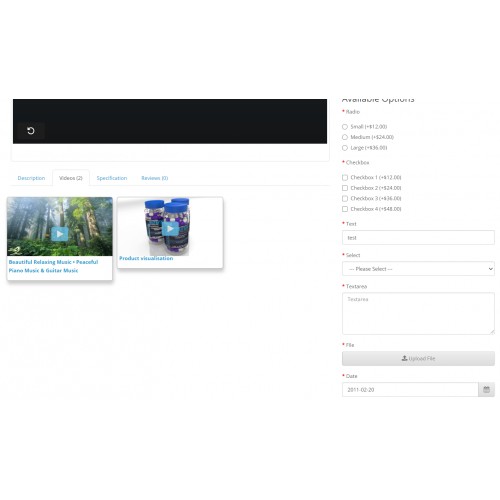
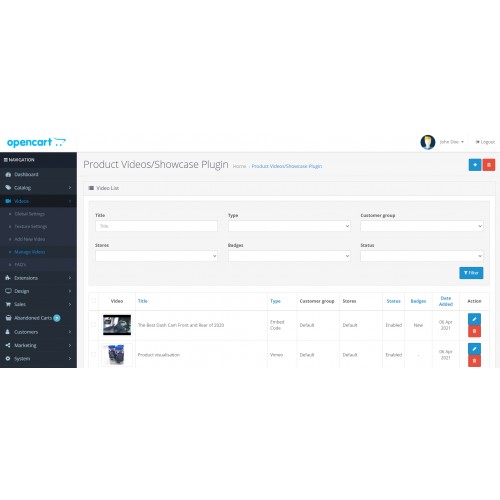
All-In-One Video Showcase Plugin that helps admin to add videos as a product image on the product profile page. Also, the admin can add multiple videos, which will show under the video tab.
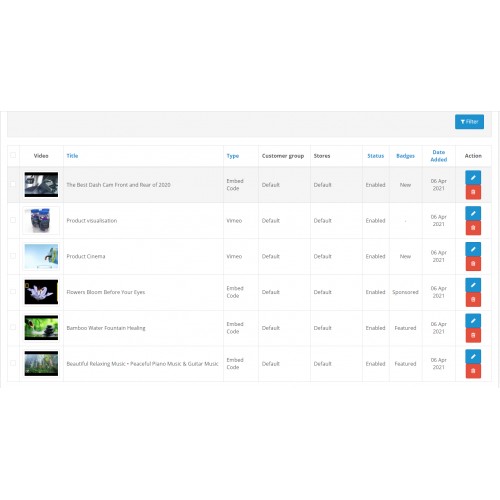
Admin can upload the videos using YouTube, Vimeo, Dailymotion, and Embed code videos.
Features List
Please find some features list of the plugin following:
* Video tab on the product profile page
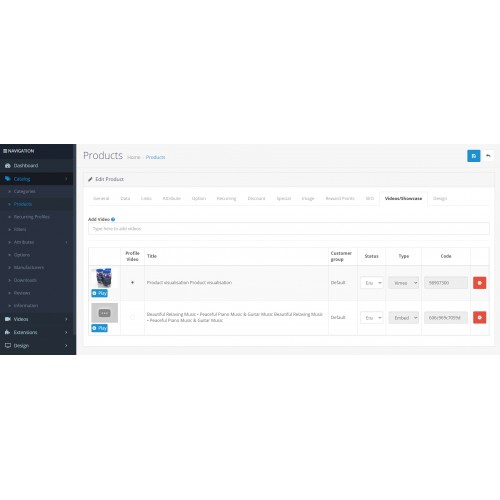
* Use a common video with multiple products
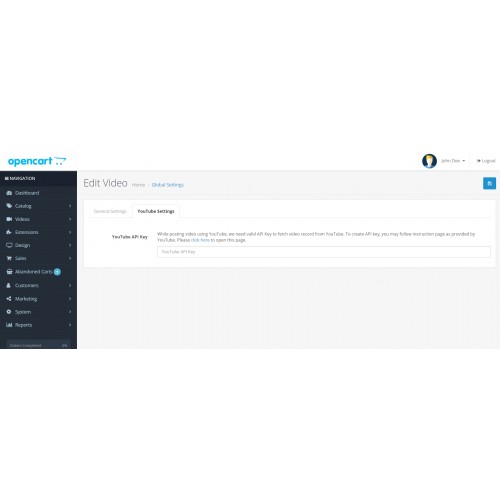
* Support YouTube, Vimeo, Dailymotion
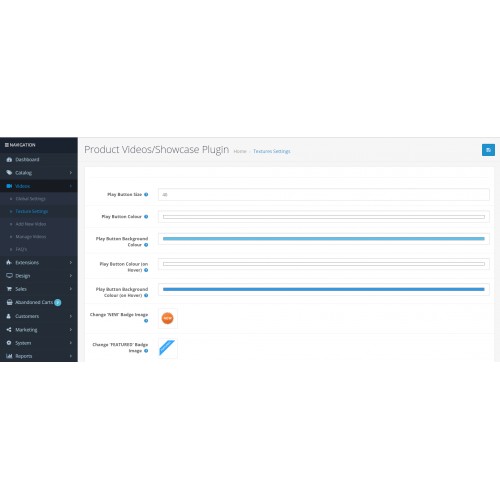
* Texture settings with badges upload
* [+] ability to add embed code from any third-party video players.
* Multiple following features:
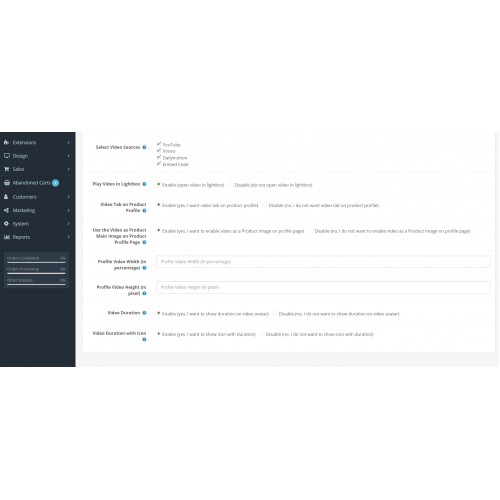
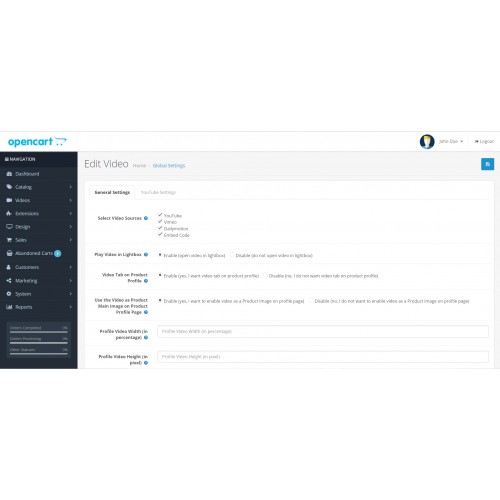
a. Play the video in the light box
b. Show the video tab on the product profile
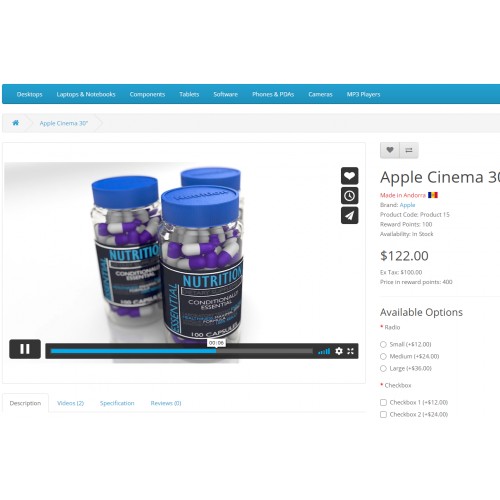
c. Use the video as the product's main image on the product profile page
d. Profile video width (in percentage)
e. Profile video height (in pixels)
f. Show video duration
etc
Easy to Install
The extension is easy to use in OpenCart 3x versions using the installation process as provided by OpenCart but If still, you face any problem then we will suggest you read our “Basic Steps To Install The Extensions In OpenCart 3.x” post and If still, you have a problem then contact to our support team.
Installation
Installation via OCMOD. No standard OpenCart files are replaced. Installation instruction in the INSTALLATION.txt file
How To Install
Please follow the following steps to install the extensions in the OpenCart 3.x
Step 1 Download the zip file of All-In-One Video Showcase Plugin. Please make sure that you are downloading the correct version extension.
Step 2 Open the following installer page admin section of OpenCart 3.x.
Admin >> Extensions >> Installer
Step 3 On the above installer page upload the downloaded extension zip file.
Step 4 After successfully installed the extension from Step-3, now open the following Modifications page and click on “Clear” button on top right side to clear all modifications.
Admin >> Extensions >> Modifications
Step 5 Now, go to the following Module page and click on the “Install” button to install the extension completely:
Admin >> Extensions >> Modules
Great!! You installed the extension successfully.
For Support
Please reach out to contact@questwalktech.com for any technical support.
"Video is the future of e-commerce platform". Start to show product video as an image with OpenCart product.
All-In-One Video Showcase Plugin that helps admin to add videos as a product image on the product profile page. Also, the admin can add multiple videos, which will show under the video tab.
Admin can upload the videos using YouTube, Vimeo, Dailymotion, and Embed code videos.
Features List
Please find some features list of the plugin following:
* Video tab on the product profile page
* Use a common video with multiple products
* Support YouTube, Vimeo, Dailymotion
* Texture settings with badges upload
* [+] ability to add embed code from any third-party video players.
* Multiple following features:
a. Play the video in the light box
b. Show the video tab on the product profile
c. Use the video as the product's main image on the product profile page
d. Profile video width (in percentage)
e. Profile video height (in pixels)
f. Show video duration
etc
Easy to Install
The extension is easy to use in OpenCart 3x versions using the installation process as provided by OpenCart but If still, you face any problem then we will suggest you read our “Basic Steps To Install The Extensions In OpenCart 3.x” post and If still, you have a problem then contact to our support team.
Installation
Installation via OCMOD. No standard OpenCart files are replaced. Installation instruction in the INSTALLATION.txt file
How To Install
Please follow the following steps to install the extensions in the OpenCart 3.x
Step 1 Download the zip file of All-In-One Video Showcase Plugin. Please make sure that you are downloading the correct version extension.
Step 2 Open the following installer page admin section of OpenCart 3.x.
Admin >> Extensions >> Installer
Step 3 On the above installer page upload the downloaded extension zip file.
Step 4 After successfully installed the extension from Step-3, now open the following Modifications page and click on “Clear” button on top right side to clear all modifications.
Admin >> Extensions >> Modifications
Step 5 Now, go to the following Module page and click on the “Install” button to install the extension completely:
Admin >> Extensions >> Modules
Great!! You installed the extension successfully.
For Support
Please reach out to contact@questwalktech.com for any technical support.
What customers say about All-In-One Video Showcase Plugin

Limited function. Extension does work with 3.0.3.6
~rosemine
~rosemine
Price
$20.00
- Developed by OpenCart Community
- 3 Months Free Support
- Documentation Included
Rating
Compatibility
3.0.0.0, 3.0.1.0, 3.0.1.1, 3.0.1.2, 3.0.1.3, 3.0.2.0, 3.0.3.0, 3.0.3.1, 3.0.3.2, 3.0.3.3, 3.0.3.5, 3.0.3.6, 3.0.3.7
Last Update
14 Feb 2025
Created
12 Apr 2021
2 Sales
0 Comments

Login and write down your comment.
Login my OpenCart Account