BD Mobile Banking- bKash, Rocket, Nagad Advanced
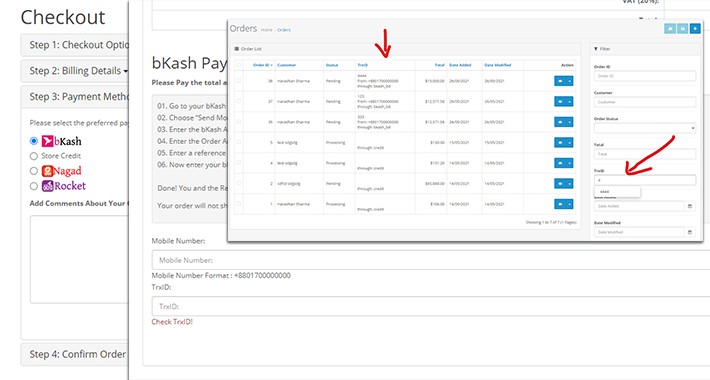
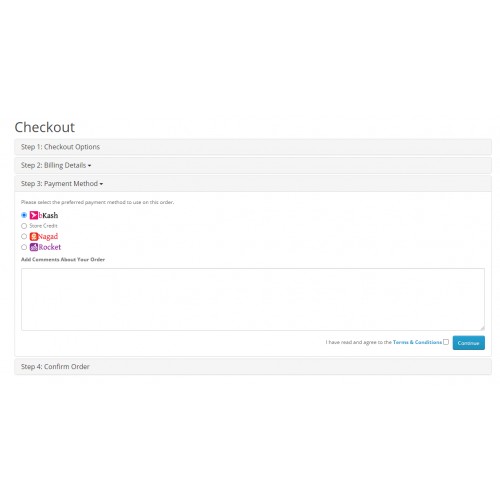
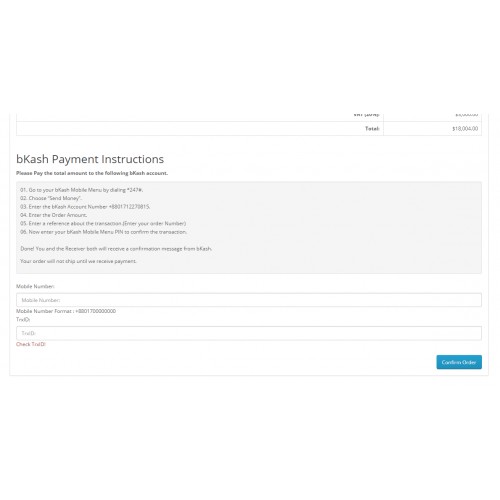
bd_mobile_banking has bKash, nagad and rocket Mobile banking payment method for Bangladesh. It is OCMOD.
Although It is manual like other Bangladeshi mobile banking payment method extension have in the opencart marketplace but gives some advance and flexible features Like below:
1. The module saves Mobile number and TrxID in Database and Check Duplicate TrxID during order confirmation.
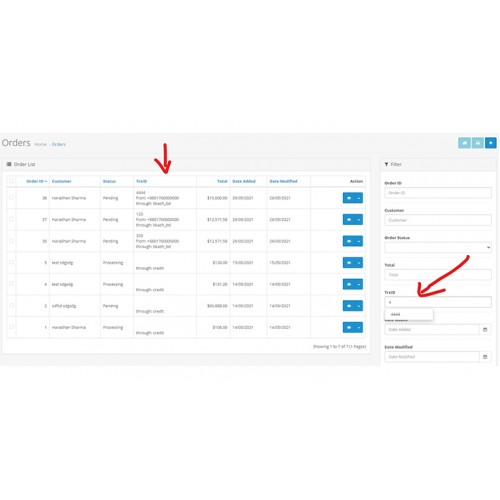
2. It shows TrxID, Mobile number and Payment Method in Order List at admin side.
3. Admin Can search Order Having TrxID using Autocomplete Filter field in Order page of Admin. It give
Installation:
1. Install Module using Default install feature of Opencart 3(Extension->Installer->Upload)
2. You will find The 3 Payment method Named bKash, Nagad- BD, Rocket - BD at Extensions->Extensions->payment.
3. Install extension which you need using Green button showing at the right side with + sign.
4. Do necessary configuration and enable the extension.
5. Refresh MODIFICATION from Extensions->modifications->refresh button
6. Clear Cache Using Dashboard->Developper setting(Blue Gear Icon)->Refresh.
Note: If No logo of payment method during checkout please correct url in languge file.
Done!
Check Module:
1. Make order with recently active payment method.
2. Check Order List Showing TrxID colum with relevent data.
3. Showing New filter field named TrxID at the right.
4. Try searching, Shorting as default feature.
If any help need dont hesitate to write haradhan.sharma@gmail.com
Although It is manual like other Bangladeshi mobile banking payment method extension have in the opencart marketplace but gives some advance and flexible features Like below:
1. The module saves Mobile number and TrxID in Database and Check Duplicate TrxID during order confirmation.
2. It shows TrxID, Mobile number and Payment Method in Order List at admin side.
3. Admin Can search Order Having TrxID using Autocomplete Filter field in Order page of Admin. It give
Installation:
1. Install Module using Default install feature of Opencart 3(Extension->Installer->Upload)
2. You will find The 3 Payment method Named bKash, Nagad- BD, Rocket - BD at Extensions->Extensions->payment.
3. Install extension which you need using Green button showing at the right side with + sign.
4. Do necessary configuration and enable the extension.
5. Refresh MODIFICATION from Extensions->modifications->refresh button
6. Clear Cache Using Dashboard->Developper setting(Blue Gear Icon)->Refresh.
Note: If No logo of payment method during checkout please correct url in languge file.
Done!
Check Module:
1. Make order with recently active payment method.
2. Check Order List Showing TrxID colum with relevent data.
3. Showing New filter field named TrxID at the right.
4. Try searching, Shorting as default feature.
If any help need dont hesitate to write haradhan.sharma@gmail.com
Download
- Developed by OpenCart Community
- Documentation Included
Rating
Compatibility
3.0.3.1, 3.0.3.2, 3.0.3.3, 3.0.3.5, 3.0.3.6
Last Update
26 May 2021
Created
26 May 2021
214 Downloads
4 Comments

Login and write down your comment.
Login my OpenCart Account