Social Login for OpenCart with 12 Social Networks
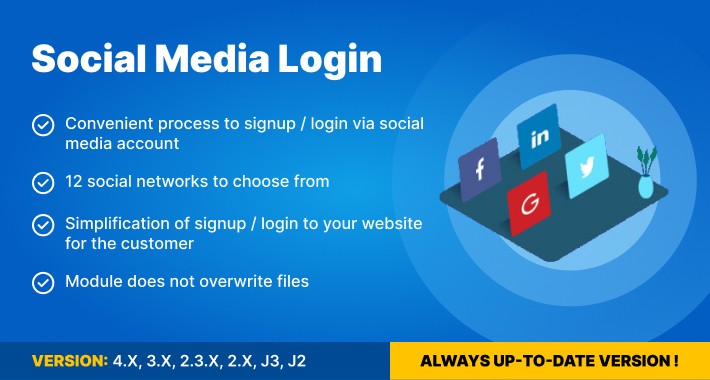
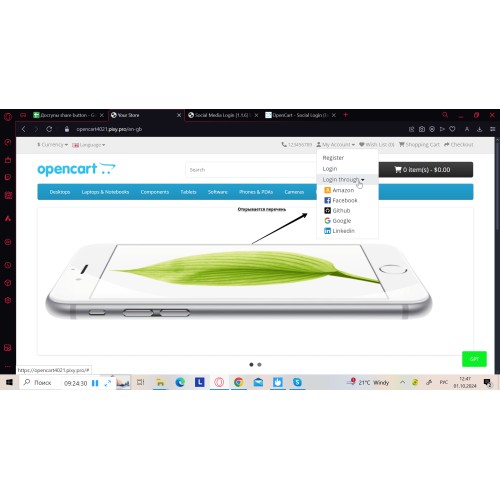
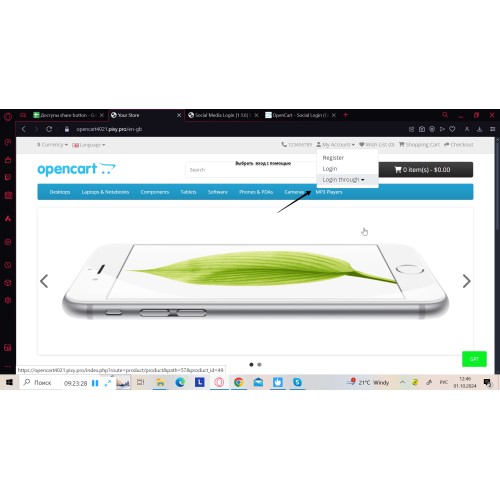
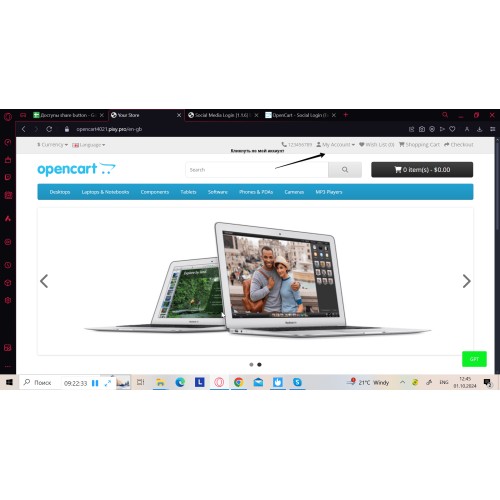




The extension enables seamless integration of social networks into your OpenCart 1.5–4.x store, allowing users to register and log in effortlessly with their existing social media accounts. This solution streamlines the login and registration process, saving users from filling out long forms or creating new passwords. With just a few clicks, customers can securely access your platform, making their experience faster and more convenient.
Key Benefits
- Higher Conversion Rates — Simplify the entry barrier for new customers by allowing them to register and log in instantly via social media.
- Reduced Cart Abandonment — Speed up the checkout process by removing the need for traditional account creation and email verification.
- Google One Tap Support — Utilize a built-in Google popup for instant authentication, allowing users to log in without being redirected to another page.
- Mobile-Friendly Experience — Provide a modern, one-touch login flow optimized for smartphones and tablets.

- Support for 12 Social Networks — Enable login via Google, Facebook, LinkedIn, X (Twitter), and other popular platforms.
- Google One Tap Login — Integrated Google-powered popup for instant access and a smooth onboarding process.
- Flexible Display Options — Choose where to show social login buttons: login page, registration page, or checkout.
- Customizable Button Design — Adjust the appearance and layout of social icons to match your website’s theme.
- Automatic Account Creation — New accounts are created automatically using data from social profiles (name, email).
- Wide Compatibility — Works across OpenCart versions from 1.5.x to the latest 4.x.


- Upload the extension archive via the OpenCart Installer.
- Install the module in Extensions > Modules and refresh modifications.
- Go to the module settings and configure the API credentials (App ID, Secret Key) for the social networks you want to use.
- Choose the display positions for the social login buttons on your storefront.
- Save your settings and verify the authentication flow for each enabled network.

Version 1.2.0
*Improved redirect and authentication flow stability.
*Fixed Redirect URL and base URL generation issues.
*Resolved several controller and model connection errors.
*Fixed logo display issues for Ukrainian, German, Spanish, and French in OpenCart 4.
*Updated installation archives and improved stability across supported OpenCart versions.
Version 1.1.6
*Fixed error display issues when saving settings in OpenCart 4.
*Resolved a form attribute issue in OpenCart 4.0.2.3.
*Updated version package archives.
Version 1.1.5
*Fixed language variable issues for OpenCart 2.0 and 2.3.
*Fixed token-based link generation issues for OpenCart 2.0 and 2.3.
*Resolved class and template connection errors in older OpenCart versions.
*Updated archives for more stable installation across supported versions.
Price
$32.00
- Developed by OpenCart Community
- 6 Months Free Support
- Documentation Included
Rating
Compatibility
4.x.x.x, 4.0.0.0, 4.0.1.0, 4.0.1.1, 4.0.2.0, 4.0.2.1, 4.0.2.2, 4.0.2.3, 3.0.0.0, 3.0.1.0, 3.0.1.1, 3.0.1.2, 3.0.1.3, 3.0.2.0, 3.0.3.0, 3.0.3.1, 3.0.3.2, 3.0.3.3, 3.0.3.5, 3.0.3.6, 3.0.3.7, 3.0.3.8, 3.x.x.x, 3.0.3.9, 3.0.4.0, 2.3.0.0, 2.3.0.1, 2.3.0.2, 2.0.0.0, 2.0.1.0, 2.0.1.1, 2.0.2.0, 2.0.3.1, 2.1.0.1, 2.1.0.2, 2.2.0.0
Last Update
2 Jun 2026
Created
28 May 2021
9 Sales
2 Comments

Login and write down your comment.
Login my OpenCart Account