Fast Cache PRO – OpenCart Page Cache & Speed Optimization







Fast Cache PRO is an OpenCart performance module designed to speed up page delivery and reduce repeated server-side processing. It combines page cache, browser cache, JS and CSS optimization, image optimization, and database and model caching in a single extension.
The module is compatible with OpenCart versions 1.5–4.x and can help improve page loading speed by reducing repeated page generation and optimizing front-end and back-end resources.
Fast Cache PRO is especially useful for:
- OpenCart stores with large product catalogs
- websites using many scripts and styles
- projects with high traffic or concurrent users
By optimizing how pages and resources are delivered, the module helps reduce server load and improve overall site responsiveness.
How it works?
When a user opens a page in OpenCart, the system normally generates that page dynamically every time.
Fast Cache PRO reduces this repeated work by using several caching layers.
The module can cache:
- generated pages
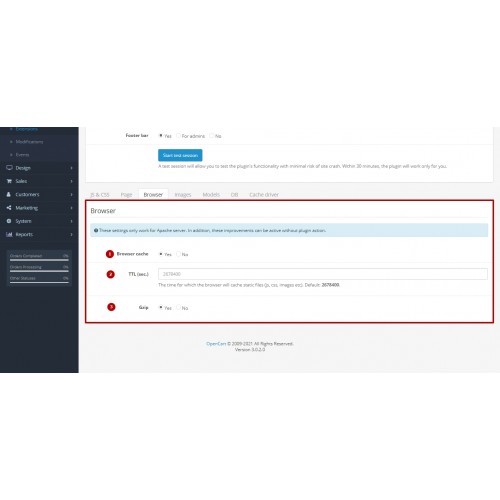
- browser assets
- models
- database queries
These cached results are stored for a configurable TTL (time to live) period and served to users without repeating the full processing cycle.
The module also includes optimization options for front-end resources:
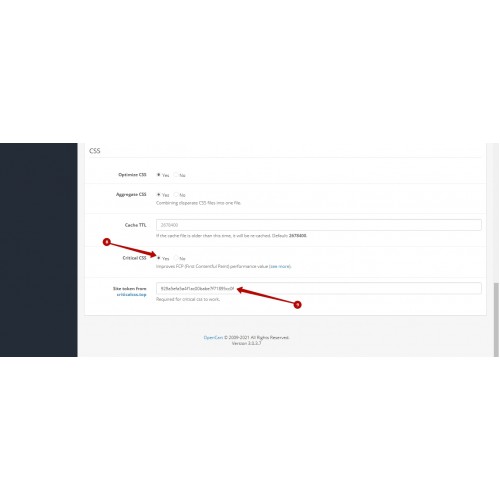
JS and CSS optimization
Fast Cache PRO supports:
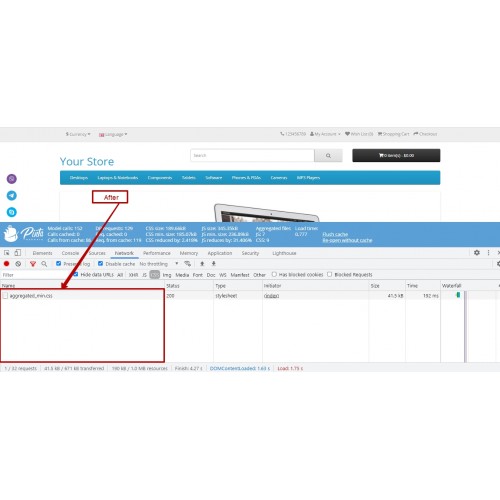
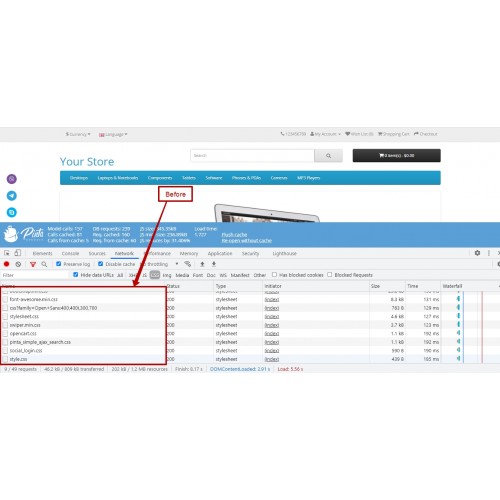
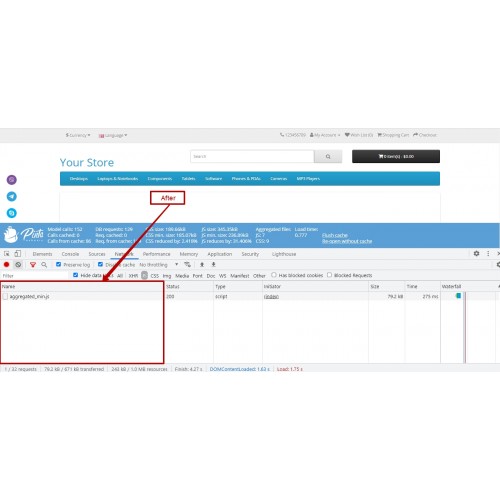
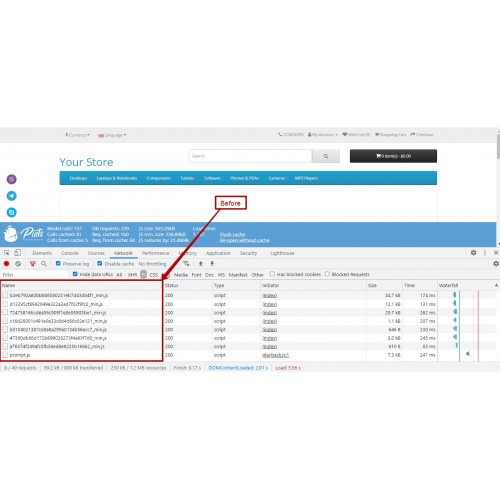
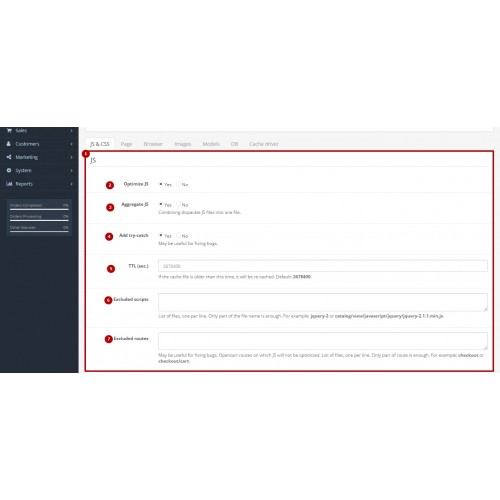
- JS aggregation
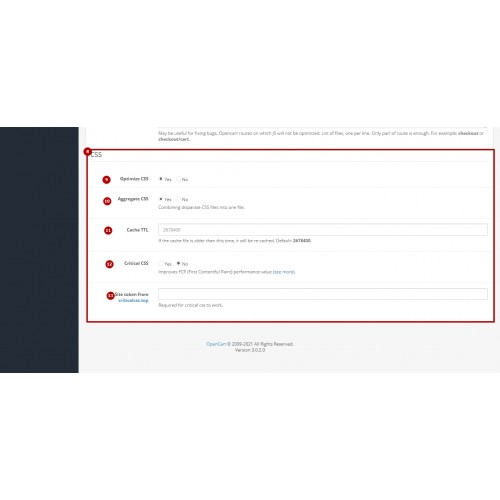
- CSS aggregation
- Excluded scripts and routes
- TTL settings
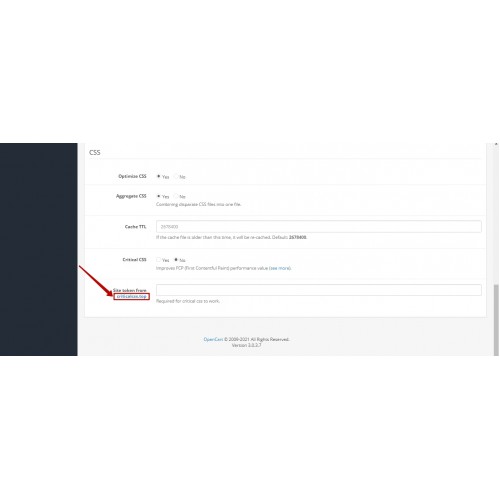
- Optional Critical CSS integration
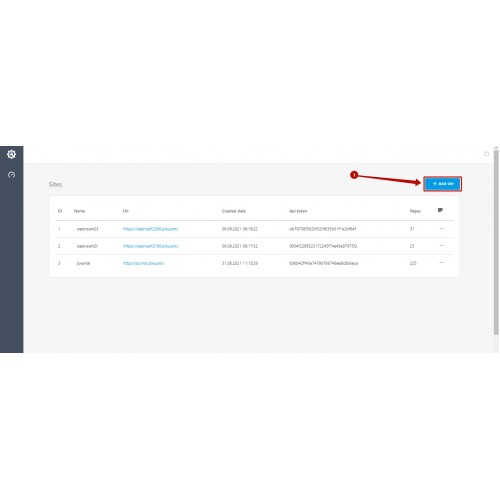
Critical CSS integration is available through the external service:
https://criticalcss.top
Image optimization
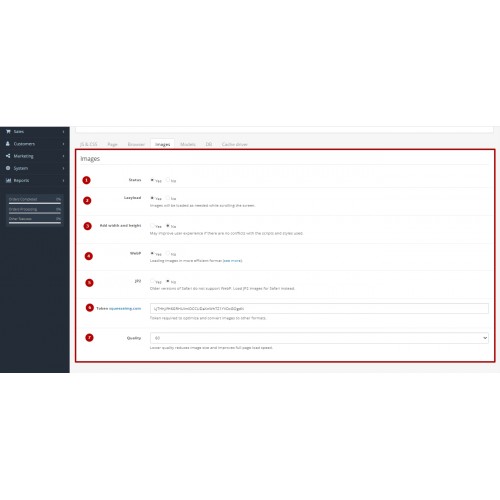
The module includes image optimization settings such as:
- lazy loading
- width and height output in HTML
- optional compression
- optional image conversion
Image compression and conversion are available through the Squeezeimg Image Optimizer service:
https://squeezeimg.com
Supported formats include:
- WebP
- JP2
Flexible configuration
To make configuration safer and more flexible, the module includes:
- excluded routes
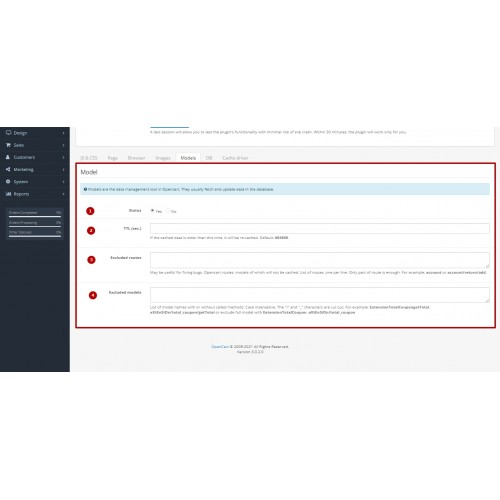
- excluded models
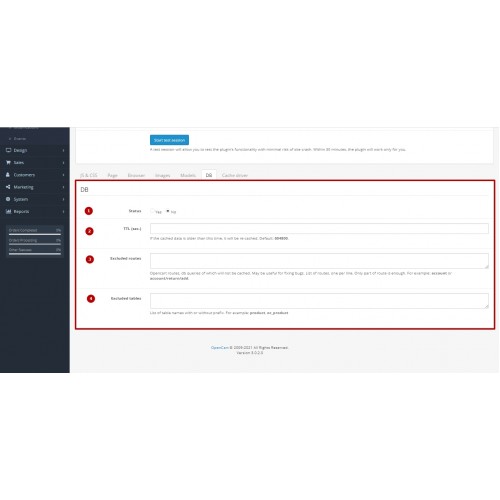
- excluded database tables
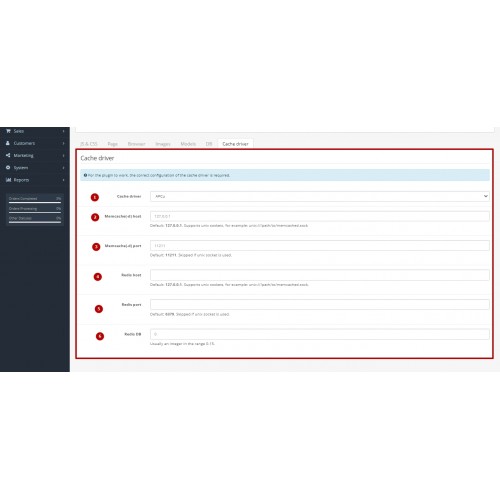
- cache driver settings
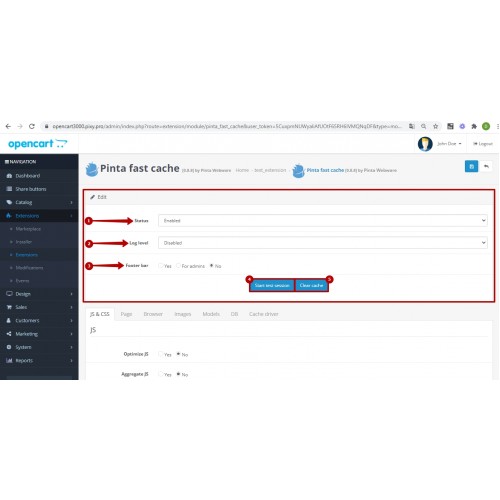
- logging options
- test session mode
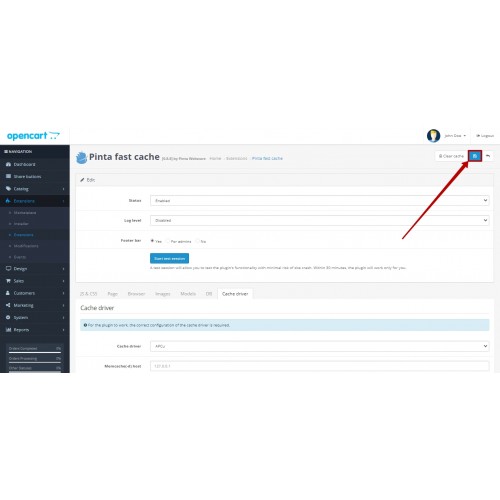
- manual cache clearing


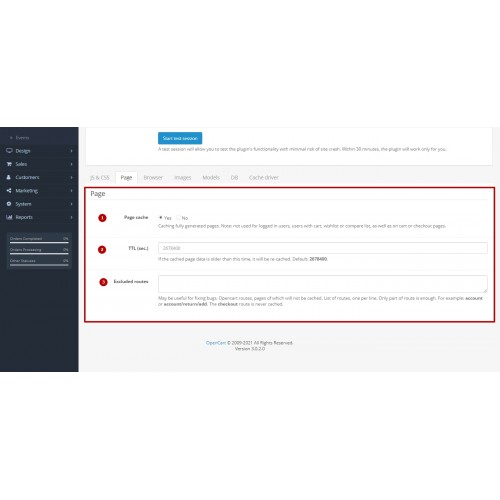
- Page cache with configurable TTL settings
- Browser cache with optional Gzip compression
- JS optimization with aggregation and excluded scripts
- CSS optimization with aggregation and optional Critical CSS integration
- Image settings with lazy loading
- HTML output of image width and height
- Optional image compression and conversion via Squeezeimg
- WebP and JP2 image format support
- Model cache with TTL settings and exclusions
- Database cache with TTL settings and excluded tables
- Cache driver configuration for Redis and Memcache(-d)
- Test session mode for safe configuration
- Manual cache clearing from module settings
- Logging options for debugging and monitoring
- Footer bar display for selected user groups

Basic setup
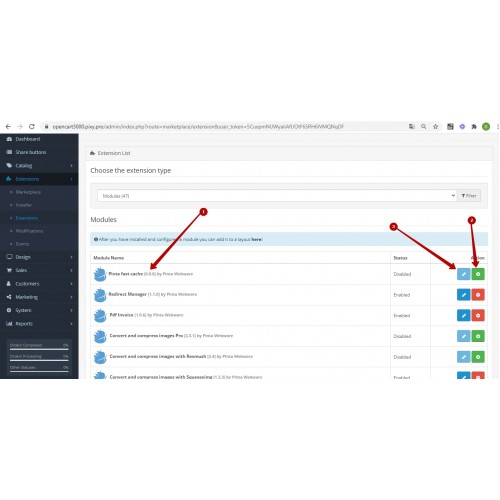
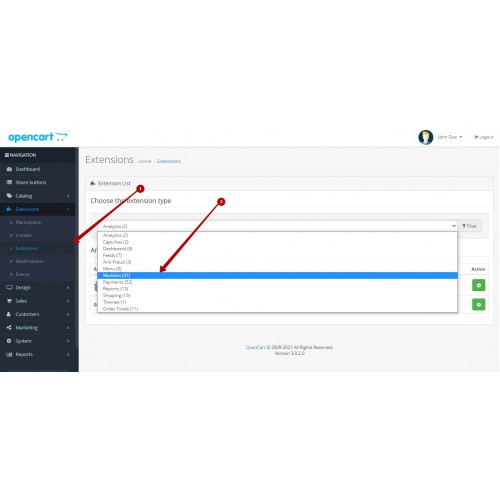
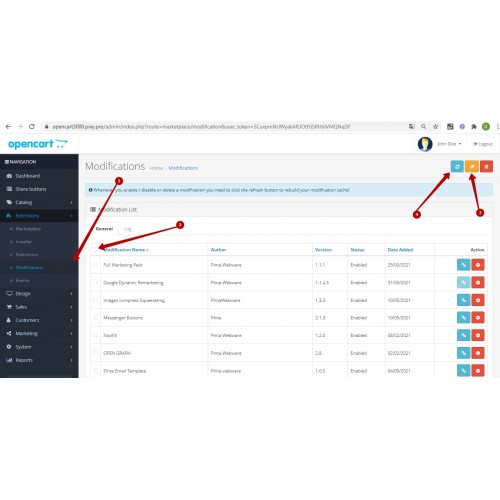
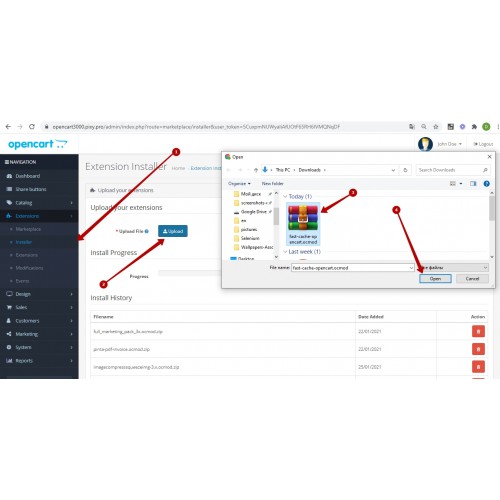
- Download and install the extension.
- Open the module settings in OpenCart.
- Enable the required general options.
- Configure page cache and browser cache settings.
- Configure JS and CSS optimization settings.
- Configure image settings such as lazy loading and HTML attributes.
- Configure model cache and database cache if needed.
- Select the preferred cache driver.
- Save changes and clear the cache if required.
Optional services
Critical CSS
To enable Critical CSS integration you need:
- an account at
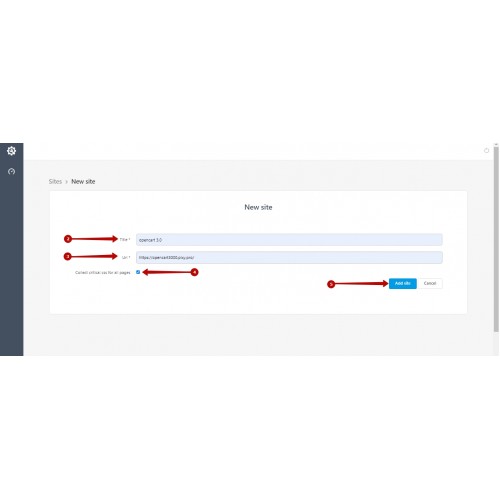
https://criticalcss.top
- a site token generated after registration.
Image compression and conversion
To use image compression or format conversion you need:
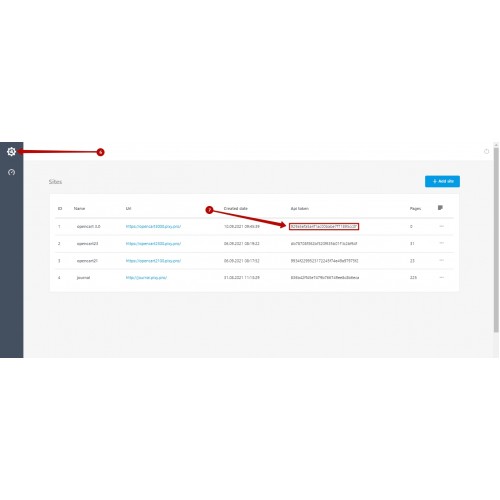
- an account at
https://squeezeimg.com
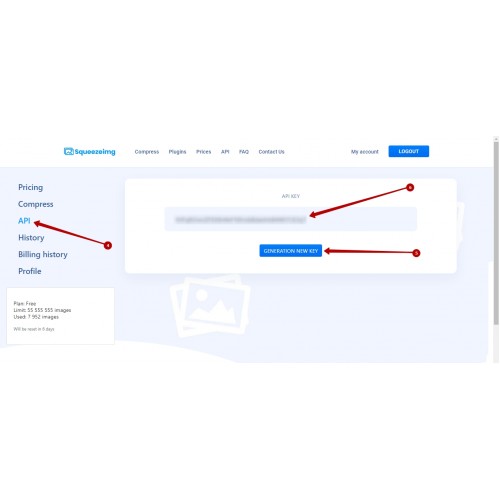
- an API key generated after registration.
For safer testing you can enable test session mode before applying optimization settings to all users.

Version 1.3.1
Version 1.3.0
Version 1.2.0
FAQ
Can I enable the module step by step?
Yes. The module provides separate settings for:
This allows gradual activation.
Is there a safe way to test settings?
Yes. Fast Cache PRO includes a test session mode that allows testing performance settings before applying them globally.
Are Critical CSS and Squeezeimg required?
No. Both services are optional.
- Critical CSS requires a site token from
https://criticalcss.top
- Squeezeimg requires an API key from
https://squeezeimg.com
Does the module support Redis or Memcache?
Yes. The module supports cache drivers for:
- Redis
- Memcache(-d)
Can I exclude specific routes, scripts, models, or tables?
Yes. The module includes configuration options for:
- excluded routes
- excluded scripts
- excluded models
- excluded database tables
How can I clear cache?
The module includes a manual cache clearing option in the settings panel.
Which OpenCart versions are supported?
Fast Cache PRO is compatible with:
[*]OpenCart 1.5 – 4.x
What customers say about Fast Cache PRO – OpenCart Page Cache & Speed Optimization

The site stopped loading,
and the following error appears:
HTTP ERROR 500
~artem.web.work
~artem.web.work
I GOT IT I HAD PROBLEM WITH ALL MY MODULES I STOP IT BECAUSE EVEN THE PAYMENT GATEWAY HAD PROBLEM TOO
~drjoy121@gmail.com
~drjoy121@gmail.com
Price
$49.00
- Developed by OpenCart Community
- 6 Months Free Support
- Documentation Included
Rating
Compatibility
4.x.x.x, 4.0.1.0, 4.0.1.1, 4.0.0.0, 3.0.0.0, 3.0.1.0, 3.0.1.1, 3.0.1.2, 3.0.1.3, 3.0.2.0, 3.0.3.0, 3.0.3.1, 3.0.3.2, 3.0.3.3, 3.0.3.5, 3.0.3.6, 3.0.3.7, 3.0.3.8, 3.x.x.x, 2.3.0.0, 2.3.0.1, 2.3.0.2, 2.1.0.1, 2.1.0.2, 2.2.0.0
Last Update
2 Jun 2026
Created
17 Jun 2021
9 Sales
5 Comments

Login and write down your comment.
Login my OpenCart Account