Google reCAPTCHA V3 for all
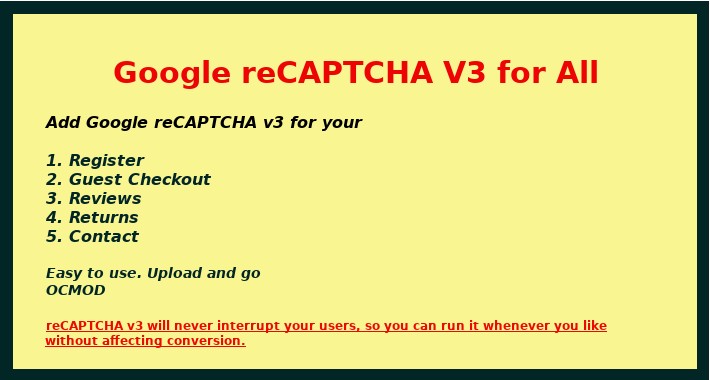
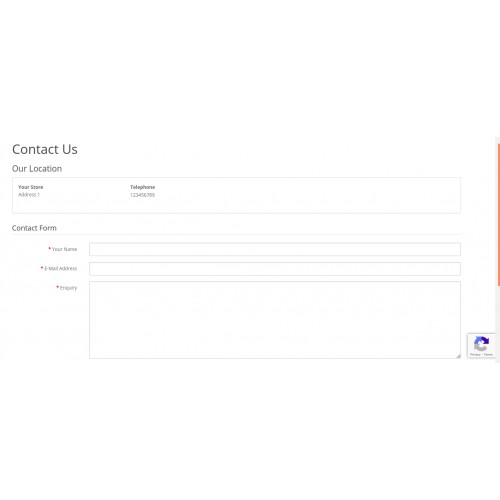
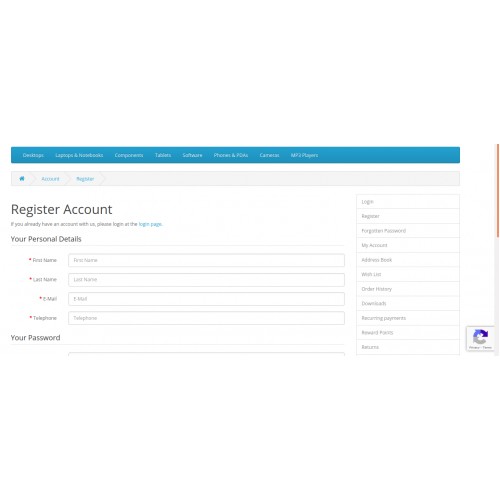
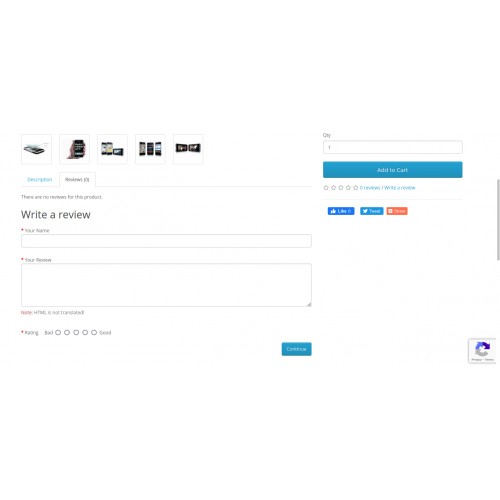
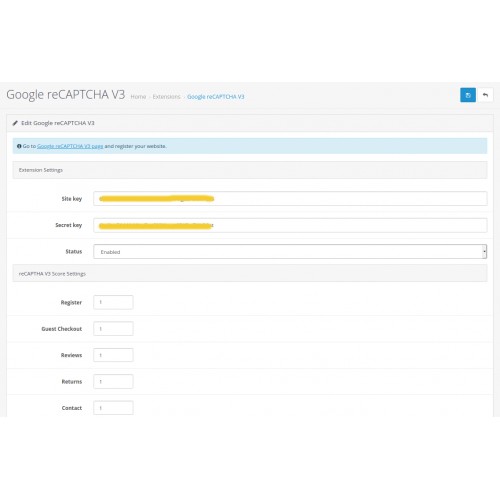

Google reCAPTCHA V3 for All, adds the Google reCAPTCHA V3(CAPTCHA) on your Register, Guest Checkout, Reviews, Returns, Contact pages to protect spam and other types of automated abuse.
Thi extension helps to protect your website from spam or abuse while welcoming your real users with ease.
reCAPTCHA v3 will never interrupt your users, so you can run it whenever you like without affecting conversion.
Demo Links: Front Demo

1.Protect your Register, Guest Checkout, Reviews, Returns, Contact pages from spam, and other types of automated abuse
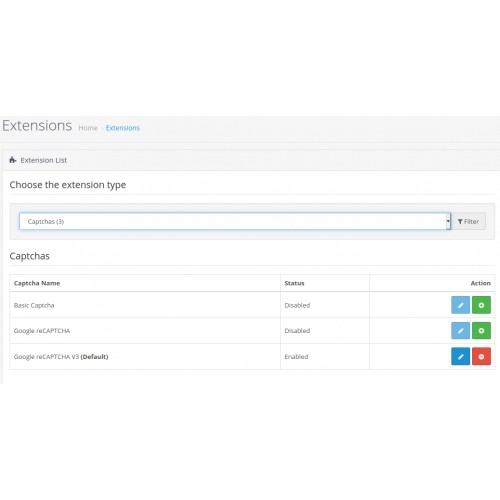
2.enable/disable option in Admin->Extensions->Capthas->Google reCAPTCHA V3
3.It will not overwrite any of your Opencart files [ocMod]
4.easy to use

1. Opencart 3.0.0.0 to the latest
2. Google reCAPTCHA public key and private key
(you can create here https://www.google.com/recaptcha/admin/create )

1. Log into Backend
2. Go to Extensions ->Installer
3. Install Google reCAPTCHA V3 for All
4. Go to Extensions-> Captchas->edit Google reCAPTCHA V3 for All
5. Enter public key, private key, change ReCaptcha V3 Score Settings, and change status to enable
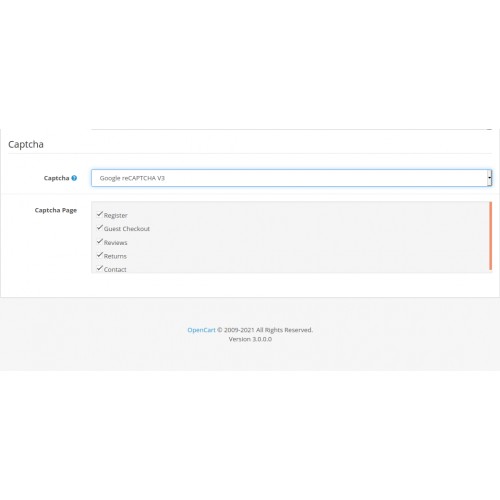
6.Go to Admin -> System -> Settings->Edit Store-> Option tab and checked the captcha pages on Captcha section
7. reCAPTCHA V3 will appear on Register, Guest Checkout, Reviews, Returns, Contact pages

Email : codeexs@gmail.com
Price
$20.00
- Developed by OpenCart Community
- 12 Months Free Support
- Documentation Included
Rating
Compatibility
2.3.0.0, 2.3.0.1, 2.3.0.2, 3.0.0.0, 3.0.1.0, 3.0.1.1, 3.0.1.2, 3.0.1.3, 3.0.2.0, 4.x.x.x, 3.0.3.0, 3.0.3.1, 3.0.3.2, 3.0.3.3, 3.0.3.5, 3.0.3.6, 3.0.3.7, 3.0.3.8
Last Update
7 Oct 2021
Created
18 Jun 2021
7 Sales
3 Comments

Login and write down your comment.
Login my OpenCart Account