Copy Customer Order Confirmation Email To Admin

Email Support: opencarttools@gmail.com
WhatsApp Live Chat: Click Here
Live Demo
See the module in action before purchase.
Admin
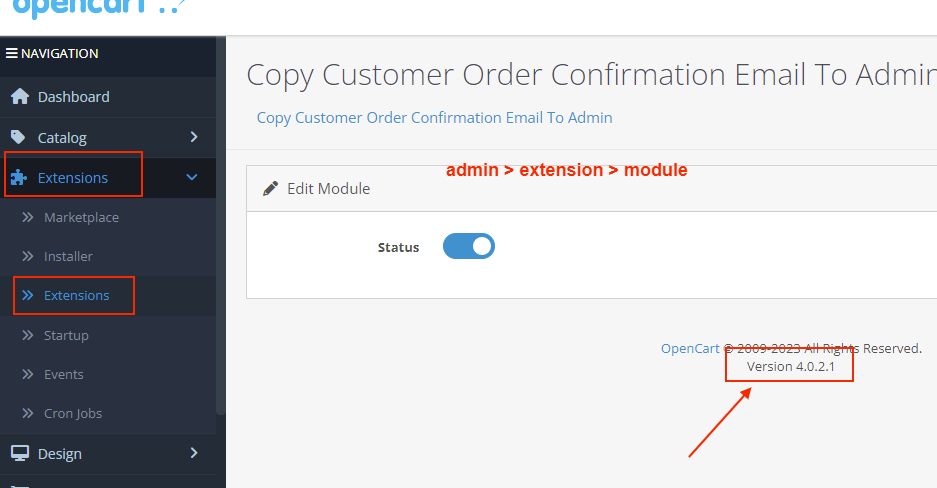
Admin > Extension > Module
Front
Add To Cart & Proceed Checkout
Title
Copy Customer Order Confirmation Email To Admin – OpenCart 2.x + 3.x + 4.x
Short Description
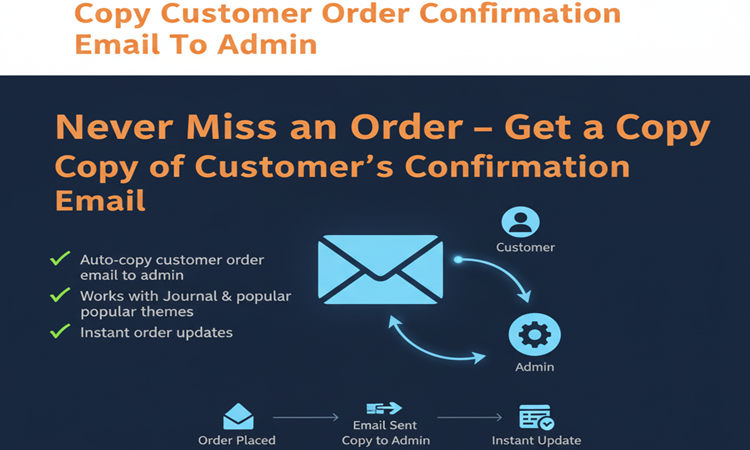
Automatically send a copy of the customer’s order confirmation email to the admin email.
Both admin and customer receive the same order confirmation instantly — ensuring you never miss important order details.
Free Dedicated Support Included
We provide dedicated technical support to ensure smooth installation and usage of this module.
✔ Fast response time
✔ Installation guidance
✔ Bug fixes assistance
Key Features
Automatic Email Copy to Admin
✔ Copies customer order confirmation email to admin
✔ Admin receives identical order details
✔ Sent instantly after successful checkout
✔ No manual forwarding required
Complete Order Information
✔ Order ID
✔ Customer details
✔ Billing & Shipping address
✔ Ordered products
✔ Quantity & price
✔ Shipping method
✔ Payment method
✔ Order totals
Admin sees exactly what customer receives.
Simple & Reliable Workflow
✔ Works automatically after checkout success
✔ No changes required in email template
✔ Uses default OpenCart email system
✔ Compatible with SMTP and mail settings
Multi-Store Compatibility
✔ Works with multi-store setup
✔ Sends email to store-specific admin
✔ Ideal for businesses managing multiple storefronts
Safe & Lightweight Integration
✔ 100% OCMOD Based
✔ No Core File Changes
✔ Lightweight & Performance Friendly
✔ Built using OpenCart Coding Standards
✔ Compatible with OpenCart 2.x, 3.x & 4.x
✔ Supports PHP 5.6 – 8.3
✔ Tested with Default Theme & Journal 3
✔ Compatible with Journal2, Journal3, Pavo, Foster and other themes
Installation Steps
✔ Upload the extension via Admin → Extensions → Installer
✔ Go to Admin → Extensions → Modules
✔ Install and enable the module
✔ Save settings
Works instantly after installation.
How It Works
✔ Customer places an order
✔ OpenCart sends confirmation email to customer
✔ Module automatically sends identical copy to admin
✔ Admin stays updated in real time
No additional configuration required.
Why Choose This Module?
✔ Stay updated on every order instantly
✔ Ensure admin never misses customer order details
✔ No manual checking or forwarding required
✔ Lightweight, fast, and fully theme compatible
✔ Perfect for small businesses and growing stores
Money-Back Guarantee
We stand behind the quality of our module.
If the extension does not work as described or is incompatible with your supported OpenCart version, we offer a 7-Day Money-Back Guarantee.
✔ Full refund if confirmed technical issue
✔ Dedicated support before refund decision
✔ Transparent and fair resolution process
Your satisfaction and store performance are our priority.
Requirements
✔ OpenCart 2.X + 3.X + 4.X
✔ Supports PHP 5.6 – 8.3
✔ No core file changes
✔ Built using OpenCart coding standards
Ideal For
✔ Small & medium eCommerce stores
✔ Store owners managing orders personally
✔ Multi-store businesses
✔ Admin teams needing instant order alerts
✔ Stores using SMTP email setup
Images & Screenshots View all screenshots
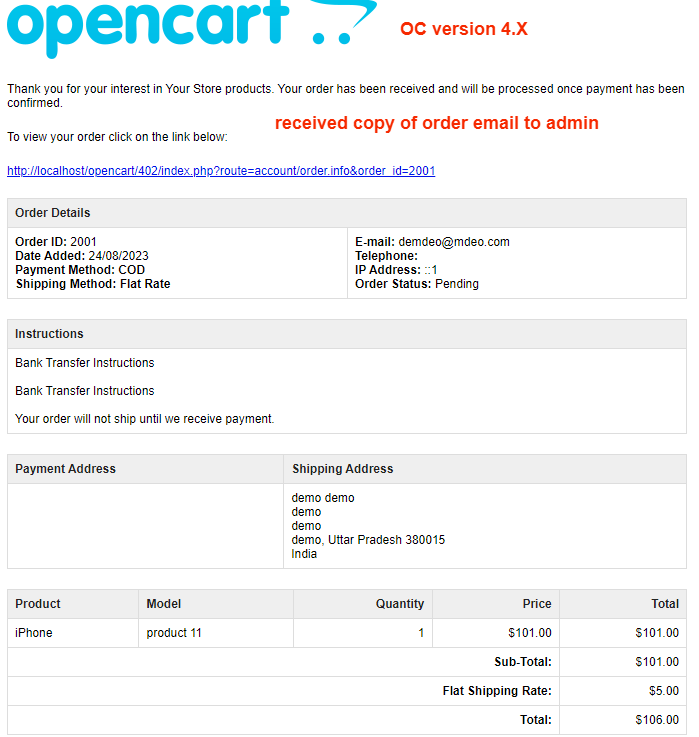
✔ Customer order confirmation email sample
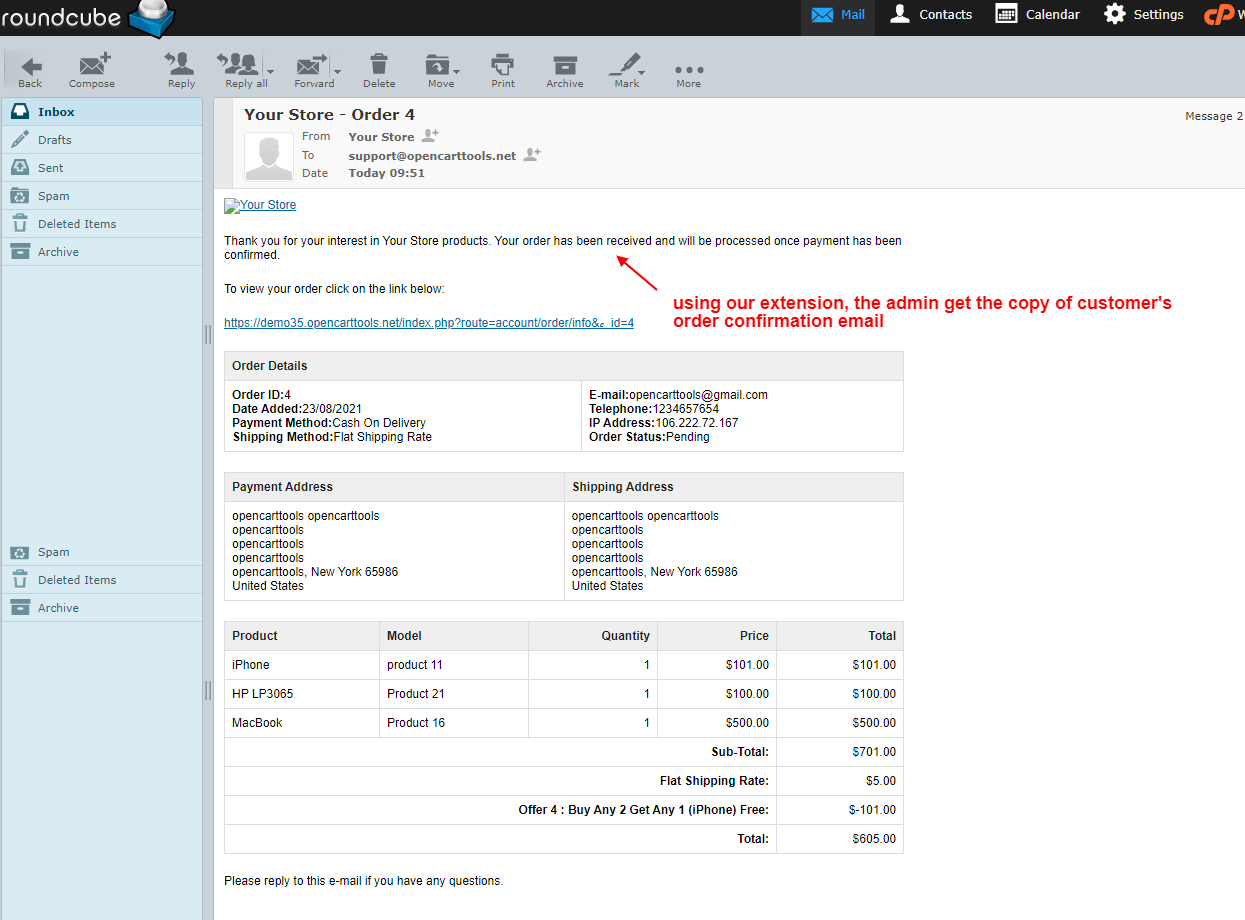
✔ Same order confirmation received in admin inbox
✔ Module settings page (if applicable) showing “enable/disable” option
What customers say about Copy Customer Order Confirmation Email To Admin

Does what is says. Support is the best I ever had.
~the_prover
~the_prover
Price
$20.00
- Developed by OpenCart Community
- 12 Months Free Support
- Documentation Included
Rating
Compatibility
2.0.0.0, 2.0.1.0, 2.0.1.1, 2.0.2.0, 2.0.3.1, 2.1.0.1, 2.1.0.2, 2.2.0.0, 2.3.0.0, 2.3.0.1, 2.3.0.2, 3.0.0.0, 3.0.1.0, 3.0.1.1, 3.0.1.2, 3.0.1.3, 3.0.2.0, 4.x.x.x, 3.0.3.0, 3.0.3.1, 3.0.3.2, 3.0.3.3, 3.0.3.5, 3.0.3.6, 3.0.3.7, 3.0.3.8, 4.0.0.0, 4.0.1.0, 4.0.1.1, 3.x.x.x, 4.0.2.0, 4.0.2.1, 4.0.2.2, 4.0.2.3, 3.0.3.9, 3.0.4.0, 4.1.0.0, 4.1.0.1, 4.1.0.2, 4.1.0.3, 3.0.4.1, 3.0.5.0
Last Update
4 May 2026
Created
23 Aug 2021
45 Sales
2 Comments

Login and write down your comment.
Login my OpenCart Account