Opencart POS Customer Checkout Extension
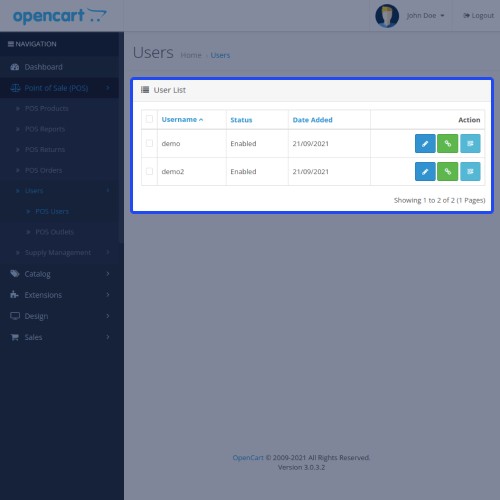
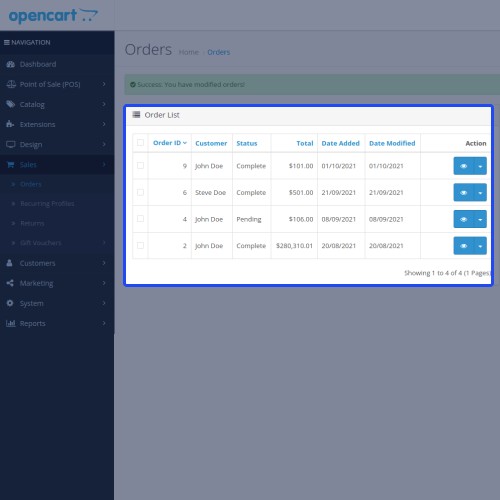
Opencart POS Customer Checkout Extension: This extension offers the customers to add the POS products to the cart and send a checkout request to the POS agent to place the order.
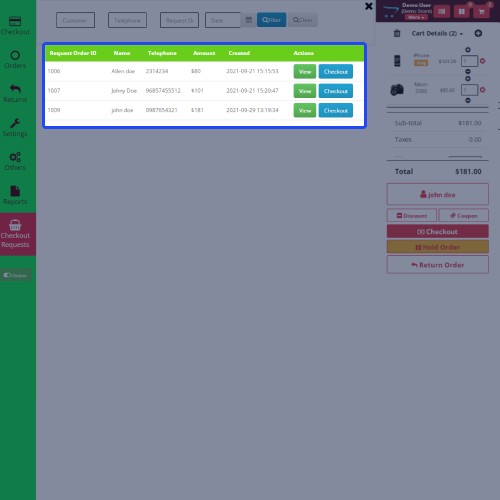
The customer just needs to add the product, fill in the information form, and send a cart checkout request to the POS sales agent. An order ID will generate when an order request has been placed by the customer. The POS agent can view the order request and proceed to checkout using the order request ID.
Note: This extension is an add-on to Webkul’s Opencart Point of Sale System (POS). To use this module you must have to install Opencart POS System first.




Use Case
Opencart POS Customer Screen module is very useful for the customers as well as POS agents by helping them in better order management on time. The customers add the products themselves and send a cart checkout request this saves the time of a customer to stand in a queue for a long time as the customer directly sends a checkout request.
This module provides the customer to add the products themself and this increases customer satisfaction and experience. Most important it saves the time of the customer at the billing counter queue.
Features:
Workflow:
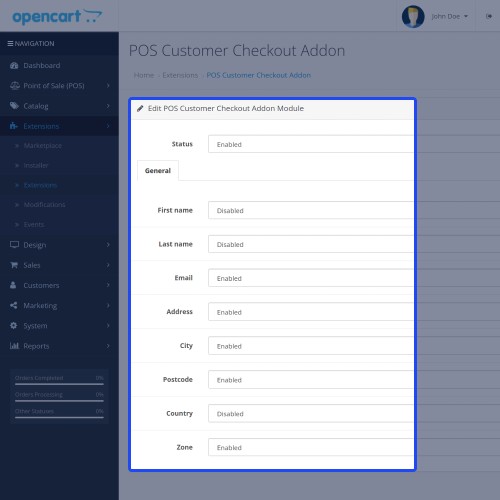
After the successful installation of the module, the admin can configure the module settings like; can enable or disable the module, general settings for the fields of the customer information form.

The admin will now generate the POS checkout request link from the POS menu button.

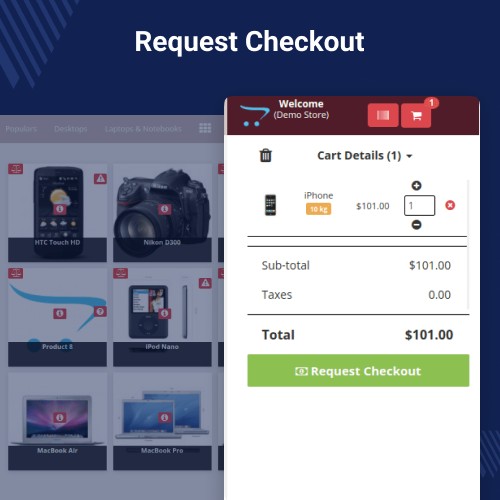
POS products will display to the customer at the POS screen with an option for checkout requests. From here a customer can add a product to the cart and make a checkout request.

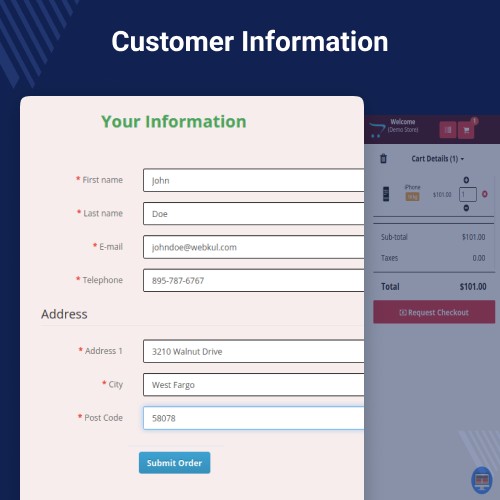
This will now navigate the customer to the information form and he has to enter the details required to make an order request.

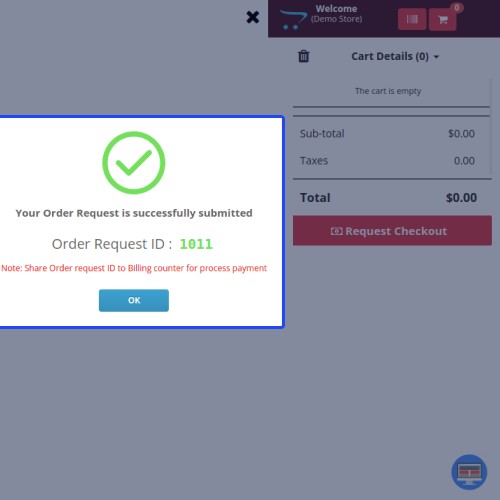
An order request ID will generate after requesting the checkout.

The POS agent can now view and proceed to checkout for the checkout request.

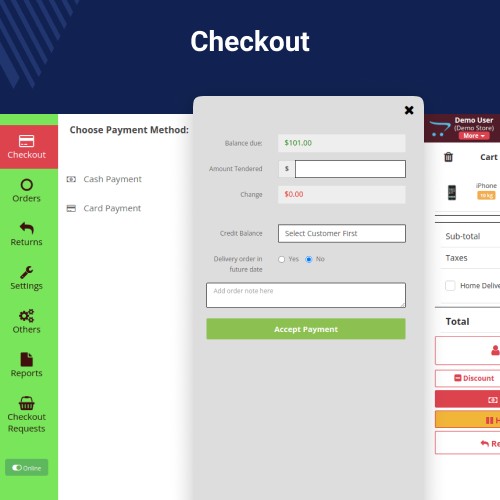
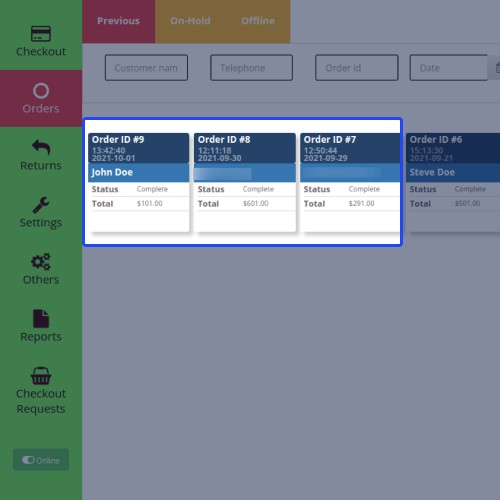
The POS agent will make a payment to place an order for the order request.


Some Moments Of Appreciation



Support Policy
The customer just needs to add the product, fill in the information form, and send a cart checkout request to the POS sales agent. An order ID will generate when an order request has been placed by the customer. The POS agent can view the order request and proceed to checkout using the order request ID.
Note: This extension is an add-on to Webkul’s Opencart Point of Sale System (POS). To use this module you must have to install Opencart POS System first.
Use Case
Opencart POS Customer Screen module is very useful for the customers as well as POS agents by helping them in better order management on time. The customers add the products themselves and send a cart checkout request this saves the time of a customer to stand in a queue for a long time as the customer directly sends a checkout request.
This module provides the customer to add the products themself and this increases customer satisfaction and experience. Most important it saves the time of the customer at the billing counter queue.
Features:
- The customers can add the POS products to the cart themselves.
- The customers can send the checkout cart request to the POS agent.
- The POS agent can view the checkout cart request.
- The POS agent can checkout for the cart request.
- The Admin can create the POS customer cart request link.
- The Admin can set the customer details option for the customer checkout request.
Workflow:
After the successful installation of the module, the admin can configure the module settings like; can enable or disable the module, general settings for the fields of the customer information form.
The admin will now generate the POS checkout request link from the POS menu button.
POS products will display to the customer at the POS screen with an option for checkout requests. From here a customer can add a product to the cart and make a checkout request.
This will now navigate the customer to the information form and he has to enter the details required to make an order request.
An order request ID will generate after requesting the checkout.
The POS agent can now view and proceed to checkout for the checkout request.
The POS agent will make a payment to place an order for the order request.
Some Moments Of Appreciation
Support Policy
Price
$119.00
- Developed by OpenCart Partner
- 3 Months Free Support
- Documentation Included
Rating
Compatibility
3.0.0.0, 3.0.1.0, 3.0.1.1, 3.0.1.2, 3.0.2.0, 3.0.3.0, 3.0.3.1, 3.0.3.2, 3.0.3.3, 3.0.3.5, 3.0.3.6, 3.0.3.7, 3.0.3.8
Last Update
15 May 2025
Created
6 Oct 2021
1 Sales
0 Comments

Login and write down your comment.
Login my OpenCart Account