Maya (Paymaya) payment Add on Payment Gateways Opencart 3


MAYA (Paymaya) payment Add on Payment Gateways Opencart 3
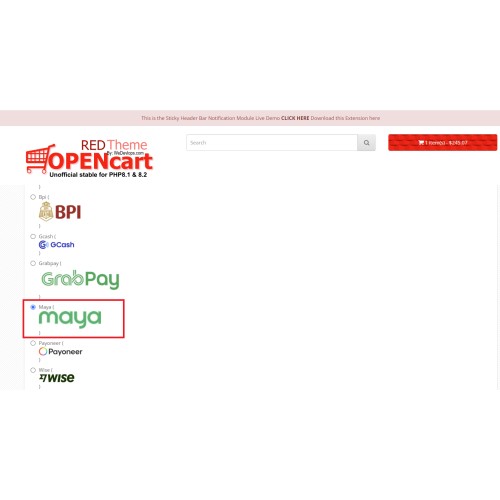
Paymaya now updated to MAYA enhance your OpenCart store with the MAYA QR Pay Payment Gateway, a seamless payment solution designed for MAYA bank users. This extension enables customers to process transactions effortlessly using MAYA QR Pay, offering a secure and convenient checkout experience.
Key Features & Functionality
1. MAYA QR Pay Payment Processing:
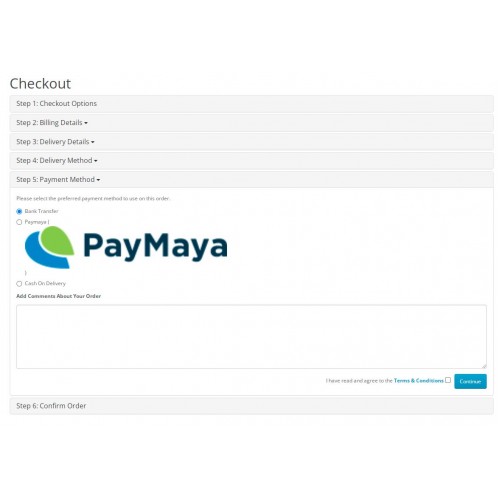
✅Customers can select MAYA QR Pay at checkout and follow simple instructions for payment.
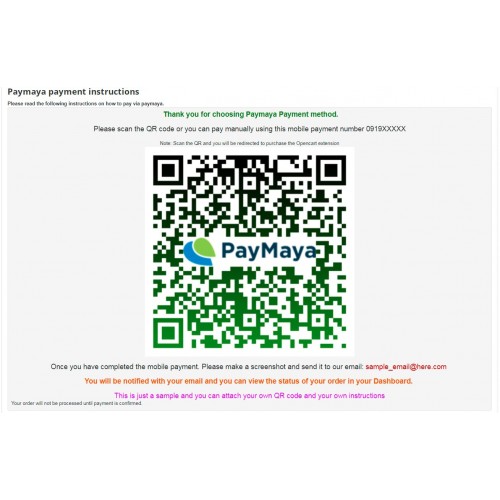
✅Generates a unique MAYA QR code that customers can scan to complete the transaction.
✅Supports manual payment processing QR codes for efficient transactions. Similar to bank transfer method.
2. Seamless Installation & Setup:
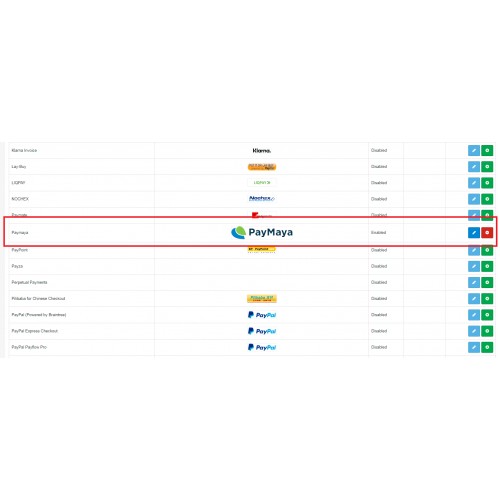
✅Quick installation by simply uploading the OCMOD file via the OpenCart admin panel.
✅No complex configurations needed—activate and start using immediately.
✅Easy-to-follow setup instructions included in the package.
3. Customizable Payment Interface: (QRPH is also applicable on this extension)
✅Displays the official MAYA QR Pay logo during checkout for customer trust and recognition.
✅Store owners can insert a custom MAYA QR code to provide direct payment details.
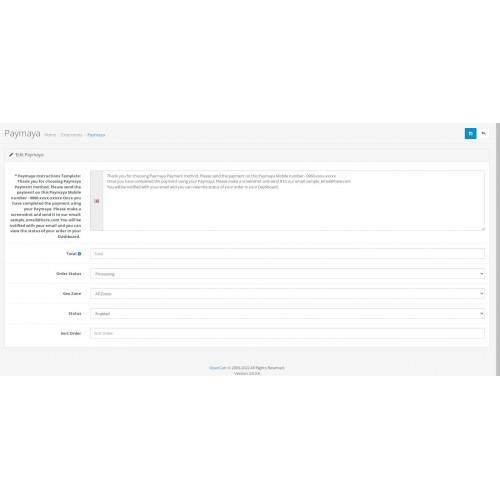
✅Allows HTML customization, enabling merchants to add personalized instructions for a better user experience.
4. Flexible Branding & Content Customization:
✅Supports the insertion of images and logos, including MAYA QR Pay, GCash QR codes, or other payment-related visuals.
✅Merchants can define their own payment instructions, ensuring clarity and ease of use for customers.
✅Enables copy-paste functionality for HTML code, making it simple to apply design elements or additional guidance.
5. User-Friendly Payment Experience:
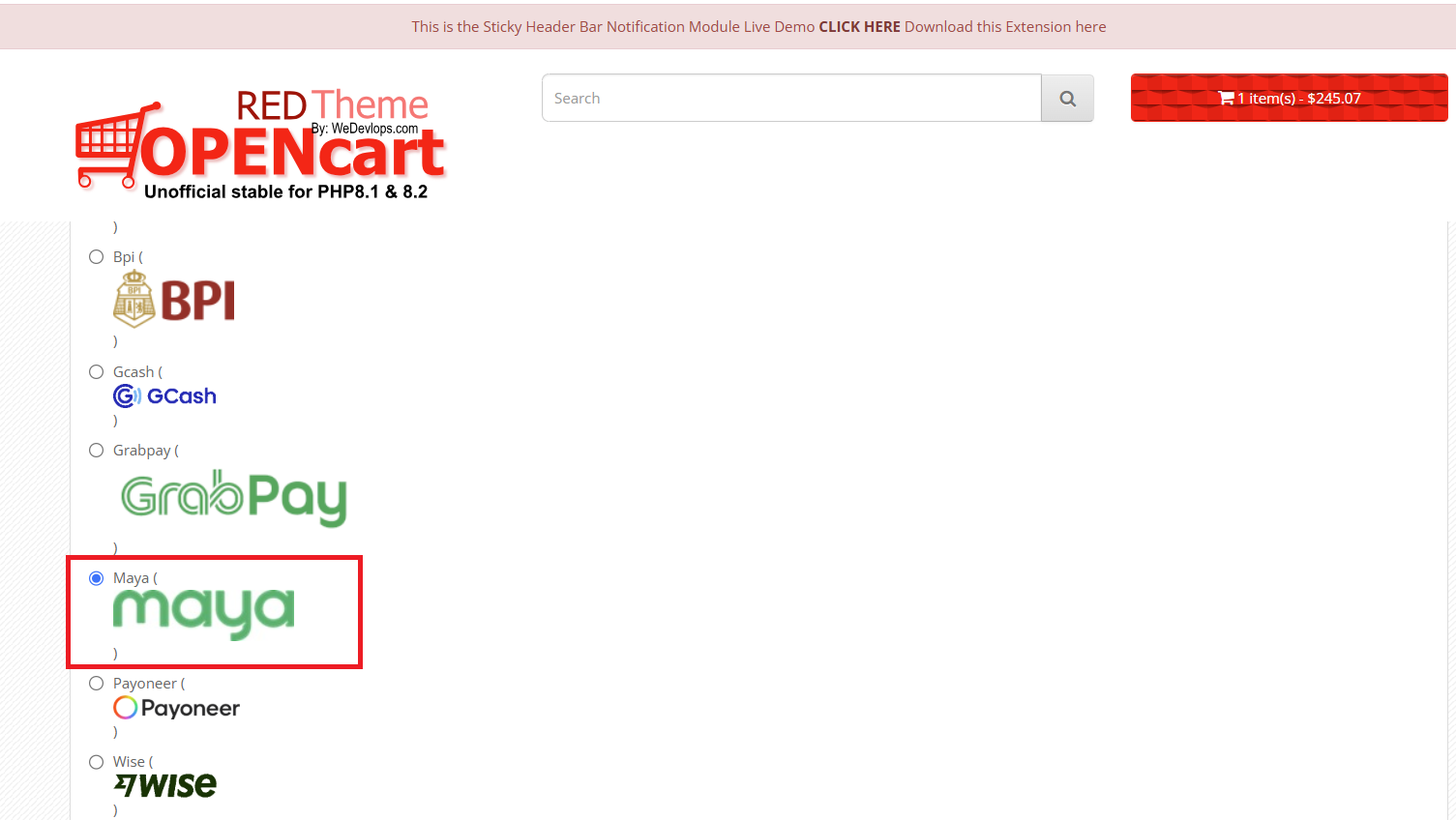
✅Payment method clearly displayed in checkout options for hassle-free selection.
✅Customers can view transaction history, payment status, and order updates in their dashboard after completing payment.
✅Enhances trust and transparency by reflecting the payment details within the customer’s order history for reference.
6. Comprehensive Documentation & Support:
✅Comes with a detailed video tutorial and step-by-step user guide for installation and configuration.
✅Store owners can quickly troubleshoot or modify payment settings with included documentation.
7. Simple Uninstall & Maintenance:
✅Easily removable via OpenCart admin—one-click uninstall for store maintenance flexibility.
✅No risk of system conflicts—designed to integrate smoothly with OpenCart’s payment framework.
How It Works for Customers
✅Select MAYA QR Pay as the payment method at checkout.
✅Scan the MAYA QR code displayed on the page using their mobile banking app.
✅Follow on-screen instructions to confirm payment.
✅Transaction status updates in real-time on the customer dashboard.
✅Store admins receive the payment confirmation and process the order accordingly.
Why Use This Module?
✅ Secure & Trusted – Officially supports MAYA QR Pay for safe transactions.
✅ User-Friendly – Simple checkout flow with instant QR payment option.
✅ Flexible Customization – Modify QR codes, instructions, logos, and branding.
✅ Hassle-Free Installation – OCMOD-based setup with complete documentation.
✅ Mobile-Friendly & Responsive – Works across devices for seamless payment processing.
This MAYA QR Pay payment gateway is the perfect addition for OpenCart stores looking to provide customers with a modern, efficient, and locally trusted payment solution.
CLICK HERE TO EXPERIENCE THE LIVE DEMO - add a product and check out until you reached to payment and you will find MAYA payment.
Version relased:
1.0.0 - Paymaya stable released
1.0.1 - updated to Maya
Key Features & Functionality
1. MAYA QR Pay Payment Processing:
✅Customers can select MAYA QR Pay at checkout and follow simple instructions for payment.
✅Generates a unique MAYA QR code that customers can scan to complete the transaction.
✅Supports manual payment processing QR codes for efficient transactions. Similar to bank transfer method.
2. Seamless Installation & Setup:
✅Quick installation by simply uploading the OCMOD file via the OpenCart admin panel.
✅No complex configurations needed—activate and start using immediately.
✅Easy-to-follow setup instructions included in the package.
3. Customizable Payment Interface: (QRPH is also applicable on this extension)
✅Displays the official MAYA QR Pay logo during checkout for customer trust and recognition.
✅Store owners can insert a custom MAYA QR code to provide direct payment details.
✅Allows HTML customization, enabling merchants to add personalized instructions for a better user experience.
4. Flexible Branding & Content Customization:
✅Supports the insertion of images and logos, including MAYA QR Pay, GCash QR codes, or other payment-related visuals.
✅Merchants can define their own payment instructions, ensuring clarity and ease of use for customers.
✅Enables copy-paste functionality for HTML code, making it simple to apply design elements or additional guidance.
5. User-Friendly Payment Experience:
✅Payment method clearly displayed in checkout options for hassle-free selection.
✅Customers can view transaction history, payment status, and order updates in their dashboard after completing payment.
✅Enhances trust and transparency by reflecting the payment details within the customer’s order history for reference.
6. Comprehensive Documentation & Support:
✅Comes with a detailed video tutorial and step-by-step user guide for installation and configuration.
✅Store owners can quickly troubleshoot or modify payment settings with included documentation.
7. Simple Uninstall & Maintenance:
✅Easily removable via OpenCart admin—one-click uninstall for store maintenance flexibility.
✅No risk of system conflicts—designed to integrate smoothly with OpenCart’s payment framework.
How It Works for Customers
✅Select MAYA QR Pay as the payment method at checkout.
✅Scan the MAYA QR code displayed on the page using their mobile banking app.
✅Follow on-screen instructions to confirm payment.
✅Transaction status updates in real-time on the customer dashboard.
✅Store admins receive the payment confirmation and process the order accordingly.
Why Use This Module?
✅ Secure & Trusted – Officially supports MAYA QR Pay for safe transactions.
✅ User-Friendly – Simple checkout flow with instant QR payment option.
✅ Flexible Customization – Modify QR codes, instructions, logos, and branding.
✅ Hassle-Free Installation – OCMOD-based setup with complete documentation.
✅ Mobile-Friendly & Responsive – Works across devices for seamless payment processing.
This MAYA QR Pay payment gateway is the perfect addition for OpenCart stores looking to provide customers with a modern, efficient, and locally trusted payment solution.
CLICK HERE TO EXPERIENCE THE LIVE DEMO - add a product and check out until you reached to payment and you will find MAYA payment.
Version relased:
1.0.0 - Paymaya stable released
1.0.1 - updated to Maya
Price
$49.99
- Developed by OpenCart Partner
- 1 Months Free Support
- Documentation Included
Rating
Compatibility
3.0.0.0, 3.0.1.0, 3.0.1.1, 3.0.1.2, 3.0.1.3, 3.0.2.0, 4.x.x.x, 3.0.3.0, 3.0.3.1, 3.0.3.2, 3.0.3.3, 3.0.3.5, 3.0.3.6, 3.0.3.7, 3.0.3.8, 3.0.3.9, 3.0.4.0, 3.0.4.1, 3.0.5.0
Last Update
25 Jan 2026
Created
7 Feb 2022
0 Sales
1 Comments

Login and write down your comment.
Login my OpenCart Account