PDF Invoice Extension for OpenCart
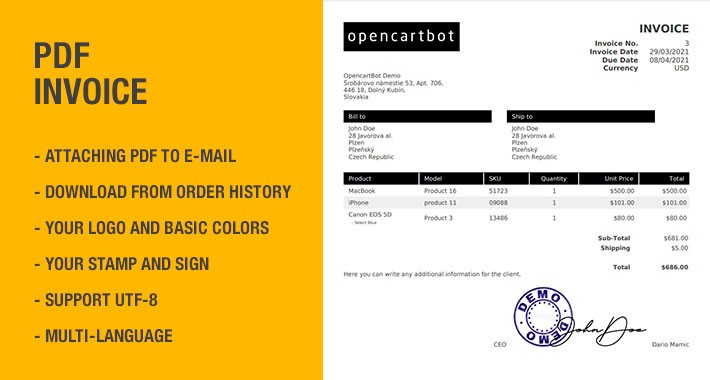
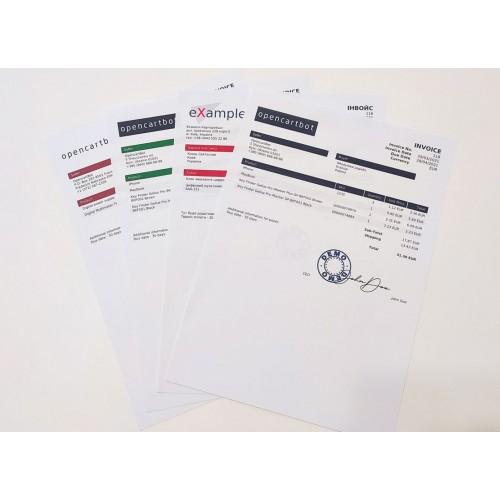
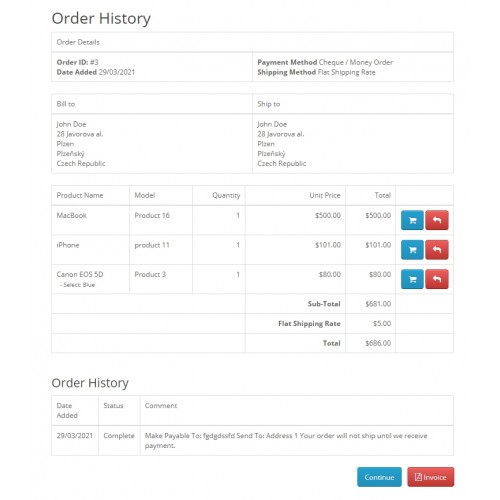
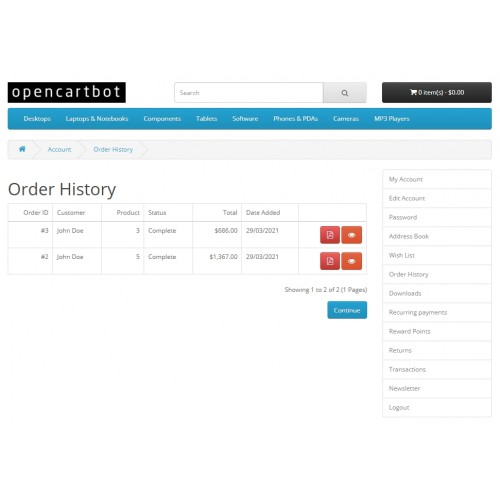
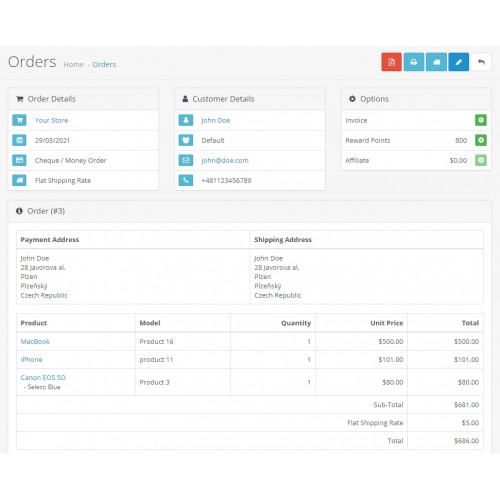
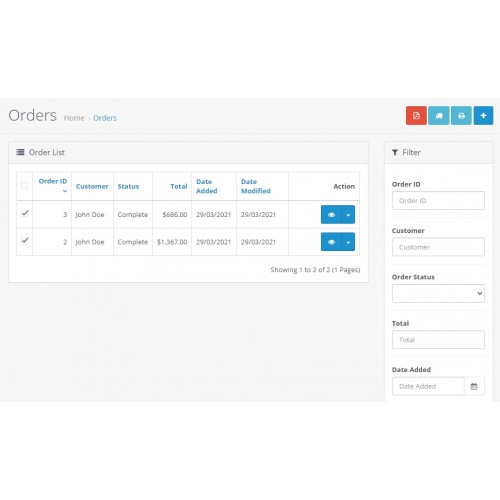
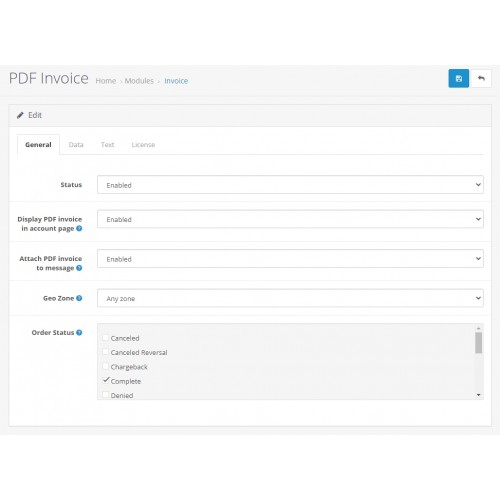
Extension for generating invoices in PDF format. Allows you to attach an invoice in the customer's email notification of a new order. It is also possible to display the invoice in admin section "Orders" and in the customer personal account, in the "Order History".
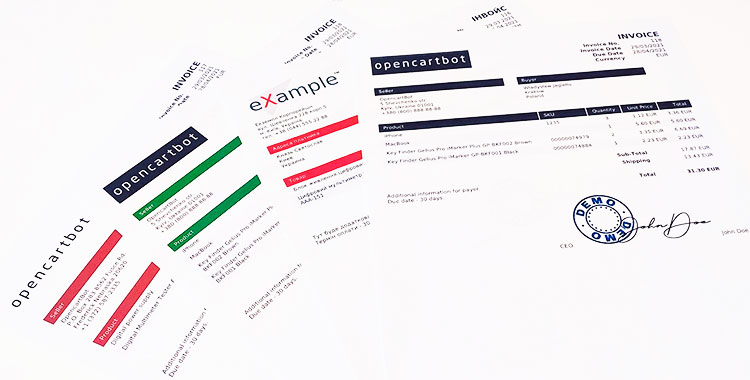
An invoice is a settlement and payment document provided by the seller to the buyer, it contains a list of purchased or ordered products, their quantity, prices, amounts and other characteristics of the products. This document is drawn up in any form, but with the basic obligatory data.
The module differs from default invoice in that it is fully multilingual, generates a PDF document to be sent by mail and has a large setting options.
Features of the PDF Invoice module for OpenCart 3:
The PDF Invoice module is compatible with all versions and assemblies of OpenCart 3.
Module installation instructions:
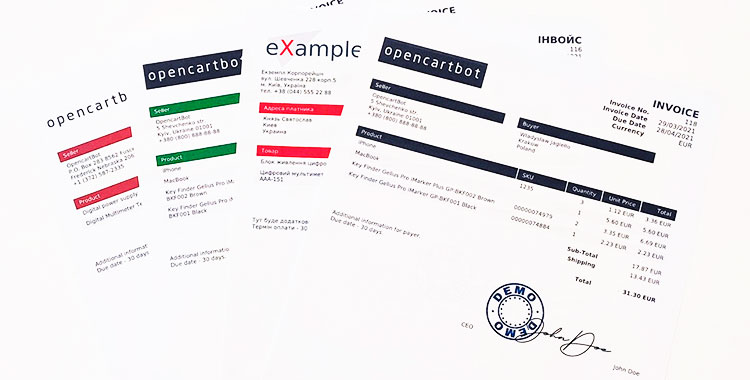
An invoice is a settlement and payment document provided by the seller to the buyer, it contains a list of purchased or ordered products, their quantity, prices, amounts and other characteristics of the products. This document is drawn up in any form, but with the basic obligatory data.
The module differs from default invoice in that it is fully multilingual, generates a PDF document to be sent by mail and has a large setting options.
Features of the PDF Invoice module for OpenCart 3:
- - work with UTF-8 chars (Cyrillic, Greek etc.);
- full multilingual both in the admin panel and outside;
- the names of the products in the invoice change depending on the selected language;
- the amount headers vary depending on the selected language;
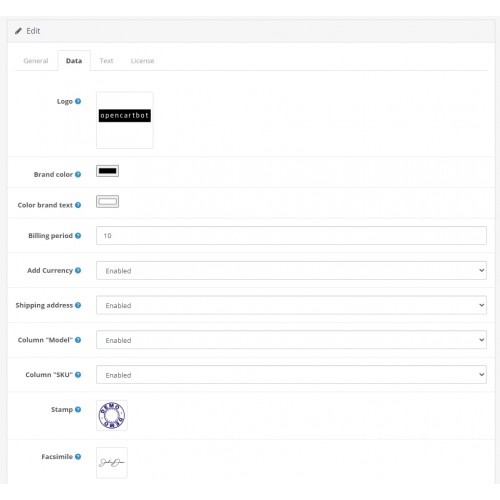
- possibility to display in the table of products fields Model and SKU;
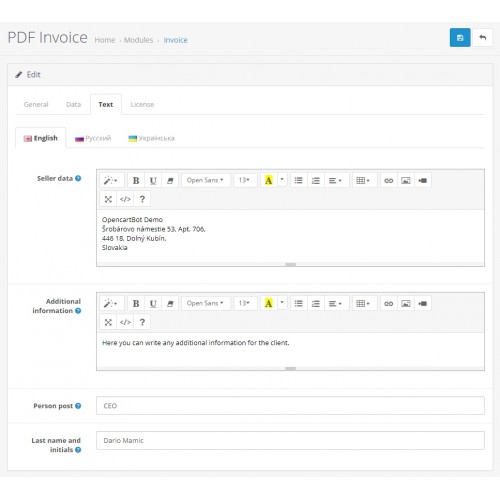
- name of the organization, address and details in any form in the html-editor;
- stylization of the invoice for your brand: your logo and basic colors;
- the opportunity to add a seal to the signature, and the name and initials of the responsible person;
- the ability to display the transaction currency code in the invoice;
- possibility to set the term of account payment;
- possibility to disable the "Shipping Address" block;
- sending a PDF-document in an invoice to the customer's mail when placing an order;
- linking the automatic sending of an invoice to the status of the order;
- linking the automatic sending of the invoice to the geozone of the customer;
- ability to download a PDF invoice in the customer's personal account;
- security: the customer can only see their invoices.
The PDF Invoice module is compatible with all versions and assemblies of OpenCart 3.
Module installation instructions:
- 1. Upload module in the admin panel in the "Extensions" : "Installer" section.
2. Download the PDF library and unzip it to the site folder /system/library/ (place "mpdf" folder from the archive there)
3. Go to the "Modifications" section and update the cache.
4. Go to the "Dashboard" section and update the template cache.
5. Go to the "Extensions" : "Extensions" : "Modules" and enable the "PDF Invoice" module.
6. Edit module. Enable the status of the module and adjust all its options to your needs and save the settings.
7. Check the operation of the module in the section "Sales": "Orders", as well as on front-end.
Price
$29.99
- Developed by OpenCart Partner
- Documentation Included
Rating
Compatibility
3.0.0.0, 3.0.1.0, 3.0.1.1, 3.0.1.2, 3.0.1.3, 3.0.2.0, 3.0.3.0, 3.0.3.1, 3.0.3.2, 3.0.3.3, 3.0.3.5, 3.0.3.6, 3.0.3.7, 3.0.3.8, 3.0.3.9, 3.0.4.0, 3.0.4.1, 3.0.5.0
Last Update
22 Mar 2026
Created
28 Mar 2022
3 Sales
1 Comments

Login and write down your comment.
Login my OpenCart Account