Keywords - SEO Pages
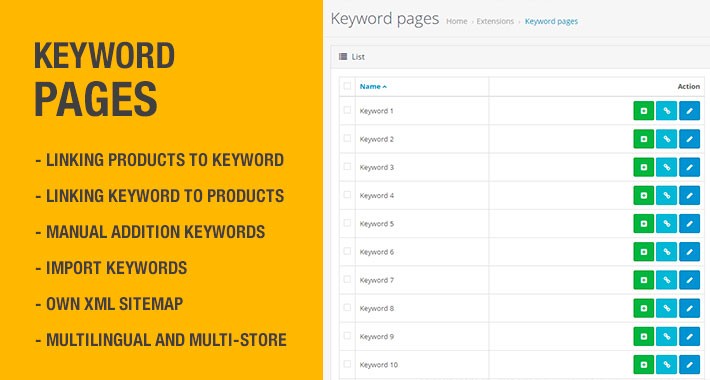
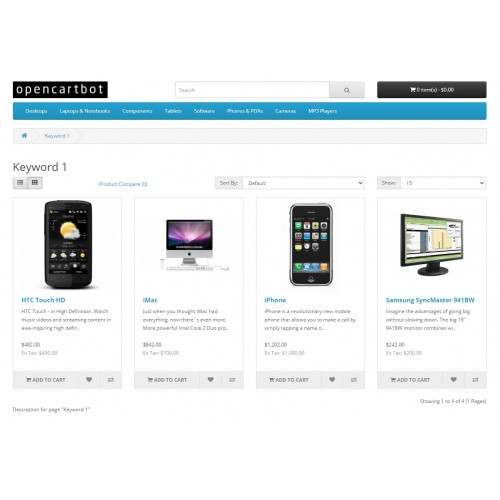
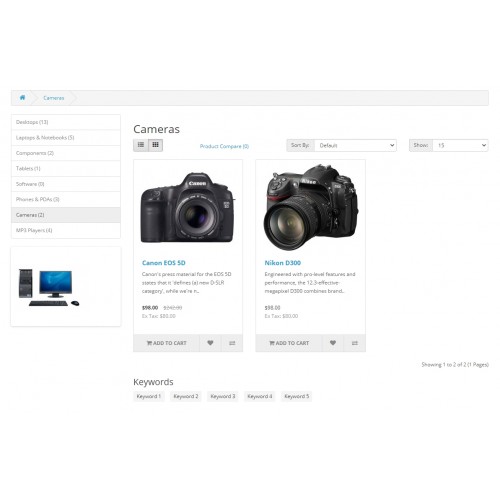
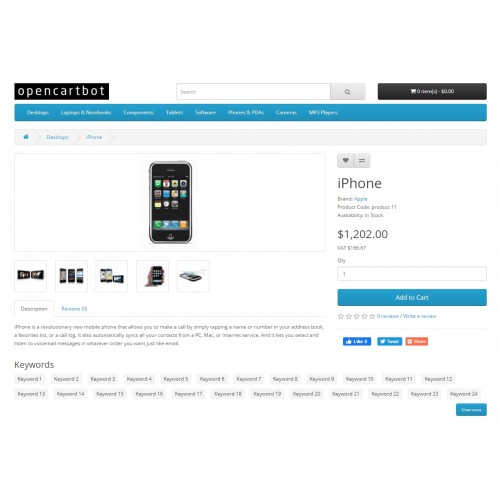
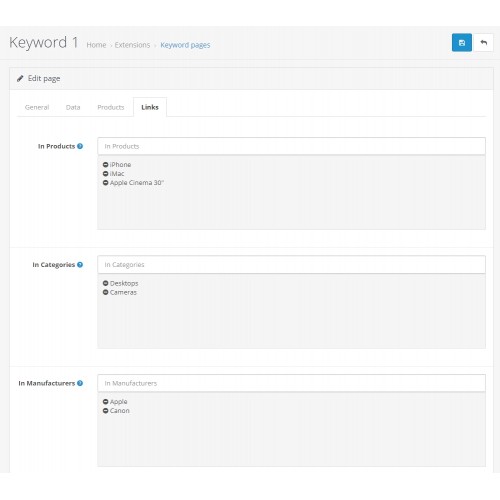
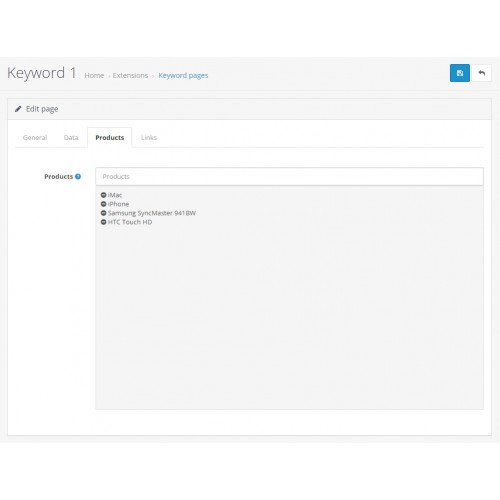
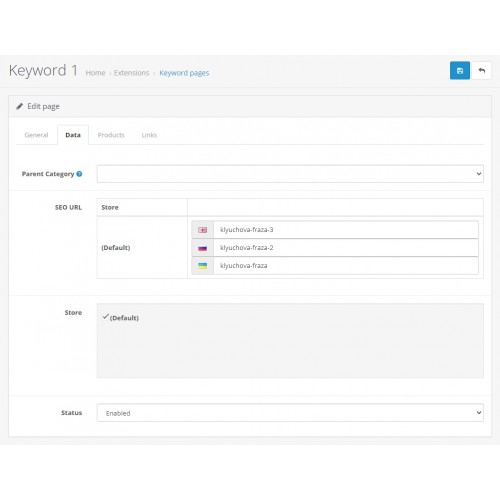
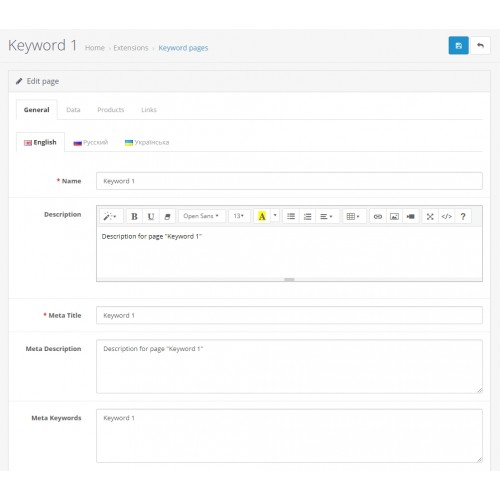
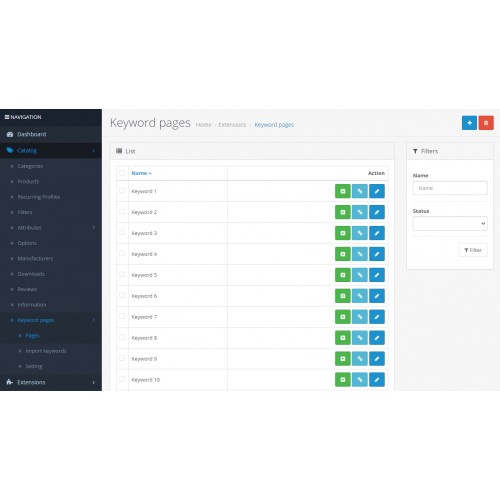
When promoting a website in search engines, it is very important to create high-quality keyword pages for search queries. The OpenCart Keyword Pages module will help you with this. With its help, you can quickly create separate SEO-optimized pages with products for specific key phrases (keys). The module will be useful for both SEO-specialists and ordinary owners of online stores for self-promotion of the site using search phrases. It will now be much easier to promote your site by LF, MF, HF keywords.
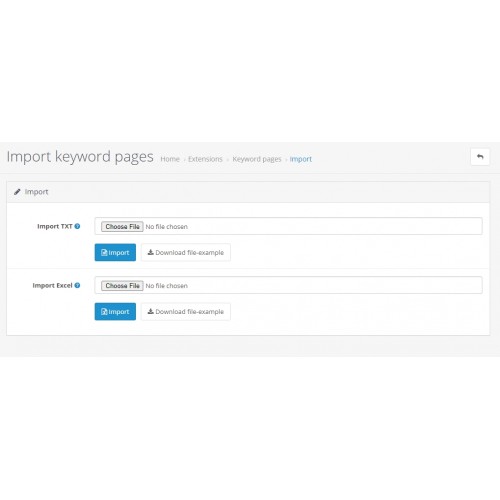
The module, as OpenCart Keyword tool, allows you to create keyword pages both manually and automatically by importing a file with keys or even a file with keys and seo-texts to them. That is, if you have already assembled a semantic core, then you can import it into the module and get ready-made keyword pages at the output, after which all you have to do is link products to them. By the way, there will be no problems with this either, since you can add products to landing pages both in bulk and singly. You can also link the product to several keyword pages in the product editing form, in the same way as to categories.
Features of the module Keyword Pages for OpenCart 3:
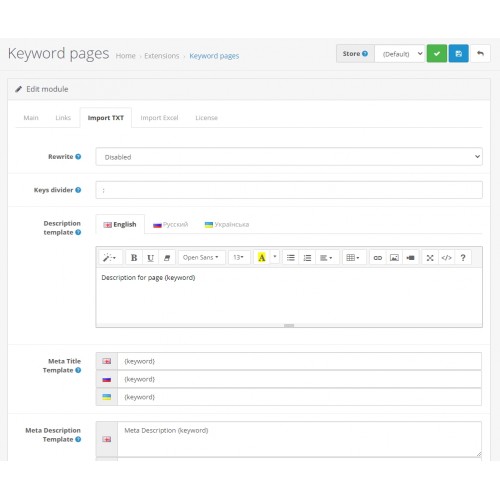
- import of a txt or csv file with key phrases to create keyword pages, filling in seo texts according to specified templates;
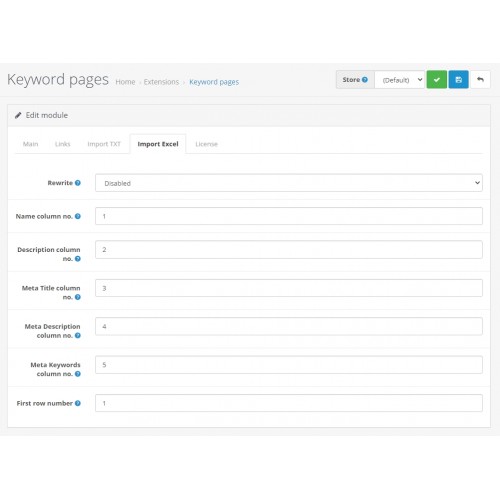
- import of an Excel file with key phrases, you can also import descriptions and meta tags for pages;
- manual addition and adjustment of keyword pages;
- linking products to keyword pages;
- linking keyword pages to products;
- mass adding products to keyword pages using specified filters;
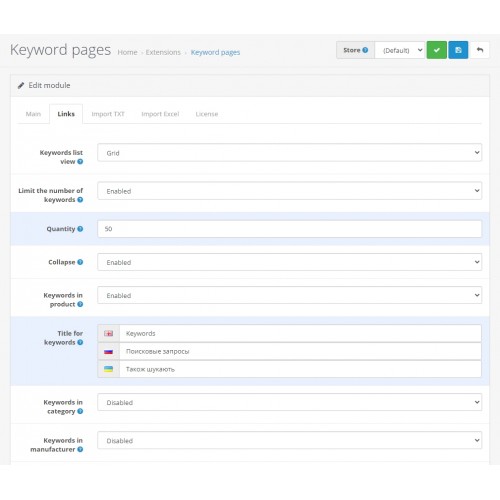
- customizable internal linking of keyword pages in products, categories, manufacturers;
- limiting the number of keys in the link;
- the ability to collapse / expand keys in a link;
- keys in interlinking in the form of a grid or in the form of a list, to choose from;
- headings for linking, separate for a product, category, manufacturer; you can leave it blank;
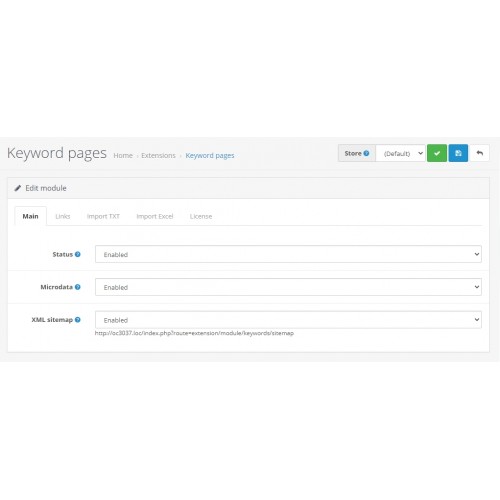
- microdata-markup on keyword pages;
- formation of XML sitemap with keyword pages;
- own css-styles for linking;
- multilingual and multi-store support;
- support SEF: seo_url and seo_pro;
- OpenCart 3.0 compatible.
Module installation instructions:
1. Upload the module in the admin panel in the "Extensions" : "Install".
2. Go to the "Extensions" : "Extensions" : "Modules" and enable the module.
3. Go to the "Modifications" section and update the cache.
4. Go to the "Dashboard" section and update the template cache.
5. A new subsection "Keyword Pages" should appear in the "Catalog" section of the admin panel, where you can manage these pages.
6. Go to the section "Catalog": "Keyword Pages": "Settings", enable the module status, register your license key and configure everything to suit your needs. Save your settings.
7. To import key phrases, you first need to set import settings in the module settings. Sample files for import can be downloaded from the links in the "Catalog" import form: "Keyword Pages": "Import keywords".
The module, as OpenCart Keyword tool, allows you to create keyword pages both manually and automatically by importing a file with keys or even a file with keys and seo-texts to them. That is, if you have already assembled a semantic core, then you can import it into the module and get ready-made keyword pages at the output, after which all you have to do is link products to them. By the way, there will be no problems with this either, since you can add products to landing pages both in bulk and singly. You can also link the product to several keyword pages in the product editing form, in the same way as to categories.
Features of the module Keyword Pages for OpenCart 3:
- import of a txt or csv file with key phrases to create keyword pages, filling in seo texts according to specified templates;
- import of an Excel file with key phrases, you can also import descriptions and meta tags for pages;
- manual addition and adjustment of keyword pages;
- linking products to keyword pages;
- linking keyword pages to products;
- mass adding products to keyword pages using specified filters;
- customizable internal linking of keyword pages in products, categories, manufacturers;
- limiting the number of keys in the link;
- the ability to collapse / expand keys in a link;
- keys in interlinking in the form of a grid or in the form of a list, to choose from;
- headings for linking, separate for a product, category, manufacturer; you can leave it blank;
- microdata-markup on keyword pages;
- formation of XML sitemap with keyword pages;
- own css-styles for linking;
- multilingual and multi-store support;
- support SEF: seo_url and seo_pro;
- OpenCart 3.0 compatible.
Module installation instructions:
1. Upload the module in the admin panel in the "Extensions" : "Install".
2. Go to the "Extensions" : "Extensions" : "Modules" and enable the module.
3. Go to the "Modifications" section and update the cache.
4. Go to the "Dashboard" section and update the template cache.
5. A new subsection "Keyword Pages" should appear in the "Catalog" section of the admin panel, where you can manage these pages.
6. Go to the section "Catalog": "Keyword Pages": "Settings", enable the module status, register your license key and configure everything to suit your needs. Save your settings.
7. To import key phrases, you first need to set import settings in the module settings. Sample files for import can be downloaded from the links in the "Catalog" import form: "Keyword Pages": "Import keywords".
Price
$29.00
- Developed by OpenCart Partner
- 12 Months Free Support
- Documentation Included
Rating
Compatibility
2.3.0.0, 2.3.0.1, 2.3.0.2, 3.0.0.0, 3.0.1.0, 3.0.1.1, 3.0.1.2, 3.0.1.3, 3.0.2.0, 3.0.3.0, 3.0.3.1, 3.0.3.2, 3.0.3.3, 3.0.3.5, 3.0.3.6, 3.0.3.7, 3.0.3.8, 3.0.3.9, 3.0.4.0, 3.0.4.1, 3.0.5.0
Last Update
23 Feb 2026
Created
6 May 2022
1 Sales
0 Comments

Login and write down your comment.
Login my OpenCart Account