Best Opencart Custom Checkout Fields Extension
Feature Points
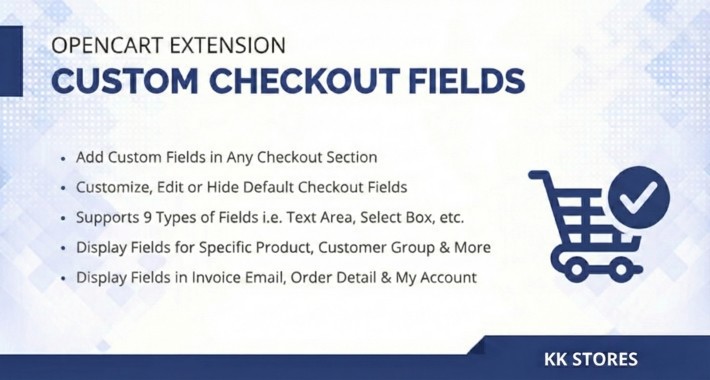
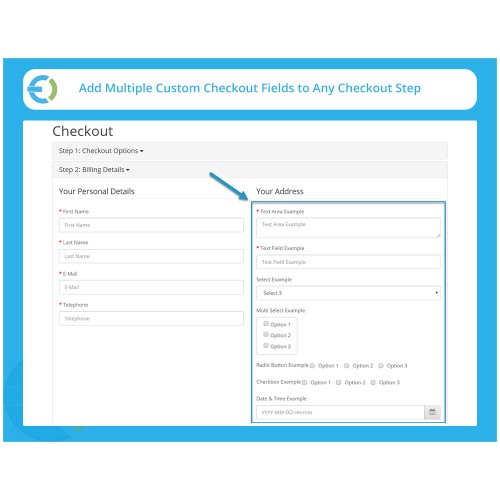
Add Custom Fields in any Checkout Section.
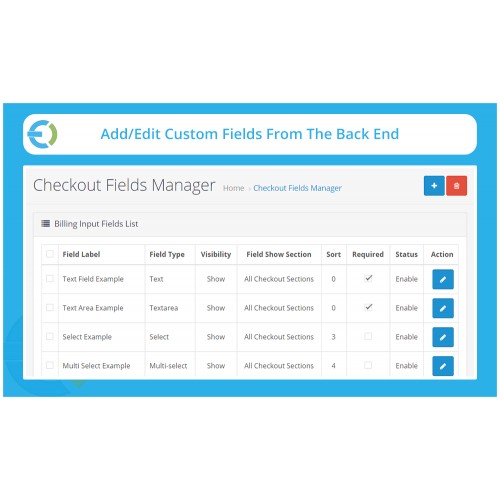
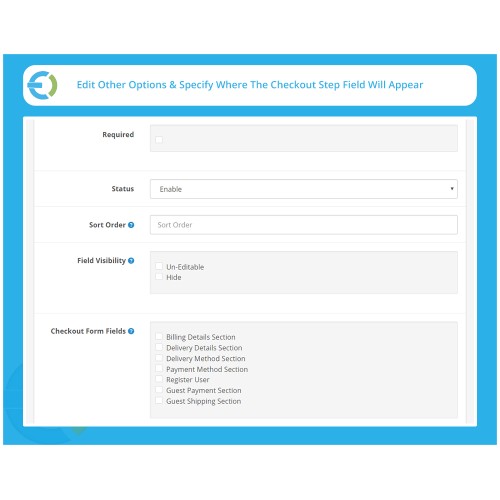
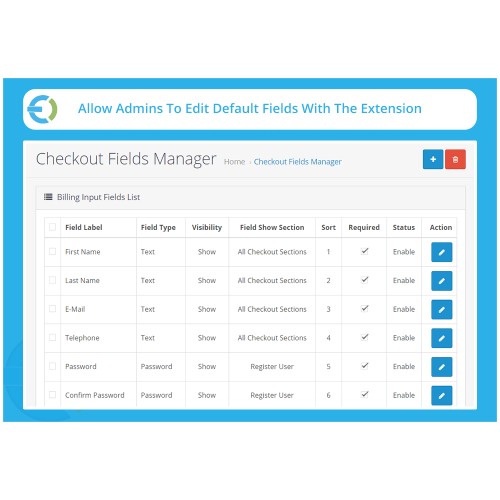
Customize, Edit or Hide Default Checkout Fields.
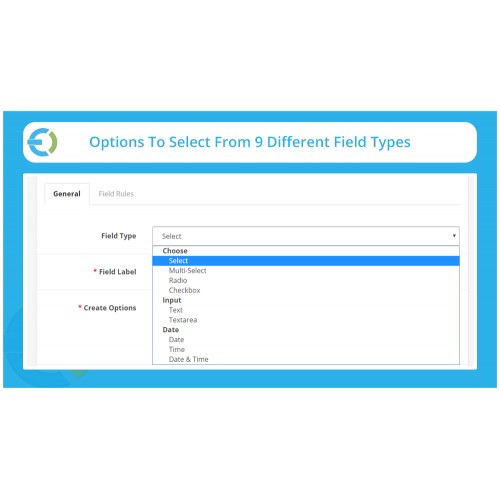
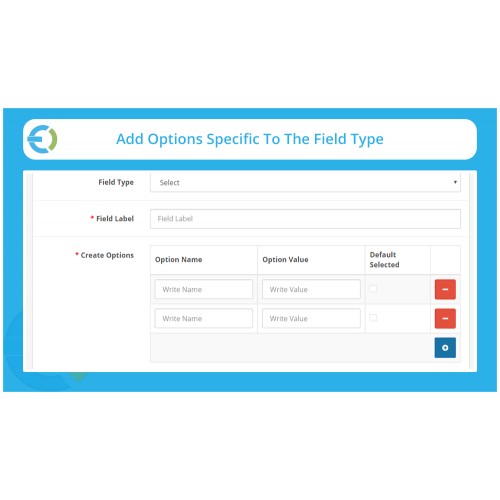
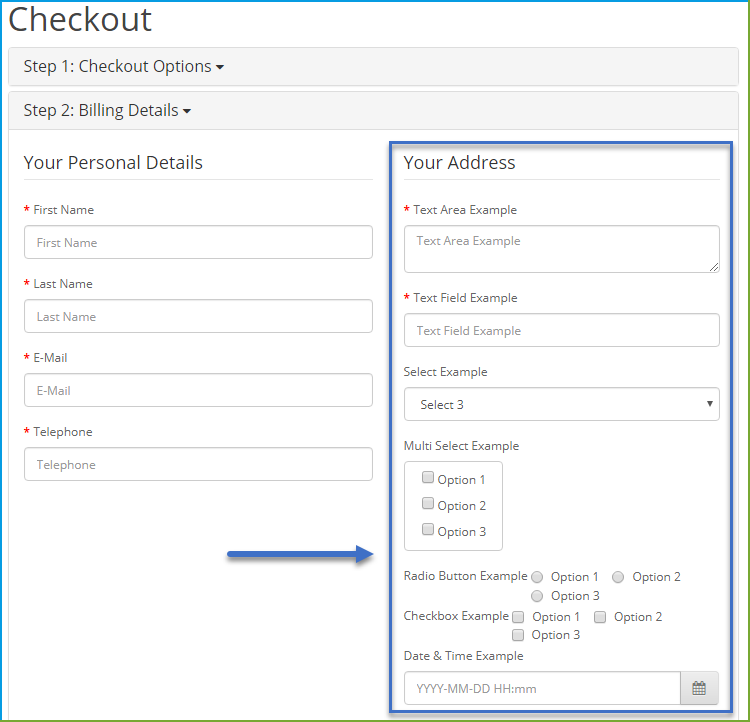
Support 9 Types of Fields, i.e. Text, Textarea, Radio, Checkbox, Select Box etc..
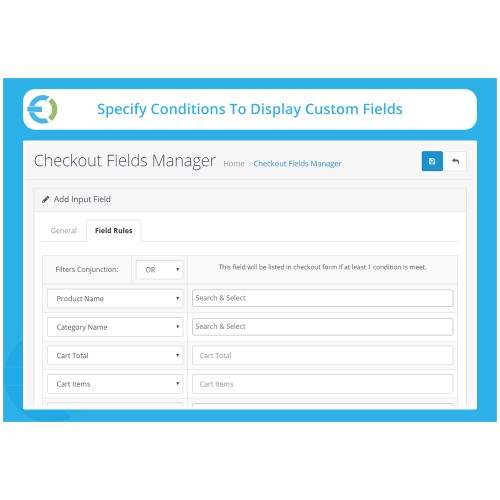
Display Fields for Specific Product, Category, Customer Group and more.
Display Fields in Invoice, Emails, Order Details and My Account page.
User: demo
Password: demo
Admin
Login
Frontend View
Checkout Page
Main Features
Add custom checkout fields to acquire more information from customers and provide them according to their requirements. With the OpenCart custom checkout fields plugin, you can create custom options for any specific checkout section such as billing, shipping, payment, or personal details section. Use a variety of field types such as multi-select, radio buttons, checkbox, date picker, etc. to facilitate customers in providing you the details. You can personalize each field, delete, or hide them as per your needs. You can control displaying the custom fields for specific products, categories, and customer groups.
Create Additional Fields on Any of the Checkout Sections
The OpenCart Checkout Fields extension facilitates you in creating additional options on any of the checkout sections. For example, you can add custom fields to the shipping or billing details page, or payments sections.
Show Custom Fields in Invoice, Order, My Account
The additional checkout fields along with the customer replies appear in the invoice email, order details page, and my account section of the users as well.
Add Custom Fields in any Checkout Section.
Customize, Edit or Hide Default Checkout Fields.
Support 9 Types of Fields, i.e. Text, Textarea, Radio, Checkbox, Select Box etc..
Display Fields for Specific Product, Category, Customer Group and more.
Display Fields in Invoice, Emails, Order Details and My Account page.
User: demo
Password: demo
Admin
Login
Frontend View
Checkout Page
Main Features
Add custom checkout fields to acquire more information from customers and provide them according to their requirements. With the OpenCart custom checkout fields plugin, you can create custom options for any specific checkout section such as billing, shipping, payment, or personal details section. Use a variety of field types such as multi-select, radio buttons, checkbox, date picker, etc. to facilitate customers in providing you the details. You can personalize each field, delete, or hide them as per your needs. You can control displaying the custom fields for specific products, categories, and customer groups.
Create Additional Fields on Any of the Checkout Sections
The OpenCart Checkout Fields extension facilitates you in creating additional options on any of the checkout sections. For example, you can add custom fields to the shipping or billing details page, or payments sections.
Show Custom Fields in Invoice, Order, My Account
The additional checkout fields along with the customer replies appear in the invoice email, order details page, and my account section of the users as well.
What customers say about Best Opencart Custom Checkout Fields Extension

They want 75 USD to add some more "Filters" that is the modules core purpose.. The filters should be in the module from the start.. But as it not have one working demo, it was a blind purchase that I need to say was money in the lake..
~Johan H
~Johan H
Price
$29.99
- Developed by OpenCart Community
- 3 Months Free Support
- Documentation Included
Rating
Compatibility
3.0.0.0, 3.0.1.0, 3.0.1.1, 3.0.1.2, 3.0.1.3, 3.0.2.0, 4.x.x.x, 3.0.3.0, 3.0.3.1, 3.0.3.2, 3.0.3.3, 3.0.3.5, 3.0.3.6, 3.0.3.7, 3.0.3.8, 3.x.x.x, 3.0.3.9, 3.0.4.0, 3.0.4.1, 3.0.5.0
Last Update
5 Feb 2026
Created
27 Aug 2022
10 Sales
6 Comments

Login and write down your comment.
Login my OpenCart Account