Buttons Social Share

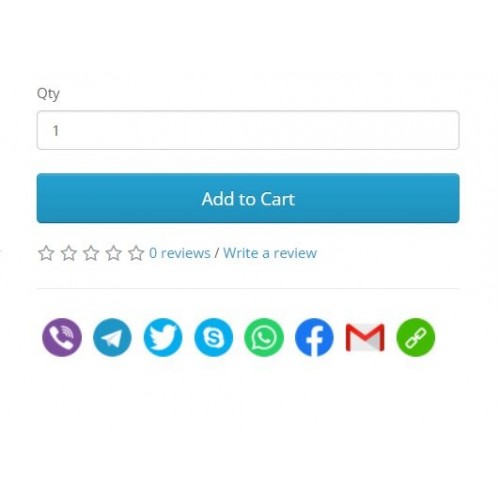
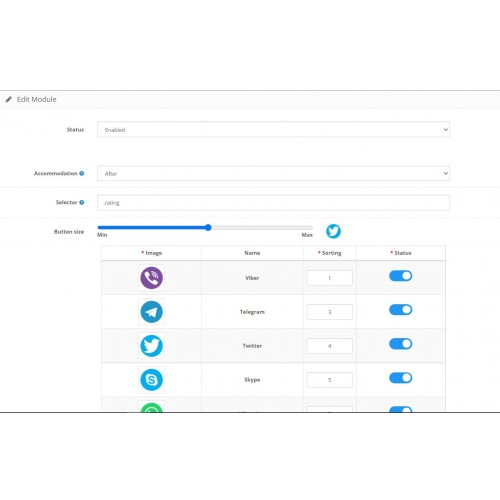
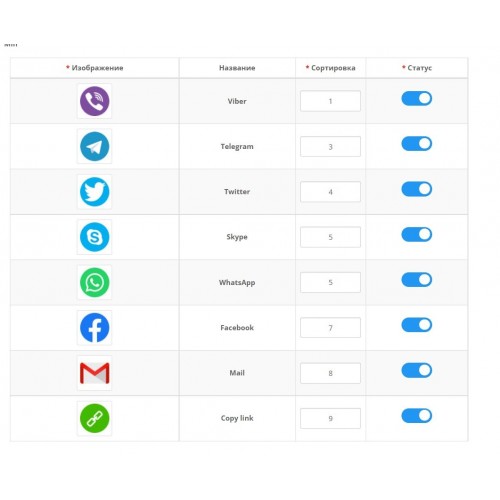
With the help of this module, in a couple of clicks you can place Share buttons (share on social networks) on any pages of your site, be it products or a blog or something else.
DEMO 2х: http://opencart-2.parallax.com.ua/
Admin 2х: http://opencart-2.parallax.com.ua/admin/
Login and password: demo
DEMO 3х: http://opencart-3.parallax.com.ua/
Admin 3х: http://opencart-3.parallax.com.ua/admin/
Login and password: demo
Buttons Social Share
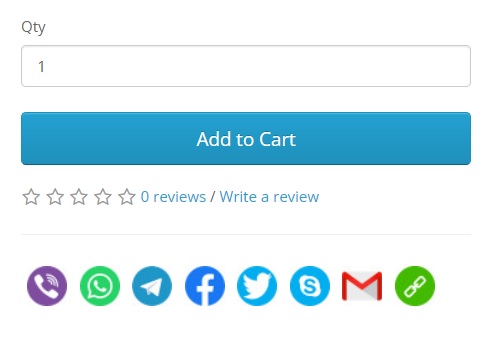
Social Share Buttons Settings
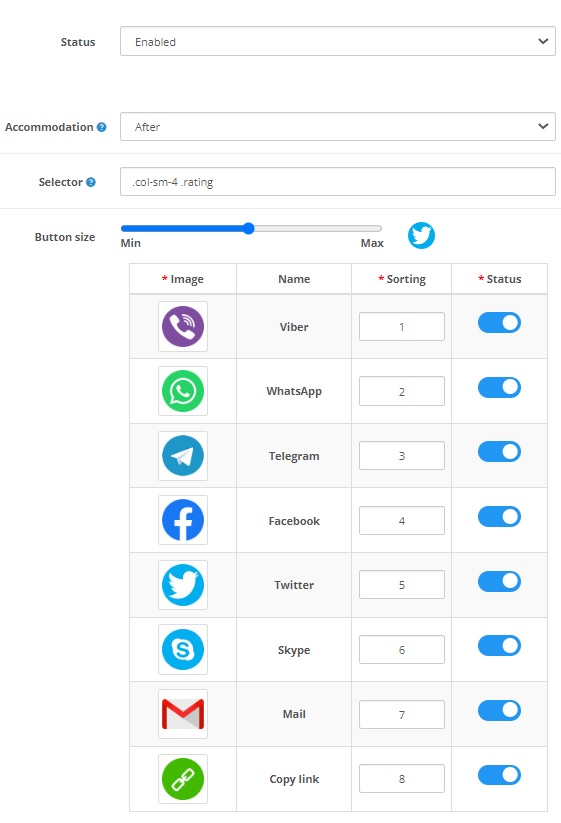
Module advantages:
- Maximum compatibility with templates or different blogs.
- Ease of installation.
- Ease of setup.
- Ability to set the placement of buttons on the page.
- Enable/Disable certain social networks.
- Set the size of images of social networks.
- Set your own images of social networks under the style of the site.
The list of social networks included in the module:
- Viber
- Telegram
- WhatsApp
- Facebook
- Twitter
- Skype
- Email
- Cope link (copy link to clipboard)
DEMO 2х: http://opencart-2.parallax.com.ua/
Admin 2х: http://opencart-2.parallax.com.ua/admin/
Login and password: demo
DEMO 3х: http://opencart-3.parallax.com.ua/
Admin 3х: http://opencart-3.parallax.com.ua/admin/
Login and password: demo
Buttons Social Share
Social Share Buttons Settings
Module advantages:
- Maximum compatibility with templates or different blogs.
- Ease of installation.
- Ease of setup.
- Ability to set the placement of buttons on the page.
- Enable/Disable certain social networks.
- Set the size of images of social networks.
- Set your own images of social networks under the style of the site.
The list of social networks included in the module:
- Viber
- Telegram
- Skype
- Cope link (copy link to clipboard)
Price
$10.00
- Developed by OpenCart Community
- 3 Months Free Support
- Documentation Included
Rating
Compatibility
2.3.0.0, 2.3.0.1, 2.3.0.2, 3.0.0.0, 3.0.1.0, 3.0.1.1, 3.0.1.2, 3.0.1.3, 3.0.2.0, 3.0.3.0, 3.0.3.1, 3.0.3.2, 3.0.3.3, 3.0.3.5, 3.0.3.6, 3.0.3.7, 3.0.3.8, 3.x.x.x
Last Update
5 Jan 2023
Created
5 Sep 2022
7 Sales
1 Comments

Login and write down your comment.
Login my OpenCart Account