Magento 2 OpenCart Connector
Using the Magento 2 OpenCart Connector, integrate your Magento 2 store with the OpenCart store. This module will allow the admin to import the products from the OpenCart store to your Magento 2 Store.
Note -
To connect the OpenCart APIs so as to connect the OpenCart store with the Magento store you must first install the OpenCart Akeneo Connector in your OpenCart store.
Use case
There might be situations where the business owners have multiple stores where they are selling their products. For example, one store can be of OpenCart and another can be a Magento store. Now, using the Magento 2 OpenCart Integration, a store owner can import his OpenCart products within his other Magento 2 store as per need.
This way the store owners can increase the product offerings in their other store. The connector also helps to migrate from OpenCart to Magento 2 via API. The connector will help you in importing your OpenCart products to the Magento store.
Features
Connect your OpenCart store with your Magento 2 store.
Import products from OpenCart Store to the Magento 2 store.
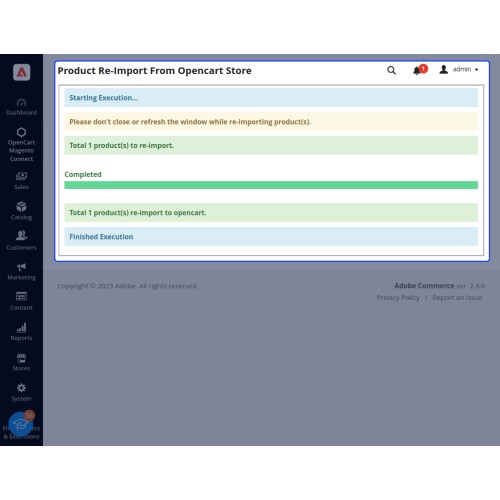
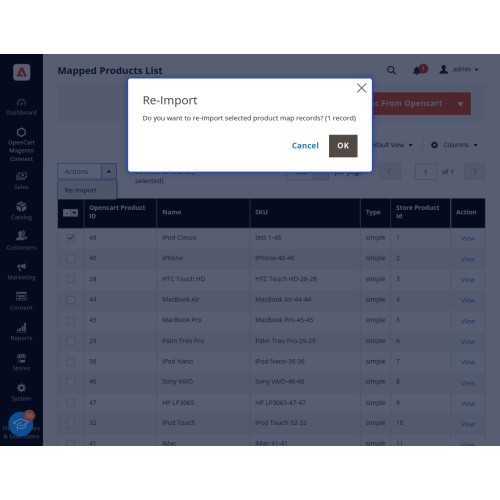
Reimport the products from the Opencart store to the Magento 2 Store.
Map OpenCart product attributes with the Magento 2 store attributes.
After product import assign the category in the Magento backend to the products.
Import simple products from Opencart to the Magento 2 store.




Workflow
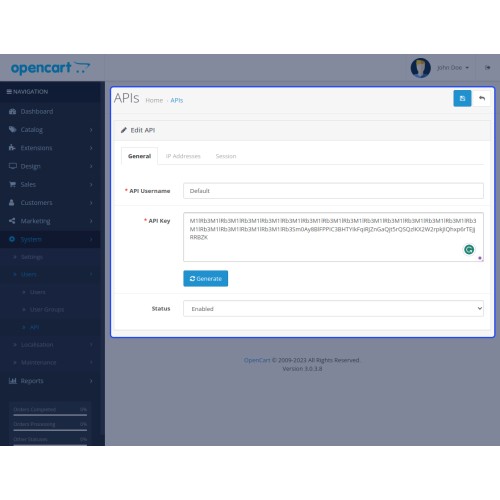
After the successful installation of the extension, the admin will first navigate to the Opencart backend to get the API User Name and the API key that need to be configured within the Magento 2 store.

After that, the admin will go to the IP Addresses section and add the Magento 2 website IP address where we will use this API data.

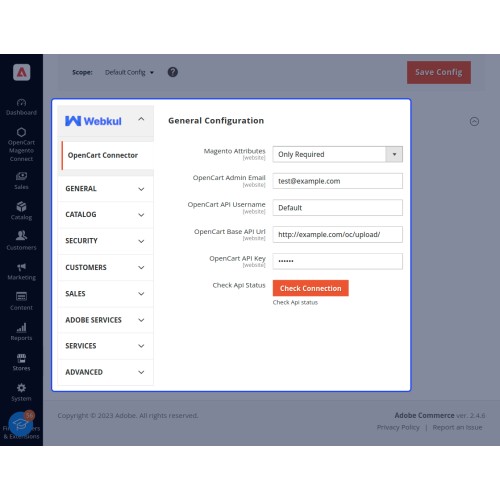
Now, at the Magento 2 store backend, the admin will configure these OpenCart API details.

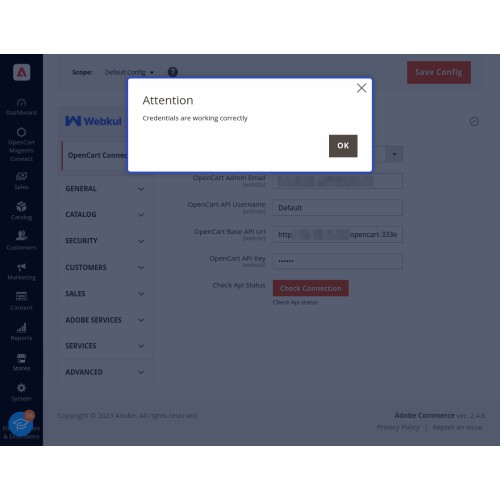
After that, the Magento 2 admin will tap the Check Connection button and if the connection is successful you will see a success message for the same.

To Map the attributes in Magento 2 with the OpenCart attributes navigate through OpenCart Magento Connect->Map Attributes in Magento 2 backend.

After that, the admin will create the products in Opencart as per requirement.

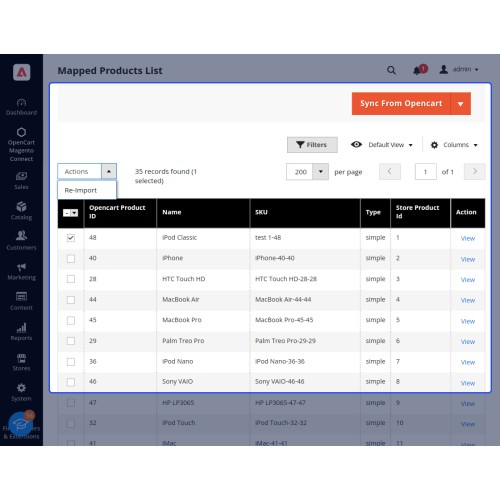
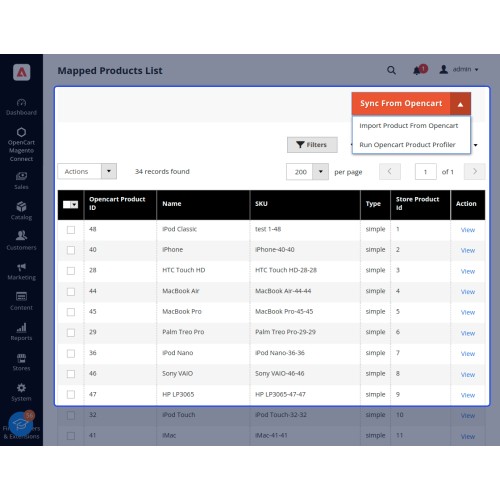
Now, the admin can easily import the products from OpenCart into the Magento 2 store. To do so, navigate through OpenCart Magento Connect->Map Products in Magento 2 backend and tap the Import Product from Opencart option in the top right-hand corner.
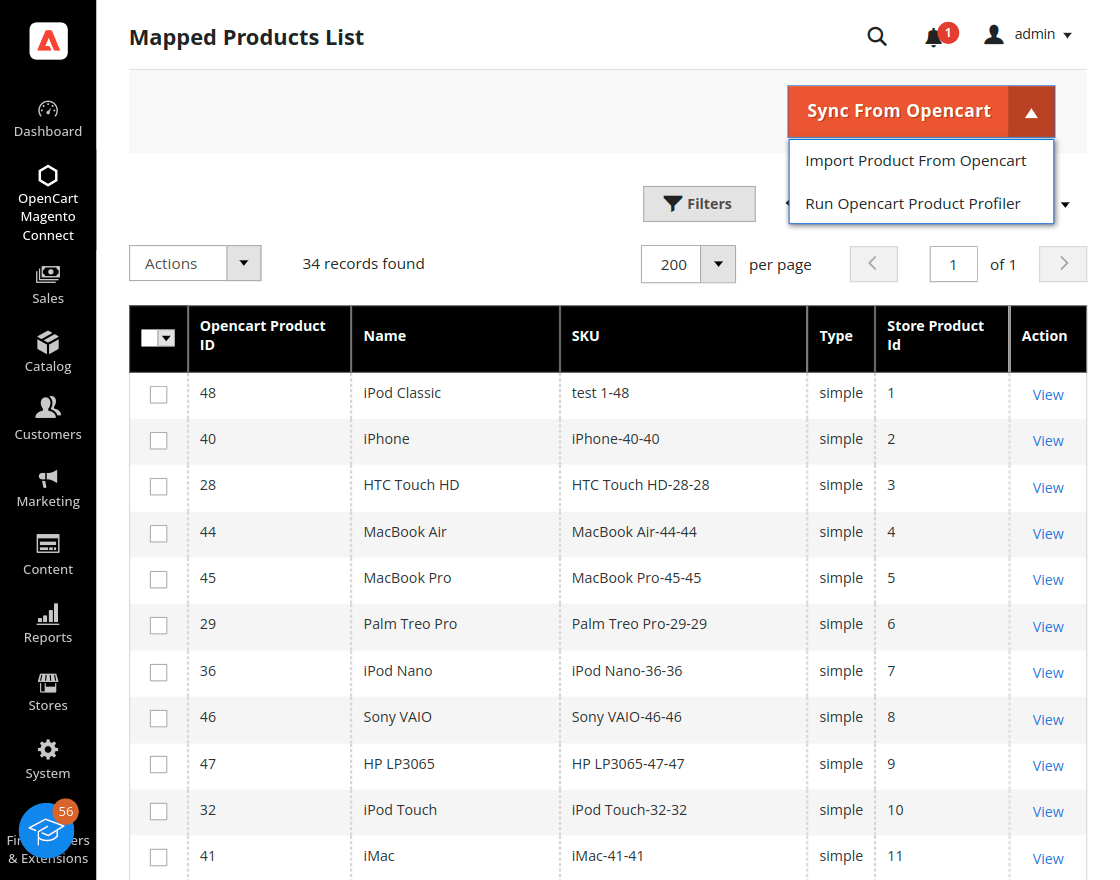
Here, the admin will also see the OpenCart imported products that have already been imported.
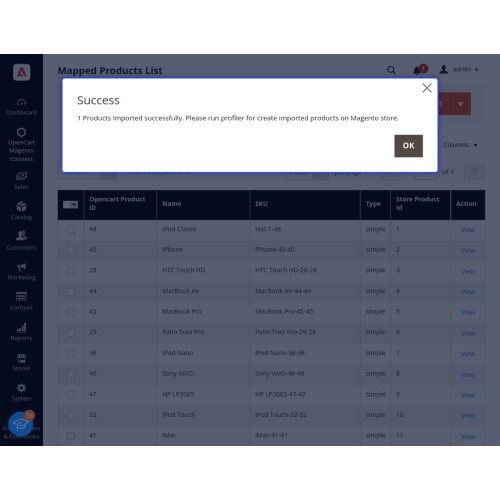
Tapping the Import product from OpenCart will import the product with a success message.

Now, the admin needs to run the profiler after that. For the same choose the Run Opencart Product profiler to create the product within the Magento 2 store.

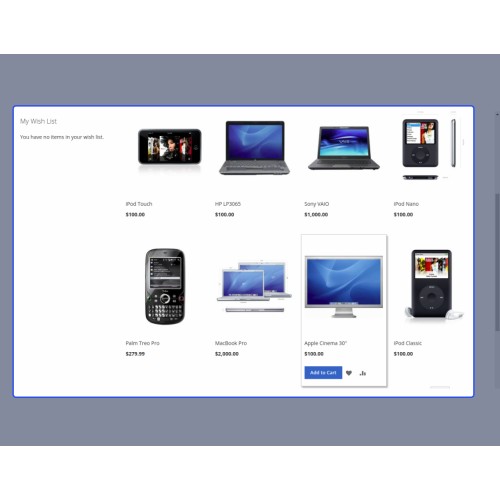
After the product is created at the Magento 2 store you need to manually assign a category to the same. After assigning the category the product is visible at the storefront.
Some Moments Of Appreciation



Support Policy
Note -
To connect the OpenCart APIs so as to connect the OpenCart store with the Magento store you must first install the OpenCart Akeneo Connector in your OpenCart store.
Use case
There might be situations where the business owners have multiple stores where they are selling their products. For example, one store can be of OpenCart and another can be a Magento store. Now, using the Magento 2 OpenCart Integration, a store owner can import his OpenCart products within his other Magento 2 store as per need.
This way the store owners can increase the product offerings in their other store. The connector also helps to migrate from OpenCart to Magento 2 via API. The connector will help you in importing your OpenCart products to the Magento store.
Features
Connect your OpenCart store with your Magento 2 store.
Import products from OpenCart Store to the Magento 2 store.
Reimport the products from the Opencart store to the Magento 2 Store.
Map OpenCart product attributes with the Magento 2 store attributes.
After product import assign the category in the Magento backend to the products.
Import simple products from Opencart to the Magento 2 store.
Workflow
After the successful installation of the extension, the admin will first navigate to the Opencart backend to get the API User Name and the API key that need to be configured within the Magento 2 store.
After that, the admin will go to the IP Addresses section and add the Magento 2 website IP address where we will use this API data.
Now, at the Magento 2 store backend, the admin will configure these OpenCart API details.
After that, the Magento 2 admin will tap the Check Connection button and if the connection is successful you will see a success message for the same.
To Map the attributes in Magento 2 with the OpenCart attributes navigate through OpenCart Magento Connect->Map Attributes in Magento 2 backend.
After that, the admin will create the products in Opencart as per requirement.
Now, the admin can easily import the products from OpenCart into the Magento 2 store. To do so, navigate through OpenCart Magento Connect->Map Products in Magento 2 backend and tap the Import Product from Opencart option in the top right-hand corner.
Here, the admin will also see the OpenCart imported products that have already been imported.
Tapping the Import product from OpenCart will import the product with a success message.
Now, the admin needs to run the profiler after that. For the same choose the Run Opencart Product profiler to create the product within the Magento 2 store.
After the product is created at the Magento 2 store you need to manually assign a category to the same. After assigning the category the product is visible at the storefront.
Some Moments Of Appreciation
Support Policy
Price
$399.00
- Developed by OpenCart Partner
- 3 Months Free Support
- Documentation Included
Rating
Compatibility
2.0.0.0, 2.0.1.0, 2.0.1.1, 2.0.2.0, 2.0.3.1, 2.1.0.1, 2.1.0.2, 2.2.0.0, 2.3.0.0, 2.3.0.1, 2.3.0.2, 3.0.0.0, 3.0.1.0, 3.0.1.1, 3.0.1.2, 3.0.1.3, 3.0.2.0, 3.0.3.0, 3.0.3.1, 3.0.3.2, 3.0.3.3, 3.0.3.5, 3.0.3.6, 3.0.3.7, 3.0.3.8, 3.x.x.x
Last Update
20 Dec 2023
Created
9 Jun 2023
0 Sales
0 Comments

Login and write down your comment.
Login my OpenCart Account