ChatGPT 5 SEO Content Generator for OpenCart
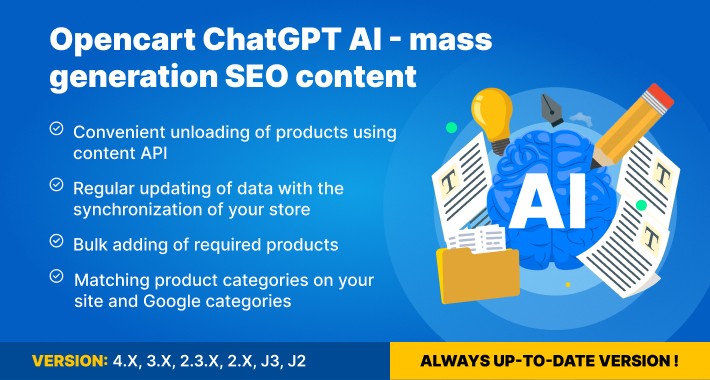
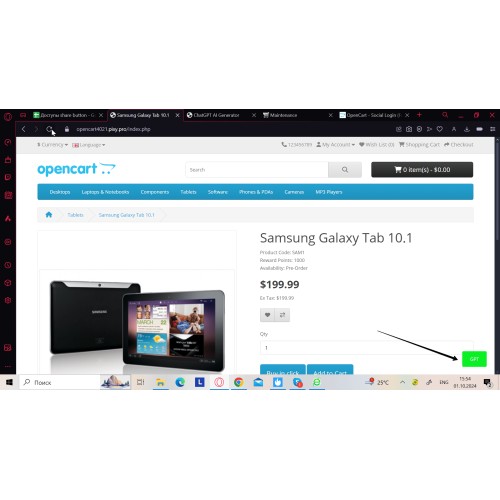
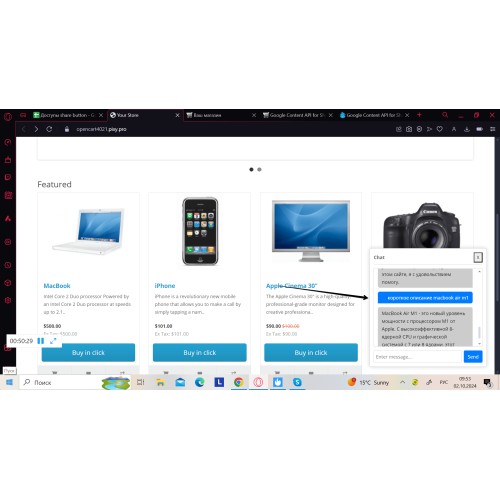
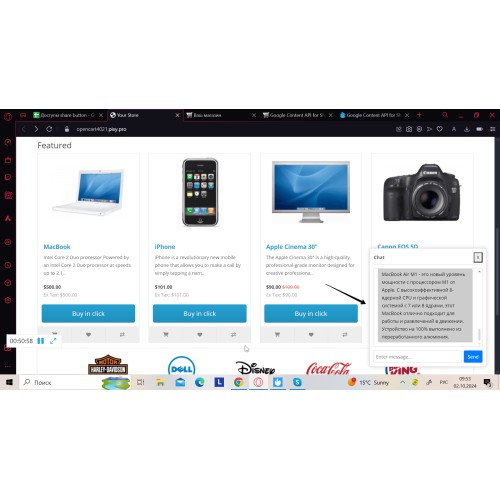




This OpenCart extension helps you generate product descriptions, category text, meta tags, and other store content faster directly inside the OpenCart admin panel, making bulk catalog updates and multilingual SEO workflows easier to manage with templates, flexible generation settings, and manual review before publishing.
Key benefits
• Speed up catalog content updates without filling every standard field manually.
• Save time on repetitive SEO content tasks across large stores with reusable templates and selected-product workflows.
• Simplify multilingual content and translation tasks for different language versions of your store.
• Fit the extension into existing catalog and SEO workflows through standard OpenCart fields.
• Keep control over the final result with flexible generation settings and manual review before publishing.


• Generate Product Description, Product Meta Title, Product Meta Description, Product Meta Keyword, Product Meta H1, and Product Tag inside the OpenCart admin panel.
• Generate Category Description, Category Meta Title, Category Meta Description, Category Meta Keyword, and Category Meta H1 for category pages.
• Create content for info pages, blogs, and articles without switching between external tools and the OpenCart admin panel.
• Create and reuse prompt templates for products and categories.
• Generate text for individual items or selected products.
• Choose the OpenAI model and adjust generation settings such as temperature, top_p, presence penalty, and frequency penalty.
• Save generated content to standard OpenCart fields.
• Support multilingual stores and translation workflows for different language versions.
• Use cron-based generation workflows when automated execution is needed.
How does it work?
• Open the module in the OpenCart admin panel and choose the content task or page type you want to work with.
• Enter your request manually or use saved templates for a more consistent content format.
• The module sends the request through OpenAI and returns generated text based on the selected settings.
• You can generate content for individual items or use bulk workflows for larger catalog updates.
• Review the result, make edits if needed, and save the content to the relevant standard OpenCart fields.
FAQ
Do I need a monthly ChatGPT subscription to use this extension?
No. The extension is purchased separately, but content generation requires your own OpenAI API key.
Is OpenAI API usage included in the extension price?
No. OpenAI API usage is billed separately and depends on the model you choose and how much content you generate.
Can I use this extension for translation?
Yes. You can use it to translate content individually or in bulk for selected products and specific categories.
Does it work with SEO modules?
The extension works with standard OpenCart fields, which makes it easier to fit into existing SEO workflows.
Can I generate content in bulk?
Yes. You can work with individual items or use templates and bulk workflows to speed up larger catalog updates.
What should I do if content is not generating?
Check your OpenAI API key, quota or billing status, selected model, and generation settings. If the issue remains, contact support.
Is the generated text ready to publish without editing?
It is recommended to review and edit the generated content before publishing, especially for product descriptions, category text, and SEO fields.
Is this extension suitable for multilingual stores?
Yes. The extension supports multilingual content workflows and can be used for different language versions of your store.

• Download and install the extension in your OpenCart admin panel.
• Open the module settings and enable the extension.
• Add your OpenAI API key generated in your OpenAI account: https://platform.openai.com/account/api-keys
• Choose the model and adjust the generation settings if needed.
• Create prompts or templates for your content tasks.
• Start generating content for the supported pages and fields you need.

• Version 1.3.1 — Fixed templates.
• Version 1.3.0 — Fixed variable replacement. Added full language support.
Price
$35.00
- Developed by OpenCart Community
- 6 Months Free Support
- Documentation Included
Rating
Compatibility
4.x.x.x, 4.0.0.0, 4.0.1.0, 4.0.1.1, 4.0.2.0, 4.0.2.1, 4.0.2.2, 4.0.2.3, 3.0.0.0, 3.0.1.0, 3.0.1.1, 3.0.1.2, 3.0.1.3, 3.0.2.0, 3.0.3.0, 3.0.3.1, 3.0.3.2, 3.0.3.3, 3.0.3.5, 3.0.3.6, 3.0.3.7, 3.0.3.8, 3.x.x.x, 3.0.3.9, 2.3.0.0, 2.3.0.1, 2.3.0.2, 2.0.0.0, 2.0.1.0, 2.0.1.1, 2.0.2.0, 2.0.3.1, 2.1.0.1, 2.1.0.2, 2.2.0.0
Last Update
2 Jun 2026
Created
10 Jun 2023
19 Sales
9 Comments

Login and write down your comment.
Login my OpenCart Account