NaNet Extension Helper

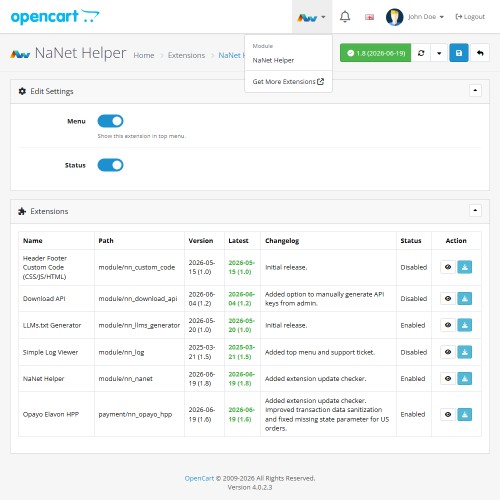
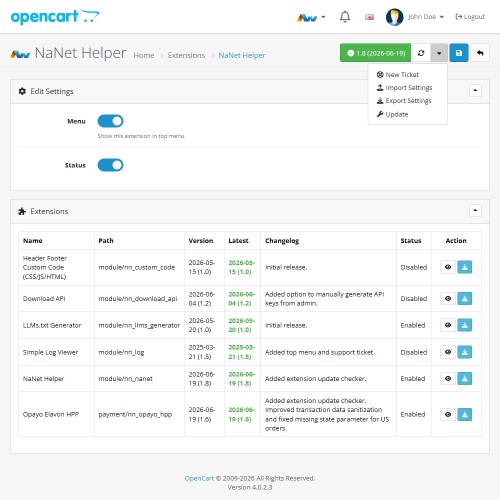
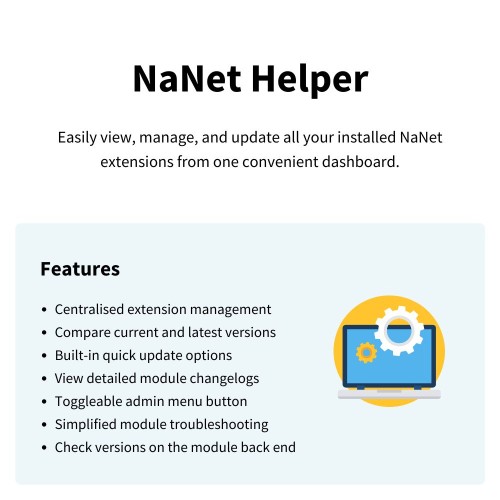
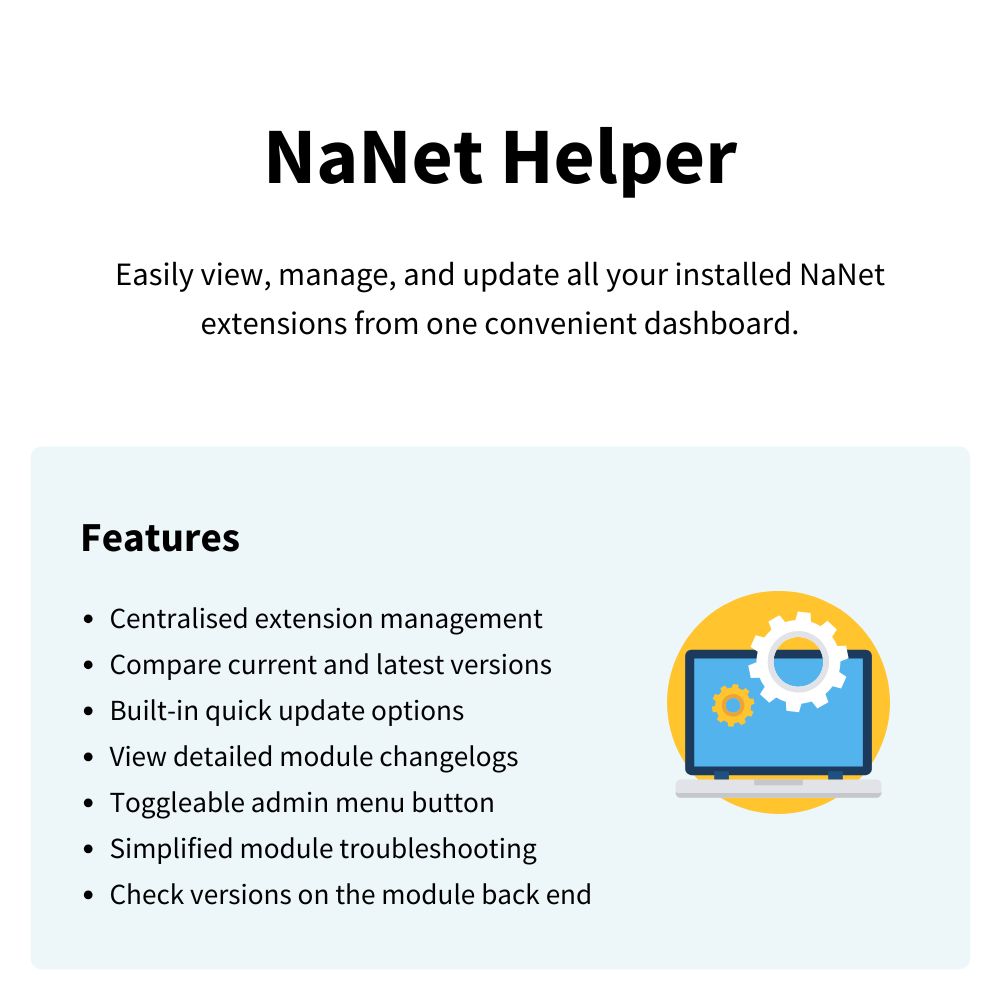

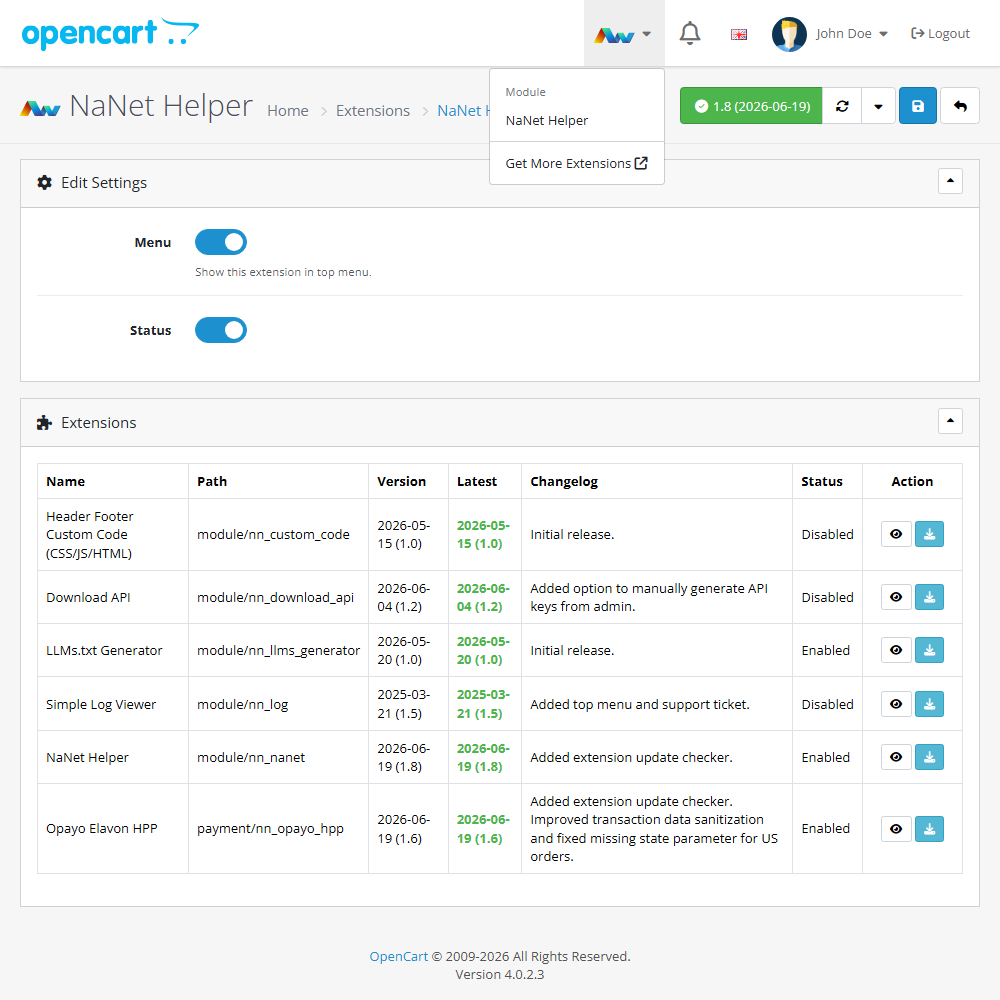
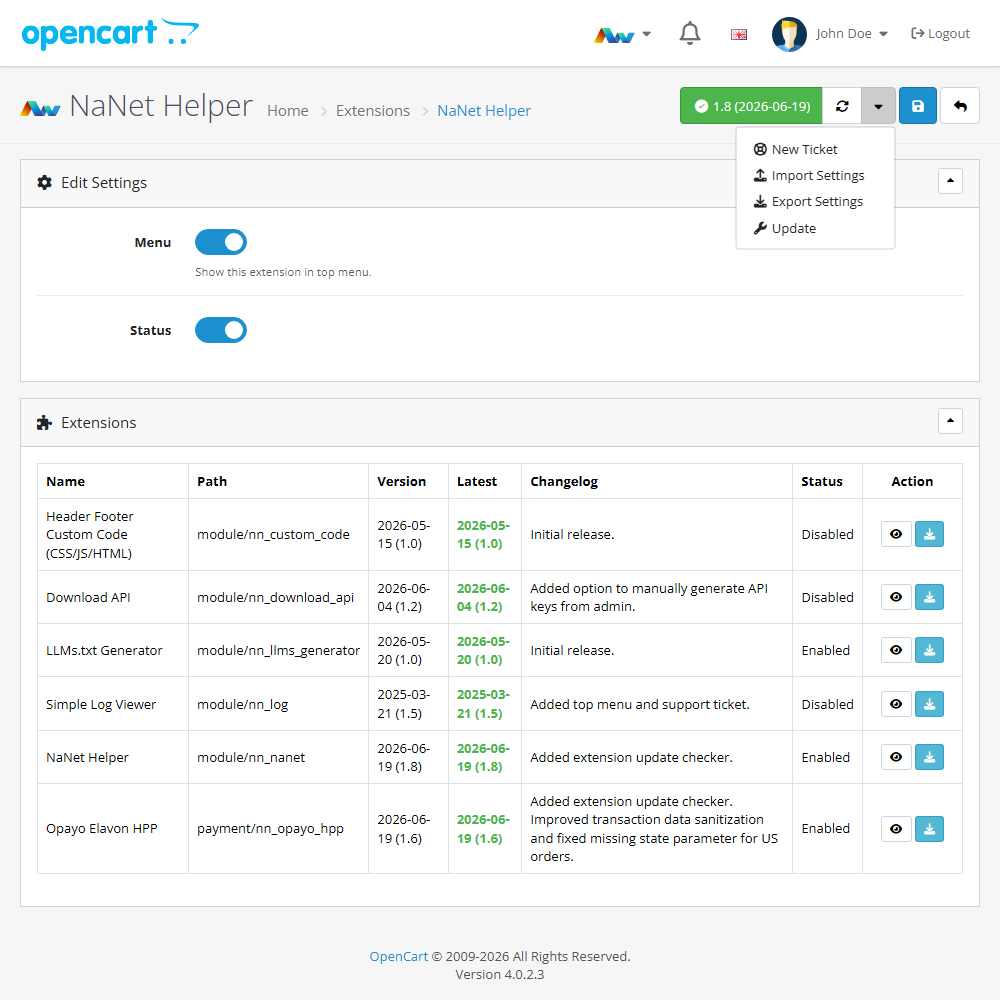
Enhance your OpenCart store with the NaNet Extension Helper, allowing you to easily view, manage, and update all your installed NaNet modules from a single dashboard. This practical tool improves your workflow by providing instant access to version checks, quick update options, changelogs, and troubleshooting data, complete with a toggleable admin menu button for rapid navigation.
Key Features:
Centralised Management – Quickly view and manage all of your installed NaNet extensions from one convenient location, making it easy to access and change settings across your modules.
Version Tracking & Updates – Instantly compare your currently installed version against the latest available release, and use the built-in quick option to update your extensions so your store remains up to date.
Detailed Changelogs – Access the full update history and release notes for every installed extension directly within your admin panel.
Quick Access Menu – Enable a dedicated, toggleable button in your OpenCart dashboard menu for rapid navigation to your modules.
Simplified Troubleshooting – Easily identify exact version numbers and module statuses to speed up technical support and maintenance.
Module-Level Versioning – Conveniently check the specific version number directly within each individual extension's own settings page.
Installation and Update:
This extension supports OpenCart version 3.x, 4.x, cloud, events system, and the Journal Theme. No files are stored outside the extension, no files are overwritten and it does not use OCMODE/vQmode.
Each download file is the extension file to install. Download the ZIP file for the OpenCart version you require, use the built in installer, use upload button and choose that file.
If you have the free NaNet Extension Helper (v1.7 or later) installed, you can use export option (top right menu) within your extension before uninstalling. When you reinstall, the settings can be restored by using import option. This extension will also add an OpenCart header menu for easy access to all NaNet extensions.
Please note: It's always a good practice to backup your OpenCart installation before installing any extensions or making significant changes.
Current version
2026-06-19 (1.8) Added extension update checker.
Download
- Developed by OpenCart Community
- Documentation Included
Rating
Compatibility
3.0.0.0, 3.0.1.0, 3.0.1.1, 3.0.1.2, 3.0.1.3, 3.0.2.0, 3.0.3.0, 3.0.3.1, 3.0.3.2, 3.0.3.3, 3.0.3.5, 3.0.3.6, 3.0.3.7, 3.0.3.8, 3.x.x.x, 3.0.3.9, 3.0.4.0, 3.0.4.1, 3.0.5.0, 4.x.x.x, 4.0.0.0, 4.0.1.0, 4.0.1.1, 4.0.2.0, 4.0.2.1, 4.0.2.2, 4.0.2.3, 4.1.0.0, 4.1.0.1, 4.1.0.2, 4.1.0.3
Last Update
22 Jun 2026
Created
17 Nov 2023
82 Downloads
0 Comments

Login and write down your comment.
Login my OpenCart Account