Blank product options sku + ean
Product options sku + ean
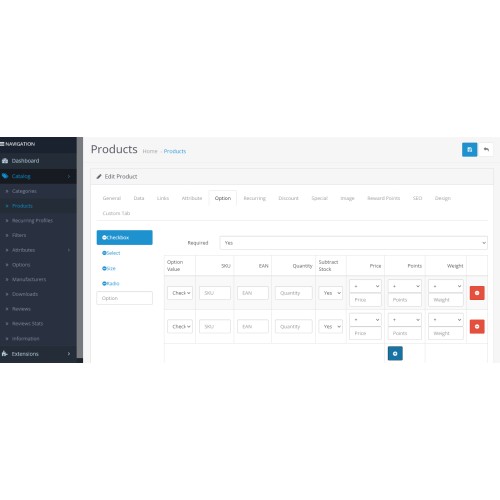
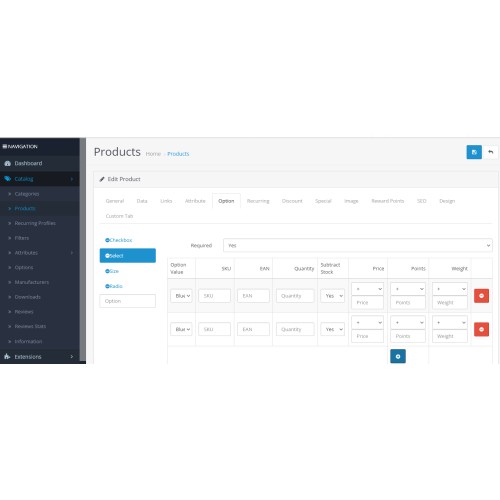
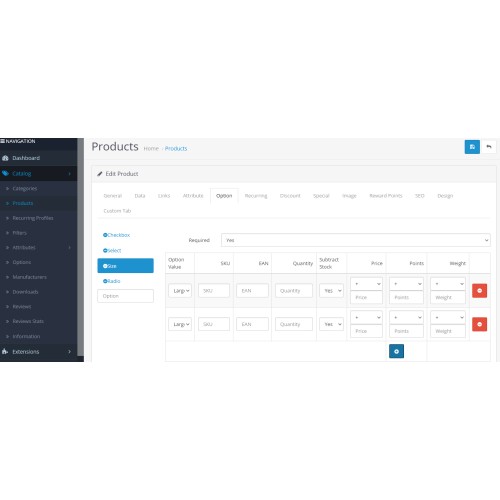
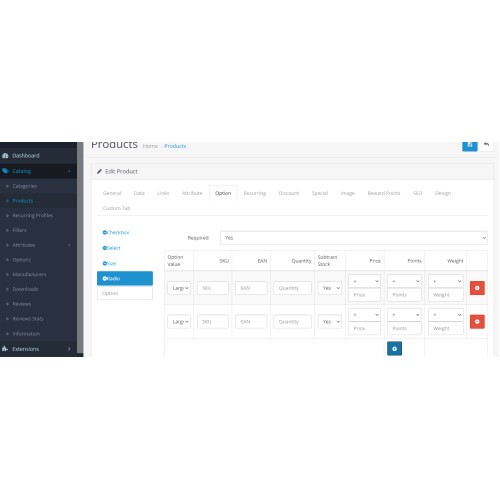
The extension allows you to manually add EAN and SKU for each product option.
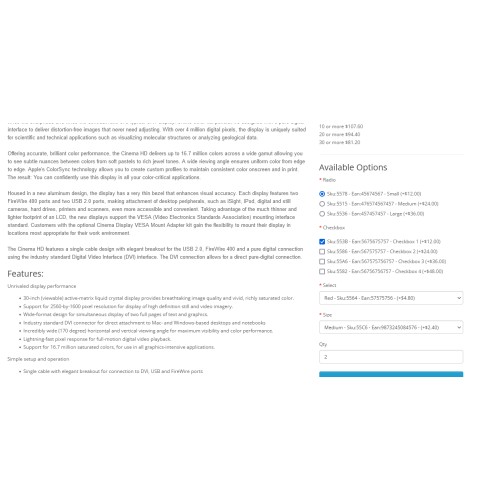
You can manually assign a different EAN and SKU for each product option.
The different EAN and SKU can be seen on the product page.
The EAN field is always empty and you need to enter the EAN values of the item either manually or automatically via the data entry feed.
The item SKU option is also empty and you need manually enter the product code into it.
You have the possibility of automation SKUs so that each main product SKU and product option SKU are automatically entered with unique numbers.
If you need auto generated SKUs, check in our extension Auto article generated SKUs and blank EAN fields.
There is a possibility that the main SKU of the product is automatically added to the SKU field based on the ID of the main product and the SKU option of the product also adds the ID of the main product and plus to the ID number it adds unique numbers for the product options and for automation see the extension for automating the item code.
With this way of functioning, you have fields to enter a manually unique product code as well as product option codes.

Demo
By clicking on the link you can see a demo extension in action.
For the client side
Use the password "demo" and the username "info@shop.iprs.rs" to access the portal
For the admin page
Use the password "demo" and username "demo" to access the portal
For more and help
The extension allows you to manually add EAN and SKU for each product option.
You can manually assign a different EAN and SKU for each product option.
The different EAN and SKU can be seen on the product page.
The EAN field is always empty and you need to enter the EAN values of the item either manually or automatically via the data entry feed.
The item SKU option is also empty and you need manually enter the product code into it.
You have the possibility of automation SKUs so that each main product SKU and product option SKU are automatically entered with unique numbers.
If you need auto generated SKUs, check in our extension Auto article generated SKUs and blank EAN fields.
There is a possibility that the main SKU of the product is automatically added to the SKU field based on the ID of the main product and the SKU option of the product also adds the ID of the main product and plus to the ID number it adds unique numbers for the product options and for automation see the extension for automating the item code.
With this way of functioning, you have fields to enter a manually unique product code as well as product option codes.
Demo
By clicking on the link you can see a demo extension in action.
For the client side
Use the password "demo" and the username "info@shop.iprs.rs" to access the portal
For the admin page
Use the password "demo" and username "demo" to access the portal
For more and help
Price
$20.00
- Developed by OpenCart Community
- Documentation Included
Rating
Compatibility
3.0.2.0
Last Update
29 Feb 2024
Created
29 Feb 2024
0 Sales
0 Comments

Login and write down your comment.
Login my OpenCart Account