Progressive Web Application (PWA)

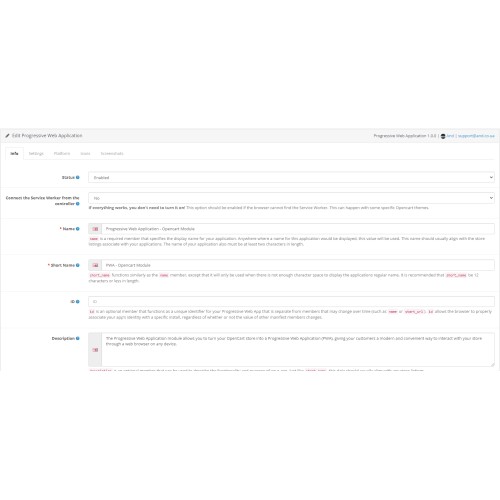
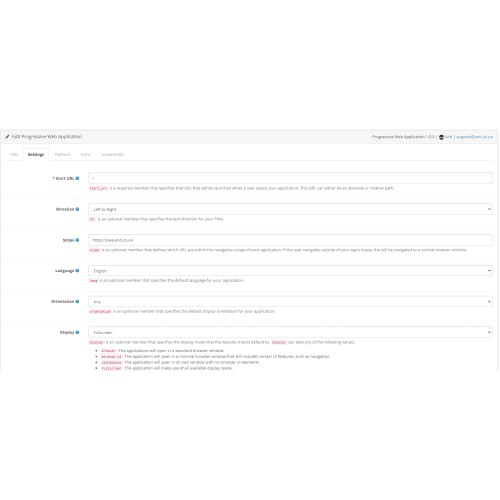


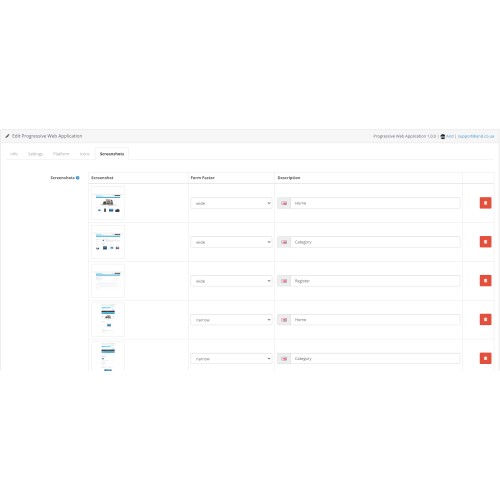
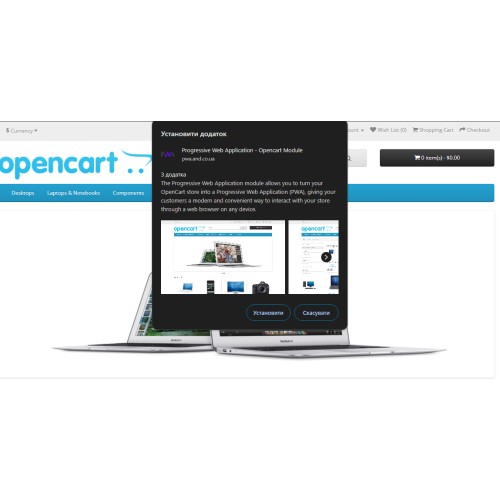
The Progressive Web Application module allows you to turn your OpenCart store into a Progressive Web Application (PWA), giving your customers a modern and convenient way to interact with your store through a web browser on any device.
Main functions:
- Support for updated PWA standards for speed and ease of use.
- Customize theme and background colors to ensure consistent branding for your store.
- Ability to customize title, short title and description for better display on different devices.
- Support for languages, screen orientations and other parameters for better adaptation to different conditions of use.
- Ability to add shortcuts and protocol handlers for user convenience.
- A convenient interface for managing module settings through the OpenCart administrative interface.
Demo store: pwa.and.co.ua
Demo admin: pwa.and.co.ua/admin
How to install:
1) Download the module archive from the official OpenCart website.
2) Log in to the admin interface of your OpenCart store.
3) Go to Extensions > Extension Manager.
4) Click on the "Download" button and select the downloaded module archive.
5) After the download is complete, install the module by clicking the "Install" button.
6) After successful installation, the module will be available in the list of installed extensions.
Main functions:
- Support for updated PWA standards for speed and ease of use.
- Customize theme and background colors to ensure consistent branding for your store.
- Ability to customize title, short title and description for better display on different devices.
- Support for languages, screen orientations and other parameters for better adaptation to different conditions of use.
- Ability to add shortcuts and protocol handlers for user convenience.
- A convenient interface for managing module settings through the OpenCart administrative interface.
Demo store: pwa.and.co.ua
Demo admin: pwa.and.co.ua/admin
How to install:
1) Download the module archive from the official OpenCart website.
2) Log in to the admin interface of your OpenCart store.
3) Go to Extensions > Extension Manager.
4) Click on the "Download" button and select the downloaded module archive.
5) After the download is complete, install the module by clicking the "Install" button.
6) After successful installation, the module will be available in the list of installed extensions.
Price
$19.99
- Developed by OpenCart Community
- 3 Months Free Support
- Documentation Included
Rating
Compatibility
3.0.0.0, 3.0.1.0, 3.0.1.1, 3.0.1.2, 3.0.1.3, 3.0.2.0, 3.0.3.0, 3.0.3.1, 3.0.3.2, 3.0.3.3, 3.0.3.5, 3.0.3.6, 3.0.3.7, 3.0.3.8, 3.x.x.x, 3.0.3.9
Last Update
18 May 2024
Created
17 May 2024
3 Sales
0 Comments

Login and write down your comment.
Login my OpenCart Account