Multi Source Inventory (MSI)
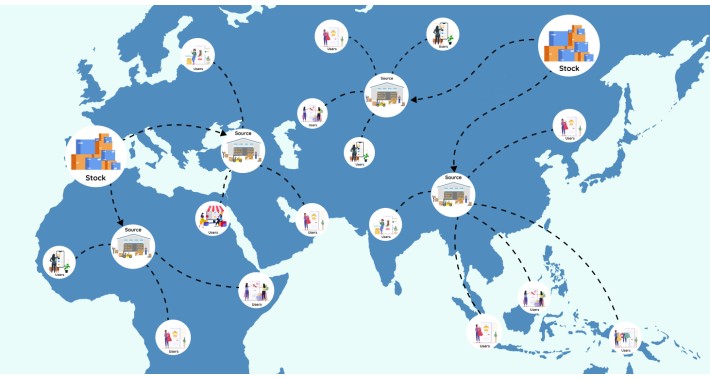
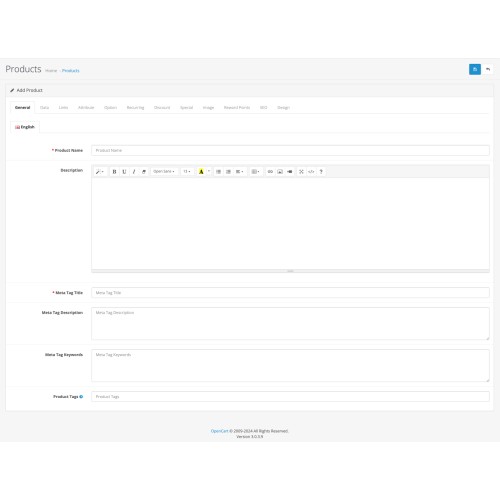
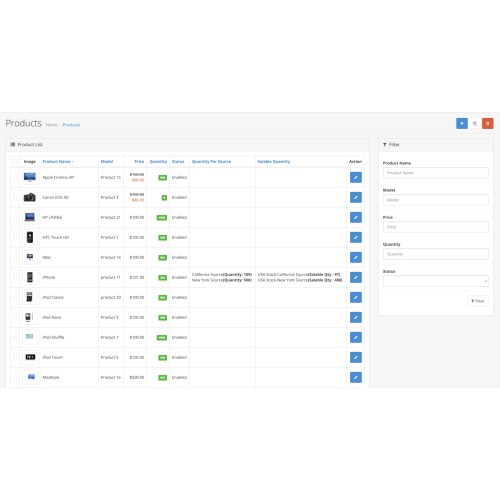
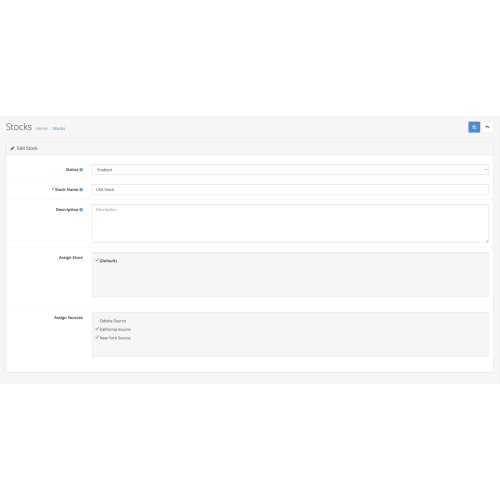
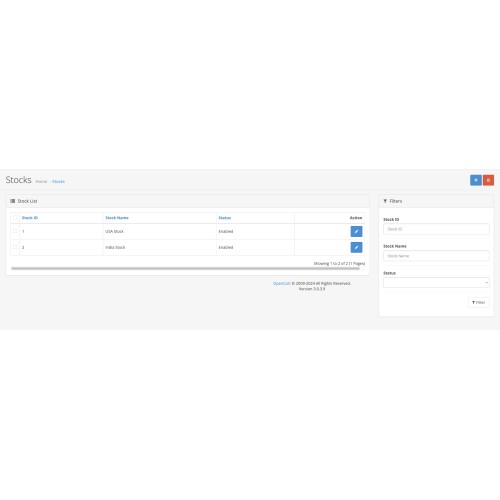
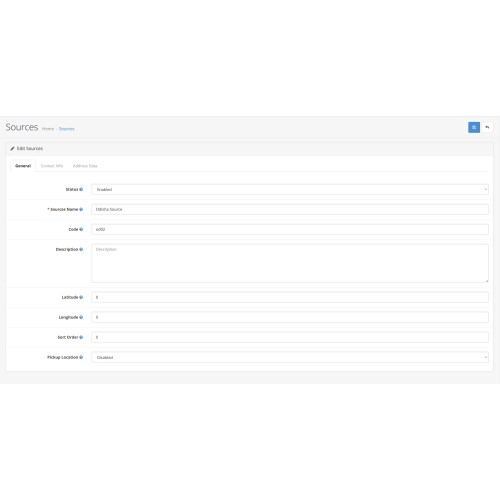
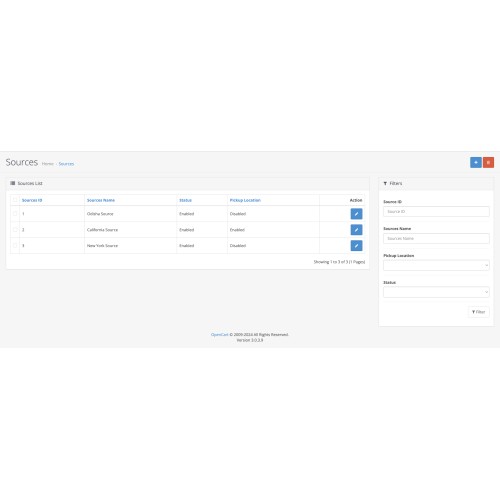
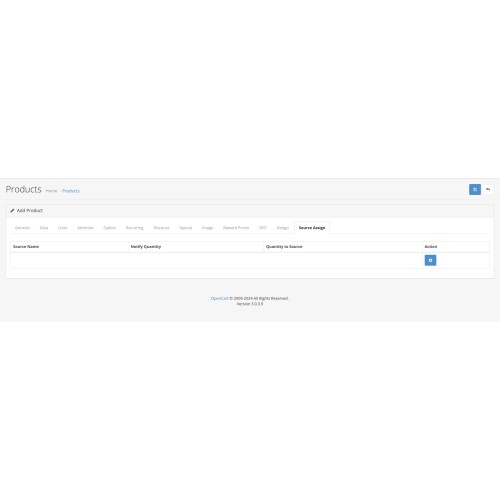

OpenCart Multi Source Inventory (MSI) extension allows admins to allocate specific quantities of a stock product to multiple sources for quick order processing and delivery. Admin can create sources of a product in multiple locations. Hence customers benefit from reduced delivery times by ordering from nearby locations. Admin can also change the source location as required. This extension functionality enhances overall customer satisfaction by optimizing the shopping experience through quick access to required products.
Business Values
- With multiple sources, MSI helps e-commerce retailers to ship their products from the nearby locations. This ensures faster order fulfilment and reduced shipping charges.
- This extension allows the admin to have details of the saleable quantities while putting reserves on ordered products. Thus, it is a potential way to manage inventory across several locations.
- With a proper inventory management, products are consistently available reducing the chances of out-of-stock items.
How does MSI work?
As discussed already, MSI works by creating stocks and its sources for a product. For instance, a stock US holds 50,000 units of a product. Instead of delivering it directly to the user, the product is distributed in smaller quantities to various sources. Now, let’s say that the product is distributed over parts of California Source and New York Source. So, when a customer orders this product, instead of being shipped all the way from US, it is shipped from California Source and New York Source. It is up to the admin to decide the source from which the product will be deducted. Hence this approach reduces both shipping time and costs.
Features
- Admin delivers all the items to the customers from nearby locations.
- Admin can create sources and stocks.
- Admin is able to create multiple sources of a products.
- Admin can assign sources to stocks.
- Admin can give stock details name and description.
- Admin can add stock details like stock name, and its description.
- Admin can add new source locations and edit the existing ones.
- Admin can set source details like source status, name, code, description and sort order.
- Admin can create a pickup location for the source from which the products will be shipped.
- Admin can also set source keeper name for a pickup location.
- Admin can also set contact info details like email, telephone and an additional phone number.
- Admin can set address details like address, country, region/state, city, street, and postcode.
- Admin can set the product quantity per source which includes saleable quantity (Items that are open to sale) & notify quantity (out of stock quantity).
- When a product is ordered that is present in multiple sources, the admin can also select the source from which he wants to deduct the item.
Upcoming Updates:
Latitude and Longitude features for creating a source in Source configuration.
- Latitude: This feature is used to set the latitude of the source location with respect to the delivery location.
- Longitude: This feature is used to set the longitude of the source location with respect to the delivery location.
Demonstrations
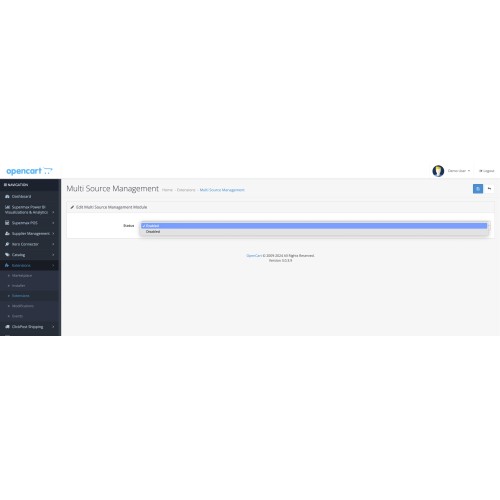
Multi Source Inventory is an extension that is installed in OpenCart. The admin can enable or disable the status and the extension works accordingly. The demo below gives you a brief of the extension:
For Admin End: Click Here
username: demo
password: demo
References:
Blog: Click Here
User Guide: Click Here
Price
$99.00
- Developed by OpenCart Community
- 3 Months Free Support
- Documentation Included
Rating
Compatibility
2.3.0.2, 3.0.0.0, 3.0.1.0, 3.0.1.1, 3.0.1.2, 3.0.1.3, 3.0.2.0, 4.x.x.x, 3.0.3.0, 3.0.3.1, 3.0.3.2, 3.0.3.3, 3.0.3.5, 3.0.3.6, 3.0.3.7, 3.0.3.8, 4.0.0.0, 4.0.1.0, 4.0.1.1, 3.x.x.x, 4.0.2.0, 4.0.2.1, 4.0.2.2, 4.0.2.3, 3.0.3.9, 3.0.4.0, 4.1.0.0, 4.1.0.1, 4.1.0.2, 4.1.0.3
Last Update
10 Apr 2025
Created
21 May 2024
0 Sales
1 Comments

Login and write down your comment.
Login my OpenCart Account