Italian Language Pack for OpenCart 4.0.2.3 - 4.x.x New 2024
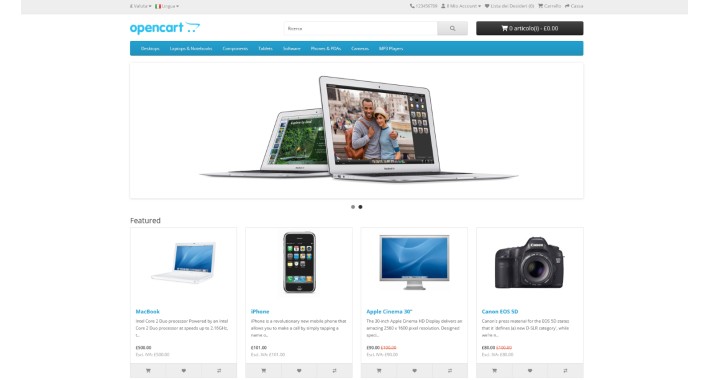
In the admin area go to
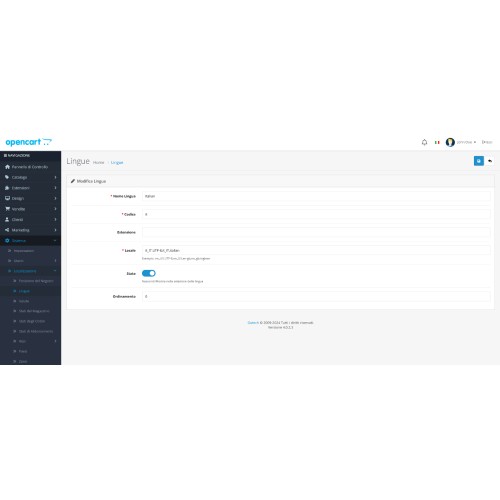
System->Localisation->Languages
and add a new language with the following data
_______________________________________
Language name: Italian
Code: it
Extension:
Locale: it.UTF-8,it,italian
Directory: italian
Filename: italian
Status: Enabled
Sort Order: 0
_______________________________________
Now you can edit the settings of your store via
System->Settings-Your Store (Default)
after choosing the store select the "Local" tab
and change the following informations
Language: italian
Administration Language: italian
Demo: https://dochoixemay.online
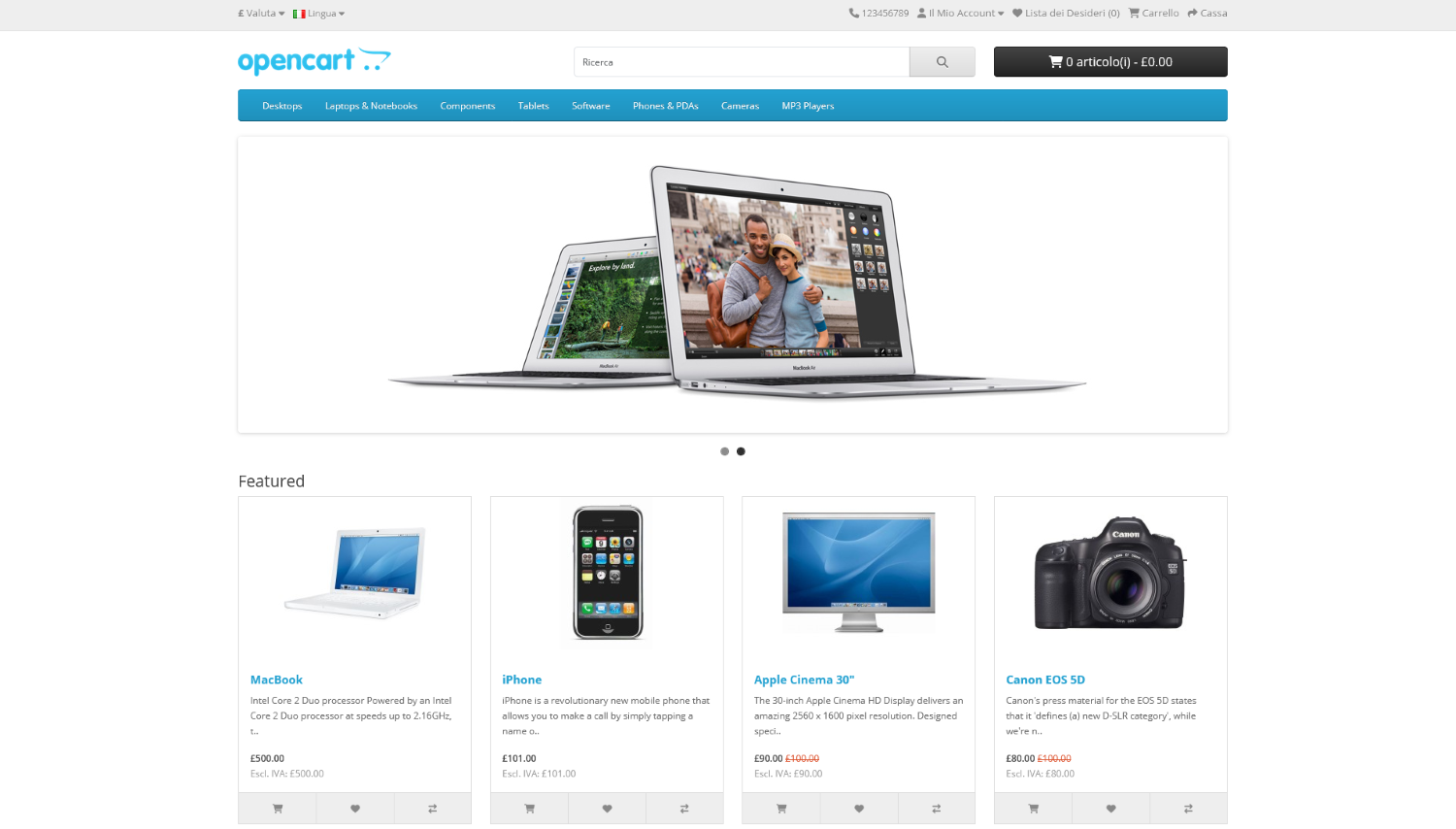
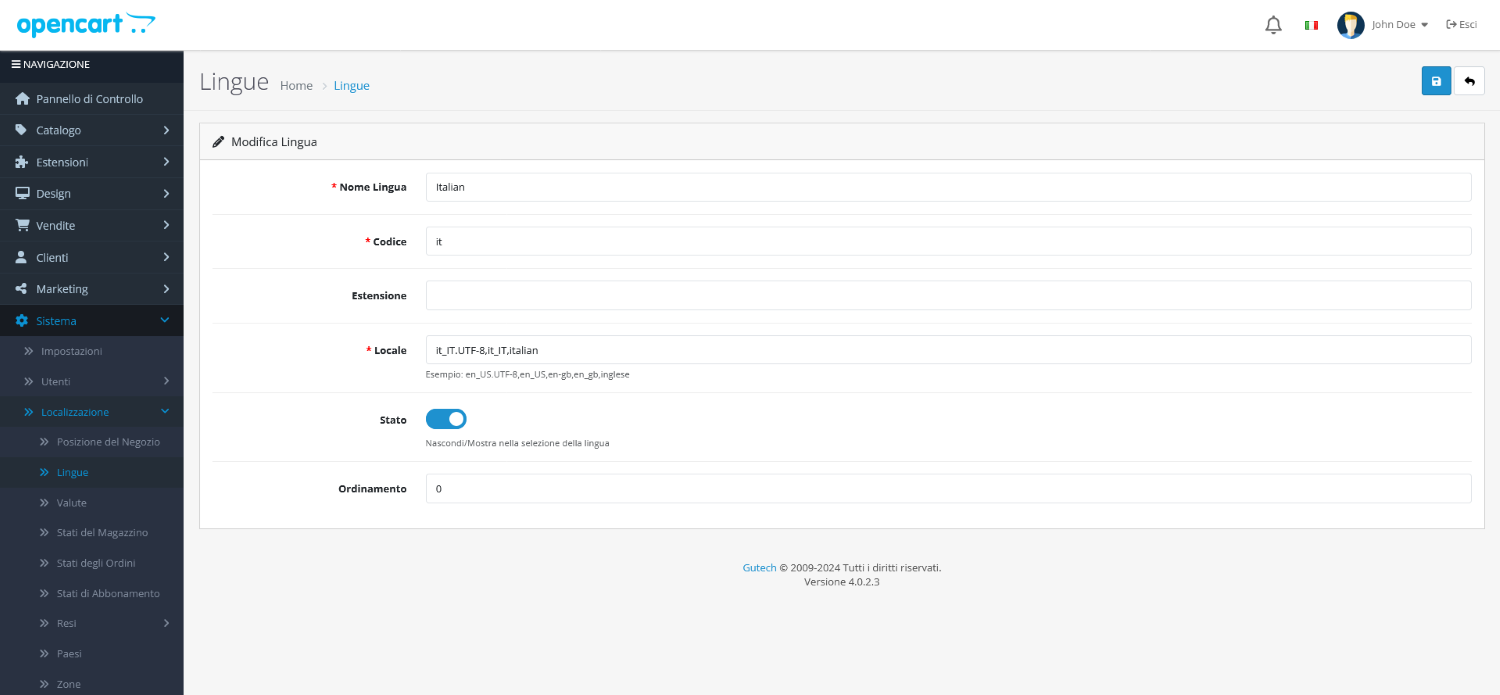
System->Localisation->Languages
and add a new language with the following data
_______________________________________
Language name: Italian
Code: it
Extension:
Locale: it.UTF-8,it,italian
Directory: italian
Filename: italian
Status: Enabled
Sort Order: 0
_______________________________________
Now you can edit the settings of your store via
System->Settings-Your Store (Default)
after choosing the store select the "Local" tab
and change the following informations
Language: italian
Administration Language: italian
Demo: https://dochoixemay.online
What customers say about Italian Language Pack for OpenCart 4.0.2.3 - 4.x.x New 2024

not work
~hollerith
~hollerith
Price
$8.00
- Developed by OpenCart Community
- 6 Months Free Support
- Documentation Included
Rating
Compatibility
4.0.2.0, 4.0.2.1, 4.0.2.2, 4.0.2.3
Last Update
19 Jul 2024
Created
19 Jul 2024
8 Sales
0 Comments

Login and write down your comment.
Login my OpenCart Account