OpenCart AI Image Background Remover


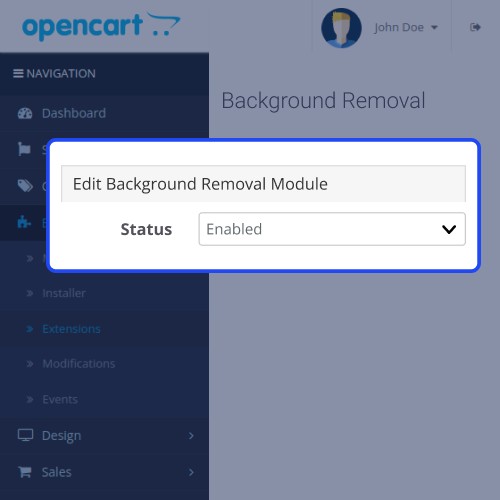
OpenCart AI Image Background Remover module allows the admin to remove the product background image using the CNN Model. The store admin can also remove the background images for each product as required.
Use Case
OpenCart AI Image Background Remover module eliminates the need for third-party applications to remove image backgrounds. Suppose you have to add a huge amount of products. So, if you go with the traditional methods to remove their background, it is time-consuming.
With the OpenCart AI Image Background Remover module, the admin can easily remove the background of multiple images for a product. This overall reduces the efforts of the admin and helps customers to gain more attention to the product rather than their background.
Features
Highlighted Features
Working
Firstly, the store admin will install the OpenCart AI Image Background Remover module in their OpenCart backend.
After this, the admin will configure and enable the module.

Now, the admin can edit a product and proceed to remove the background for respective images.

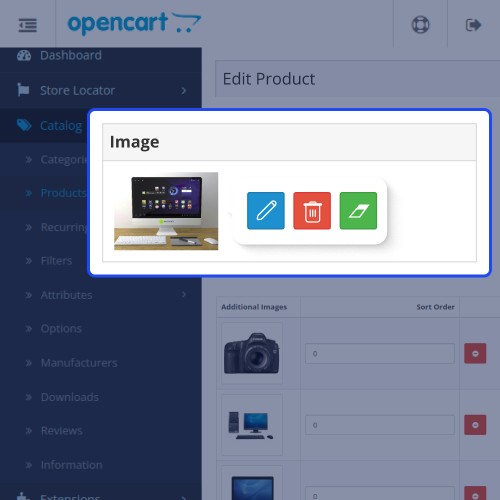
In the image section admin will find the icon to remove the product background.
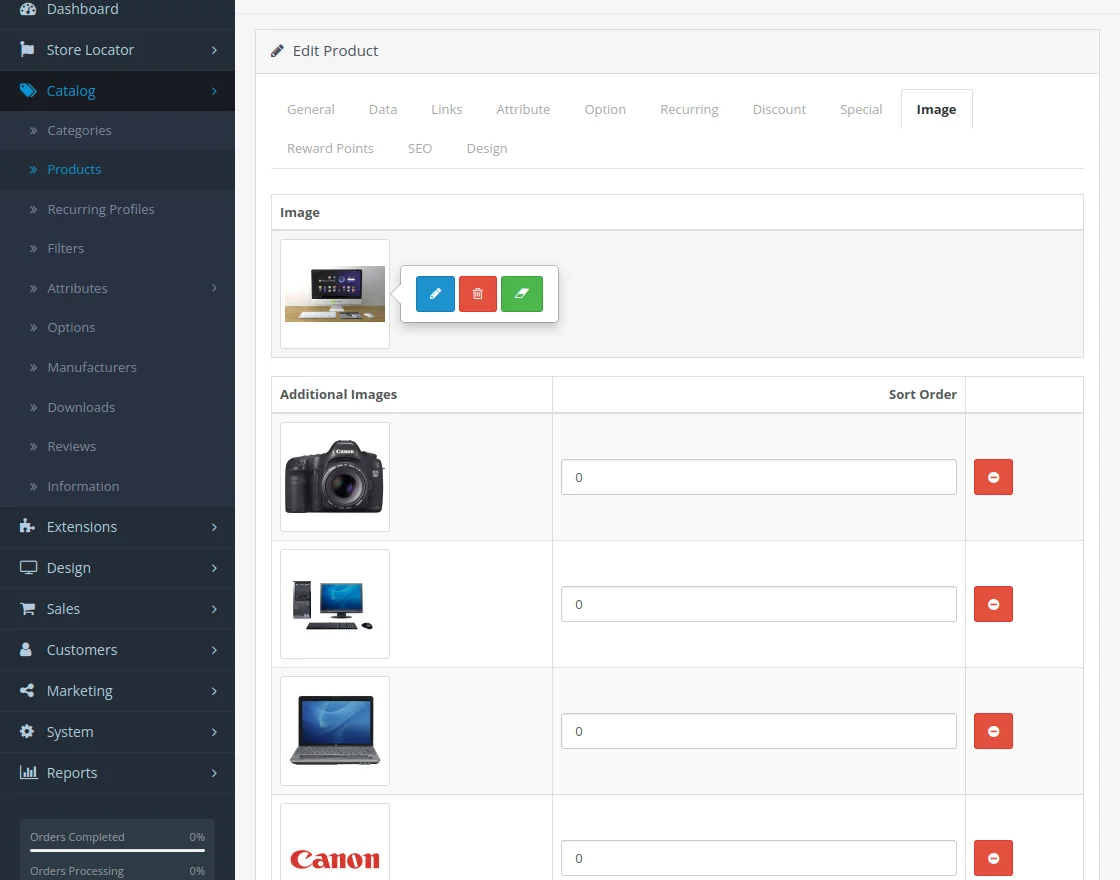
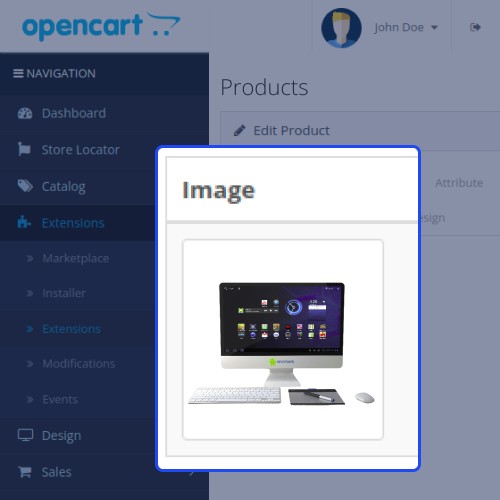
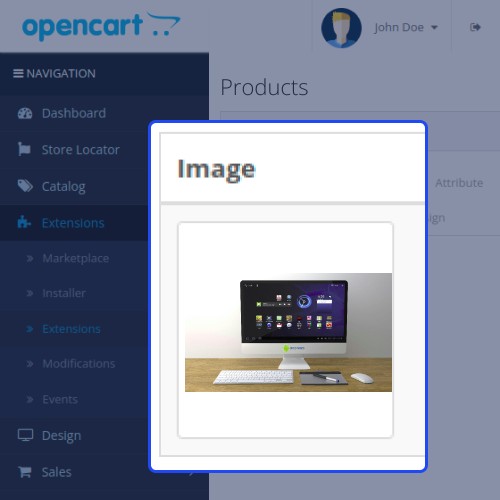
By clicking on that, the product background is removed.

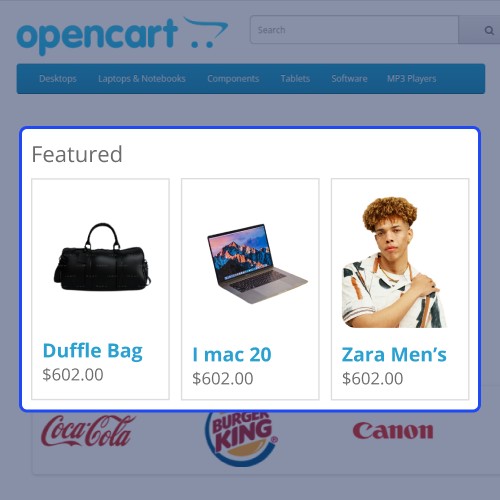
You can also check the same product on the storefront.





Some Moments Of Appreciation





Support Policy
Use Case
OpenCart AI Image Background Remover module eliminates the need for third-party applications to remove image backgrounds. Suppose you have to add a huge amount of products. So, if you go with the traditional methods to remove their background, it is time-consuming.
With the OpenCart AI Image Background Remover module, the admin can easily remove the background of multiple images for a product. This overall reduces the efforts of the admin and helps customers to gain more attention to the product rather than their background.
Features
- Admin can remove image background.
- The admin can remove the image background of an existing product.
- Admin can also remove any image background from the store backend.
- CNN Models are used to remove the Image background.
- Admin can also remove category and product image backgrounds in bulk.
- It supports multiple image formats like jpeg, jpg, png, & webp.
Highlighted Features
- Convolutional Neural Network (CNN) Model
Uses CNN Model to remove product background.
- Supported Image Type
Remove background from jpeg, jpg, png, & webp image format.
- Single Tap Background Removal
A separate icon is allocated to remove the product background.
- Zero Loss
No quality loss in removing the product background.
Working
Firstly, the store admin will install the OpenCart AI Image Background Remover module in their OpenCart backend.
After this, the admin will configure and enable the module.
Now, the admin can edit a product and proceed to remove the background for respective images.
In the image section admin will find the icon to remove the product background.
By clicking on that, the product background is removed.
You can also check the same product on the storefront.
Some Moments Of Appreciation
Support Policy
Price
$199.00
- Developed by OpenCart Partner
- 3 Months Free Support
- Documentation Included
Rating
Compatibility
3.0.0.0, 3.0.1.0, 3.0.1.1, 3.0.1.2, 3.0.1.3, 3.0.2.0, 3.0.3.0, 3.0.3.1, 3.0.3.2, 3.0.3.3, 3.0.3.5, 3.0.3.6, 3.0.3.7, 3.0.3.8, 3.x.x.x
Last Update
8 Jan 2025
Created
30 Jul 2024
0 Sales
0 Comments

Login and write down your comment.
Login my OpenCart Account