Webp Images At Admin + Front End


Supports


Title
Webp Images At Admin + Front End OpenCart 2.x + 3.x + 4.x
Short Description
Automatically convert all uploaded images to WebP format for faster loading and optimized page size. Works seamlessly for both admin and front-end without modifying database entries or core files.
Demo Links
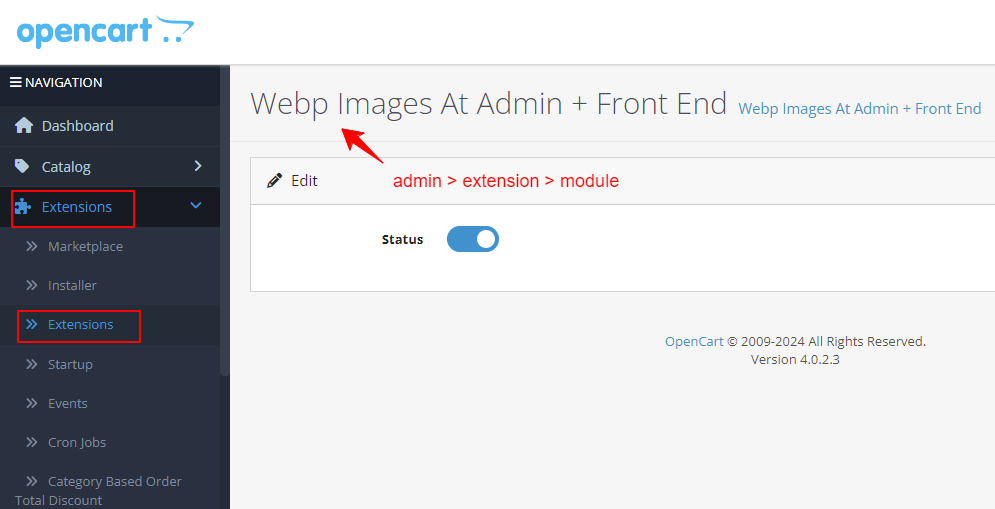
Admin:- Admin > Extension > Module
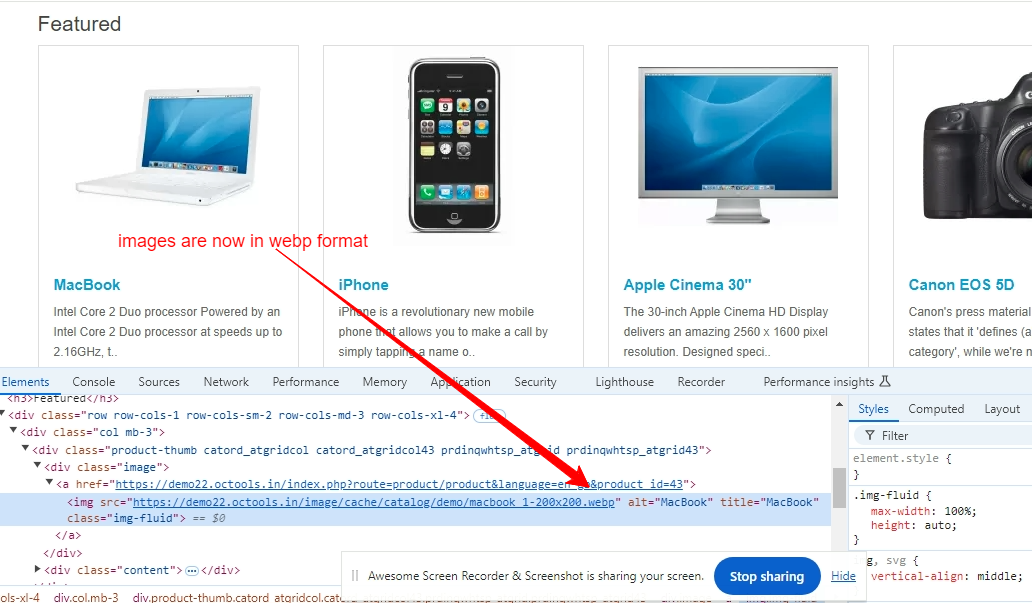
Front:- Home Page
- Category Page
- Product Details Page
Key Features
• Upload JPG, JPEG, PNG, GIF images and auto-convert to WebP format
• Works for both admin panel and front-end display
• Converts cached images without modifying original files
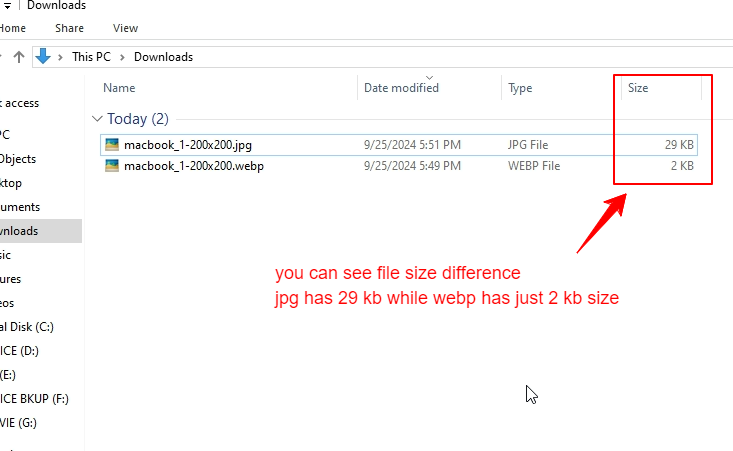
• Smaller image sizes with faster page load and better SEO
Compatibility
• OpenCart 2.X + 3.X + 4.X
• Supports PHP 5.6 – 8.3
• Tested with default theme & Journal 3
• No core file changes
• Built using OpenCart coding standards
• Lightweight and performance-friendly
• Multi-language & Multi-store supported
Support & Updates
• Free installation and free support
• Response time: within 24 hours
• Support all themes: Journal2, Journal3, Pavo, Foster template
• Note: Extension license valid for single domain only
Installation Steps
• Upload the extension via Extensions - Installer
• Install module from Admin - Extensions - Module
Why Choose This Module
• No database changes or core file modifications required
• Works automatically for all images including previously cached ones
• Optimizes website speed and SEO with WebP images
• Simple setup with full compatibility for OpenCart 2.x, 3.x, and 4.x
Images & Screenshots View all screenshots
• Admin upload interface showing automatic WebP conversion
• Front-end product images served as WebP
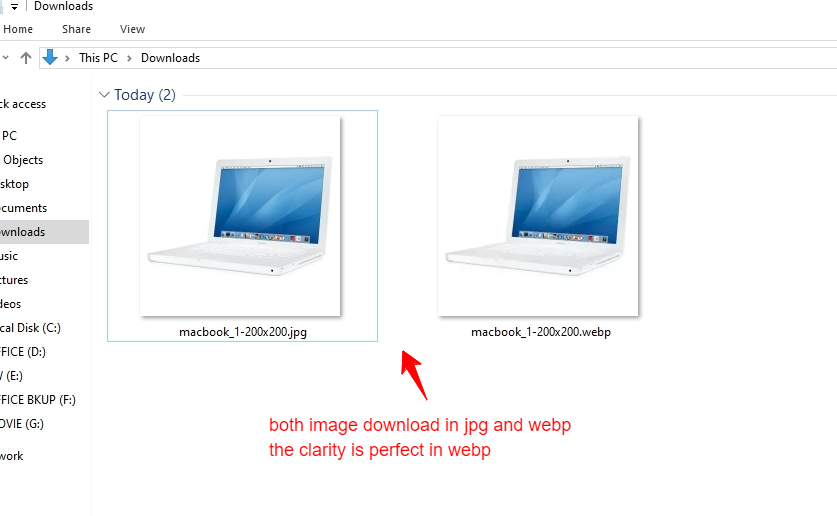
• Comparison of original vs WebP image sizes and loading speed
Price
$25.00
- Developed by OpenCart Community
- 12 Months Free Support
- Documentation Included
Rating
Compatibility
2.0.0.0, 2.0.1.0, 2.0.1.1, 2.0.2.0, 2.0.3.1, 2.1.0.1, 2.1.0.2, 2.2.0.0, 2.3.0.0, 2.3.0.1, 2.3.0.2, 3.0.0.0, 3.0.1.0, 3.0.1.1, 3.0.1.2, 3.0.1.3, 3.0.2.0, 4.x.x.x, 3.0.3.0, 3.0.3.1, 3.0.3.2, 3.0.3.3, 3.0.3.5, 3.0.3.6, 3.0.3.7, 3.0.3.8, 4.0.0.0, 4.0.1.0, 4.0.1.1, 3.x.x.x, 4.0.2.0, 4.0.2.1, 4.0.2.2, 4.0.2.3, 3.0.3.9, 3.0.4.0, 4.1.0.0, 4.1.0.1, 4.1.0.2, 4.1.0.3, 3.0.4.1, 3.0.5.0
Last Update
26 May 2026
Created
26 Sep 2024
4 Sales
0 Comments

Login and write down your comment.
Login my OpenCart Account