Sales Report Pro


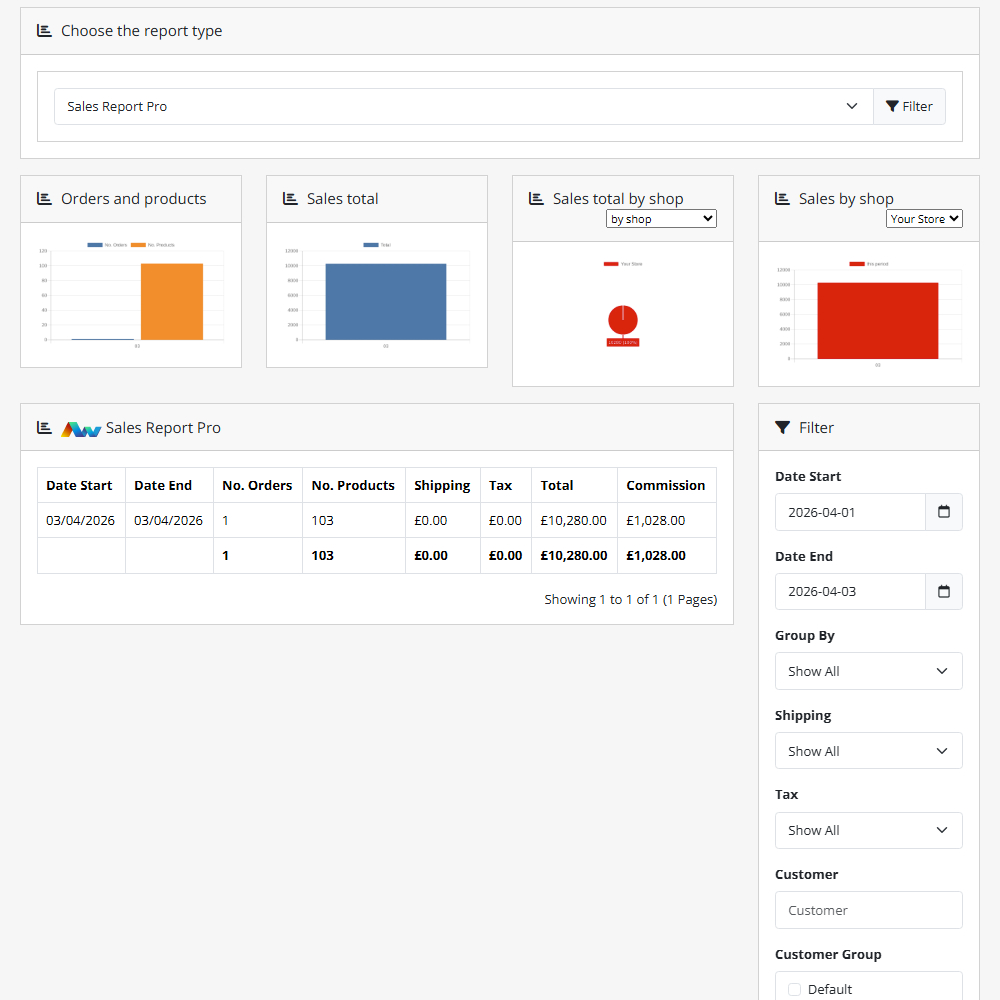

Unlock powerful reporting capabilities with the Sales Report Pro extension, giving you full control over how you view, filter, and analyse your OpenCart sales data. This enhanced reporting tool helps you track performance, understand trends, and make informed decisions – all from within your store’s admin panel.
Key Features:
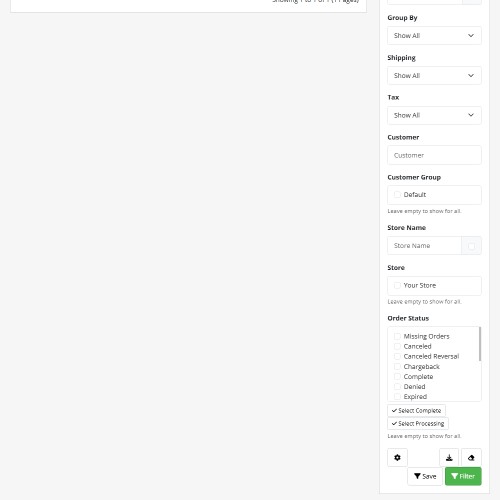
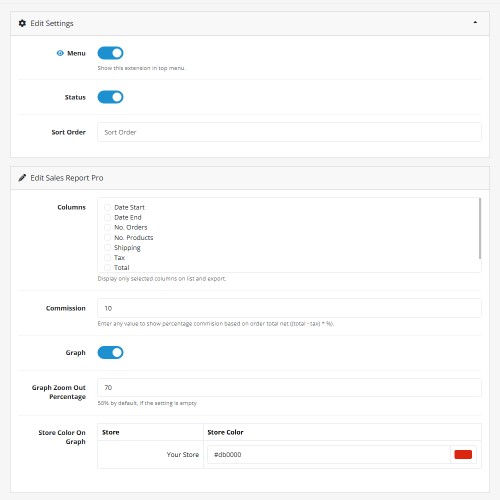
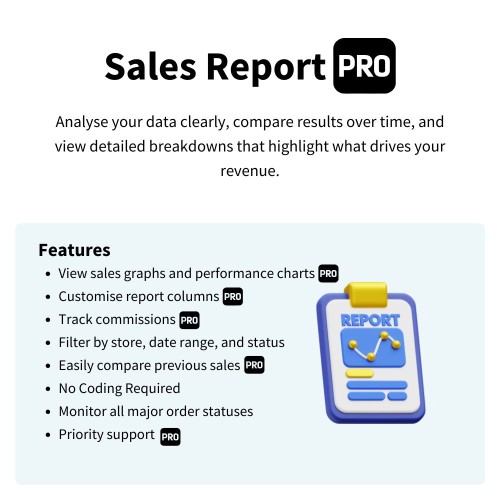
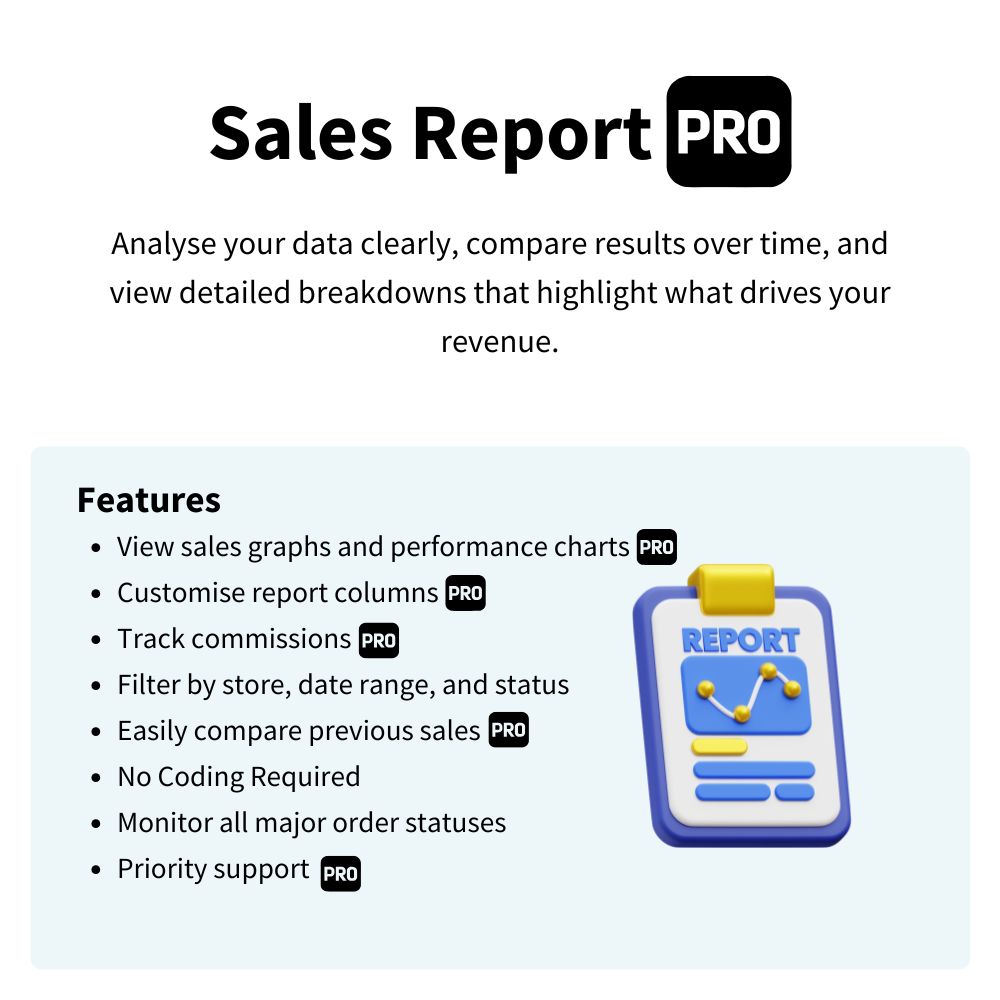
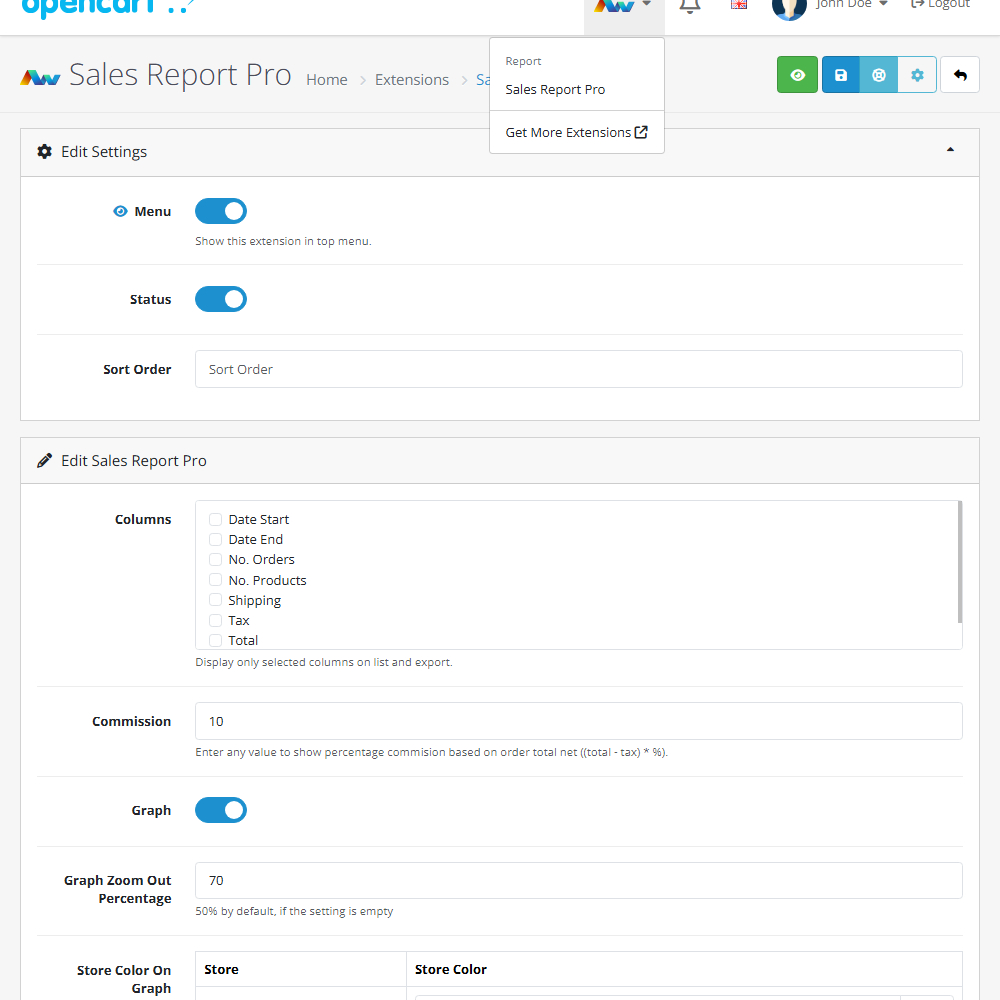
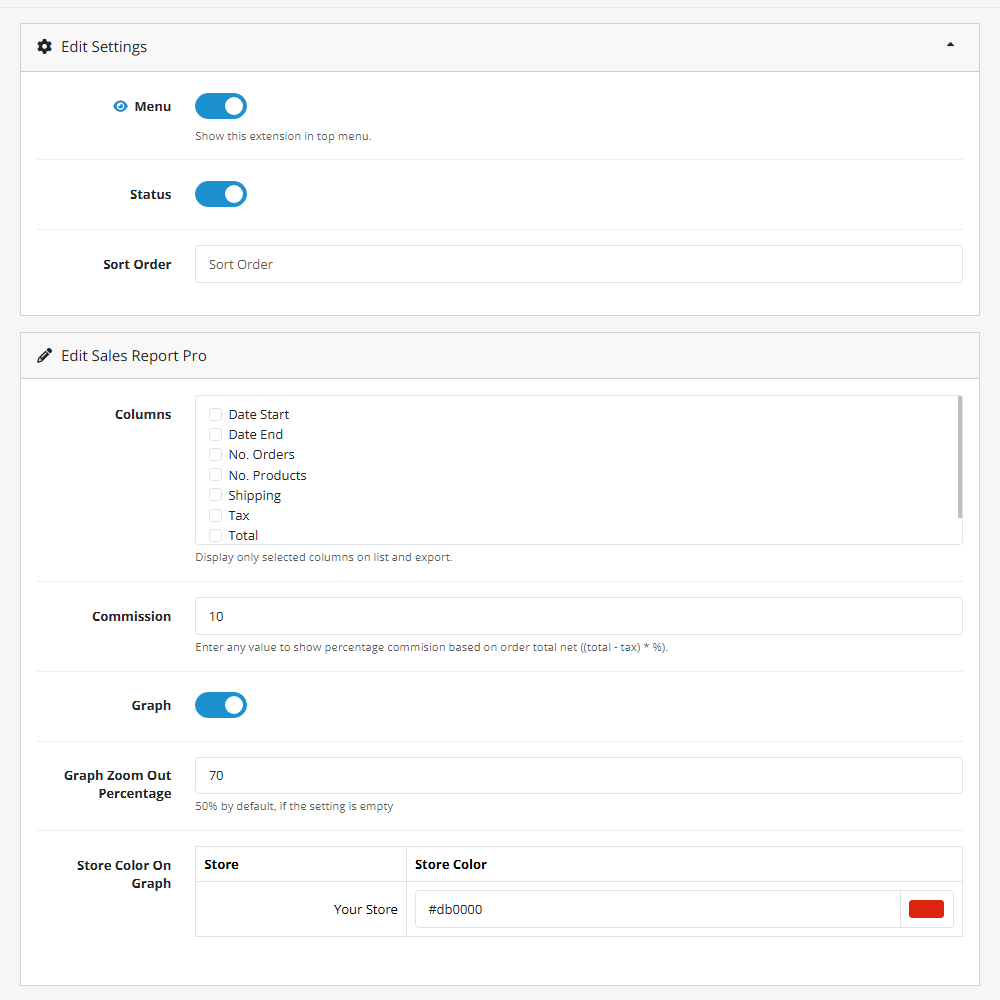
Customisable Columns – Choose exactly which data points to display, including Date Start, Date End, Number of Orders, Number of Products, Tax, Total, and Commission.
Commission Tracking – Track and manage commission values with dedicated reporting fields.
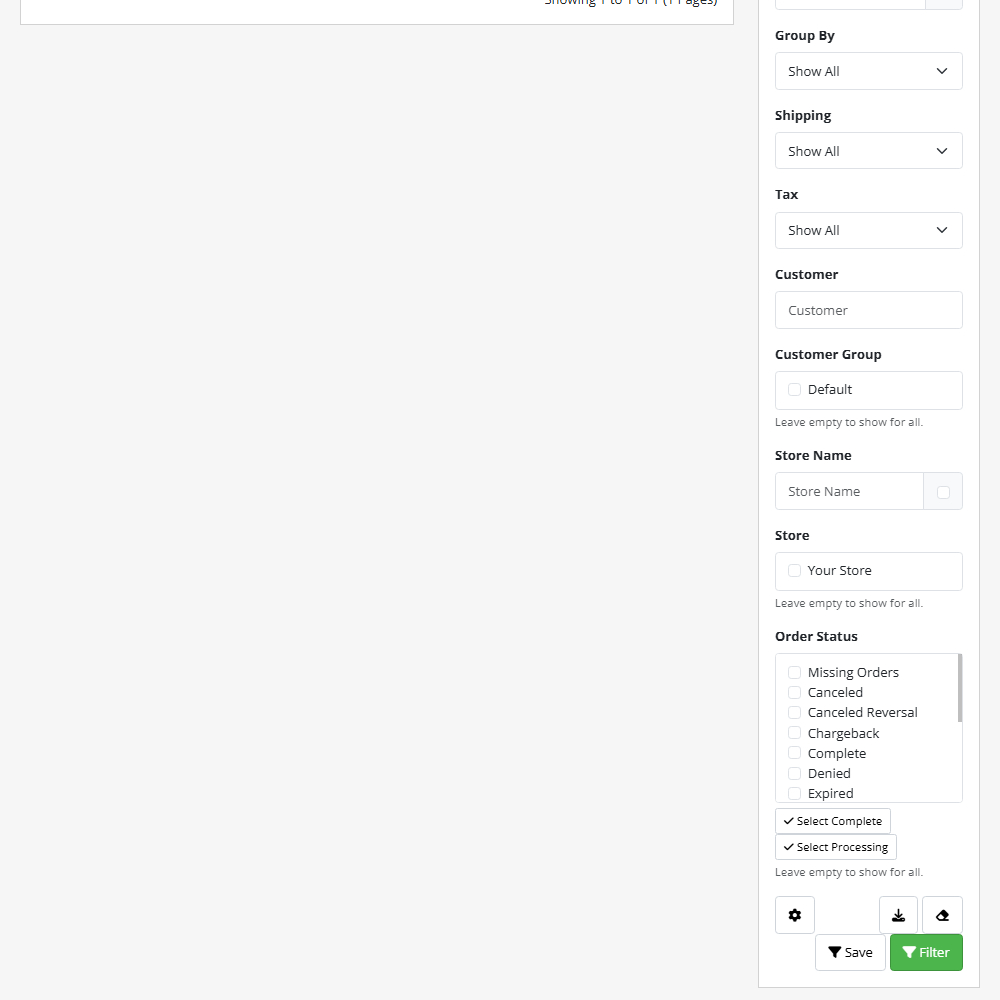
Store Selection – Generate reports for specific stores to gain more targeted insights.
Order Status Tracking – Monitor all major order statuses, including Missing Orders, Cancelled, Chargeback, Complete, Denied, Expired, Failed, Pending, Processed, Processing, Refunded, Reversed, Shipped, and Voided.
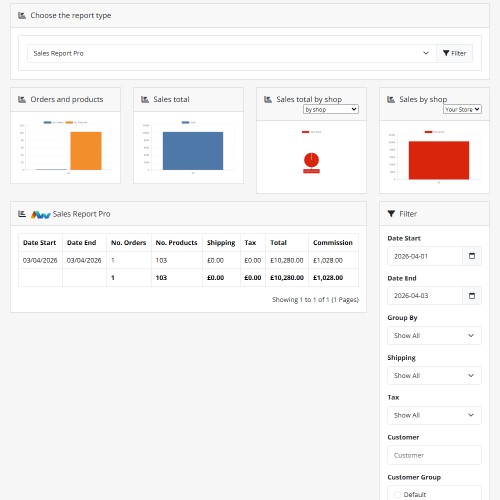
Enhanced Filtering – Quickly locate the exact sales data you need with advanced filtering options.
Detailed Insights – Access deeper performance metrics and create tailored views that suit your reporting needs.
Graphical Reports – Visualise your sales data with built-in graphs for clearer trend analysis and easier decision-making.
Premium Support – Benefit from premium support for fast, reliable assistance whenever required.
Why Choose Sales Report Pro?
This powerful upgrade helps merchants gain a clearer and more flexible understanding of their sales activity. With customisable data, advanced filtering, and visual reporting tools, you can analyse performance with confidence – all managed directly within your OpenCart admin panel.
Installation and Update:
This extension supports OpenCart version 3.x, 4.x, cloud, events system, and the Journal Theme. No files are stored outside the extension, no files are overwritten and it does not use OCMODE/vQmode.
Each download file is the extension file to install. Download the ZIP file for the OpenCart version you require, use the built in installer, use upload button and choose that file.
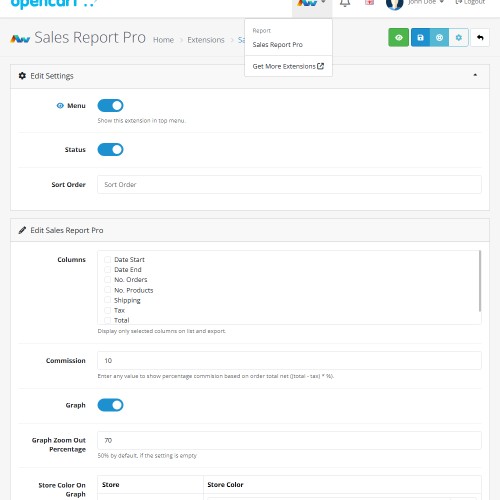
If you have the free NaNet Extension Helper (v1.7 or later) installed, you can use export option (top right menu) within your extension before uninstalling. When you reinstall, the settings can be restored by using import option. This extension will also add an OpenCart header menu for easy access to all NaNet extensions.
Please note: It's always a good practice to backup your OpenCart installation before installing any extensions or making significant changes.
Current version
2026-04-02 (1.4) Fixed: mismatch between columns and their corresponding labels in the fourth chart.
Price
$20.00
- Developed by OpenCart Community
- Documentation Included
Rating
Compatibility
3.0.0.0, 3.0.1.0, 3.0.1.1, 3.0.1.2, 3.0.1.3, 3.0.2.0, 3.0.3.0, 3.0.3.1, 3.0.3.2, 3.0.3.3, 3.0.3.5, 3.0.3.6, 3.0.3.7, 3.0.3.8, 3.x.x.x, 3.0.3.9, 3.0.4.0, 3.0.4.1, 3.0.5.0, 4.x.x.x, 4.0.0.0, 4.0.1.0, 4.0.1.1, 4.0.2.0, 4.0.2.1, 4.0.2.2, 4.0.2.3, 4.1.0.0, 4.1.0.1, 4.1.0.2, 4.1.0.3
Last Update
3 Apr 2026
Created
26 Sep 2024
2 Sales
2 Comments

Login and write down your comment.
Login my OpenCart Account