2FA Authenticator for OpenCart

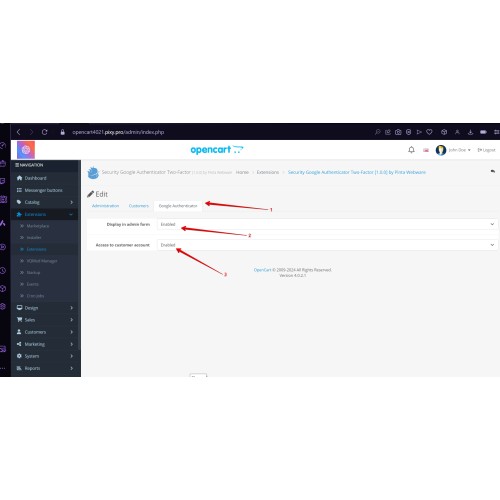
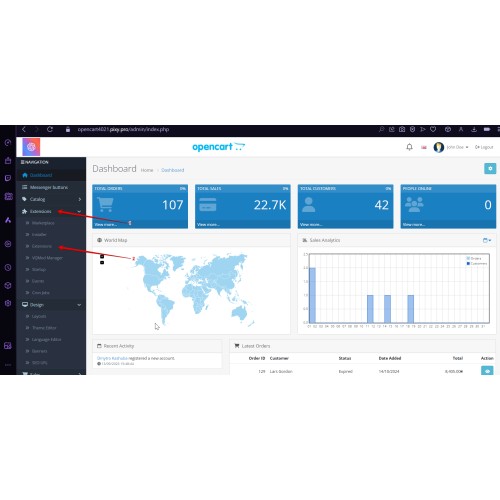
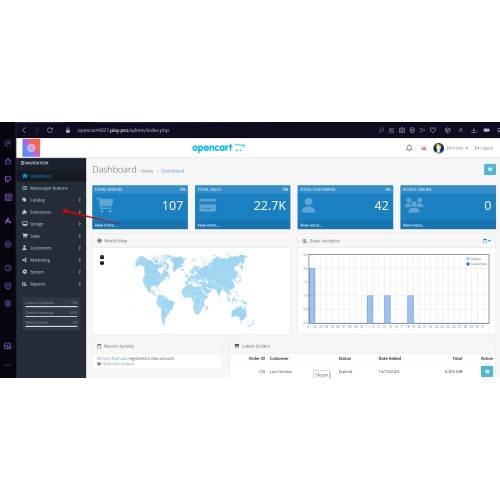
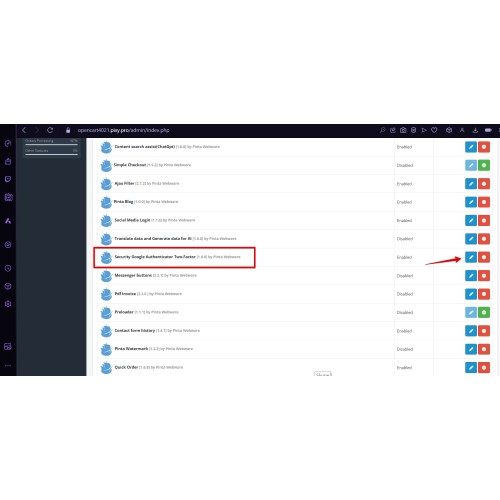





Protect your OpenCart store with an extra verification step for admin and customer accounts. The module supports Google Authenticator, Twilio SMS, and email code verification, helping reduce the risk of unauthorized access even if a password is exposed. It is easy to set up, supports separate admin and customer scenarios, and gives you a clearer way to secure access to your store.
Key Benefits


FAQ
Can customers turn 2FA on or off in their own account?
Yes. Customers can manage their 2FA status directly from the storefront account page.
What happens if 2FA is disabled?
If 2FA is turned off, the user can sign in using only their regular login and password.
Can the administrator reset 2FA for a specific user?
Yes. The administrator can reset 2FA for any user if they lose access to their verification method.
Can SMS or email be used instead of app-based verification?
Yes. The module supports Twilio SMS and email code verification. Note that Twilio requires a separate setup in the admin panel.
Can the admin-side flow be checked in the demo?
Yes. You can use the demo to test the activation process, form verification, and key creation on the admin side.

Version 1.0.1
*Added Ukrainian, German, Spanish, and French localizations.
*Added OpenCart 4.x support.
*Updated version data.
What customers say about 2FA Authenticator for OpenCart

I wanted the team to tell me how to get the file running on my shop. They sent a screen-print of "How-Tos"
The procedure sent unfortunately did not solve the problem. Somebody then suggested the other option of accessing my files.
Is this the only option of supporting a customer?
I feel i have been cheated.
~Showab
~Showab
Price
$30.00
- Developed by OpenCart Community
- 6 Months Free Support
- Documentation Included
Rating
Compatibility
2.3.0.0, 2.3.0.1, 2.3.0.2, 4.0.0.0, 4.0.1.0, 4.0.1.1, 4.0.2.0, 4.0.2.1, 4.0.2.2, 4.0.2.3, 2.0.0.0, 2.0.1.0, 2.0.1.1, 2.0.2.0, 2.0.3.1, 2.1.0.1, 2.1.0.2, 2.2.0.0, 3.0.0.0, 3.0.1.0, 3.0.1.1, 3.0.1.2, 3.0.1.3, 3.0.2.0, 3.0.3.0, 3.0.3.1, 3.0.3.2, 3.0.3.3, 3.0.3.5, 3.0.3.6, 3.0.3.7, 3.0.3.8, 3.x.x.x, 3.0.3.9, 3.0.4.0
Last Update
2 Jun 2026
Created
22 Oct 2024
27 Sales
6 Comments

Login and write down your comment.
Login my OpenCart Account