ChatGPT Manager - AI Chatbot for OpenCart
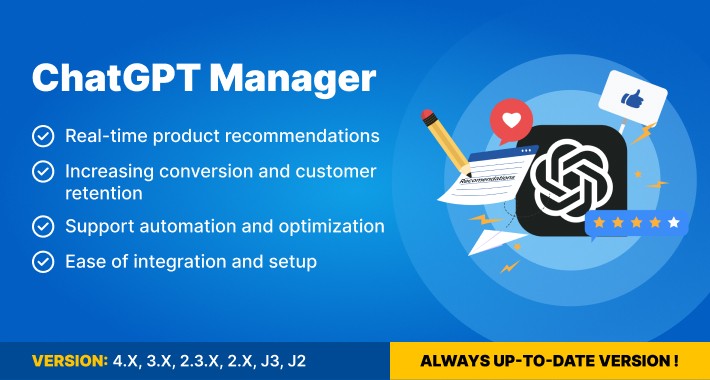
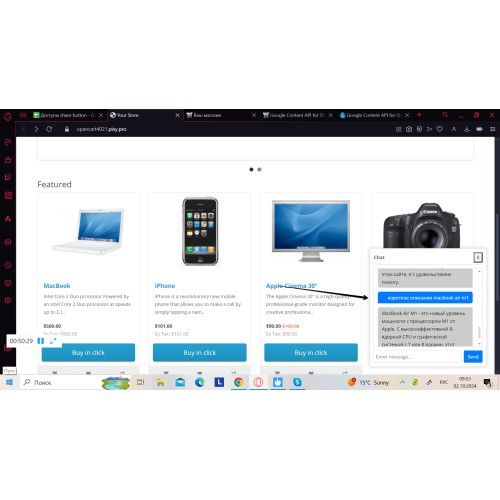
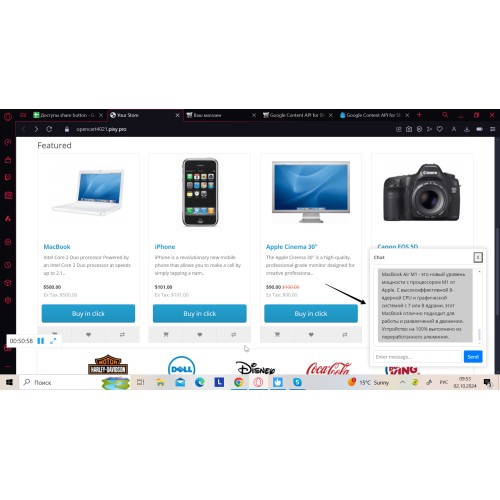



ChatGPT Manager is an AI chatbot for OpenCart stores that helps customers find products, get quick answers, and navigate the catalog more easily.
The module works as a virtual shopping assistant directly on your storefront. It assists customers during the shopping process by answering common questions, helping them discover relevant products, and guiding them through categories.
This plugin is especially useful for stores with large product catalogs where customers often need help finding the right items. By simplifying product discovery and improving customer interaction, ChatGPT Manager helps create a smoother shopping experience and supports stronger conversion potential.

• Product recommendations in chat
The chatbot suggests relevant products based on customer requests, helping shoppers find suitable items faster.
• Faster pre-sale customer assistance
ChatGPT Manager answers common pre-sale questions directly on the storefront and supports smoother customer interaction during product selection.
• Better catalog guidance for large stores
The module helps customers move through categories, discover relevant products, and navigate large catalogs with less friction.
• Reduced repetitive support requests
By handling routine customer questions, the plugin helps reduce repetitive support workload and saves time for your team.
• Simple OpenCart setup
The module is installed through the OpenCart admin panel and configured with an OpenAI API key and a selected model.
Why choose ChatGPT Manager?
ChatGPT Manager is a practical AI chatbot for OpenCart stores that need faster customer assistance without adding extra complexity to the shopping process.
It helps answer routine pre-sale questions, supports product discovery, and makes storefront communication more convenient for both customers and store owners.
The module is especially useful for stores with broad product catalogs where shoppers need quicker guidance before making a purchase.

- Download the plugin archive from the Pinta Shop and save it to your computer.
- In the OpenCart admin panel, go to Modules and Extensions → Install Extensions.
- Upload the plugin archive and complete the installation.
- Open Modules/Extensions → Modules, find ChatGPT Manager, and click Install.
- Click Edit to open the module settings.
- In the Settings tab, set the module status to Enabled.
- Add your OpenAI API key in the required field.
- In Additional settings, select the required model: [model].
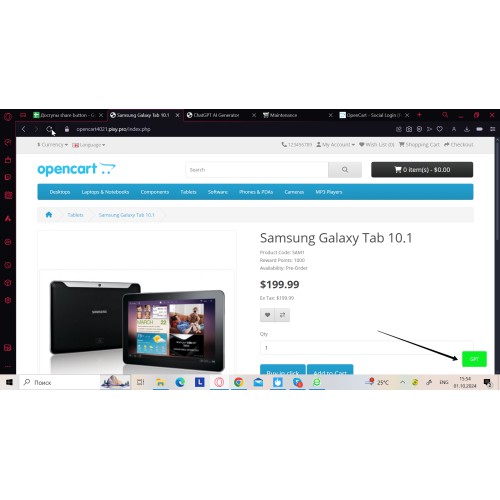
- Save the configuration and enable quick access if needed.
- The module is installed and ready to use on your OpenCart store.
Price
$39.00
- Developed by OpenCart Community
- Documentation Included
Rating
Compatibility
3.0.0.0, 3.0.1.0, 3.0.1.1, 3.0.1.2, 3.0.1.3, 3.0.2.0, 3.0.3.0, 3.0.3.1, 3.0.3.2, 3.0.3.3, 3.0.3.5, 3.0.3.6, 3.0.3.7, 3.0.3.8, 3.x.x.x, 3.0.3.9, 3.0.4.0, 4.x.x.x, 4.0.0.0, 4.0.1.0, 4.0.1.1, 4.0.2.0, 4.0.2.1, 4.0.2.2, 4.0.2.3, 2.3.0.0, 2.3.0.1, 2.3.0.2, 2.0.0.0, 2.0.1.0, 2.0.1.1, 2.0.2.0, 2.0.3.1, 2.1.0.1, 2.1.0.2, 2.2.0.0
Last Update
2 Jun 2026
Created
5 Nov 2024
1 Sales
3 Comments

Login and write down your comment.
Login my OpenCart Account