Blog for Opencart (v. 2-4.x)
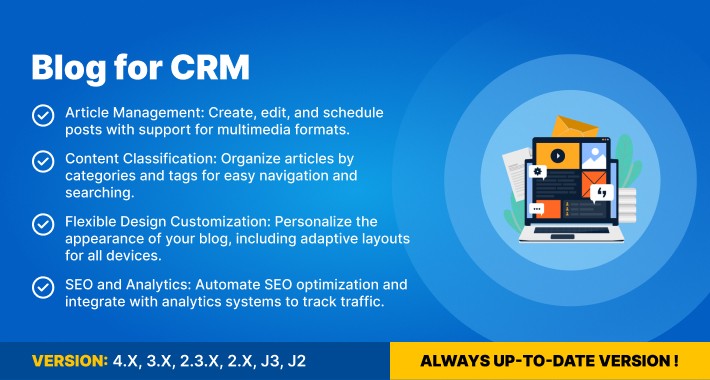
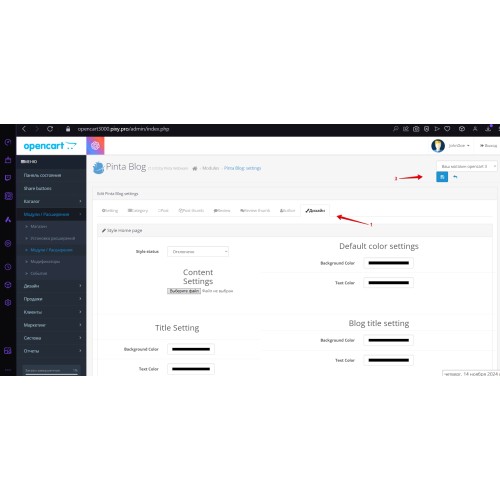
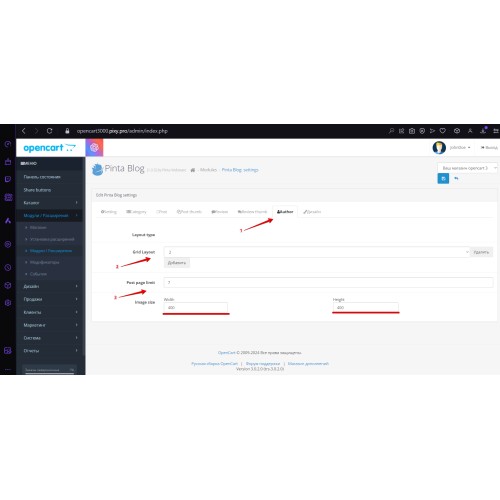
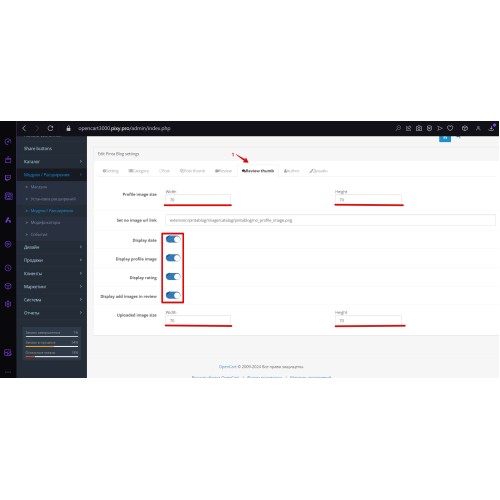
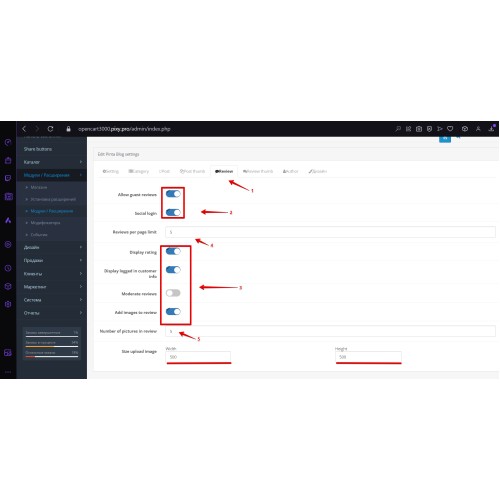
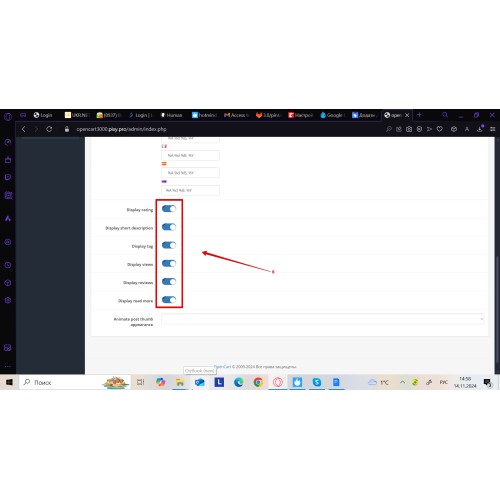
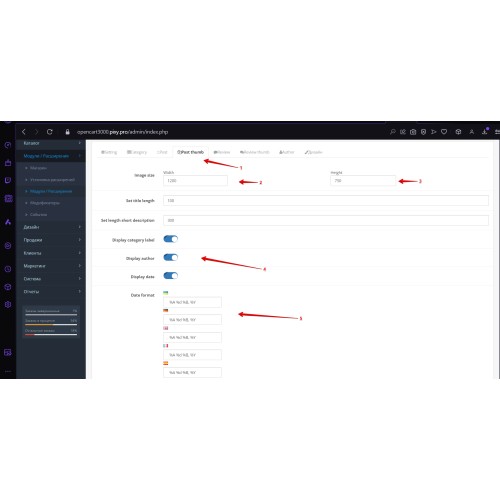
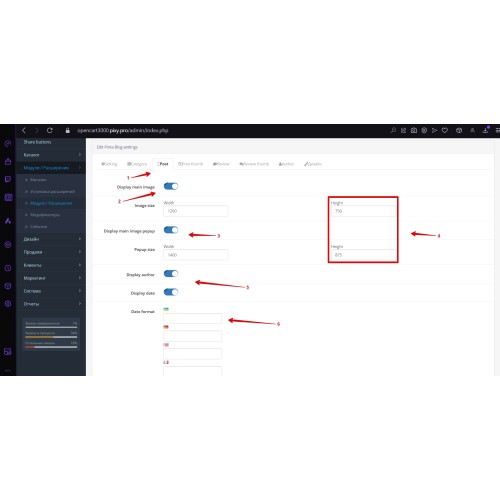
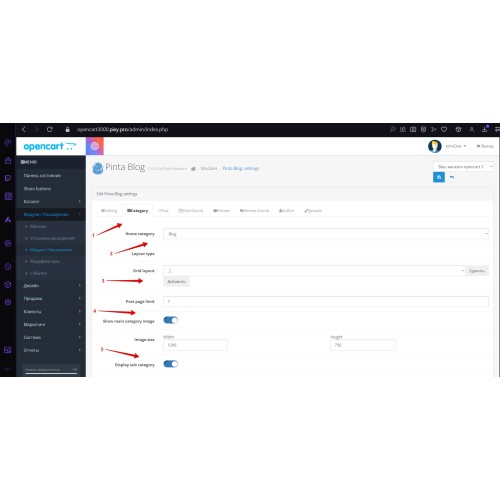



A blog module for OpenCart 2.x–4.x that lets you create and manage blog posts from your store admin panel. Create posts with text, images, and videos, schedule publication (date/time), and organize content with categories and tags (with category/tag pages). Manage author profiles and enable ratings and comments with moderation. SEO-friendly URLs, meta tags, schema markup, import/export, social media sharing, and multilingual blog support are included. Supported versions are listed in the Compatibility section.

Article Management:
- Create and edit blog posts in admin.
- Support for text, images, and videos.
- Schedule posts with publication dates and times.
Author Management:
- Add and edit author profiles.
- Display author information in posts.
- Assign posts to specific authors.
Categories and Tags:
- Create a category structure for organized blog content.
- Use tags to improve navigation and search.
- Automatically generate category pages and tag pages.
Ratings and Reviews:
- Allow users to rate posts (stars or likes).
- Enable comments for discussions.
- Use moderation tools for reviews and comments.
Flexible Design Customization:
- Customize blog page styles and layout options.
- Configure how posts, categories, and authors are displayed.
- Responsive design support for mobile and desktop.
SEO and Analytics:
- Generate SEO-friendly URLs and meta tags for blog posts and pages.
- Use analytics integration to track visitor statistics (via your analytics setup).
- Schema markup support for better search visibility.
Additional Features:
- Import and export capabilities for blog data.
- Social media sharing for content distribution.
- Multilingual blog support.
Benefits of Using the Module:
- Publish and manage blog posts directly in OpenCart admin.
- Organize content with categories and tags for easier discovery.
- Improve engagement with ratings, comments, and moderation.
- Strengthen SEO with SEO-friendly URLs, meta tags, and schema markup.
A practical choice for stores that want an on-site blog inside OpenCart admin without a separate CMS.

- Click Buy and complete checkout (you’ll be asked to log in only if you’re not signed in).
- Download the extension archive from your OpenCart account (Account → Purchases → My Downloads).
- In your store admin panel, go to Extensions → Extension Installer and upload the downloaded archive.
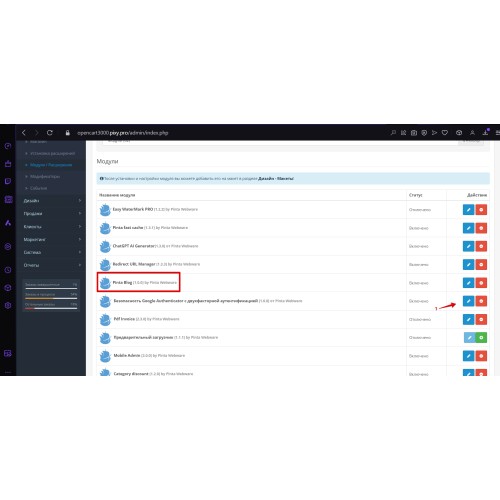
- Go to Extensions → Extensions, select Modules, find the blog module, and click Install.
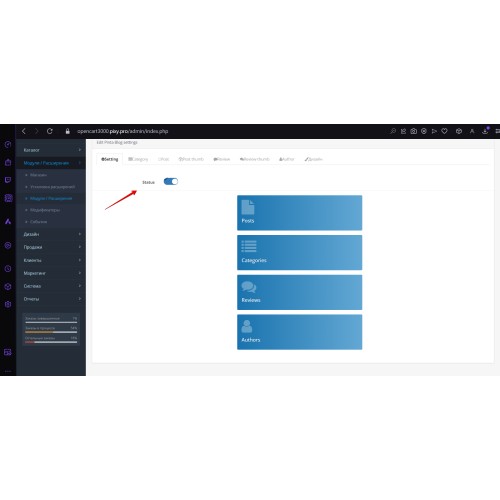
- Click Edit to enable and configure the module.
- If the module doesn’t appear or changes don’t apply, go to Extensions → Modifications and click Refresh.

Price
$29.95
- Developed by OpenCart Community
- 6 Months Free Support
- Documentation Included
Rating
Compatibility
2.0.0.0, 2.0.1.0, 2.0.1.1, 2.0.2.0, 2.0.3.1, 2.1.0.1, 2.1.0.2, 2.2.0.0, 2.3.0.0, 2.3.0.1, 2.3.0.2, 3.0.0.0, 3.0.1.0, 3.0.1.1, 3.0.1.2, 3.0.1.3, 3.0.2.0, 3.0.3.0, 3.0.3.1, 3.0.3.2, 3.0.3.3, 3.0.3.5, 3.0.3.6, 3.0.3.7, 3.0.3.8, 3.x.x.x, 3.0.3.9, 3.0.4.0, 4.x.x.x, 4.0.0.0, 4.0.1.0, 4.0.1.1, 4.0.2.0, 4.0.2.1, 4.0.2.2, 4.0.2.3
Last Update
2 Jun 2026
Created
18 Nov 2024
1 Sales
1 Comments

Login and write down your comment.
Login my OpenCart Account