Google reCAPTCHA
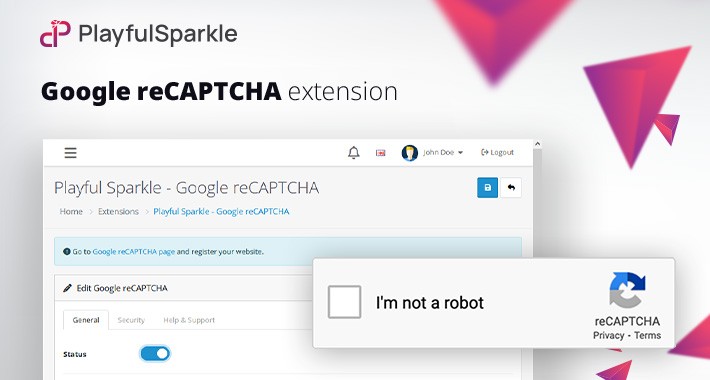
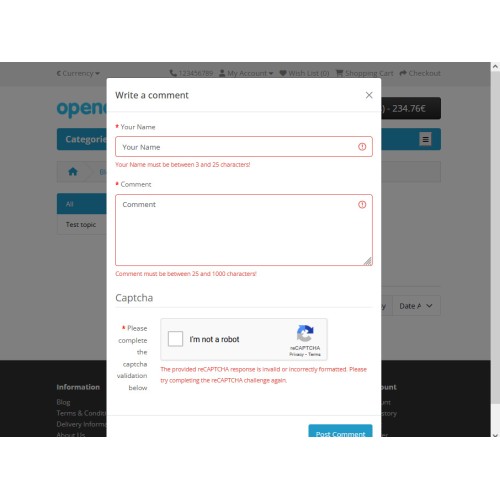
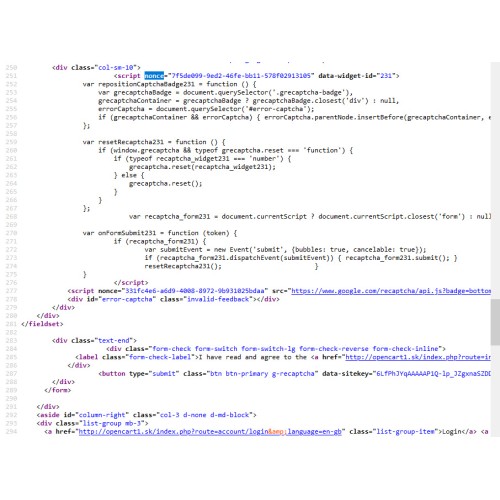
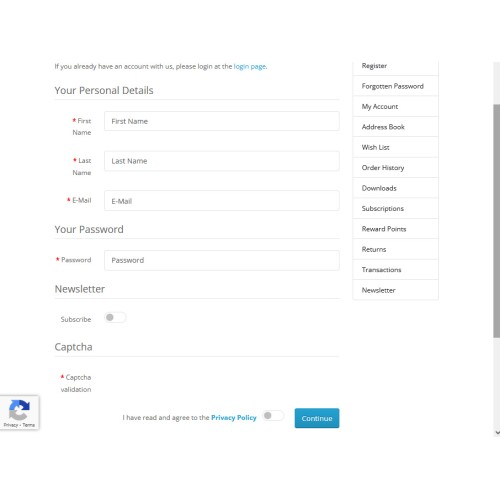
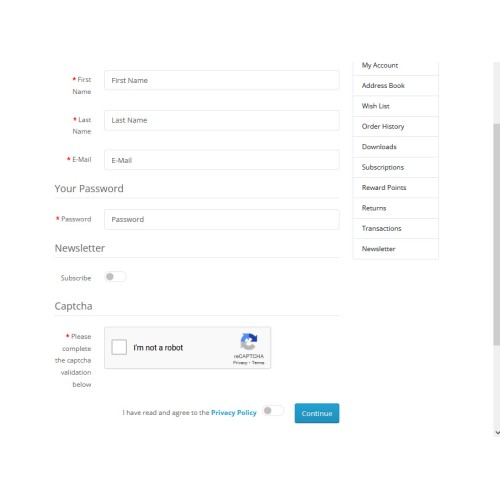
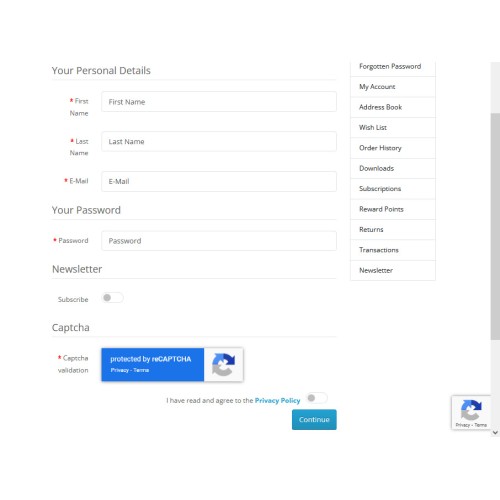
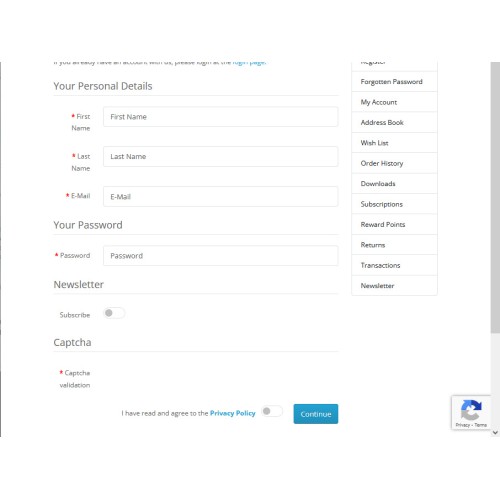
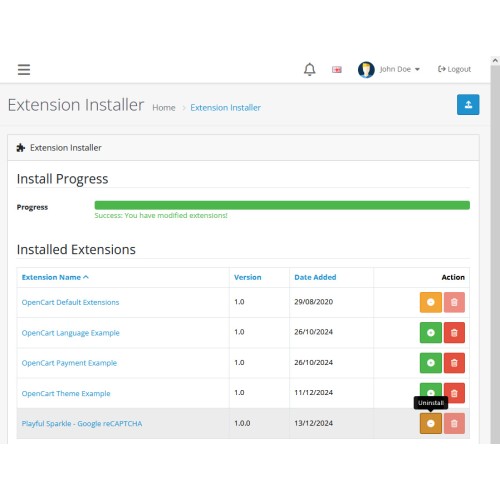
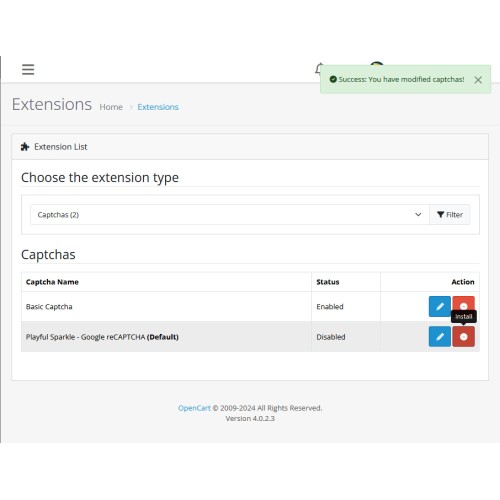
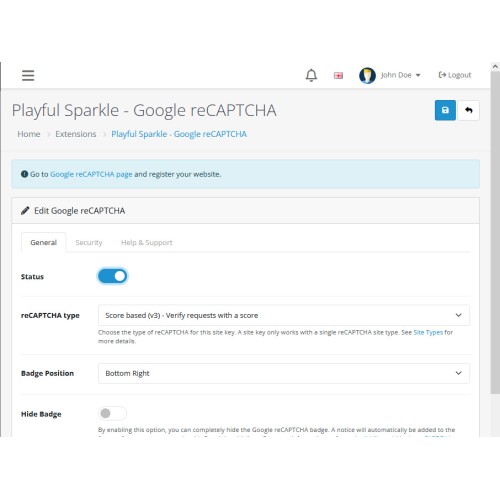
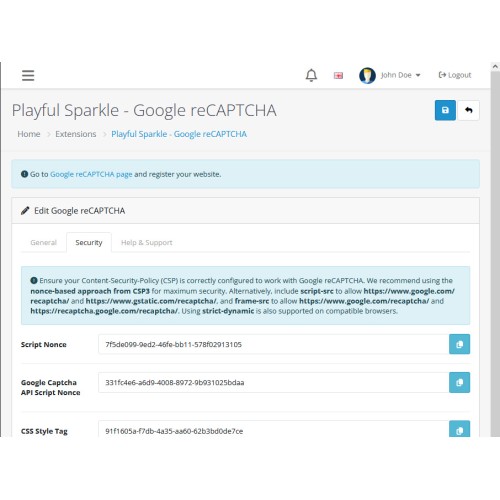
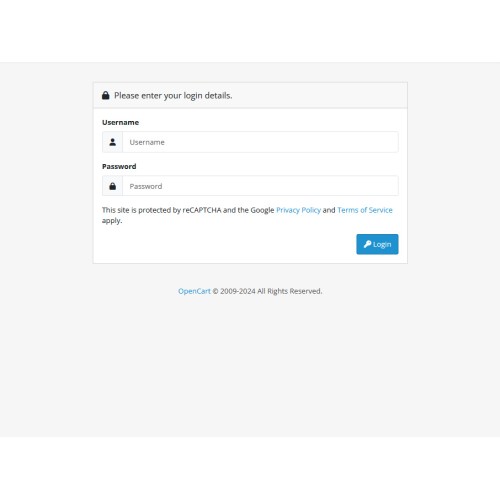
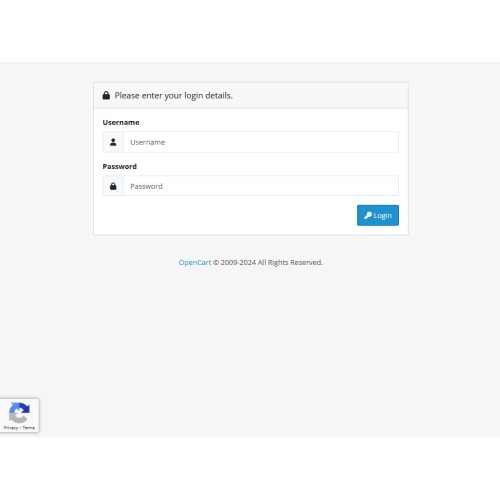
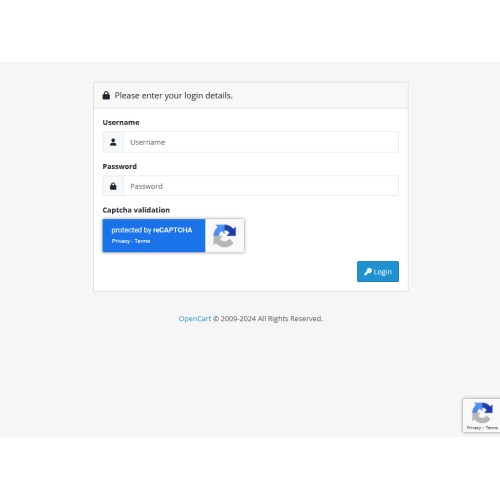
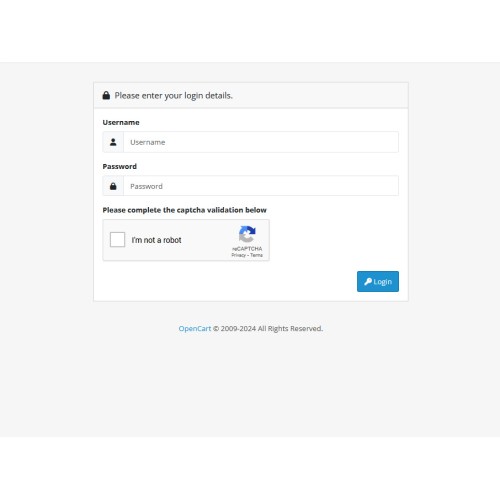
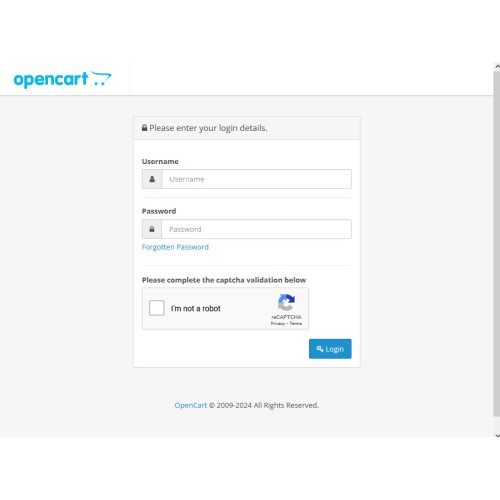
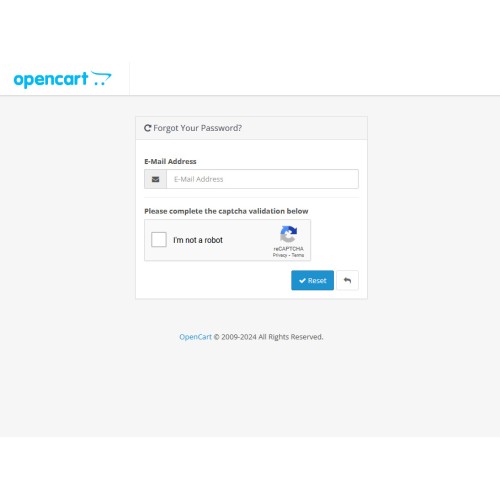
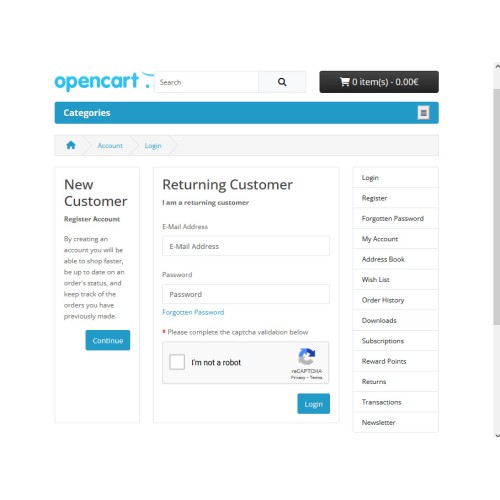
The Playful Sparkle - Google reCAPTCHA extension for OpenCart 3.x+, 4.x+ enhances the security of your online store by integrating Google’s advanced reCAPTCHA service. Safeguard your store from spam and automated abuse while providing a frictionless experience for legitimate users. This extension supports flexible implementation options, including reCAPTCHA v3 (background validation), v2 (checkbox), and v2 Invisible. With multi-language support and fully customizable settings, such as badge position, theme, and size, the extension ensures a seamless fit for your store's design and functionality. It also complies with Google’s guidelines, including the ability to hide the badge when the required branding is visibly included in the user flow.
Features
Customizable Display Settings:
For v3: Badge position: Choose between bottom left, bottom right, or inline. Theme: Select between light and dark. Option to hide the badge with a footer notice to comply with Google policy. Set different score thresholds for specific pages, such as Admin Login, Forgotten Password; Catalog Login, Forgotten Password, Register, Guest Checkout, Reviews, Comment, Returns, and Contact.
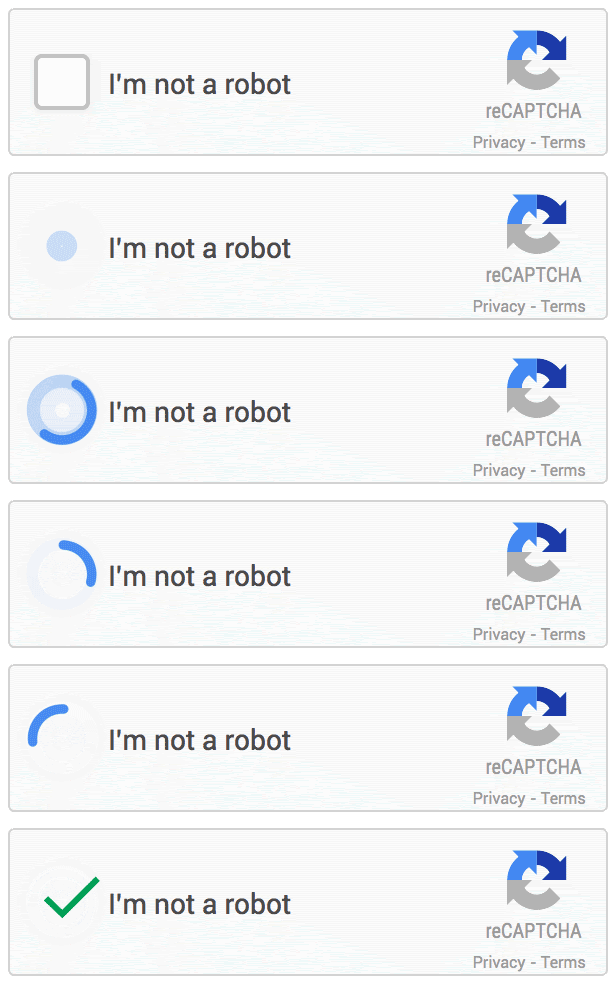
For v2 Checkbox: Badge theme: Choose between light and dark. Badge size: Select normal or compact.
For v2 Invisible: Badge position: Choose between bottom left, bottom right, or inline. Theme: Select between light and dark. Option to hide the badge with a footer notice to comply with Google policy.
Advanced Features:
Logs any reCAPTCHA verification failures for debugging and monitoring purposes.
Toggle option to include the client's IP address when sending verification requests to Google's reCAPTCHA service.
Compatibility: Integrates smoothly with OpenCart 3.x+, 4.x+, supporting a range of online store setups.
Multilingual Support: Ready for international use with languages including العربية (ar), Български (bg), 中文(简体) (zh-cn), 中文(繁體) (zh-tw), Čeština (cs-cz), English (UK) (en-gb), English (US) (en-us), Français (fr-fr), Deutsch (de-de), Ελληνικά (el-gr), Magyar (hu-hu), Italiano (it-it), 日本語 (ja), 한국어 (ko-kr), Polski (pl-pl), Português (Brasil) (pt-br), Русский (ru-ru), Slovenčina (sk-sk), Español (es-es), and Türkçe (tr-tr). [/list]
Supported reCAPTCHA Pages
For more information, visit the extension's GitHub page at https://github.com/playfulsparkle/oc3_google_recaptcha or https://github.com/playfulsparkle/oc4_google_recaptcha.




Installation Instructions
Installation Instructions for OpenCart 3.x+
MD5 Checksum: 0d5fa713b0e98af5644671287c66777c
SHA256 Checksum: c0bf32464e40486122e1c311f5f2e33941ff993a6d68b0a74762f85336498201
Installation Instructions for OpenCart 4.x+
MD5 Checksum: 435da175434e4f56753f13cf4fa7ef2b
SHA256 Checksum: 34839761c7ca67f8a9d31f6d43275d8d522e39008638d3da7d263c1a2a3b436d
Support & Inquiries
For assistance or inquiries regarding this extension, please visit our support website or contact us via email at support@playfulsparkle.com.
Features
- Comprehensive reCAPTCHA Options:
[list] - Support for reCAPTCHA v3 (score-based): Validate user actions in the background without user intervention.
- Support for reCAPTCHA v2 (checkbox): Displays the "I'm not a robot" checkbox challenge.
- Support for reCAPTCHA v2 Invisible: Validates actions in the background with minimal user interruption.
Supported reCAPTCHA Pages
- Admin/Catalog Login (OpenCart 3.x+, OpenCart 4.x+)
- Admin/Catalog Forgotten Password (OpenCart 3.x+)
- Register (OpenCart 3.x+, OpenCart 4.x+)
- Guest Checkout (OpenCart 3.x+, OpenCart 4.x+)
- Reviews (OpenCart 3.x+, OpenCart 4.x+)
- Comment (OpenCart 4.x+)
- Returns (OpenCart 3.x+, OpenCart 4.x+)
- Contact (OpenCart 3.x+, OpenCart 4.x+)
For more information, visit the extension's GitHub page at https://github.com/playfulsparkle/oc3_google_recaptcha or https://github.com/playfulsparkle/oc4_google_recaptcha.
Installation Instructions
Installation Instructions for OpenCart 3.x+
- 1) Download the latest version from the OpenCart Marketplace.
2) Log in to your OpenCart admin panel.
3) Navigate to Extensions > Installer.
4) Click the Upload button and upload the ps_google_recaptcha.ocmod.zip file.
5) Navigate to Extensions > Extensions and select Captcha from the Choose the extension type dropdown list.
6) Locate the extension in the Captcha list and click the Install button.
7) Click the Edit button, configure the extension parameters, and click the Save button to save your settings.
8) Navigate to Extensions > Modifications, select all your modifications and click the Refresh button to update the modification cache and apply the changes.
MD5 Checksum: 0d5fa713b0e98af5644671287c66777c
SHA256 Checksum: c0bf32464e40486122e1c311f5f2e33941ff993a6d68b0a74762f85336498201
Installation Instructions for OpenCart 4.x+
- Download the latest version from the OpenCart Marketplace.
Log in to your OpenCart admin panel.
Navigate to Extensions > Installer.
Click the Upload button and upload the ps_google_recaptcha.ocmod.zip file.
Locate the extension in the Installed Extensions list and click the Install button.
Navigate to Extensions > Extensions and select Captcha from the Choose the extension type dropdown list.
Locate the extension in the Captcha list and click the Install button.
Click the Edit button, configure the extension parameters, and click the Save button to save your settings.
MD5 Checksum: 435da175434e4f56753f13cf4fa7ef2b
SHA256 Checksum: 34839761c7ca67f8a9d31f6d43275d8d522e39008638d3da7d263c1a2a3b436d
Support & Inquiries
For assistance or inquiries regarding this extension, please visit our support website or contact us via email at support@playfulsparkle.com.
Download
- Developed by OpenCart Community
- 3 Months Free Support
- Documentation Included
Rating
Compatibility
3.0.0.0, 3.0.1.0, 3.0.1.1, 3.0.1.2, 3.0.1.3, 3.0.2.0, 3.0.3.0, 3.0.3.1, 3.0.3.2, 3.0.3.3, 3.0.3.5, 3.0.3.6, 3.0.3.7, 3.0.3.8, 3.x.x.x, 3.0.3.9, 3.0.4.0, 3.0.4.1, 3.0.5.0, 4.x.x.x, 4.0.0.0, 4.0.1.0, 4.0.1.1, 4.0.2.0, 4.0.2.1, 4.0.2.2, 4.0.2.3, 4.1.0.0, 4.1.0.1, 4.1.0.2, 4.1.0.3
Last Update
1 Apr 2026
Created
17 Dec 2024
159 Downloads
2 Comments

Login and write down your comment.
Login my OpenCart Account