Opayo Elavon HPP

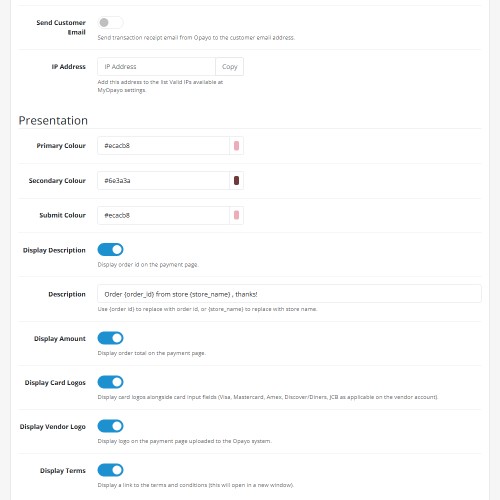
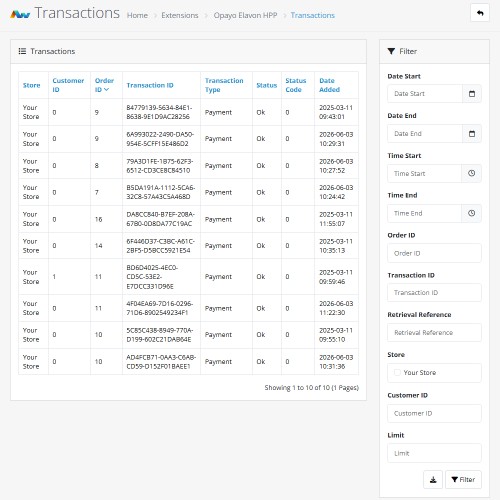
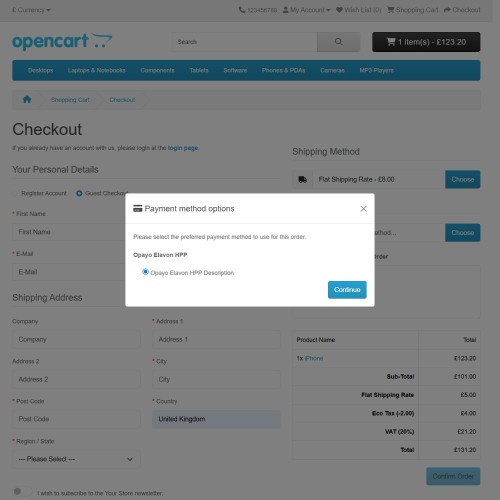
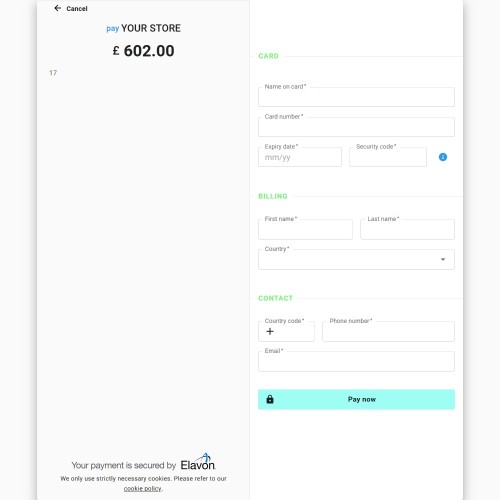

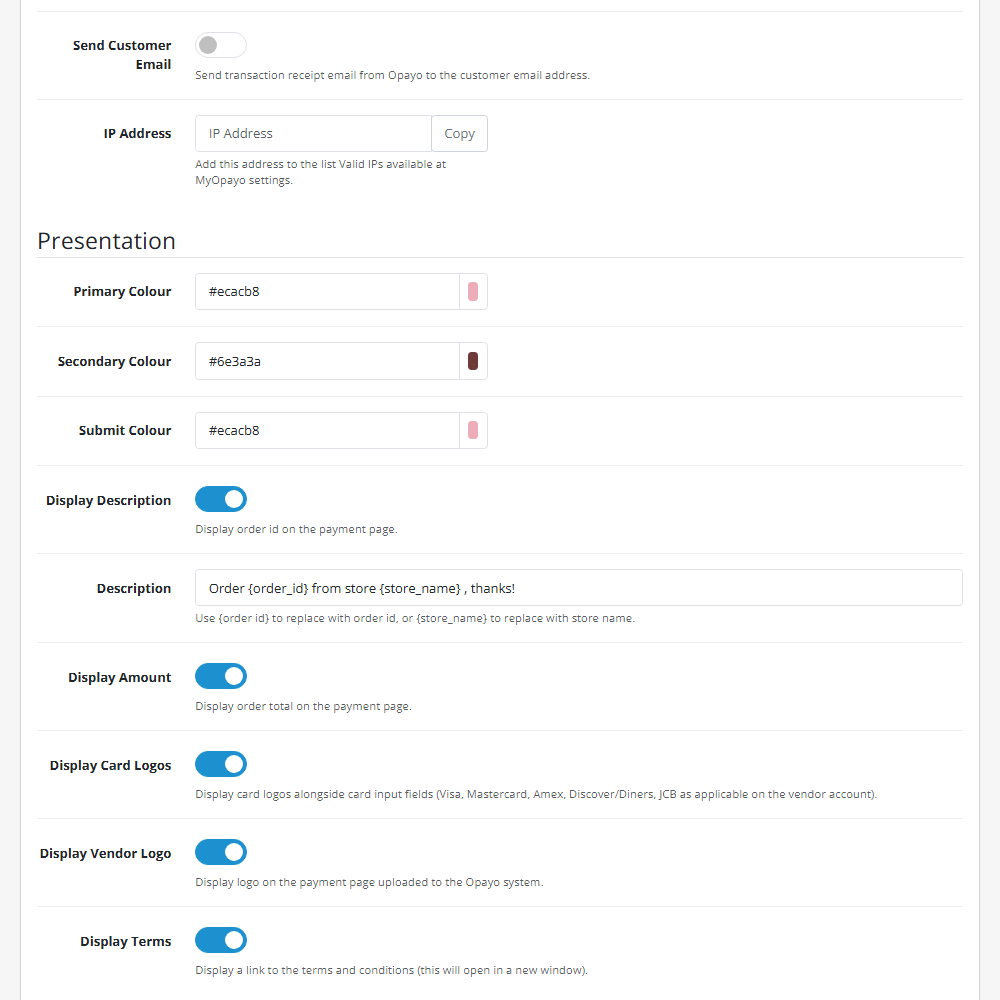
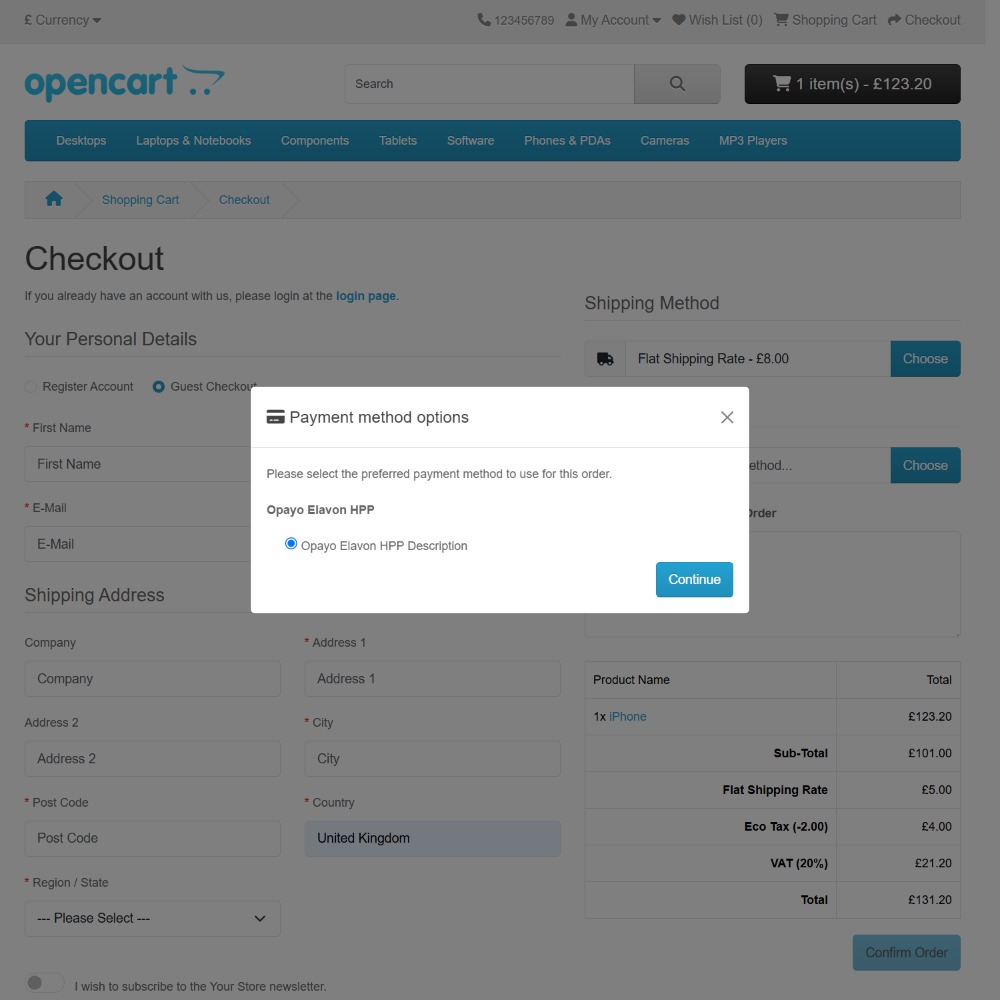
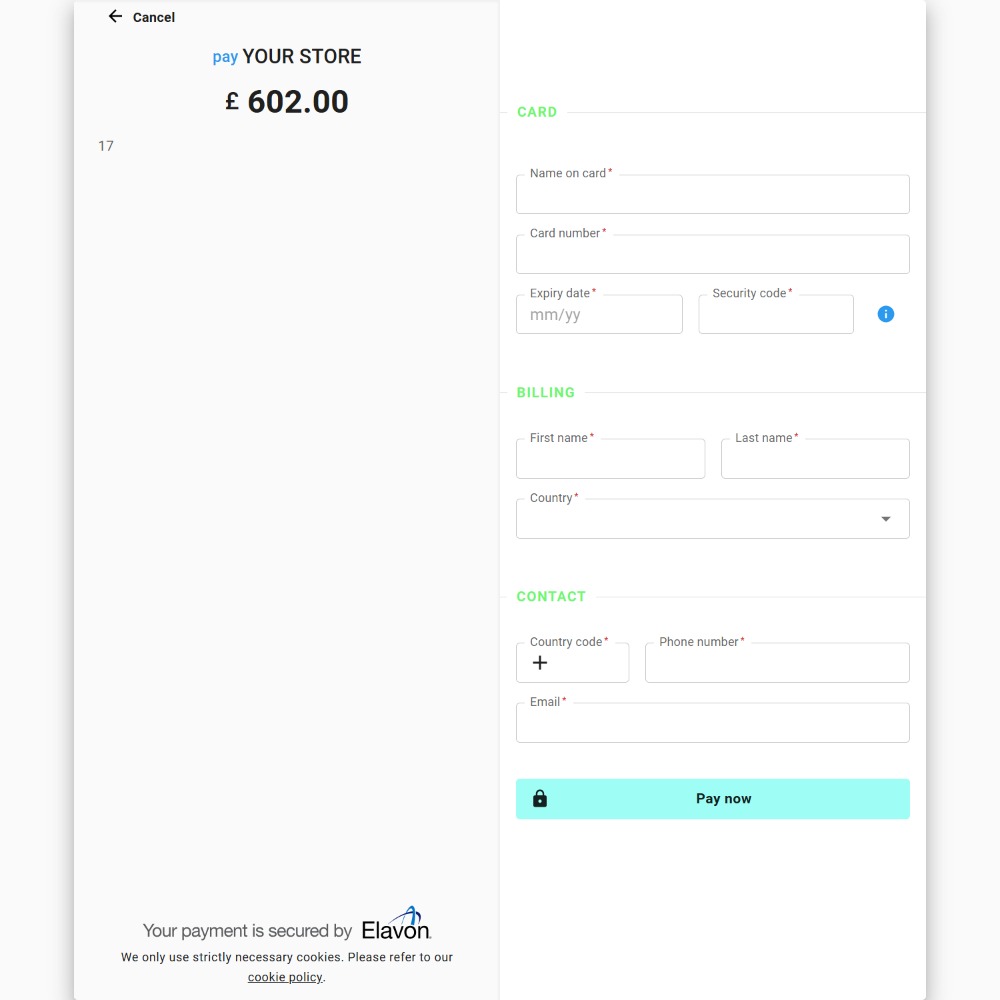
Enhance your OpenCart store with the Opayo Elavon Hosted Payment Page (HPP) extension, offering secure and seamless payment processing. This extension integrates directly with Opayo Elavon, allowing customers to complete transactions through a reliable hosted payment page while keeping sensitive card details secure.
Key Features:
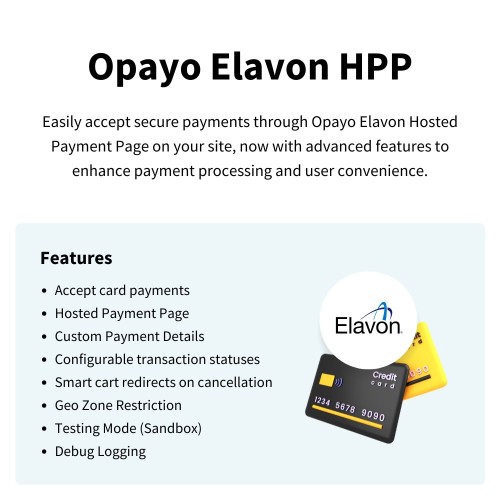
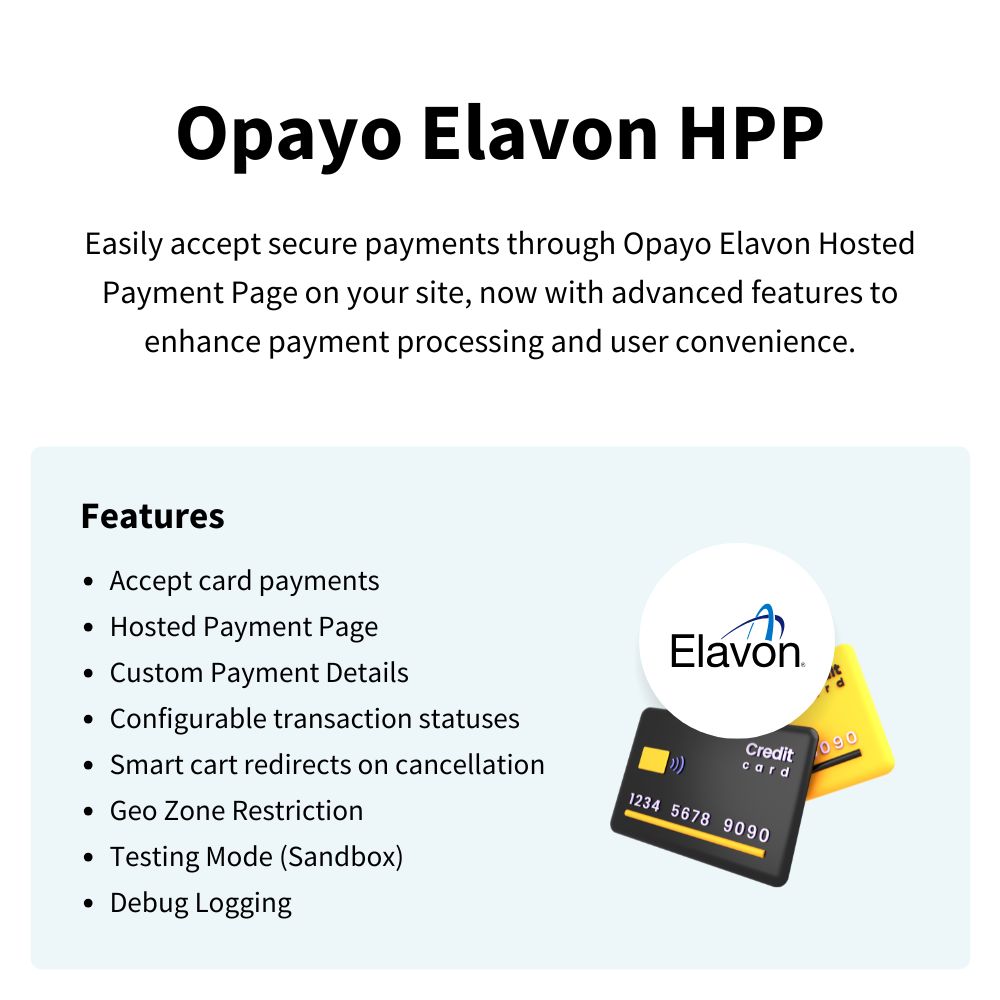
Accept Card Payments – Process secure credit and debit card transactions effortlessly.
Hosted Payment Page – Customers are redirected to a secure Opayo Elavon-hosted payment page, ensuring compliance and reducing PCI DSS scope.
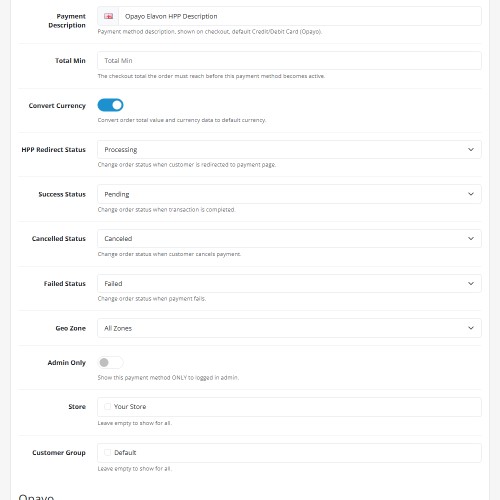
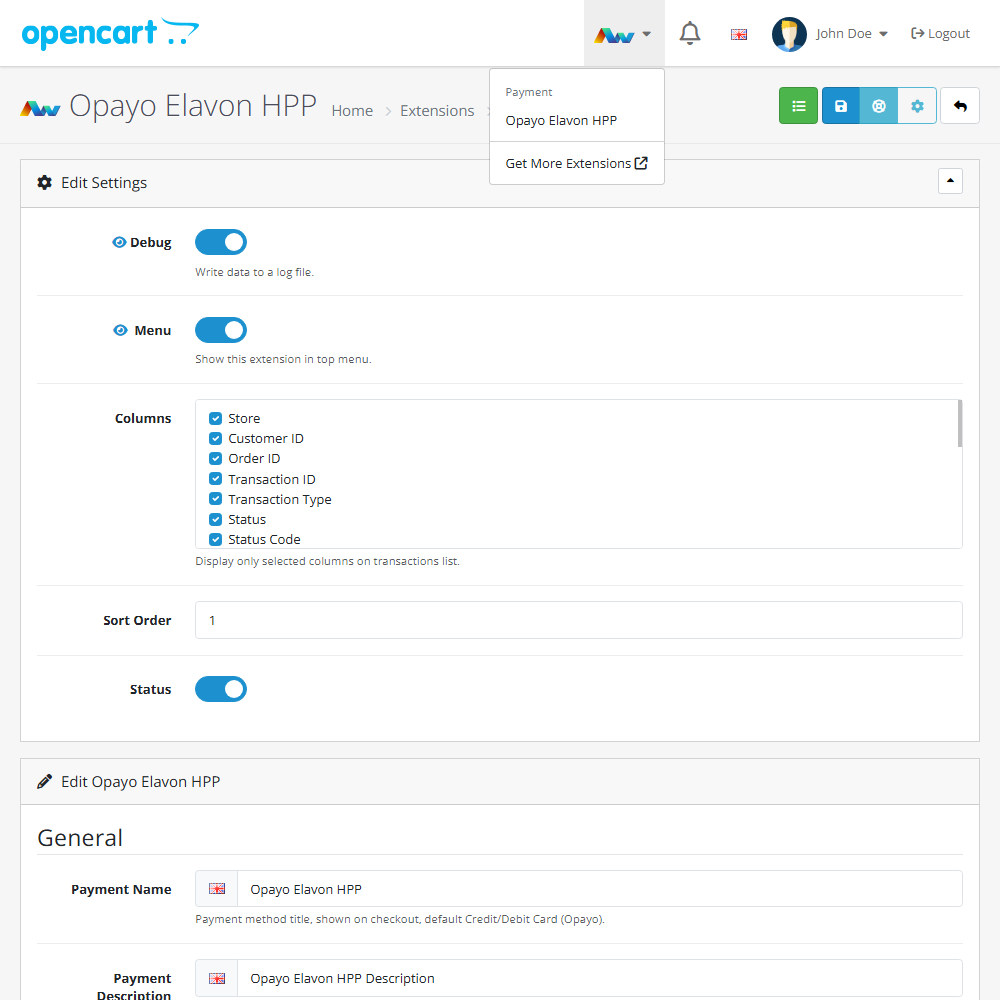
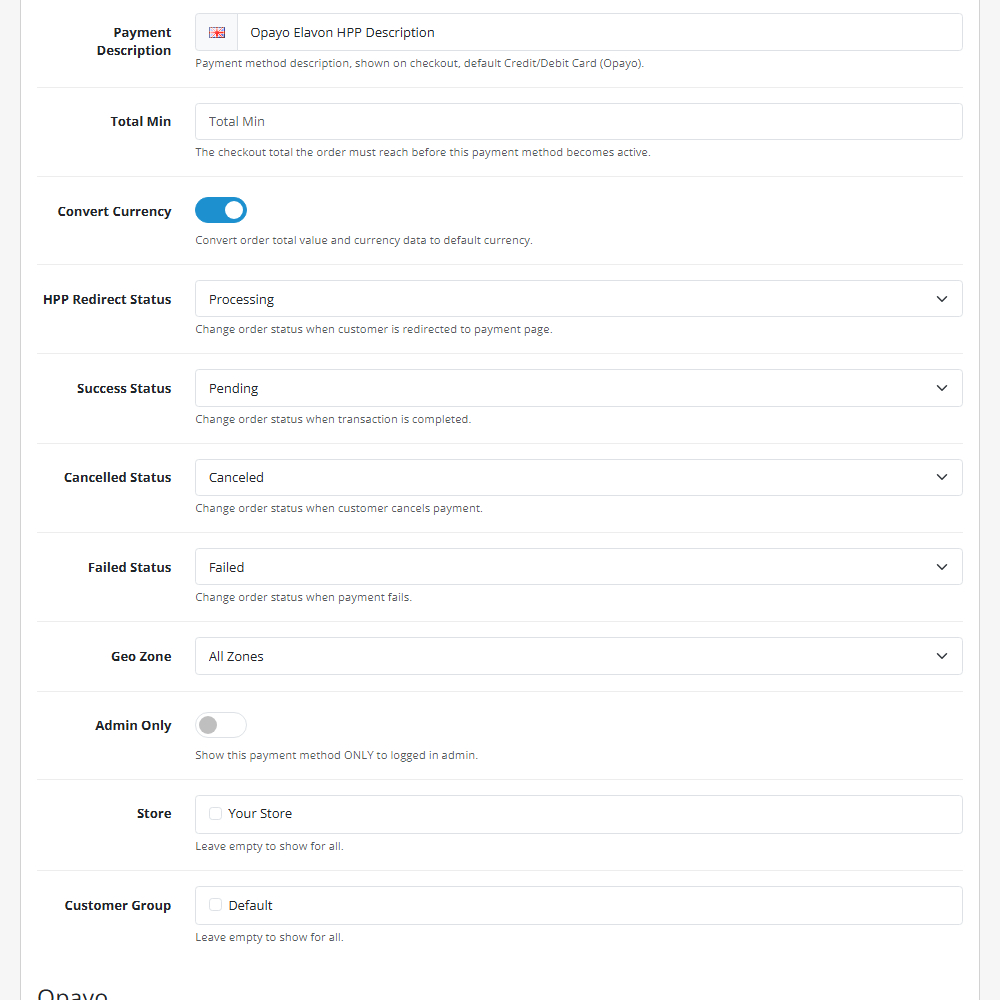
Configurable Transaction Statuses – Automatically update order statuses for specific payment events (such as HPP redirects, cancellations, or failures).
Smart Cart Redirects – Ensure a smooth user experience by automatically routing customers back to their shopping cart (rather than a success page) if they cancel a transaction or encounter a payment error.
Geo Zone Restriction – Control payment availability based on customer location.
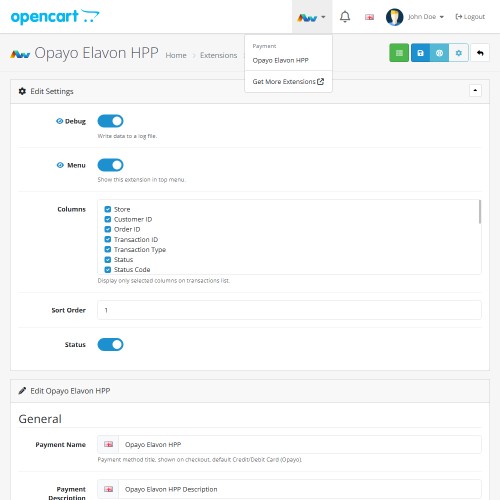
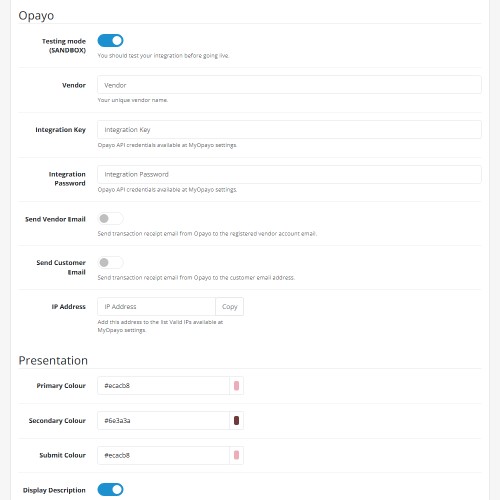
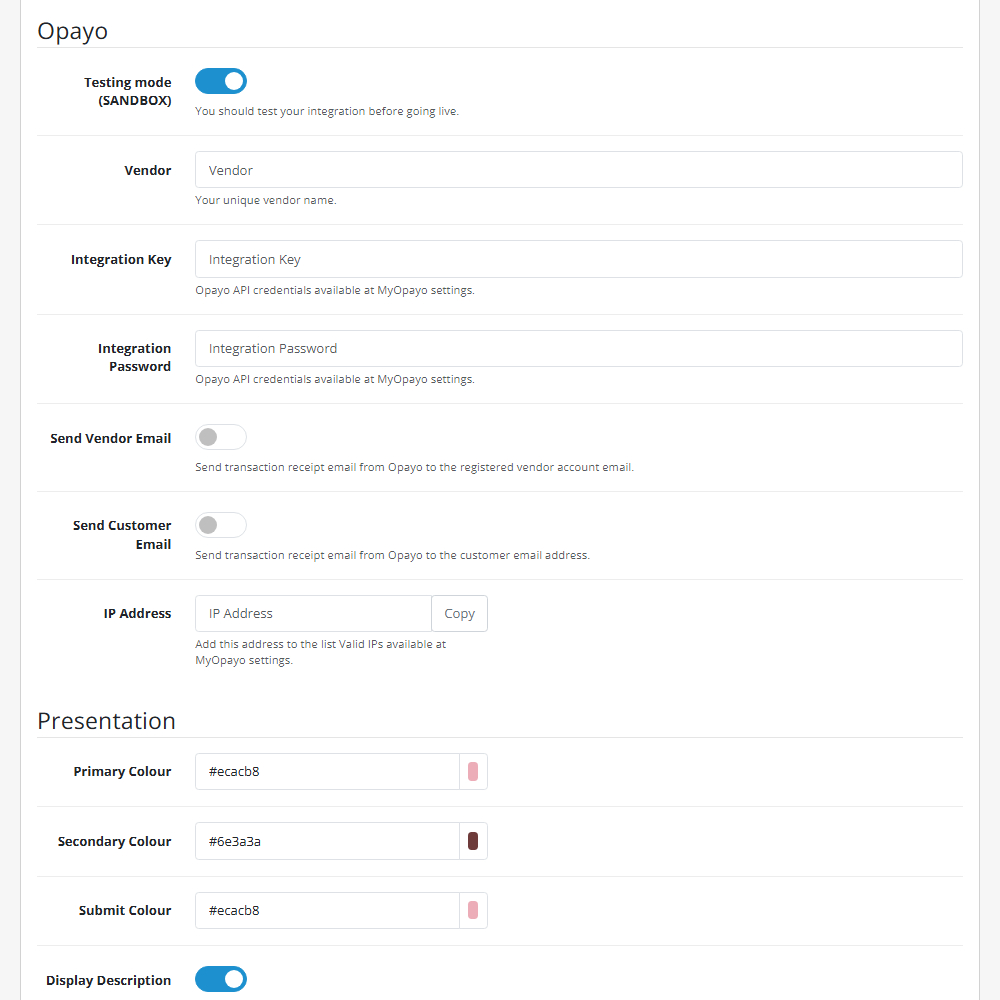
Testing Mode (Sandbox) – Test transactions safely before going live.
Debug Logging – Monitor and troubleshoot transactions with detailed logs.
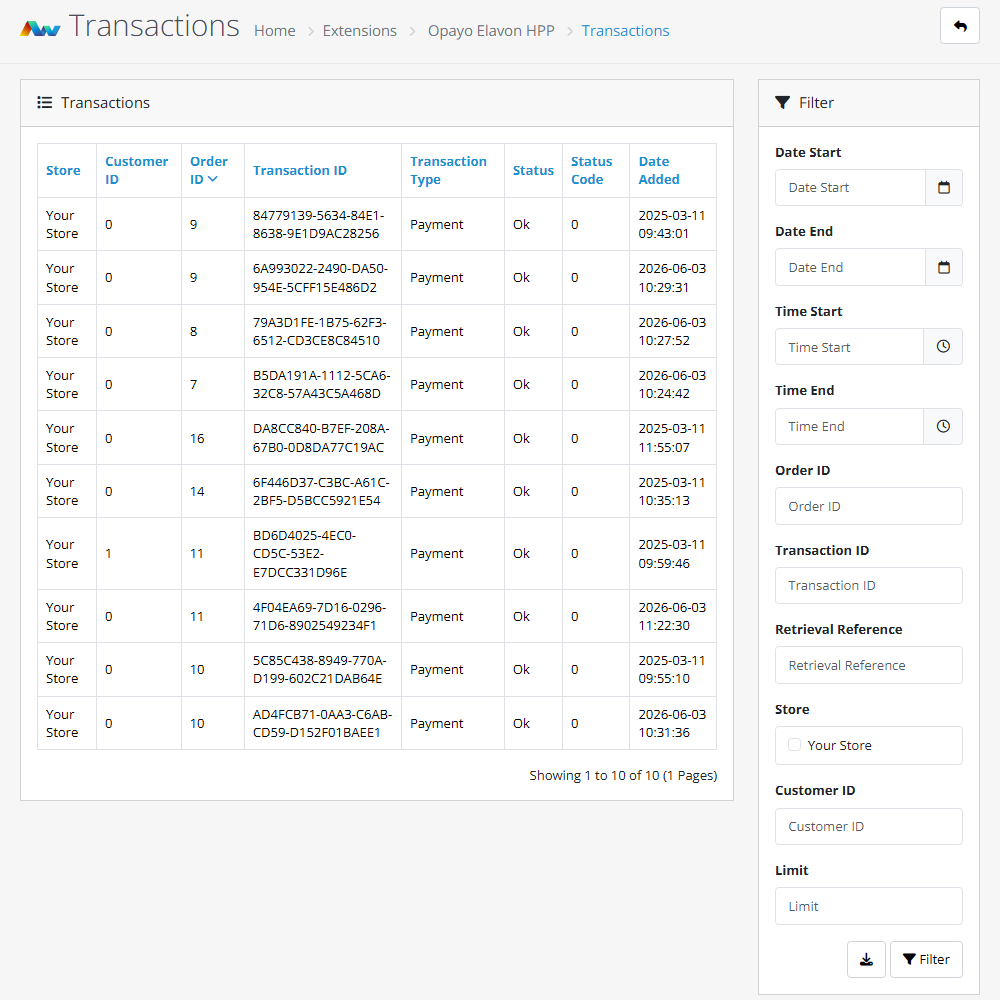
Transaction Description, Sorting, Filters, and Export – Easily manage transactions with descriptive labels, sort and filter them by key criteria, and export data for reporting or analysis.
Why Choose Opayo Elavon HPP?
With its secure, feature-rich integration, this extension simplifies payment processing while providing a smooth and professional checkout experience. Reduce security risks and enhance trust with a fully hosted payment solution backed by Opayo Elavon.
Upgrade your OpenCart store today with Opayo Elavon HPP!
This extension Supports OpenCart version 3.x, 4.x, Events System, and the Journal Theme.
Installation and Update:
Download the ZIP file and extract to a folder as each version is in a separate folder. Use the built in installer, use upload button and choose the correct file for your OpenCart version. Use the plus button to install the extension. Go to extensions and chose your extension type, find extension on the list and enable the extension. Edit the extension and change the status.
For future updates all our extensions save your settings across installs in the storage directory. This allows you to just disable the extension, uninstall it and remove the package from the installer. Get the latest version and go through the install process, open extension setting page and settings will have remained!
Please note: it's always a good practice to backup your OpenCart installation before installing any extensions or making significant changes.
Current version
2026-06-03 (1.5): Added configurable HPP Redirect, Cancelled, and Failed order statuses. Improved payment failure and cancellation handling.
Price
$40.00
- Developed by OpenCart Community
- 12 Months Free Support
- Documentation Included
Rating
Compatibility
4.x.x.x, 4.0.0.0, 4.0.1.0, 4.0.1.1, 4.0.2.0, 4.0.2.1, 4.0.2.2, 4.0.2.3, 4.1.0.0, 4.1.0.1, 4.1.0.2, 4.1.0.3, 3.0.0.0, 3.0.1.0, 3.0.1.1, 3.0.1.2, 3.0.1.3, 3.0.2.0, 3.0.3.0, 3.0.3.1, 3.0.3.2, 3.0.3.3, 3.0.3.5, 3.0.3.6, 3.0.3.7, 3.0.3.8, 3.x.x.x, 3.0.3.9, 3.0.4.0, 3.0.4.1, 3.0.5.0
Last Update
5 Jun 2026
Created
12 Mar 2025
3 Sales
2 Comments

Login and write down your comment.
Login my OpenCart Account