Cookie Consent - GA4, GTM, Meta Pixel, Clarity (Consent Mode v2)
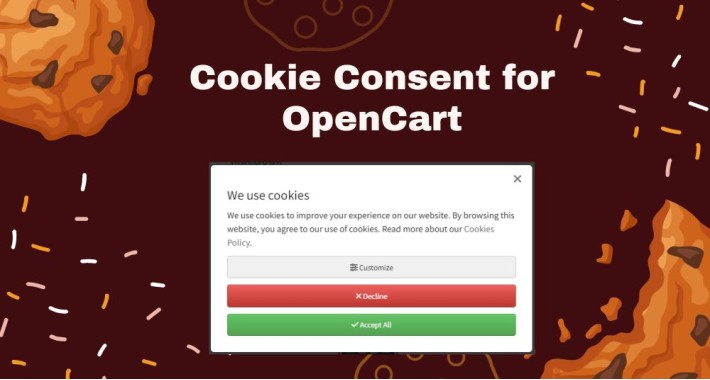
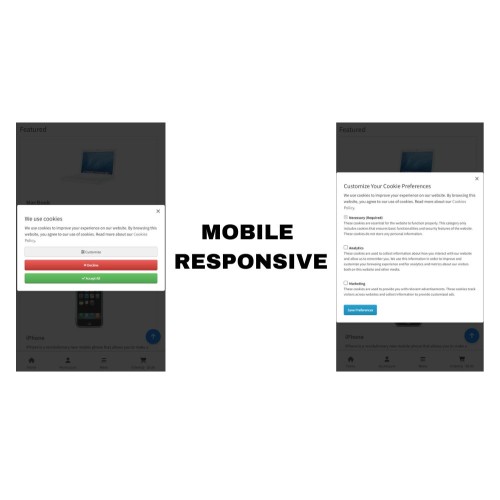
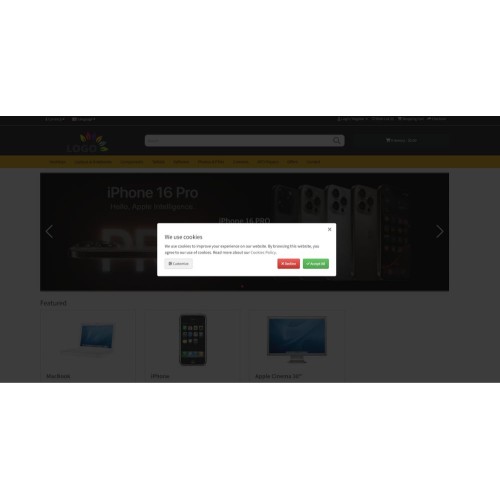
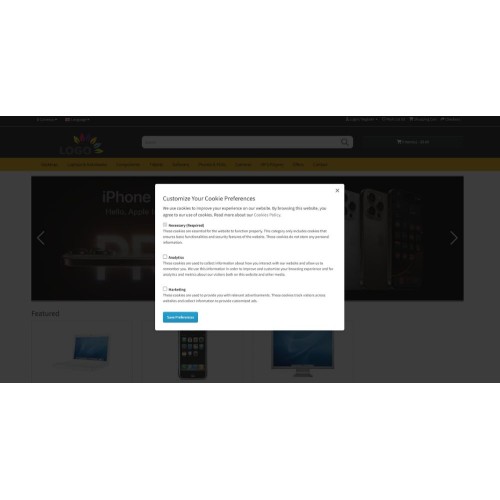
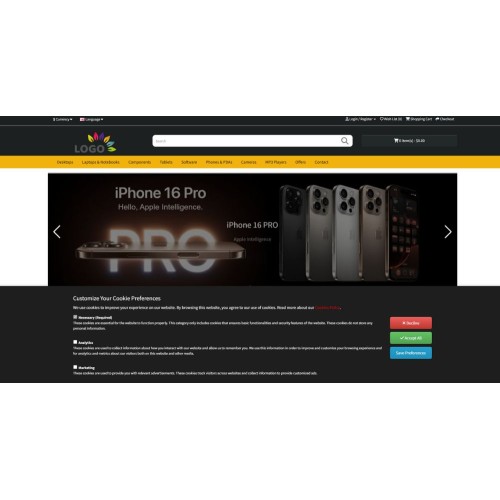
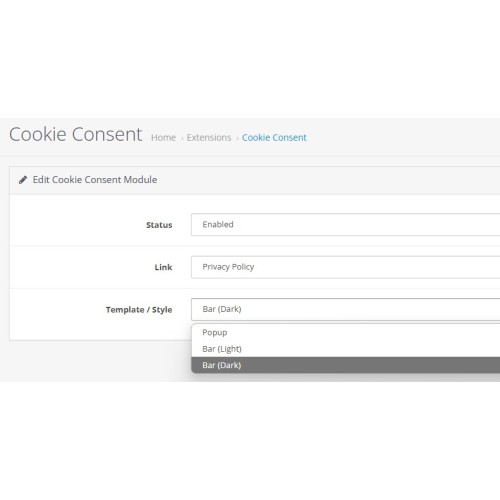




Cookie Consent for OpenCart helps store owners manage visitor consent for analytics and marketing cookies in a clear and professional way. The extension allows visitors to Accept All, Deny, or Customize cookie preferences while ensuring consent signals are applied correctly for modern tracking tools.
The module supports Google Consent Mode v2 and works with commonly used tracking platforms including Google Analytics 4 (GA4), Google Tag Manager (GTM), Meta Pixel, and Microsoft Clarity.
This extension does not add tracking scripts itself. Instead, it updates consent signals for scripts already present on the website, ensuring tracking behaviour respects visitor preferences without causing JavaScript errors.
Multiple display styles are included, allowing the consent interface to match your store design while maintaining a consistent user experience.
Key Features:
✅ Consent Mode v2 Ready – Supports modern Google consent signals
✅ Supports GA4, GTM, Meta Pixel & Microsoft Clarity
✅ Accept All, Deny, or Customize cookie preferences
✅ Popup and Cookie Bar layouts
✅ Multiple style variations for flexible design integration
✅ Automatically remembers visitor preferences
✅ Safe detection of tracking scripts (no errors if scripts are missing)
✅ Works with existing analytics and marketing setup
✅ Automatically applies consent on every page load
✅ Option to hide consent banner on Cookie Policy page
Supported Consent Categories:
Analytics cookies:
- Google Analytics 4
- Microsoft Clarity
Marketing cookies:
- Meta Pixel
- Google Ads signals via GTM / gtag consent mode
Necessary cookies:
- Always enabled
Why Use This Extension?
✔ Helps manage cookie preferences in a structured way
✔ Works with modern tracking tools used in OpenCart stores
✔ Supports Consent Mode v2 requirements
✔ Provides clear cookie control options for visitors
✔ Lightweight and compatible with most themes
✔ Suitable for stores using multiple analytics tools
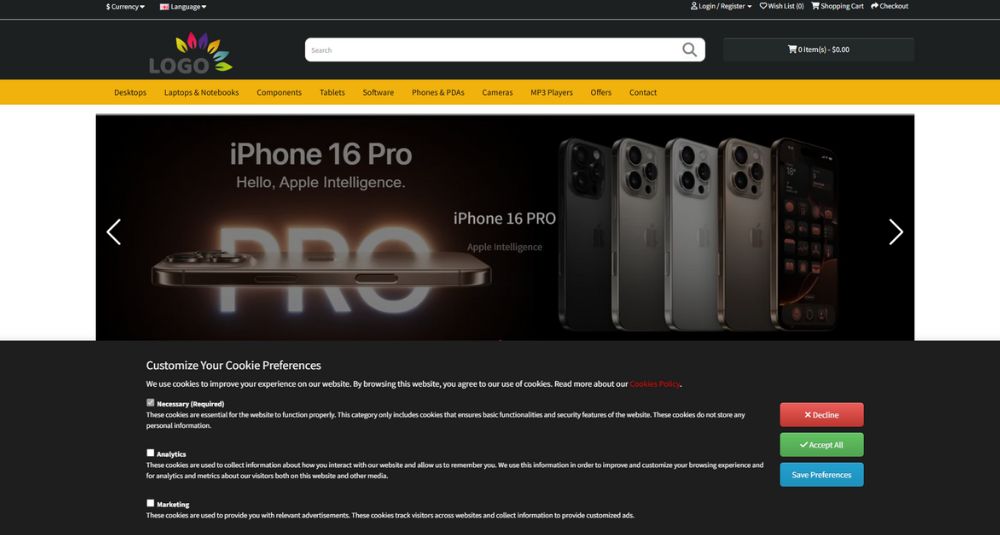
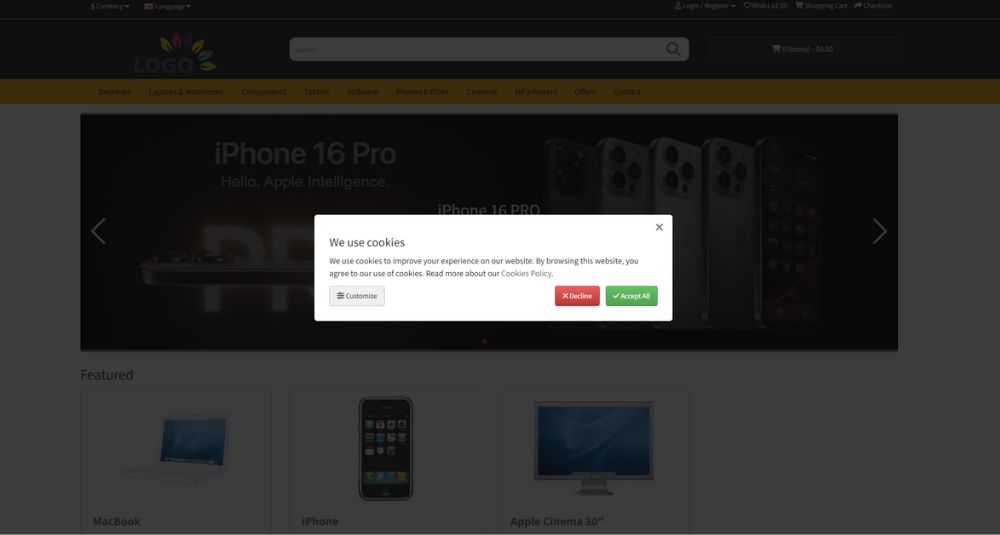
Display Layout Options:
Popup styles:
- Popup
- Modern Popup Card
Bar styles:
- Light Bar
- Dark Bar
- Floating Panel
- Compact Floating Bar
All layouts use shared logic and differ only in styling.
How It Works:
- Install using OpenCart Extension Installer
- Enable the module from Extensions > Extensions > Modules
- Select Cookie Policy page
- Choose preferred layout style
- Save settings
- Consent interface appears automatically on storefront
Visitor preferences are saved in the browser and automatically applied on future visits.

Important:
This extension does not install Google Analytics, GTM, Meta Pixel, or Clarity scripts.
Tracking scripts should already exist on the website.
The extension updates consent signals for supported libraries:
- gtag
- fbq
- clarity
If a script is not present, the extension safely skips it without errors.
Price
$20.00
- Developed by OpenCart Partner
- 12 Months Free Support
- Documentation Included
Rating
Compatibility
3.0.0.0, 3.0.1.0, 3.0.1.1, 3.0.1.2, 3.0.1.3, 3.0.2.0, 3.0.3.0, 3.0.3.1, 3.0.3.2, 3.0.3.3, 3.0.3.5, 3.0.3.6, 3.0.3.7, 3.0.3.8, 3.x.x.x, 3.0.3.9, 3.0.4.0, 3.0.4.1, 3.0.5.0, 4.0.0.0, 4.0.1.0, 4.0.1.1, 4.0.2.0, 4.0.2.1, 4.0.2.2, 4.0.2.3, 4.1.0.0, 4.1.0.1, 4.1.0.2, 4.1.0.3
Last Update
1 Apr 2026
Created
14 Mar 2025
16 Sales
2 Comments

Login and write down your comment.
Login my OpenCart Account