See also in categories

File information
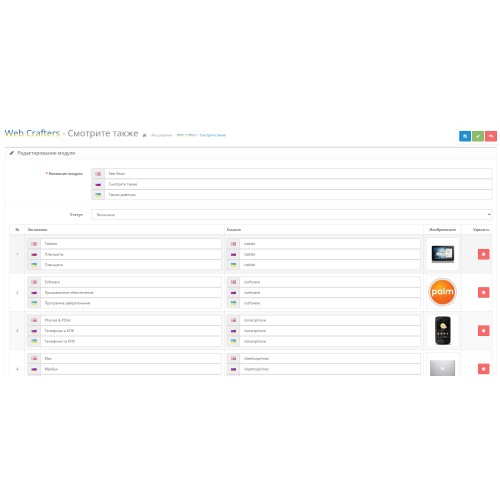
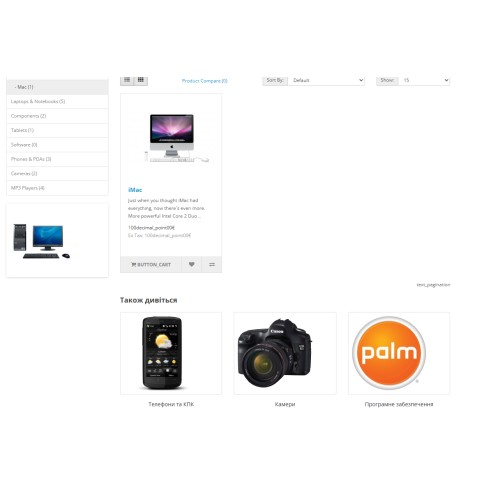
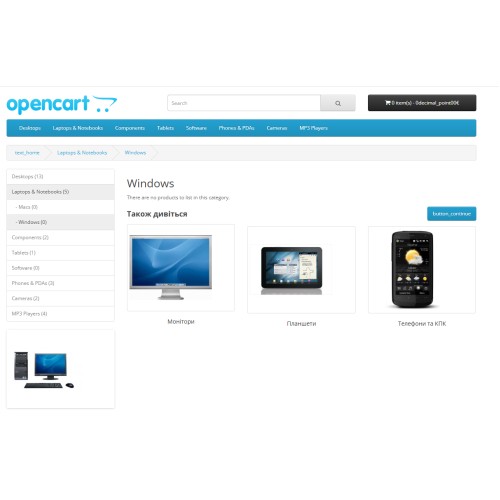
The See Alson module - makes it possible to display custom blocks in categories to direct site visitors to the product you need.
Installation:
1. Install the application through the module and extension installation manager
2. Go to "Modules/Extensions" and in the list of modules look for "Web Crafters - See Also"
3. Click "Install".
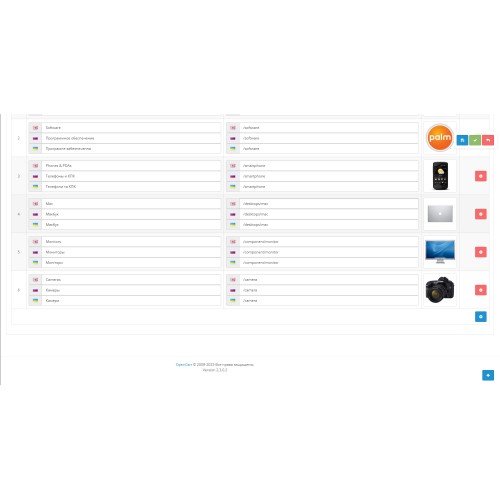
4. Add the necessary
5. Click "Save"
The See Alson module - makes it possible to display custom blocks in categories to direct site visitors to the product you need.
Installation:
1. Install the application through the module and extension installation manager
2. Go to "Modules/Extensions" and in the list of modules look for "Web Crafters - See Also"
3. Click "Install".
4. Add the necessary
5. Click "Save"
!!ATTENTION!!!
This module was tested exclusively on the standard theme. But it should be suitable for others as well.
Price
$5.00
- Developed by OpenCart Community
- Documentation Included
Rating
Compatibility
2.3.0.2, 3.0.3.9
Last Update
16 Mar 2025
Created
16 Mar 2025
0 Sales
0 Comments

Login and write down your comment.
Login my OpenCart Account