Translations Manager

Key benefits
Centralised editing
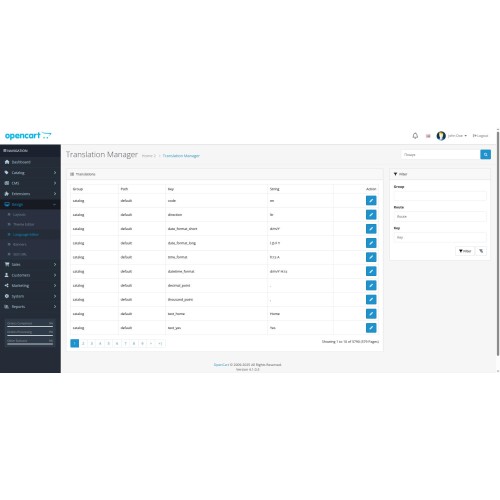
All language strings (frontend + backend) on one page. No more digging through files and searching dozens of catalogues to find the right translation.
Instant search
Search by key, route or the translation text itself. Quick access to the right item - saving your managers time.
Flexible filtering
Filter by application (catalogue/admin), by module, by key or by any text fragment.
Security and change history
The module does not touch the original files - all edits are stored in the database as ‘custom translations’. If necessary, you can roll back or disable them.
Multi-language localisation
Languages supported: German, English, Spanish, Polish, Portuguese (Brazil), Russian, Spanish, Turkish, Ukrainian
Support for multi-language sites
Edit translations for all installed languages at once.
Who this module is for
Web studios and integrators who need to quickly customise and localise hundreds of strings to suit a client's needs.
Shop owners without deep PHP knowledge who want to edit ‘Welcome’, ‘Buy’ and other inscriptions on their own.
Marketing teams who require quick text adaptation for promotions, events and new promos.
Features
Intuitive UI: Built-in search and filters right in the OpenCart admin panel
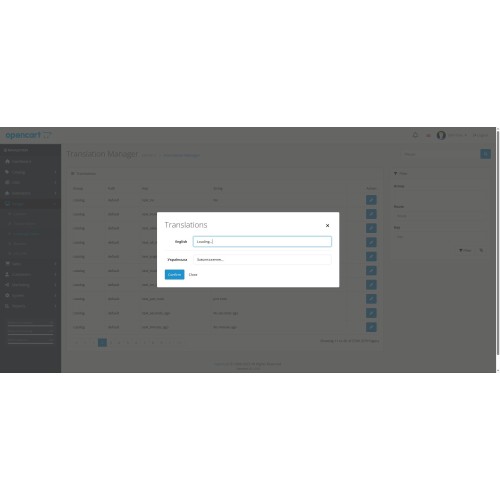
On-the-fly editing: Open a row → make an edit → click ‘Save’
View the original: Before changing, you can see how the row is displayed ‘out of the box’.
Compatibility: OpenCart 2.x, 3.x, 4.x
Easy integration: No conflicts with OCMOD/VQMod, can be disabled in one click
Real benefits
Reduction of localisation time by 70%: one interface instead of multiple edits in files.
Increased conversion rates due to precise adaptation of calls to action to the language and culture of the audience.
Reduced burden on developers: marketers and content managers will no longer ‘ask’ programmers to change unimportant texts.
Centralised editing
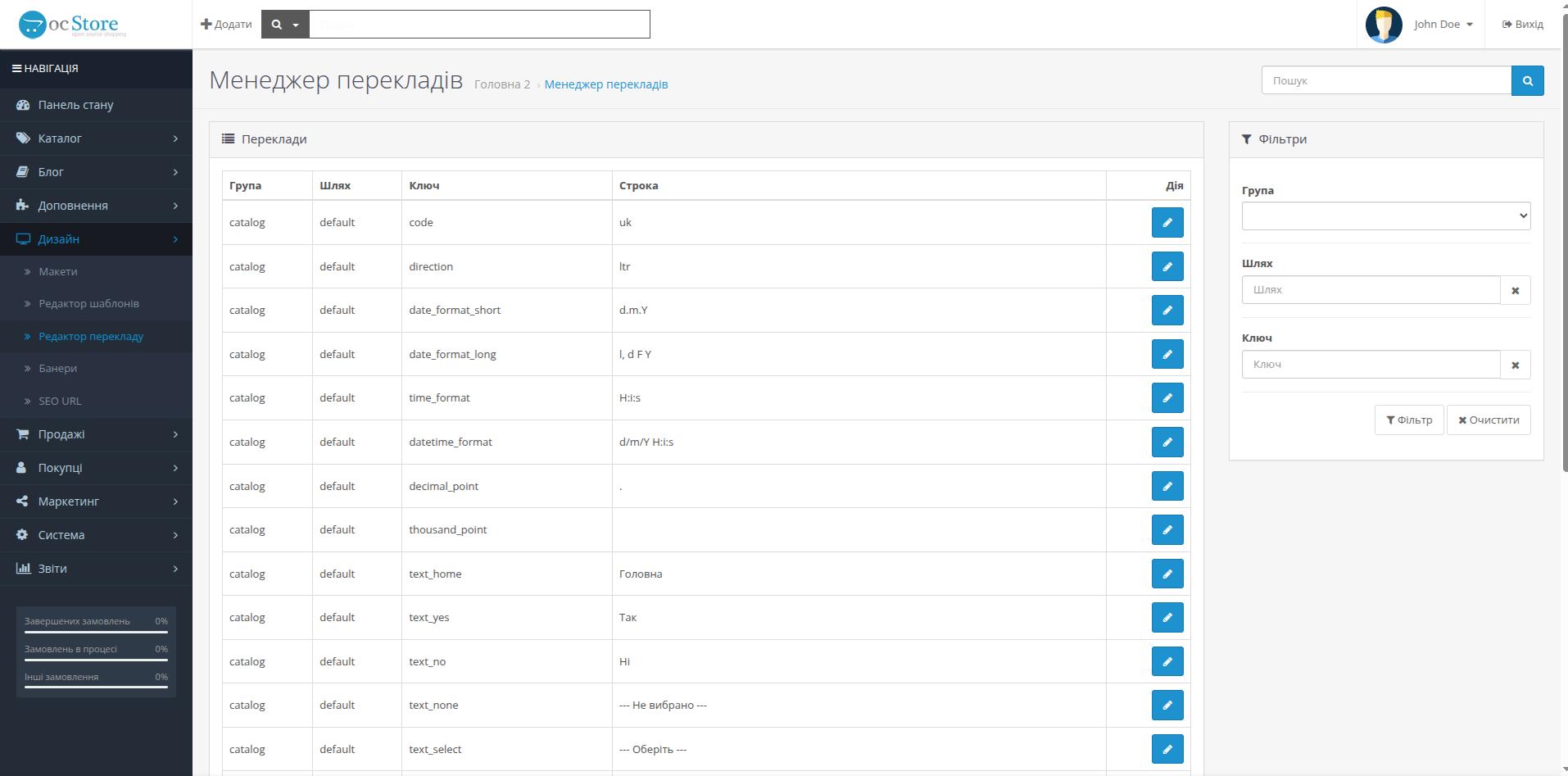
All language strings (frontend + backend) on one page. No more digging through files and searching dozens of catalogues to find the right translation.
Instant search
Search by key, route or the translation text itself. Quick access to the right item - saving your managers time.
Flexible filtering
Filter by application (catalogue/admin), by module, by key or by any text fragment.
Security and change history
The module does not touch the original files - all edits are stored in the database as ‘custom translations’. If necessary, you can roll back or disable them.
Multi-language localisation
Languages supported: German, English, Spanish, Polish, Portuguese (Brazil), Russian, Spanish, Turkish, Ukrainian
Support for multi-language sites
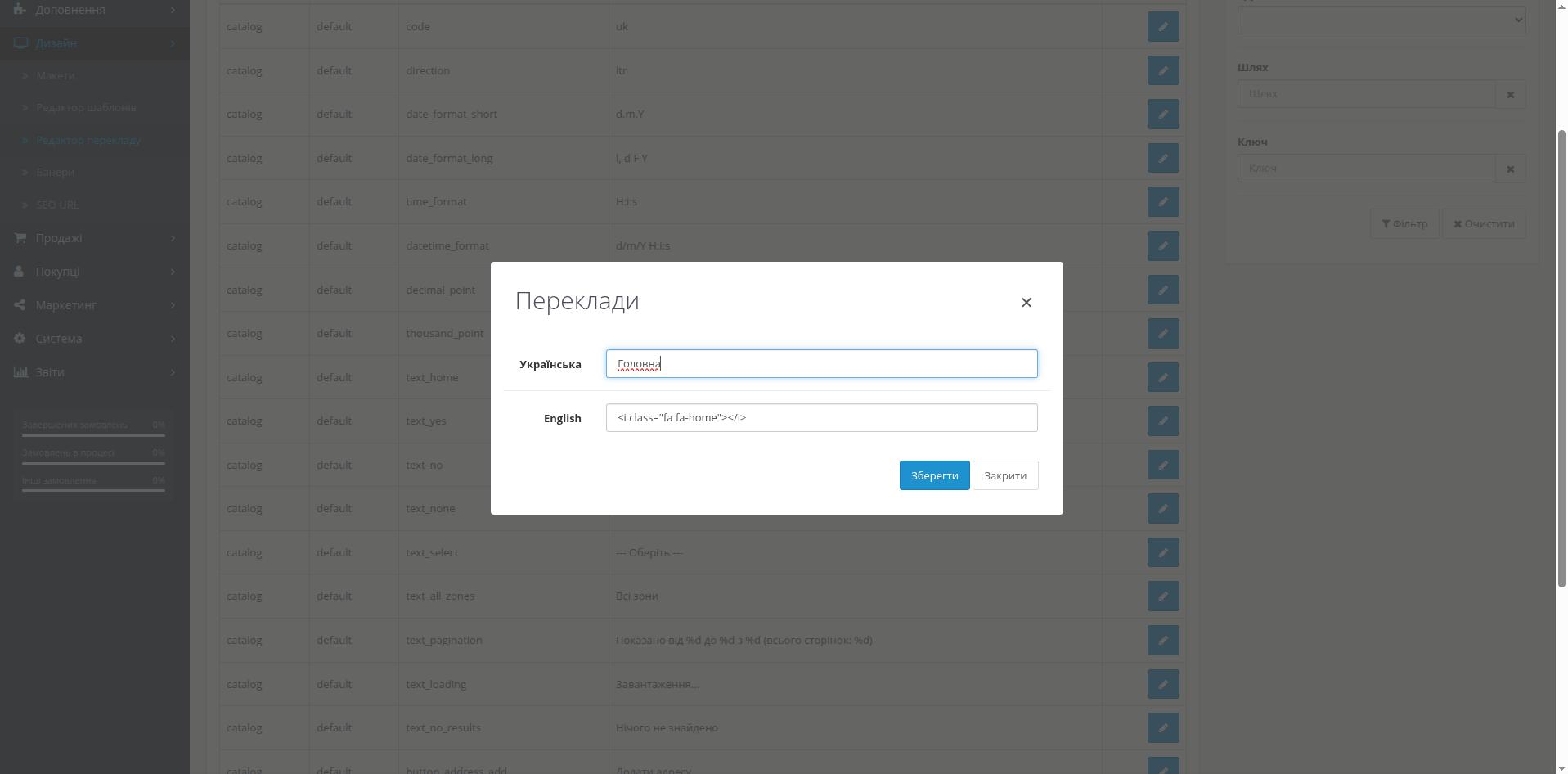
Edit translations for all installed languages at once.
Who this module is for
Web studios and integrators who need to quickly customise and localise hundreds of strings to suit a client's needs.
Shop owners without deep PHP knowledge who want to edit ‘Welcome’, ‘Buy’ and other inscriptions on their own.
Marketing teams who require quick text adaptation for promotions, events and new promos.
Features
Intuitive UI: Built-in search and filters right in the OpenCart admin panel
On-the-fly editing: Open a row → make an edit → click ‘Save’
View the original: Before changing, you can see how the row is displayed ‘out of the box’.
Compatibility: OpenCart 2.x, 3.x, 4.x
Easy integration: No conflicts with OCMOD/VQMod, can be disabled in one click
Real benefits
Reduction of localisation time by 70%: one interface instead of multiple edits in files.
Increased conversion rates due to precise adaptation of calls to action to the language and culture of the audience.
Reduced burden on developers: marketers and content managers will no longer ‘ask’ programmers to change unimportant texts.
Price
$30.00
- Developed by OpenCart Community
- 12 Months Free Support
- Documentation Included
Rating
Compatibility
3.0.0.0, 3.0.1.0, 3.0.1.1, 3.0.1.2, 3.0.1.3, 3.0.2.0, 3.0.3.0, 3.0.3.1, 3.0.3.2, 3.0.3.3, 3.0.3.5, 3.0.3.6, 3.0.3.7, 3.0.3.8, 3.x.x.x, 3.0.3.9, 3.0.4.0, 2.3.0.0, 2.3.0.1, 2.3.0.2, 2.2.0.0, 2.1.0.1, 2.1.0.2, 4.x.x.x, 4.0.0.0, 4.0.1.0, 4.0.1.1, 4.0.2.0, 4.0.2.1, 4.0.2.2, 4.0.2.3, 4.1.0.0, 4.1.0.1, 4.1.0.2, 4.1.0.3
Last Update
26 May 2025
Created
14 May 2025
0 Sales
0 Comments

Login and write down your comment.
Login my OpenCart Account