Hide Tabs Disabled Languages
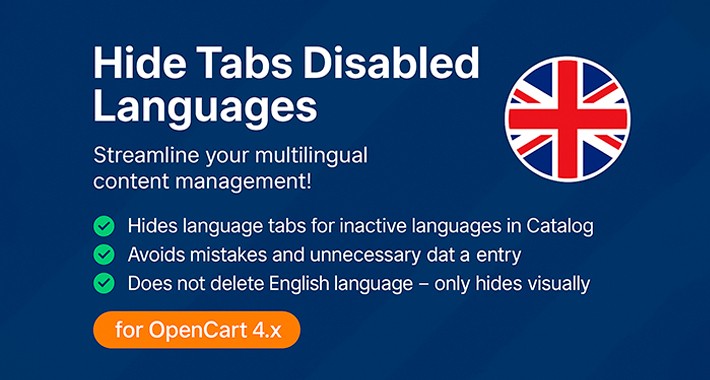
Hide Tabs Disabled Languages – OpenCart 4.x
This extension automatically hides the tabs for disabled languages across several administrative sections in OpenCart 4.x. Only active languages are displayed, reducing clutter and simplifying the workflow in your back-office.
✅ Key Features:
Hides language tabs for inactive languages in:
Catalog: Products, Categories, Filters, Attributes, Manufacturers, Information
Other benefits:
Avoids mistakes and unnecessary data entry for unused languages
Ideal for stores that keep a default language English but don’t actually use it
Clean, non-intrusive code – fully compatible with OpenCart 4.x
Does not delete any language – simply hides visually those that are disabled
Easy installation – no core files are modified
Installation Instructions:
Upload the provided .ocmod.zip file via Extensions → Installer.
Go to Extensions → Modifications.
Click Enable next to the new modification.
Click the Refresh button (top right) to apply changes.
Version for opencart 4.0.X.X, requires vqmod
This extension automatically hides the tabs for disabled languages across several administrative sections in OpenCart 4.x. Only active languages are displayed, reducing clutter and simplifying the workflow in your back-office.
✅ Key Features:
Hides language tabs for inactive languages in:
Catalog: Products, Categories, Filters, Attributes, Manufacturers, Information
Other benefits:
Avoids mistakes and unnecessary data entry for unused languages
Ideal for stores that keep a default language English but don’t actually use it
Clean, non-intrusive code – fully compatible with OpenCart 4.x
Does not delete any language – simply hides visually those that are disabled
Easy installation – no core files are modified
Installation Instructions:
Upload the provided .ocmod.zip file via Extensions → Installer.
Go to Extensions → Modifications.
Click Enable next to the new modification.
Click the Refresh button (top right) to apply changes.
Version for opencart 4.0.X.X, requires vqmod
Price
$29.99
- Developed by OpenCart Community
- 12 Months Free Support
- Documentation Included
Rating
Compatibility
4.1.0.0, 4.1.0.1, 4.1.0.2, 4.1.0.3, 4.0.0.0, 4.0.1.0, 4.0.1.1, 4.0.2.0, 4.0.2.1, 4.0.2.2, 4.0.2.3
Last Update
5 Jul 2025
Created
4 Jun 2025
1 Sales
0 Comments

Login and write down your comment.
Login my OpenCart Account