FREE - Advanced Grid Banner v1.3

Installation Guide
1- upload extension from OC intaller
2- Refresh cache
3- go to extension module and find "Advanced Grid Banner"
4- click install and enable
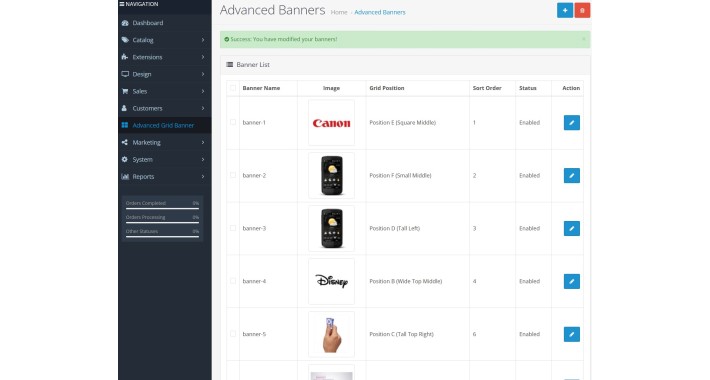
5- Refresh cache again and now can see "Advanced Grid Banner" after "Customer" menu
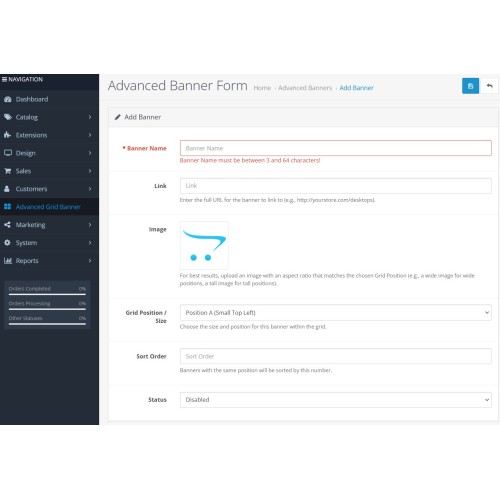
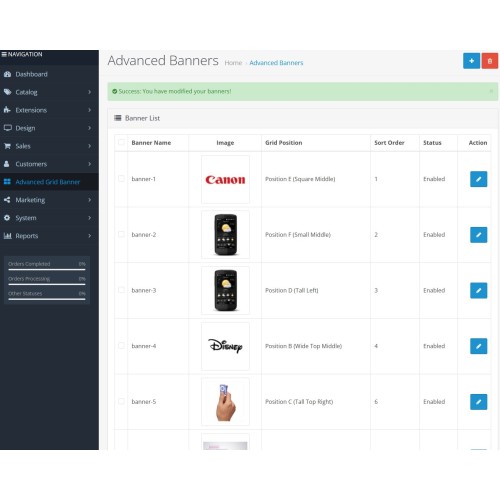
6- add the banner images as many as you like
7- enable each banner image to display on the front page
8- go to Design > Layouts > Home , edit and select extension in "Content Top" as first selection.
now you are ready to view your banners in grid.
Visit us For More Free Extensions
1- upload extension from OC intaller
2- Refresh cache
3- go to extension module and find "Advanced Grid Banner"
4- click install and enable
5- Refresh cache again and now can see "Advanced Grid Banner" after "Customer" menu
6- add the banner images as many as you like
7- enable each banner image to display on the front page
8- go to Design > Layouts > Home , edit and select extension in "Content Top" as first selection.
now you are ready to view your banners in grid.
Visit us For More Free Extensions
Download
- Developed by OpenCart Community
- Documentation Included
Rating
Compatibility
3.x.x.x
Last Update
28 Aug 2025
Created
21 Jun 2025
26 Downloads
1 Comments

Login and write down your comment.
Login my OpenCart Account