Currency Price


Introduction
Currency Price Module
The Currency Price Module allows OpenCart store owners to define different product prices for each active kcs currency in the store.
Instead of relying on automatic currency conversion, this module lets you set manual prices for USD, EUR, INR, GBP, or any other currency you’ve enabled.
This is ideal for international stores that want to maintain consistent profit margins or follow region-specific pricing strategies.
With this module, you can:
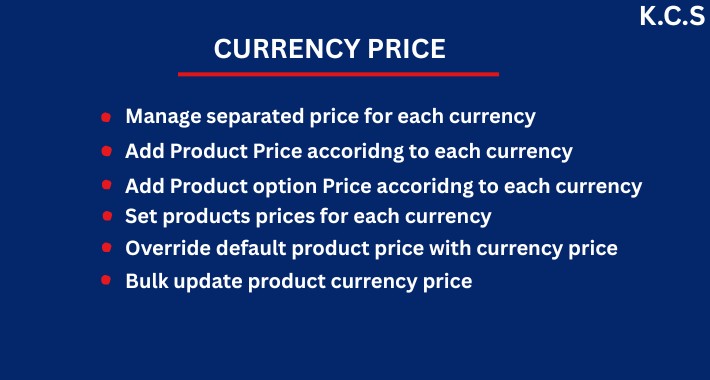
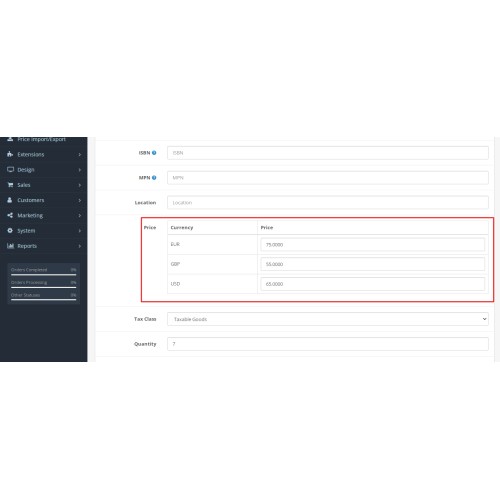
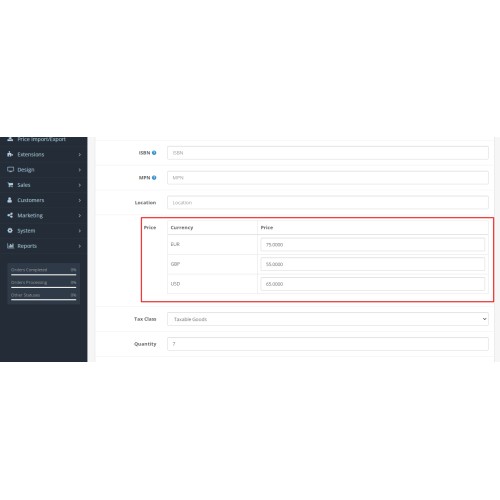
Set unique prices for each currency directly from the product edit page
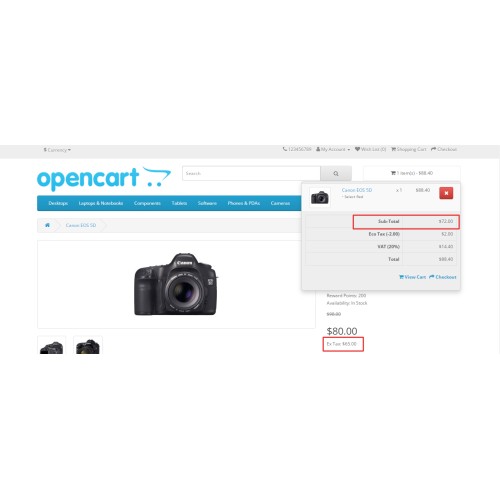
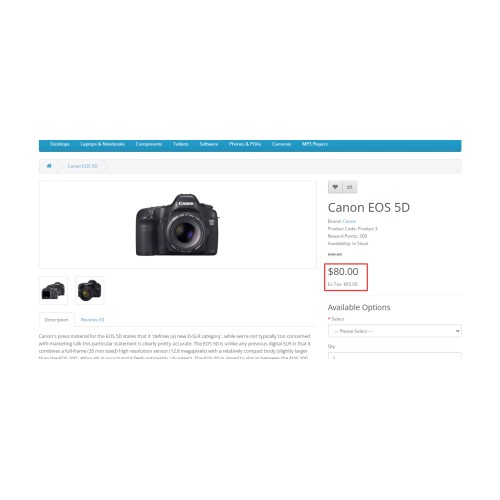
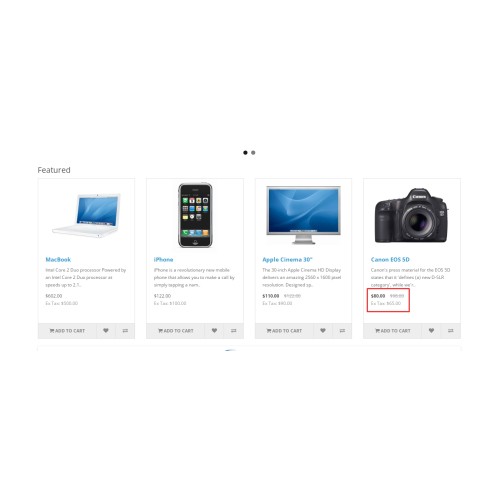
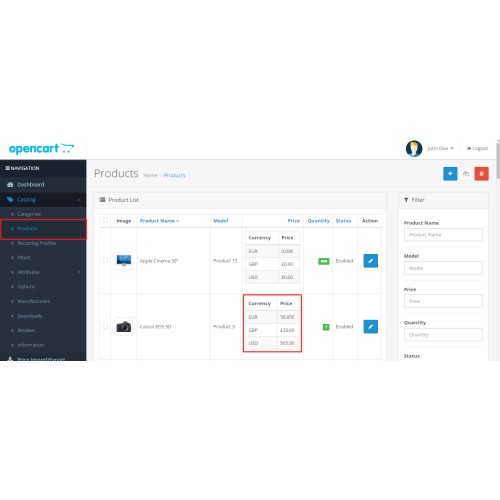
Display currency-specific prices automatically when customers switch currencies
Choose between default conversion or custom manual pricing
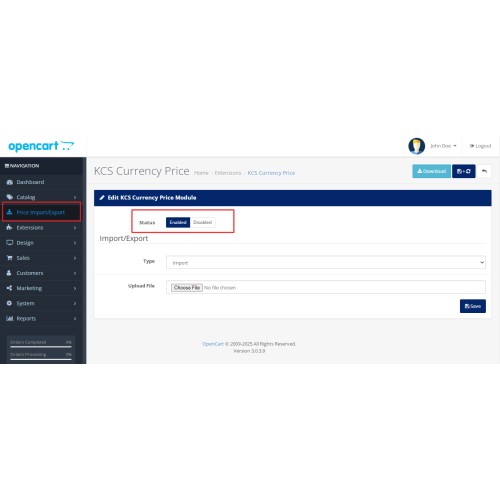
Manage all currency prices easily from the admin panel
Provide accurate and region-based pricing for customers around the world
Avoid conversion rate fluctuations by defining fixed prices
Key Features:
* Define custom prices for each active store currency
* Display accurate prices without currency conversion errors
* Manage currency-specific pricing in the product edit page
* Works with all enabled currencies (USD, EUR, INR, etc.)
* Option to use default price conversion if custom price not set
* Multi-store & multi-language compatible
* No core file changes – 100% OCMOD based
* Compatible with most OpenCart themes
* Easy installation & configuration
* Fully tested with OpenCart 3.x & 4.x versions
Installation Instructions
Upload the extension via OpenCart Extension Installer.
Refresh the modification cache from the Modifications section.
Go to Catalog → Products → Edit Product, and you’ll find a new Currency Price section.
Enter prices for each currency and save.
Support
For assistance or inquiries, please contact solutionskiwicode@gmail.com.
Price
$20.99
- Developed by OpenCart Community
- 12 Months Free Support
- Documentation Included
Rating
Compatibility
4.x.x.x, 4.0.0.0, 4.0.1.0, 4.0.1.1, 4.0.2.0, 4.0.2.1, 4.0.2.2, 4.0.2.3, 4.1.0.0, 4.1.0.1, 4.1.0.2, 4.1.0.3, 3.0.0.0, 3.0.1.0, 3.0.1.1, 3.0.1.2, 3.0.1.3, 3.0.2.0, 3.0.3.0, 3.0.3.1, 3.0.3.2, 3.0.3.3, 3.0.3.5, 3.0.3.6, 3.0.3.7, 3.0.3.8, 3.x.x.x, 3.0.3.9, 3.0.4.0, 3.0.4.1
Last Update
28 Apr 2026
Created
6 Oct 2025
1 Sales
0 Comments

Login and write down your comment.
Login my OpenCart Account