QuickBooks Online Export (SalesReceipt/Invoice/Estimate)
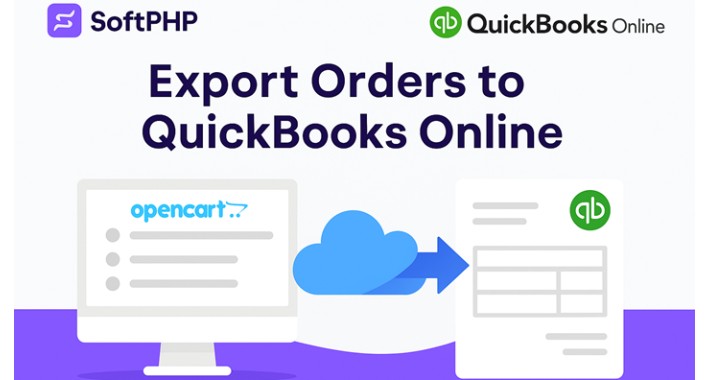
QuickBooks Online Export for OpenCart 3.x & 4.x (SalesReceipt / Invoice / Estimate / Cron)
Easily connect your OpenCart or JooCart store to QuickBooks Online and automatically export orders as SalesReceipts, Invoices, or Estimates.
Perfect for store owners, accountants, and multi-vendor marketplace operators.
Compatible with:
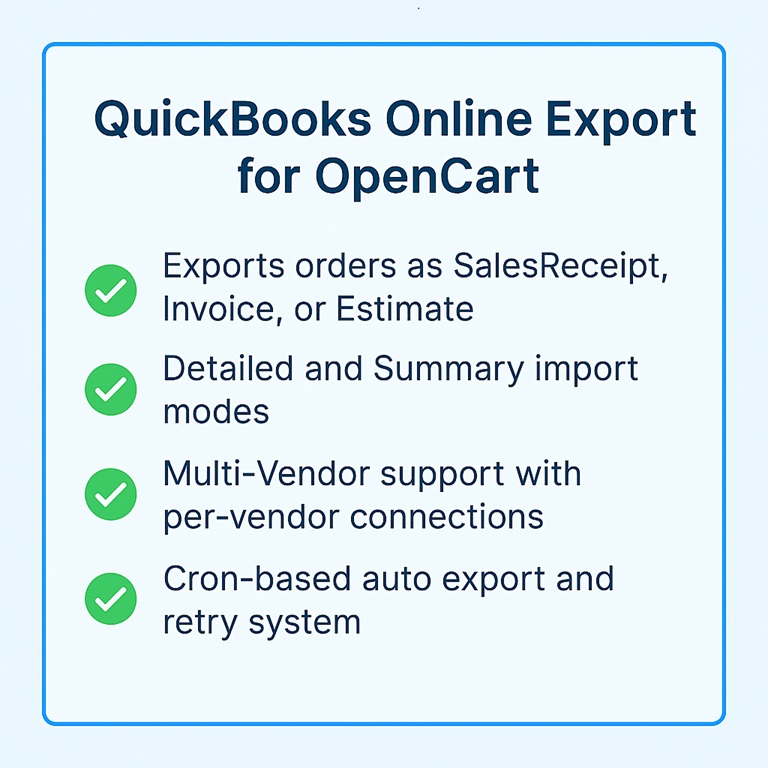
✔ Key Features
✔ Why You Need This Extension
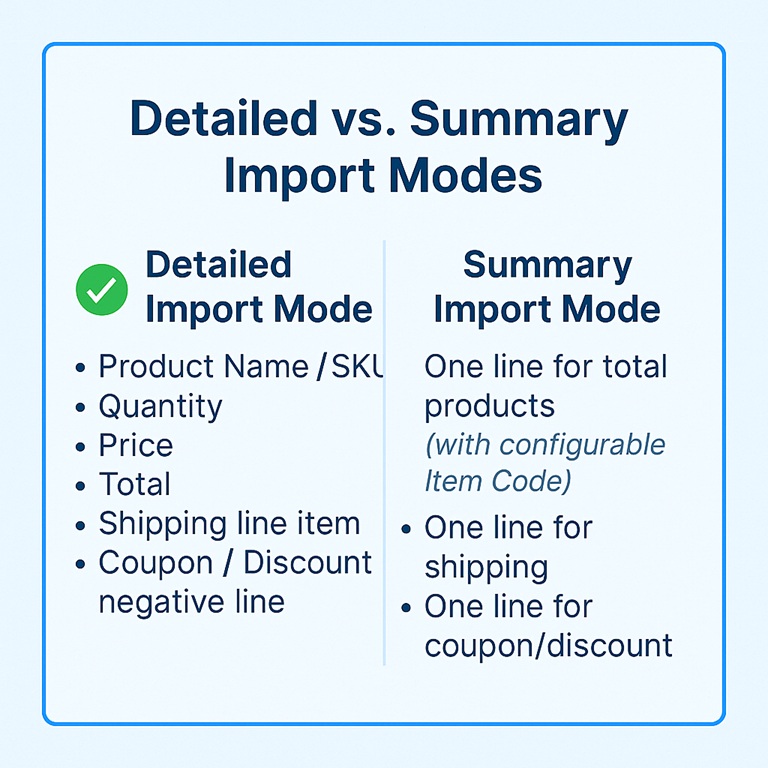
✔ Detailed Import Mode
Exports every line item:
✔ Summary Import Mode
Exports:
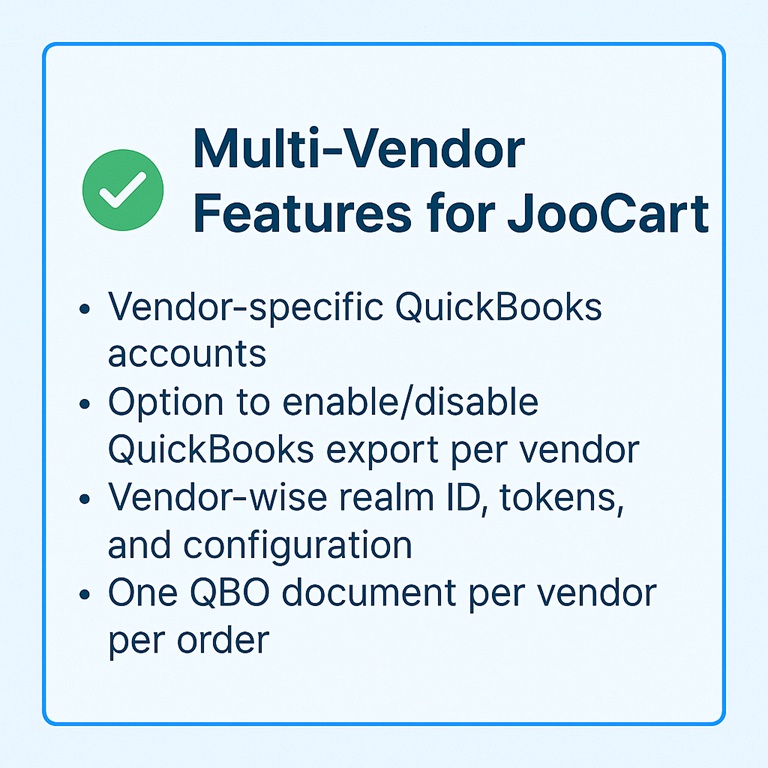
✔ Multi-Vendor Features (JooCart Multivendor only)
✔ Admin Features
✔ Cron Automation
Automatically exports all new or failed orders:
✔ Installation
✔ Support & Updates
You get:
Support: https://www.soft-php.com/support.html
✔ Developer
SoftPHP – Advanced Software Made Simple
Website: https://www.soft-php.com
Easily connect your OpenCart or JooCart store to QuickBooks Online and automatically export orders as SalesReceipts, Invoices, or Estimates.
Perfect for store owners, accountants, and multi-vendor marketplace operators.
Compatible with:
- OpenCart 3.x
- OpenCart 4.x
- JooCart (WordPress/Joomla hybrid OpenCart)
✔ Key Features
- Export orders as SalesReceipt, Invoice, or Estimate
- Two import modes: Detailed mode (each item) or Summary mode (one total line)
- Shipping and Coupons exported as separate line items
- Custom PO Number prefix (example: PREFIX + OrderID → TS18733)
- Estimate / SalesReceipt number can match the original Order ID
- Multi-Vendor support (each vendor can connect their own QBO account or disable export)
- Automatic token refresh + secure OAuth2 connection (sandbox / production)
- Manual “Send to QuickBooks” button inside Order View
- Bulk “Send selected to QuickBooks” from Orders list
- Cron-based auto export and retry system (with limit & cooldown)
- Export logs with status, attempts, payload, errors
- Works with default OpenCart checkout and most themes (including Journal)
- JooCart compatible (WordPress/Joomla hybrid OpenCart)
✔ Why You Need This Extension
- Stop entering orders manually into QuickBooks
- Keep your accounting accurate and up-to-date
- Save hours of bookkeeping work every week
- Perfect for accountants and finance teams who need clean, real-time sales data
- Great for multi-vendor marketplaces that need per-vendor QuickBooks sync
✔ Detailed Import Mode
Exports every line item:
- Product Name / SKU / Model
- Quantity
- Price
- Line Total
- Shipping line item
- Coupon / Discount negative line
✔ Summary Import Mode
Exports:
- One line for total products (with configurable Item Code, e.g. ccisales)
- One line for shipping (configurable Item Code)
- One line for coupon/discount (configurable Item Code)
✔ Multi-Vendor Features (JooCart Multivendor only)
- Vendor-specific QuickBooks accounts (per-vendor realm ID and tokens)
- Option to enable/disable QuickBooks export per vendor
- Per-vendor document settings: Doc Type, Import Mode, Prefix, Item Codes
- One QBO document per vendor per order (only that vendor’s products)
- Falls back to global QBO account for vendors that do not use QuickBooks
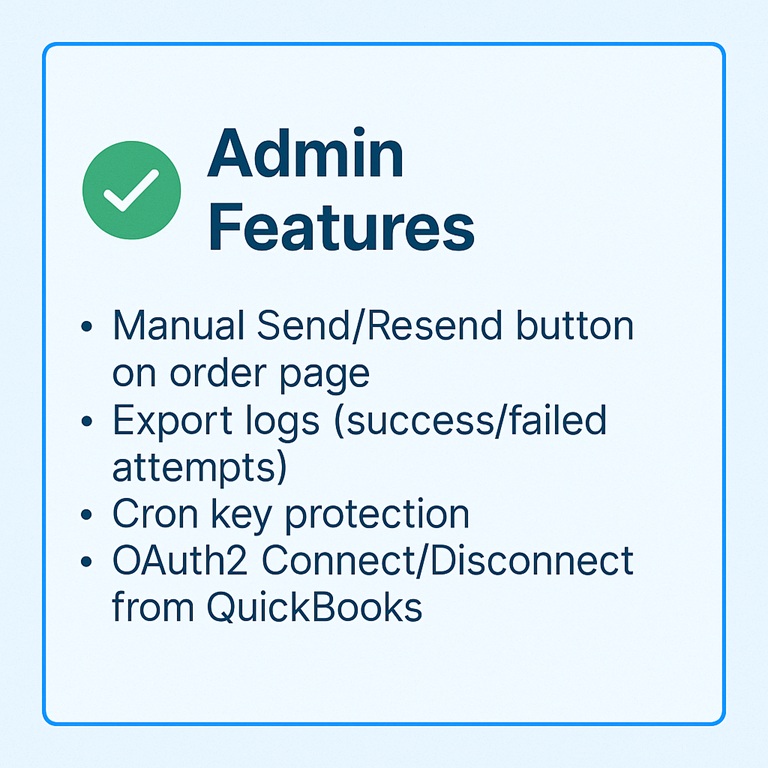
✔ Admin Features
- Manual Send/Resend to QuickBooks button on order page
- Bulk Send selected to QuickBooks from Orders list
- Export logs (success / failed attempts, last error, payload)
- Cron key protection for the cron endpoint
- OAuth2 Connect / Disconnect from QuickBooks
- Support for SalesReceipt, Invoice, Estimate
- Auto-queue on order status change (based on selected statuses)
- Backfill tool to queue older orders for export
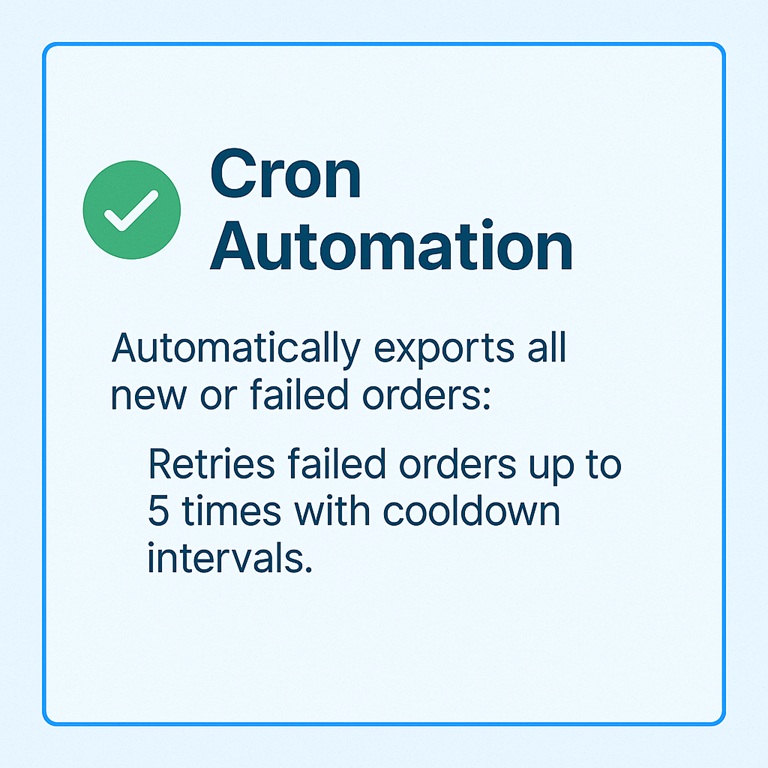
✔ Cron Automation
Automatically exports all new or failed orders:
- Processes queued orders from the internal log table
- Retries failed orders up to 5 times with cooldown intervals
- Respects selected order statuses (optional filter)
- Vendor-aware: processes per order_id + vendor_id
✔ Installation
- Upload the extension via Admin → Extensions → Installer
- Go to Extensions → Modifications and click Refresh
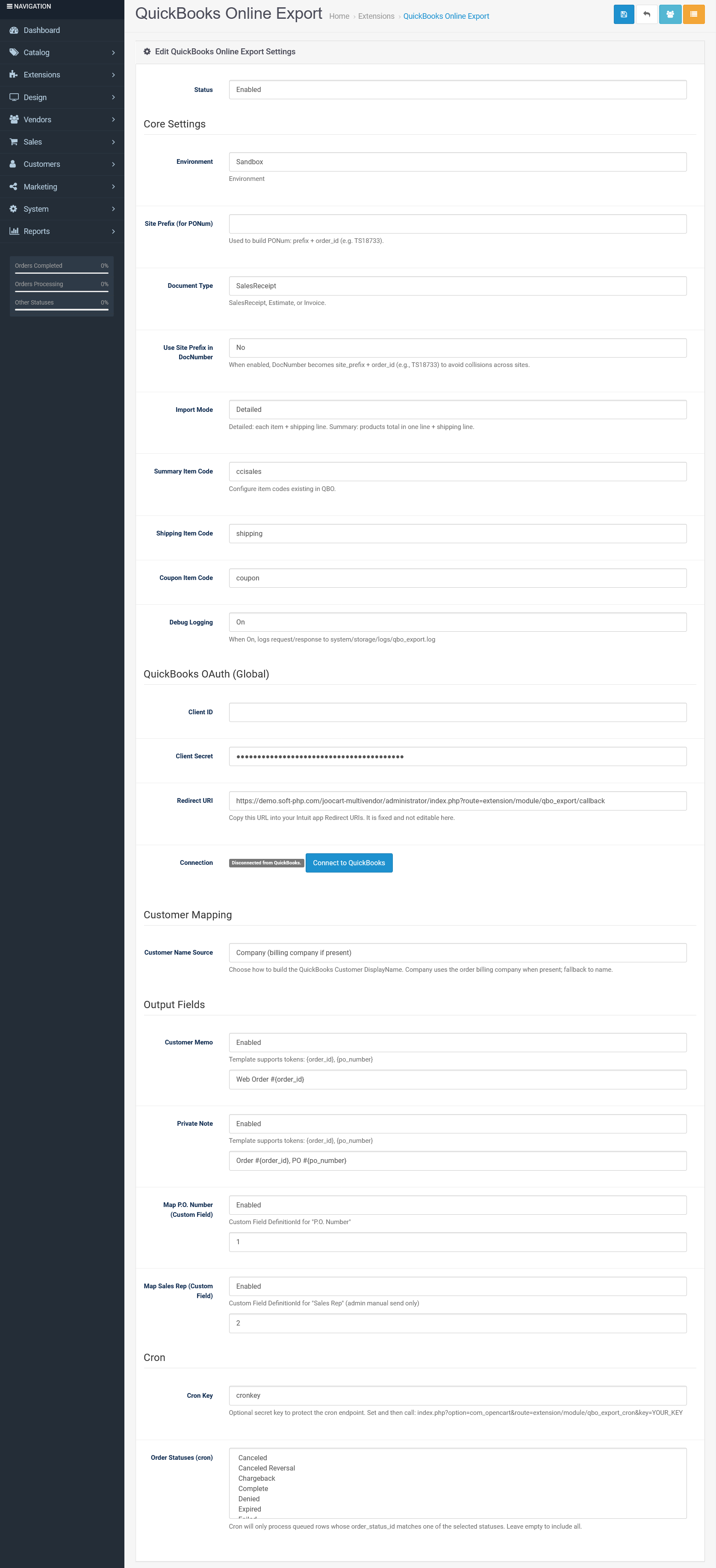
- Go to Extensions → Modules → QuickBooks Online Export
- Enter Client ID, Client Secret, and Redirect URI
- Click “Connect to QuickBooks” and approve the app
- Choose document type, import mode, and site prefix
- (Optional) Set Cron Key and order statuses for auto-queue
- Save settings
✔ Support & Updates
You get:
- Bug fixes & improvements
- Direct developer support (SoftPHP)
- Compatibility updates for new OpenCart releases
Support: https://www.soft-php.com/support.html
✔ Developer
SoftPHP – Advanced Software Made Simple
Website: https://www.soft-php.com
Price
$99.00
- Developed by OpenCart Community
- 6 Months Free Support
- Documentation Included
Rating
Compatibility
3.0.0.0, 3.0.1.0, 3.0.1.1, 3.0.1.2, 3.0.1.3, 3.0.2.0, 3.0.3.0, 3.0.3.1, 3.0.3.2, 3.0.3.3, 3.0.3.5, 3.0.3.6, 3.0.3.7, 3.0.3.8, 3.x.x.x, 3.0.3.9, 3.0.4.0, 3.0.4.1, 3.0.5.0, 4.1.0.0, 4.1.0.1, 4.1.0.2, 4.1.0.3
Last Update
31 Jan 2026
Created
2 Dec 2025
0 Sales
0 Comments

Login and write down your comment.
Login my OpenCart Account