Google One Tap + Telegram OIDC — Social Login
One-click login and registration — no passwords or long forms
Customers leave websites because they don't want to fill out registration forms. This module solves the problem — your customers log in via Google or Telegram with one click. Significantly increases conversion rates.
Module features
Google One Tap + Google Sign-In button
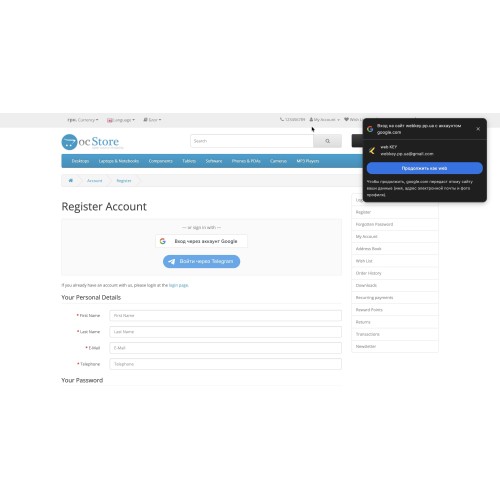
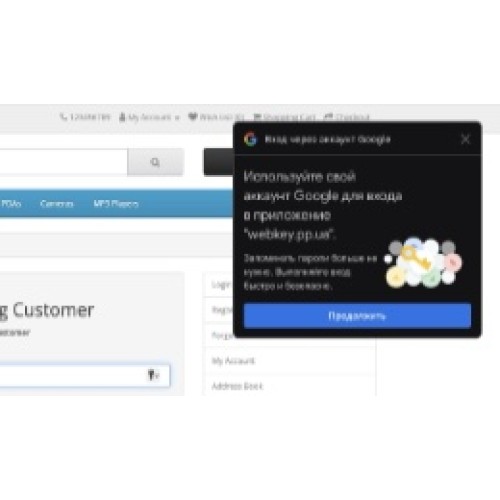
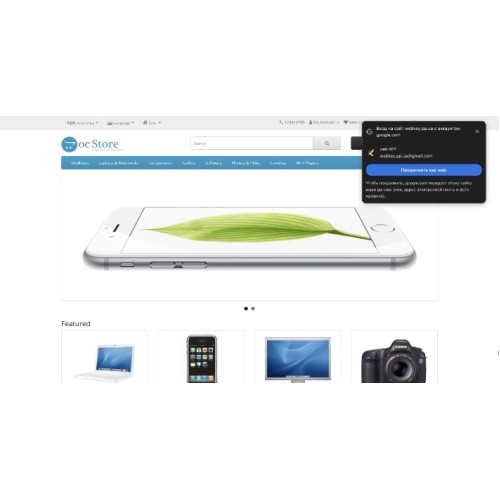
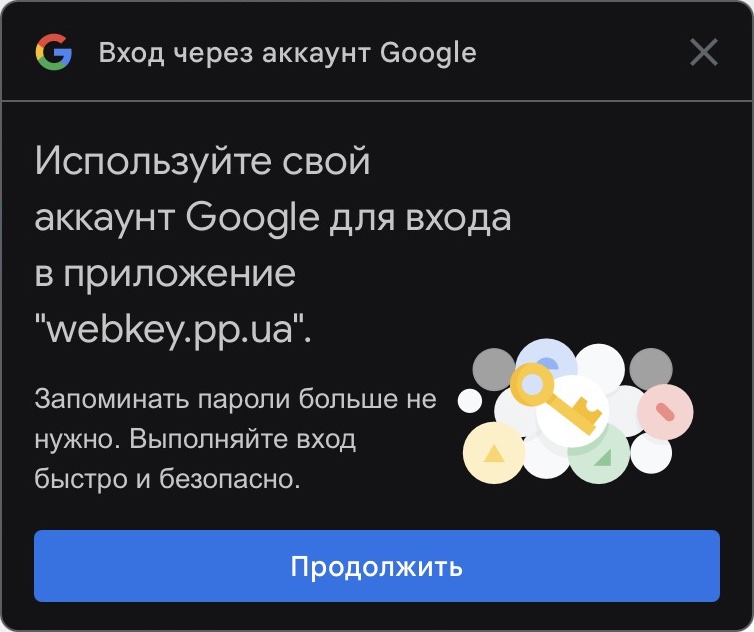
One Tap pop-up window — automatically appears on every page for Google users. No need to search for the button — login is where the buyer is. Close the window — it won't reappear for 24 hours (no annoyance). Can be disabled in settings
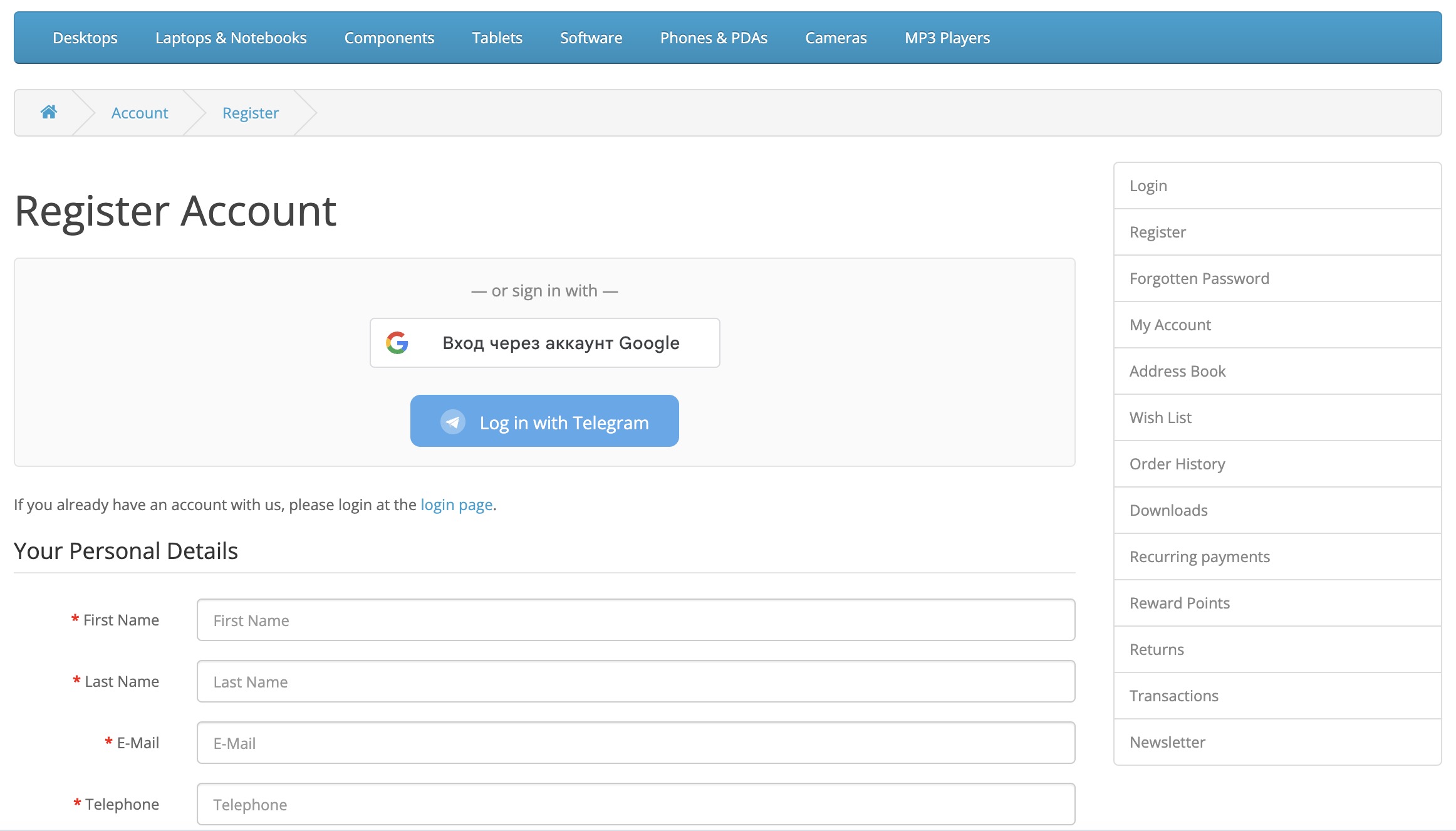
Google Sign-In button on login, registration, and checkout pages
Telegram Login — two modes to choose from
Classic widget — proven Telegram Login Widget with HMAC-SHA256 verification
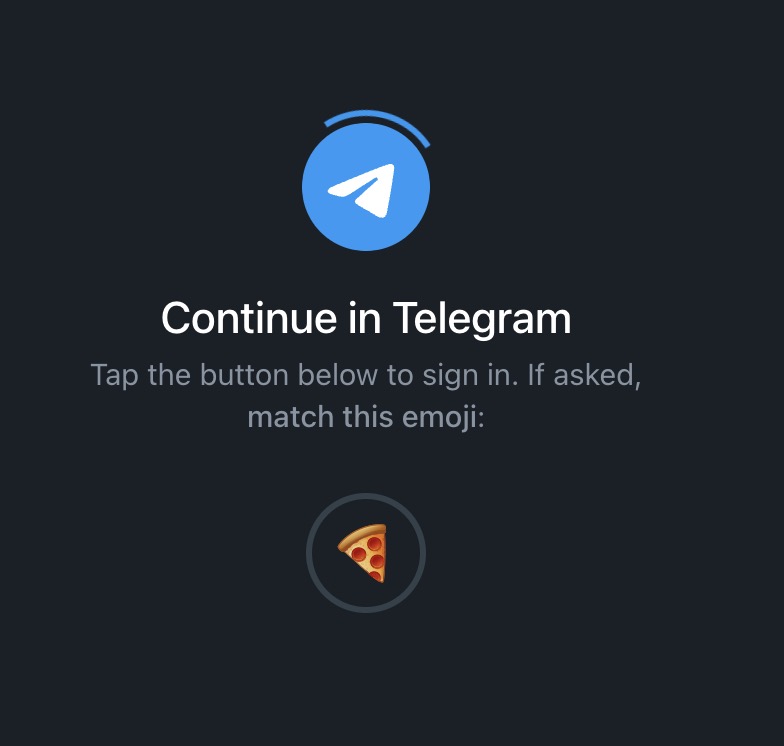
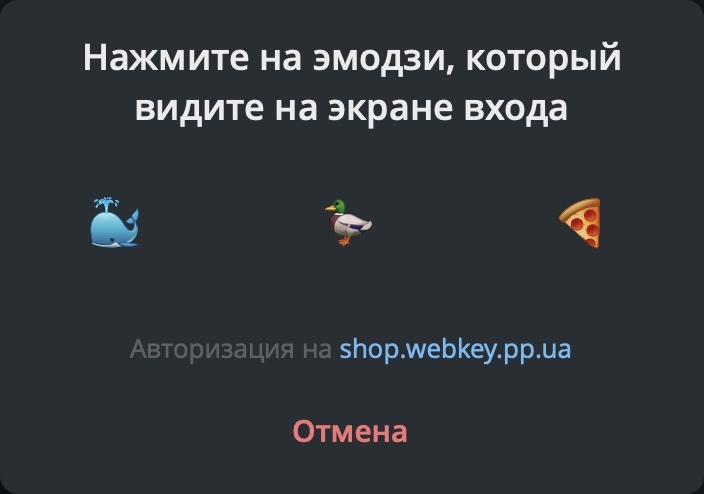
Telegram OIDC (new!) — the latest Telegram authorization standard (2024), full OAuth 2.0 with JWT tokens. Advantages: ability to request the user's phone number, RSA signature verification, modern popup interface, CSP compatibility
Smart registration
New user → account is created automatically with data from Google/Telegram
Email already in the database → social profile is linked to existing account
Telegram without email → buyer is prompted to fill out their profile on the "Complete registration" page
After logging in, the address is automatically entered in Checkout
Link management
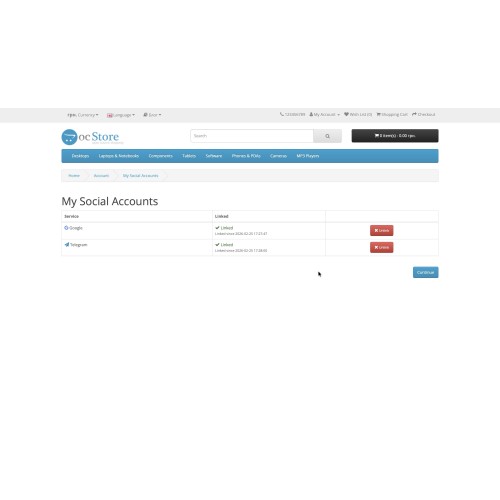
"My social networks" page in the personal account — the buyer links/unlinks Google and Telegram accounts. The link automatically appears in the account menu.
Statistics widget (Dashboard)
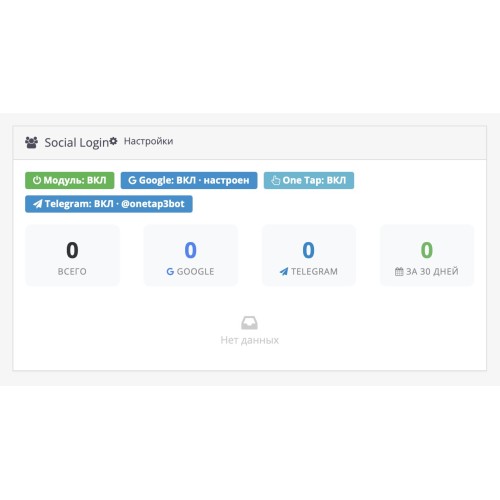
On the main admin panel: total number of logins, separately for Google and Telegram, for the last 30 days, table of recent registrations. Status of all module components.
Flexible configuration
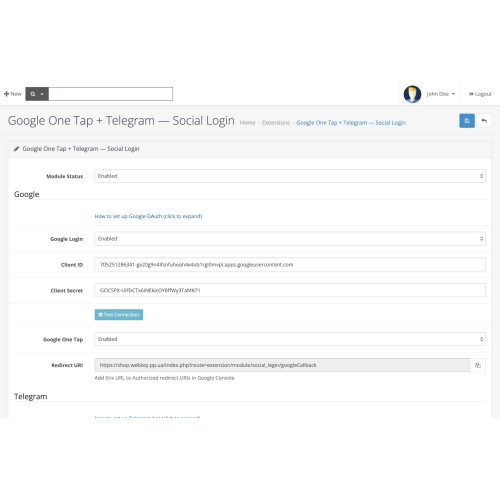
Each provider and function is enabled independently: Google, One Tap, Telegram, Telegram mode (classic/OIDC) — use only what your store needs.
Convenient admin panel
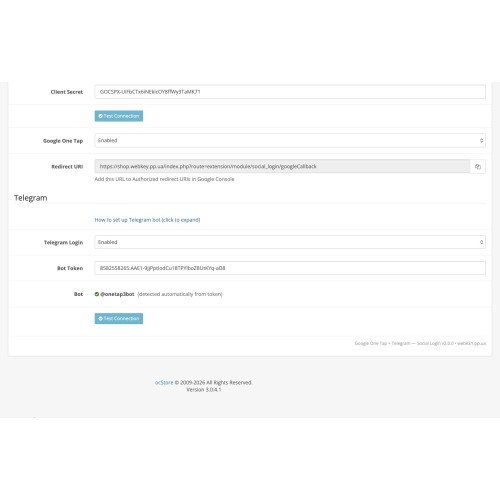
AJAX connection check — click the button and instantly verify that your Google/Telegram keys are entered correctly
Step-by-step instructions right on the settings page with links to Google Cloud Console and @BotFather
Security
Not just "token decoding" — full cryptographic verification cycle:
Google JWT — mandatory RSA verification via Google public keys. Verification of issuer, audience, and expiration date. No fallback to decode-only
Telegram Classic — HMAC-SHA256 with hash_equals() (protection against timing attacks). Tokens older than 24 hours are rejected
Telegram OIDC — RSA verification of JWT via Telegram JWKS keys
CSRF protection for Google One Tap
Rate limiting — 5 attempts/min per provider
Data sanitization, protection against SQL injections, cryptographically secure password generation (random_bytes, 128 bits)
Compatibility
OpenCart: 3.0.0.0 — 3.0.3.9, ocStore 3.0.3.x
PHP: 7.0, 7.1, 7.2, 7.3, 7.4, 8.0, 8.1, 8.2
MySQL: 5.6+
Templates: 5 adaptive implementation strategies — standard OpenCart, Journal 2/3, ocStore, any custom themes. The module automatically detects the HTML structure
DB versions: automatic detection of the oc_customer structure — supports both salt+SHA1 (old OC) and password_hash/bcrypt (new OC)
Open source, no core modification
No ionCube. No Zend Guard. No SourceGuardian. No encryption whatsoever.
Fully open PHP code — works on any hosting without additional extensions
Can be studied and adapted to your needs
No "phone home" calls, license checks, external dependencies
Works directly with Google and Telegram APIs
No core modification — exclusively through the OpenCart Events system. No <modification> section. Safe updates, clean removal, compatibility with other modules.
Three languages out of the box
English (en-gb) | Russian (ru-ru) | Ukrainian (uk-ua) — full translation of the interface, errors, instructions. Multilingualism works automatically.
Installation in 2 minutes
[list=1]
Download the zip file via Extensions → Extension Installer
Open Extensions → Modules → Social Login
[*]Enter the keys, click "Check Connection", enable — done!
DEMO: shop.webkey.pp.ua/admin
login: demo
password: demo
Customers leave websites because they don't want to fill out registration forms. This module solves the problem — your customers log in via Google or Telegram with one click. Significantly increases conversion rates.
Module features
Google One Tap + Google Sign-In button
Telegram Login — two modes to choose from
Smart registration
Link management
"My social networks" page in the personal account — the buyer links/unlinks Google and Telegram accounts. The link automatically appears in the account menu.
Statistics widget (Dashboard)
On the main admin panel: total number of logins, separately for Google and Telegram, for the last 30 days, table of recent registrations. Status of all module components.
Flexible configuration
Each provider and function is enabled independently: Google, One Tap, Telegram, Telegram mode (classic/OIDC) — use only what your store needs.
Convenient admin panel
Security
Not just "token decoding" — full cryptographic verification cycle:
Compatibility
Open source, no core modification
No ionCube. No Zend Guard. No SourceGuardian. No encryption whatsoever.
No core modification — exclusively through the OpenCart Events system. No <modification> section. Safe updates, clean removal, compatibility with other modules.
Three languages out of the box
English (en-gb) | Russian (ru-ru) | Ukrainian (uk-ua) — full translation of the interface, errors, instructions. Multilingualism works automatically.
Installation in 2 minutes
[list=1]
DEMO: shop.webkey.pp.ua/admin
login: demo
password: demo
Price
$29.99
- Developed by OpenCart Community
- Documentation Included
Rating
Compatibility
3.0.0.0, 3.0.1.0, 3.0.1.1, 3.0.1.2, 3.0.1.3, 3.0.2.0, 3.0.3.0, 3.0.3.1, 3.0.3.2, 3.0.3.3, 3.0.3.5, 3.0.3.6, 3.0.3.7, 3.0.3.8, 3.x.x.x, 3.0.3.9, 3.0.4.0, 3.0.4.1, 3.0.5.0
Last Update
5 Mar 2026
Created
25 Feb 2026
0 Sales
0 Comments

Login and write down your comment.
Login my OpenCart Account