Important Security Notification
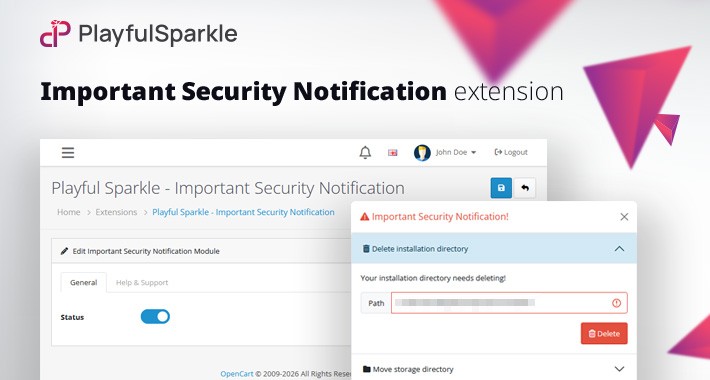
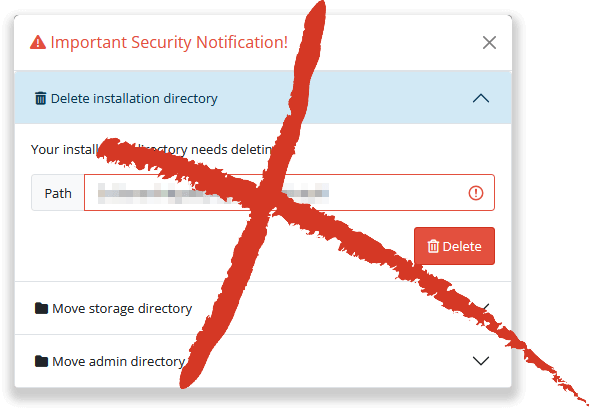
Playful Sparkle - Important Security Notification extension for OpenCart 3.x+, 4.x+ allows store owners to quickly remove the built in Important Security Notification message shown in the OpenCart admin area. Designed for clean admin UX, it suppresses the recurring banner without changing core files, keeping your dashboard tidy while you manage your store. The extension is lightweight, easy to install, and integrates seamlessly with OpenCart 3.x+, 4.x+. Ideal for store owners and developers who want a quieter admin interface, it requires no technical expertise to set up and can be enabled or disabled at any time.
Features
For more information, visit the extension's GitHub page at https://github.com/playfulsparkle/oc3_important_security_notification or https://github.com/playfulsparkle/oc4_important_security_notification.




Installation Instructions
Installation Instructions for OpenCart 3.x+
MD5 Checksum: e5f17faccecadf689358c2dc9d764fd0
SHA256 Checksum: d08526937927668c8543bf547c123e7db48a28923289ce1f5b2f246c64596848
Installation Instructions for OpenCart 4.x+
MD5 Checksum: d9f03494b0f783d913212659639bd39a
SHA256 Checksum: 2b52dce8192909ddb965937e84fc5fbb69c70ed245d185ce3858f5397743dd2b
Support & Inquiries
For assistance or inquiries regarding this extension, please visit our support website or contact us via email at support@playfulsparkle.com.
Features
- Compatibility: Integrates smoothly with OpenCart 3.x+, 4.x+, supporting a range of online store setups.
- Multilingual Support: Ready for international use with languages including العربية (ar), Български (bg), 中文(简体) (zh-cn), 中文(繁體) (zh-tw), Čeština (cs-cz), English (UK) (en-gb), English (US) (en-us), Français (fr-fr), Deutsch (de-de), Ελληνικά (el-gr), Magyar (hu-hu), Italiano (it-it), 日本語 (ja), 한국어 (ko-kr), Polski (pl-pl), Português (Brasil) (pt-br), Русский (ru-ru), Slovenčina (sk-sk), Español (es-es), and Türkçe (tr-tr).
For more information, visit the extension's GitHub page at https://github.com/playfulsparkle/oc3_important_security_notification or https://github.com/playfulsparkle/oc4_important_security_notification.
Installation Instructions
Installation Instructions for OpenCart 3.x+
- 1) Download the latest version from the OpenCart Marketplace.
2) Log in to your OpenCart admin panel.
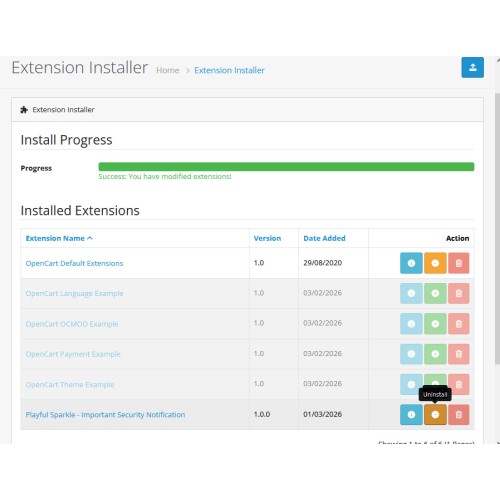
3) Navigate to Extensions > Installer.
4) Click the Upload button and upload the ps_important_security_notification.ocmod.zip file.
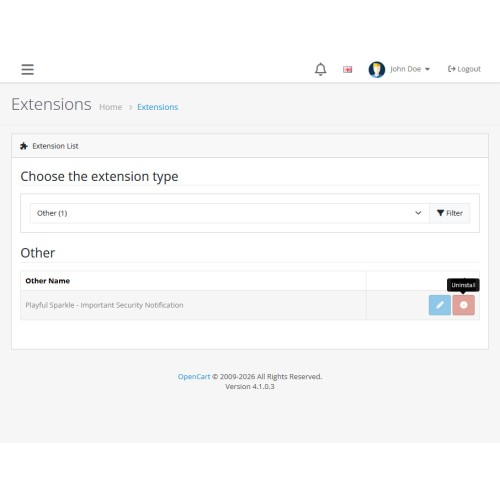
5) Navigate to Extensions > Extensions and select Other from the Choose the extension type dropdown list.
6) Locate the extension in the Other list and click the Install button.
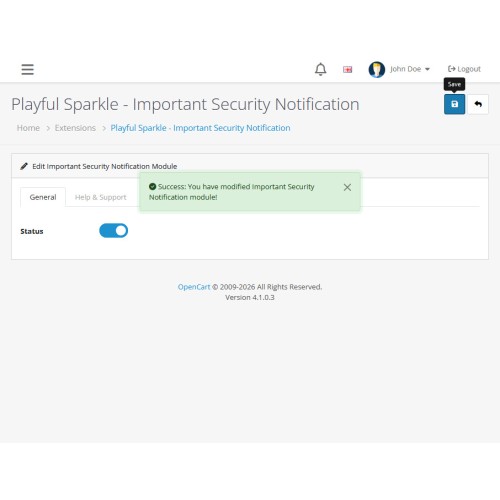
7) Click the Edit button, configure the extension parameters, and click the Save button to save your settings.
8) Navigate to Extensions > Modifications, select all your modifications and click the Refresh button to update the modification cache and apply the changes.
MD5 Checksum: e5f17faccecadf689358c2dc9d764fd0
SHA256 Checksum: d08526937927668c8543bf547c123e7db48a28923289ce1f5b2f246c64596848
Installation Instructions for OpenCart 4.x+
- 1) Download the latest version from the OpenCart Marketplace.
2) Log in to your OpenCart admin panel.
3) Navigate to Extensions > Installer.
4) Click the Upload button and upload the ps_important_security_notification.ocmod.zip file.
5) Locate the extension in the Installed Extensions list and click the Install button.
6) Navigate to Extensions > Extensions and select Other from the Choose the extension type dropdown list.
7) Locate the extension in the Other list and click the Install button.
8) Click the Edit button, configure the extension parameters, and click the Save button to save your settings.
MD5 Checksum: d9f03494b0f783d913212659639bd39a
SHA256 Checksum: 2b52dce8192909ddb965937e84fc5fbb69c70ed245d185ce3858f5397743dd2b
Support & Inquiries
For assistance or inquiries regarding this extension, please visit our support website or contact us via email at support@playfulsparkle.com.
Download
- Developed by OpenCart Community
- 3 Months Free Support
- Documentation Included
Rating
Compatibility
3.0.0.0, 3.0.1.0, 3.0.1.1, 3.0.1.2, 3.0.1.3, 3.0.2.0, 3.0.3.0, 3.0.3.1, 3.0.3.2, 3.0.3.3, 3.0.3.5, 3.0.3.6, 3.0.3.7, 3.0.3.8, 3.x.x.x, 3.0.3.9, 3.0.4.0, 3.0.4.1, 3.0.5.0, 4.0.0.0, 4.0.1.0, 4.0.1.1, 4.0.2.0, 4.0.2.1, 4.0.2.2, 4.0.2.3, 4.1.0.0, 4.1.0.1, 4.1.0.2, 4.1.0.3
Last Update
1 Apr 2026
Created
1 Mar 2026
33 Downloads
1 Comments

Login and write down your comment.
Login my OpenCart Account