Print Product Labels Professional
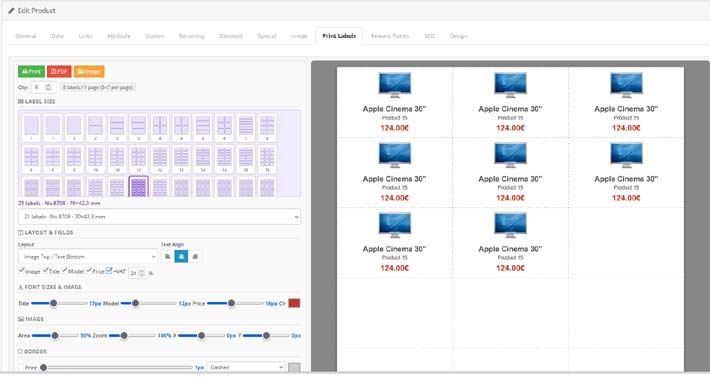
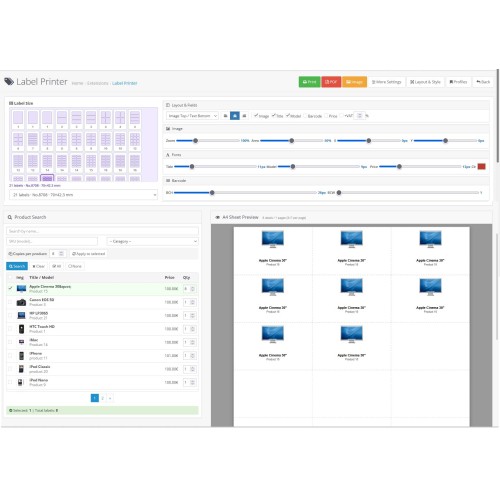
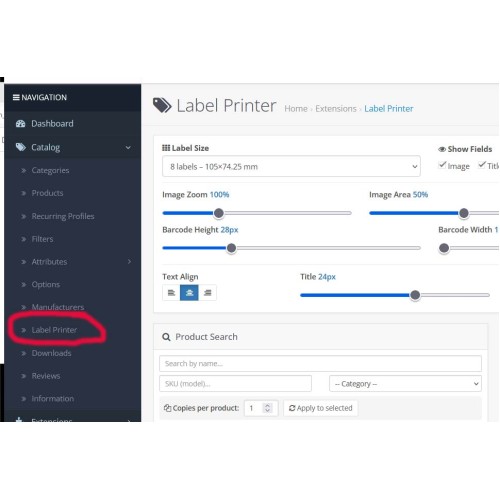
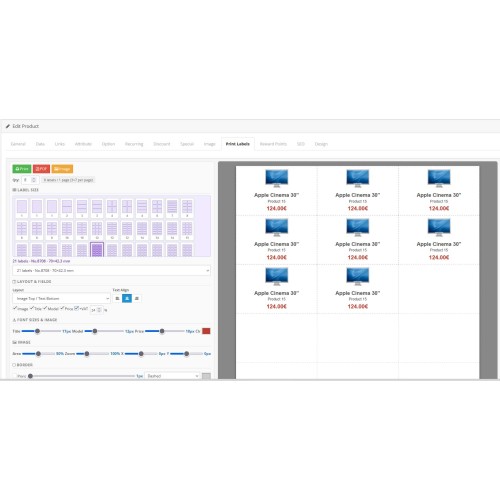

Product Print Labels Professional is a powerful label printing module for OpenCart 3 that allows store administrators to create and print professional product labels directly from the admin panel.
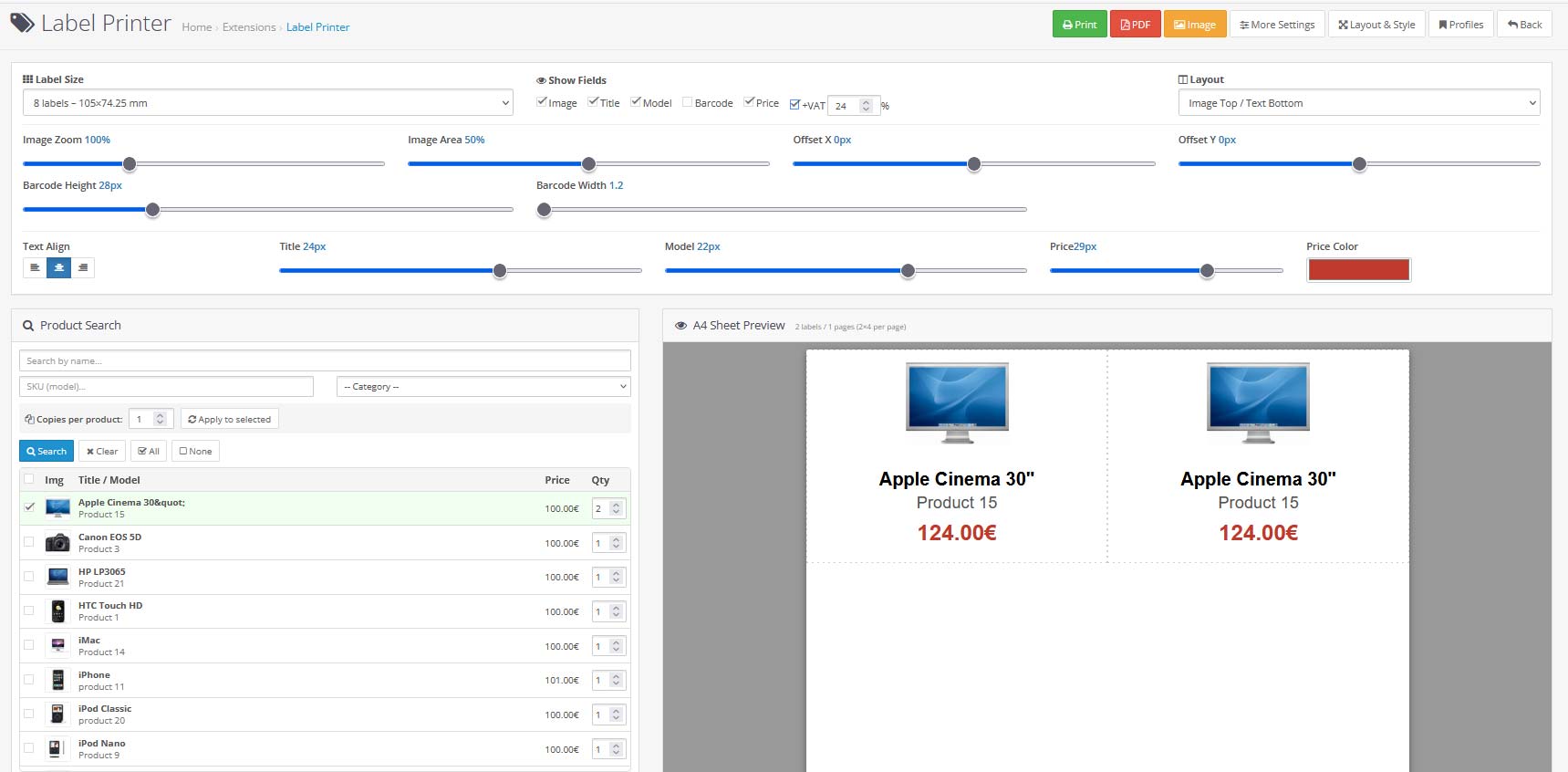
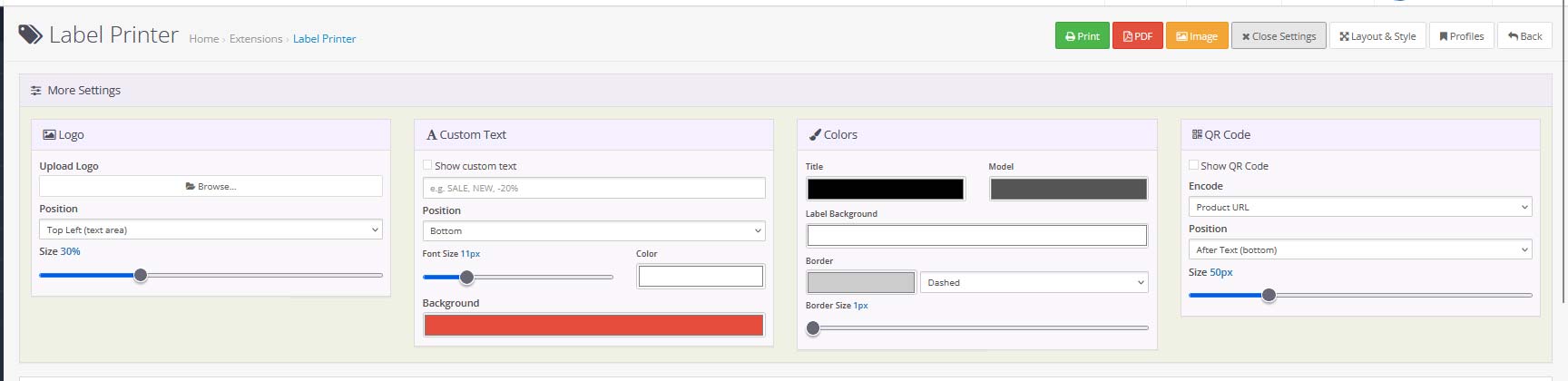
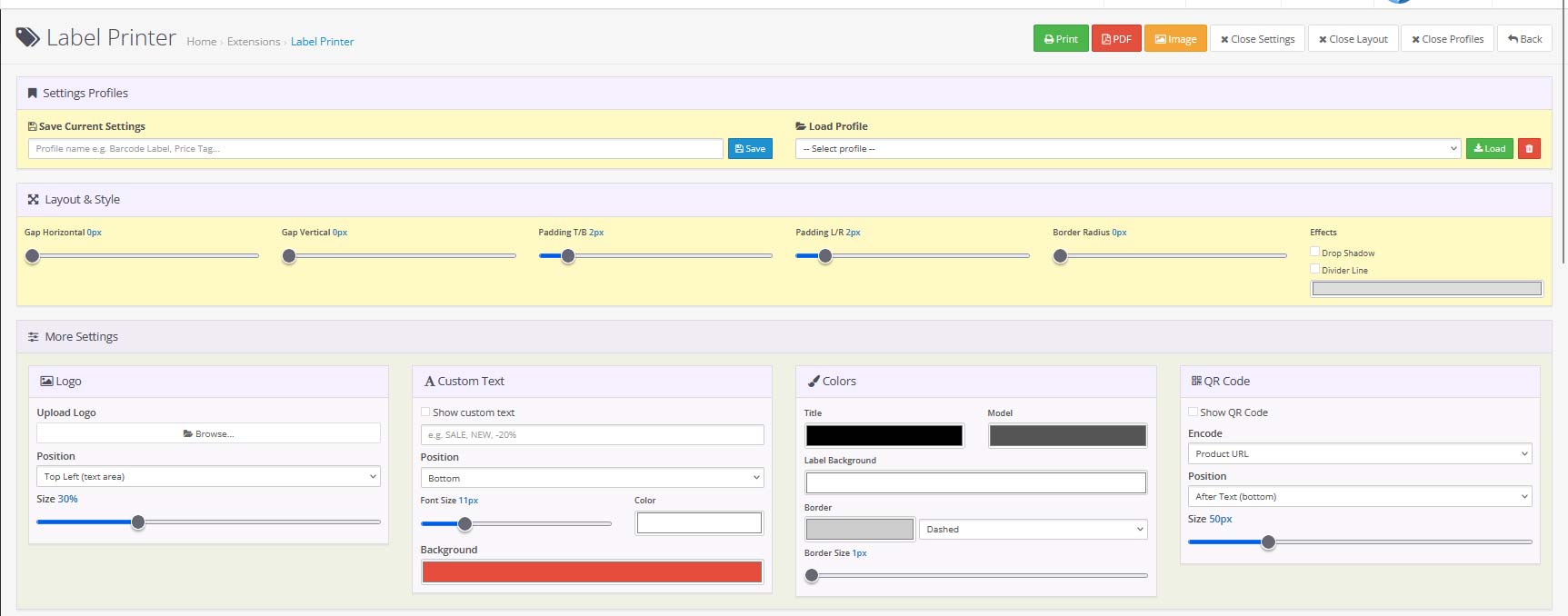
Select one or multiple products, choose from 11 standard label sizes or define a custom size, and instantly preview your labels before printing. Customize every detail — image, title, model, price (with VAT), barcode, QR code, text alignment, fonts, colors, borders, shadows and more.
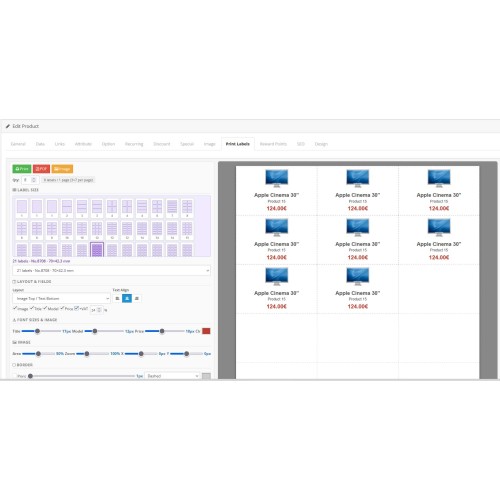
Export labels as a Print (browser), PDF or PNG image. Save your favorite configurations as named profiles for quick reuse. A dedicated label tab is also available directly inside each product's edit page for single-product quick printing.


user: demo
pass: demo
1. Navigate to Catalog > Label Printer from the left sidebar to access the main label printing page
2. To see the module settings, go to Extensions > Extensions > Modules and find Print Product Labels Professional
3. To see the product tab integration, go to Catalog > Products, open any product and click the Print Label tab
Features:
11 predefined label sizes from 38×21mm up to full A4 (210×297mm), plus a fully customizable size where you define width and height in millimeters. The module automatically calculates how many labels fit per A4 page.
Real-time A4 preview that updates instantly with every setting change.
OpenCart 3 Compatible: Built specifically for OpenCart 3.x following standard MVC architecture, installed via OCMOD.
Installation:
Upload the .ocmod.xml file via Extensions > Extension Installer
Refresh the modifications in Extensions > Modifications
Clear theme cache if needed (Dashboard > Developer Settings)
Go to Extensions > Extensions > Modules, find Product Print Labels and click Install
Click Edit and set Status to Enabled
Go to System > Users > User Groups, select your admin group and tick Access and Modify permissions for extension/module/labelprinter
Save the user group permissions
Price
$59.00
- Developed by OpenCart Community
- 12 Months Free Support
- Documentation Included
Rating
Compatibility
3.0.0.0, 3.0.1.0, 3.0.1.1, 3.0.1.2, 3.0.1.3, 3.0.2.0, 3.0.3.0, 3.0.3.1, 3.0.3.2, 3.0.3.3, 3.0.3.5, 3.0.3.6, 3.0.3.7, 3.0.3.8, 3.x.x.x, 3.0.3.9, 3.0.4.0, 3.0.4.1, 3.0.5.0
Last Update
8 May 2026
Created
17 Mar 2026
2 Sales
0 Comments

Login and write down your comment.
Login my OpenCart Account