SmartMail — AI Email Marketing & Automation for OpenCart 4

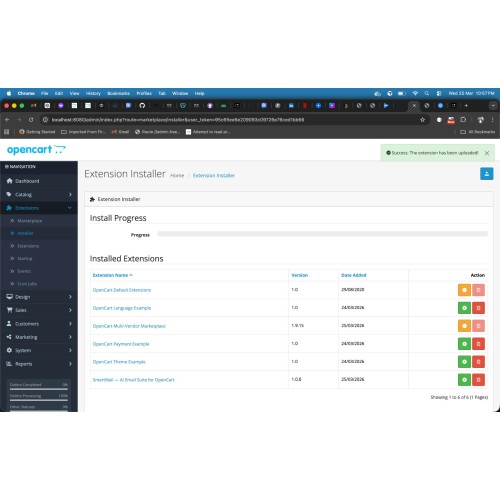
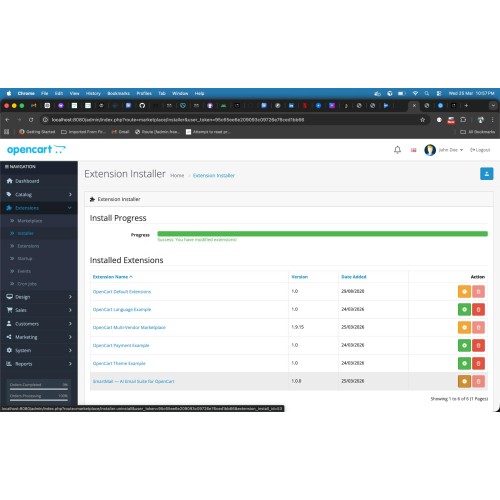
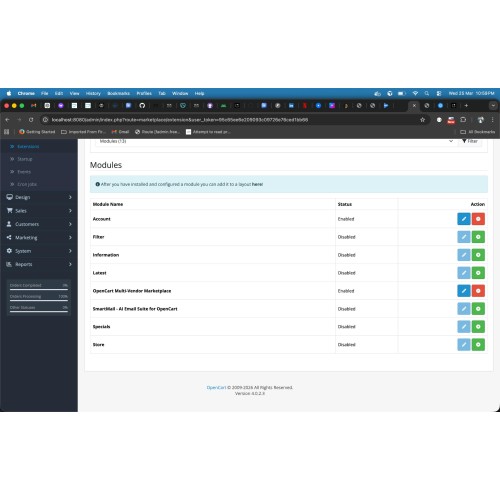
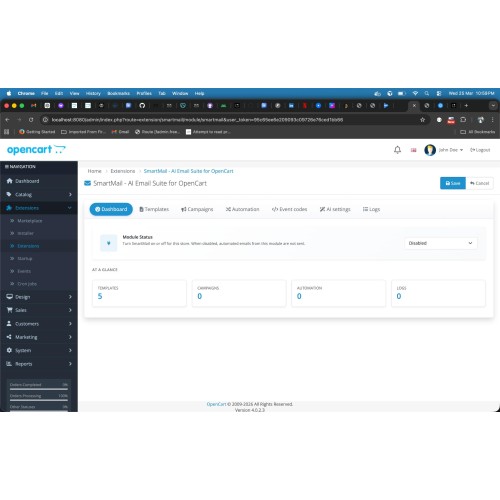
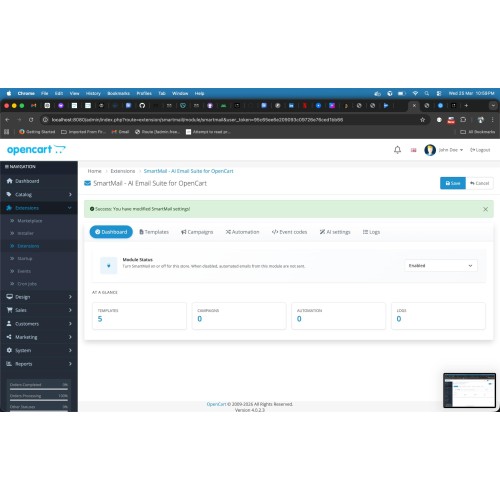
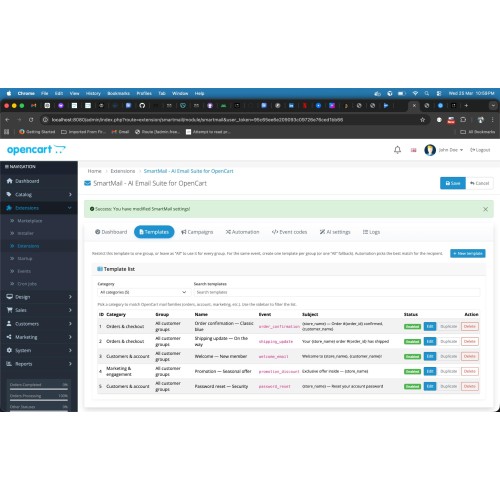
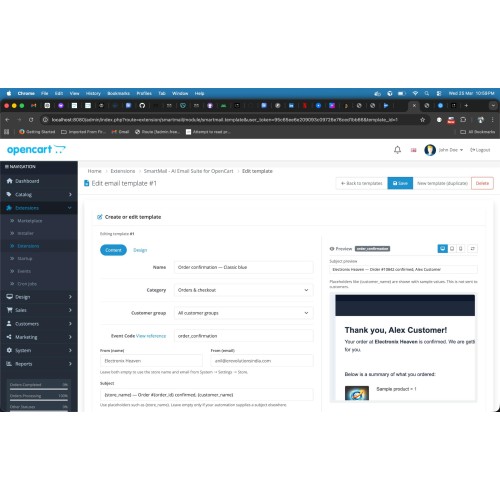
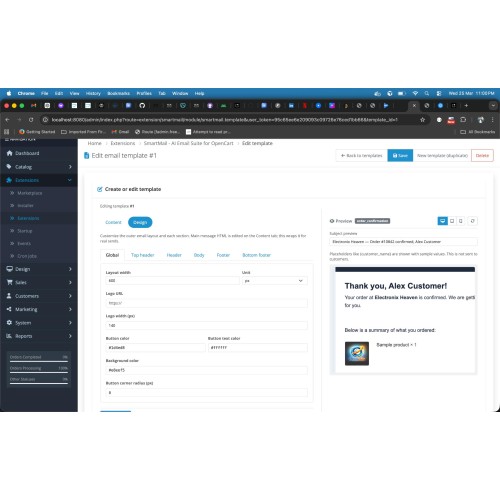
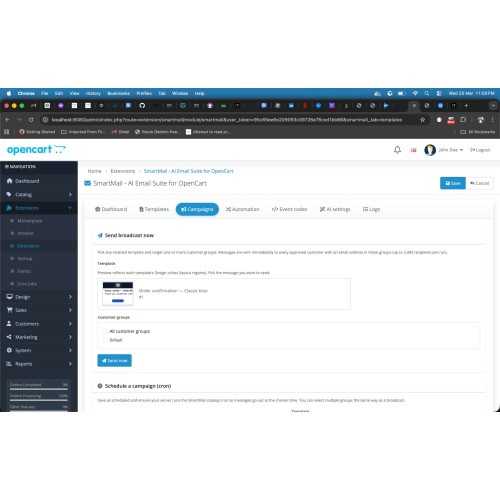
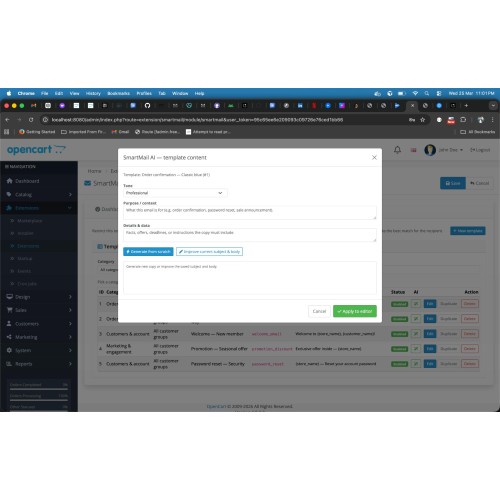
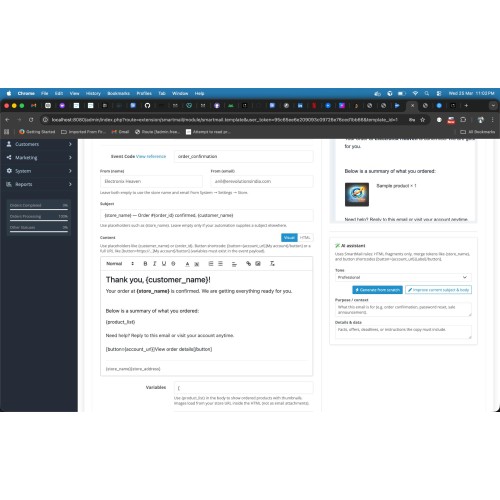
SmartMail turns your OpenCart 4 store into a serious email hub: you design branded transactional and marketing messages, automate them around real customer actions, and optionally let AI draft or polish copy—without leaving the admin.
Who it helps
Templates & design
Merge variables & personalisation
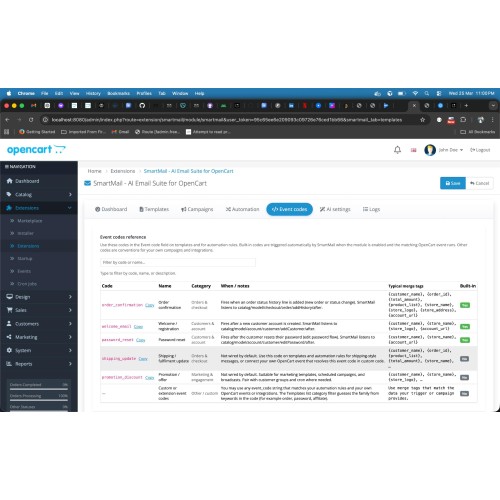
Insert dynamic fields such as {customer_name}, {order_id}, {product_list}, {total_amount}, {store_name}, {store_logo}, {store_address}, {account_url}, and more—so every email feels personal and accurate.
Transactional automation (built-in events)
SmartMail listens to OpenCart and sends when the right template exists and the module is enabled—for example:
Campaigns & broadcast
Automation rules
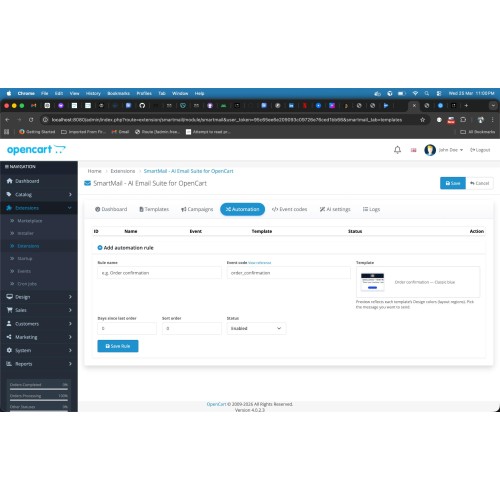
Map event codes to specific templates with sort order—ideal when you run A/B style tests or multiple journeys for the same type of event.
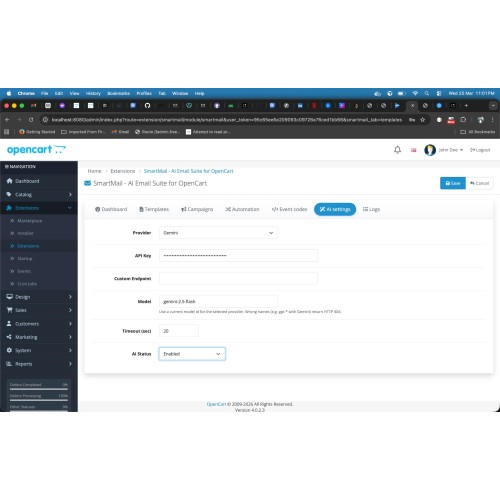
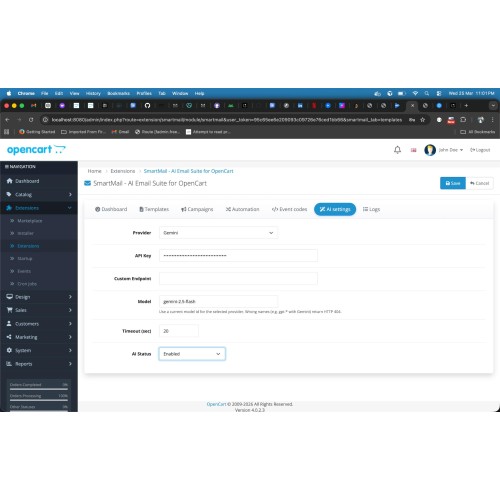
AI-assisted copy (optional)
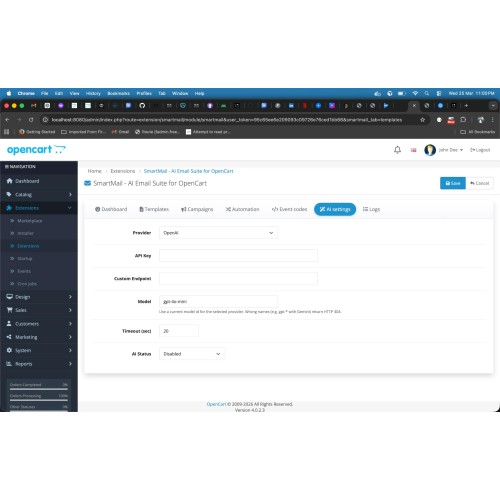
Connect OpenAI, Google Gemini, or a custom HTTPS API. Generate or improve subject and body from the template editor, with controls for tone and brief—perfect for faster drafts; you stay in control of final text.
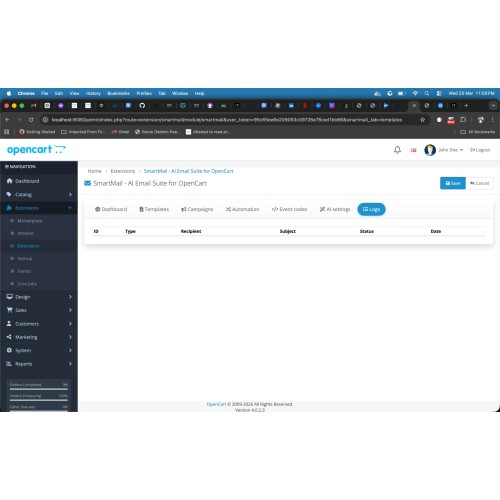
Logs
Review recent sends (status, recipient, subject) to troubleshoot SMTP issues or confirm that campaigns ran.
Requirements
OpenCart 4.x, PHP 8.0+, curl (for AI). Outbound mail uses your normal OpenCart mail settings.
Support
[eRevolutions — contact@erevolutionsindia.com](mailto:contact@erevolutionsindia.com) — include your OpenCart version, PHP version, and SmartMail version when reporting issues.
Who it helps
- Store owners — One place for order, account, and promo emails; fewer “forgot to send” moments and more consistent branding.
- Marketers — Campaigns and broadcasts to customer groups, optional scheduling, plus logs to see what went out.
- Developers / agencies — Event-based hooks, merge variables, and optional custom AI endpoint for advanced setups.
Templates & design
- Rich editor + HTML source — Write in the visual editor or switch to HTML when you need control.
- Branded layout — Global colours, logo, layout width, and section styles (header, body, footer) so every mail matches your store.
- Live preview — Check subject line and layout with placeholder data before customers see anything.
- Customer groups — Target “all customers” or a specific group; SmartMail picks the best match when several templates share the same event.
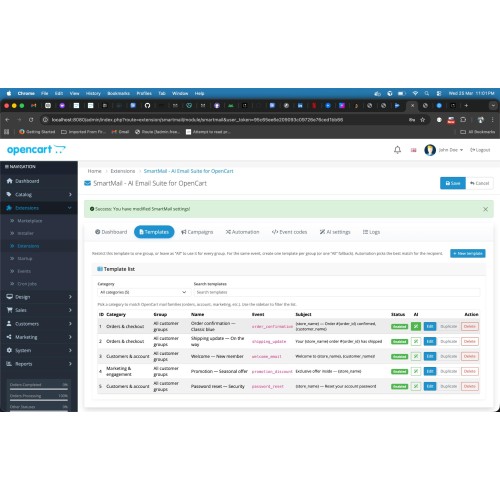
- Starter pack — Ready-made templates (e.g. order, shipping-style, welcome, promotion, password reset) so you are not starting from a blank page.
Merge variables & personalisation
Insert dynamic fields such as {customer_name}, {order_id}, {product_list}, {total_amount}, {store_name}, {store_logo}, {store_address}, {account_url}, and more—so every email feels personal and accurate.
Transactional automation (built-in events)
SmartMail listens to OpenCart and sends when the right template exists and the module is enabled—for example:
- Order activity — When order status history is added, use templates tied to order_confirmation-style flows (tune on staging first to match your workflow).
- New account — Welcome mail for new registrations (welcome_email).
- Password changed — Security-style notification (password_reset).
Campaigns & broadcast
- Campaigns — Send a chosen template to selected audiences; schedule sends and process them with a simple cron task.
- Broadcast — Push a template to many recipients from the admin when you need an immediate blast.
Automation rules
Map event codes to specific templates with sort order—ideal when you run A/B style tests or multiple journeys for the same type of event.
AI-assisted copy (optional)
Connect OpenAI, Google Gemini, or a custom HTTPS API. Generate or improve subject and body from the template editor, with controls for tone and brief—perfect for faster drafts; you stay in control of final text.
Logs
Review recent sends (status, recipient, subject) to troubleshoot SMTP issues or confirm that campaigns ran.
Requirements
OpenCart 4.x, PHP 8.0+, curl (for AI). Outbound mail uses your normal OpenCart mail settings.
Support
[eRevolutions — contact@erevolutionsindia.com](mailto:contact@erevolutionsindia.com) — include your OpenCart version, PHP version, and SmartMail version when reporting issues.
Price
$29.00
- Developed by OpenCart Community
- Documentation Included
Rating
Compatibility
4.x.x.x, 4.0.0.0, 4.0.1.0, 4.0.1.1, 4.0.2.0, 4.0.2.1, 4.0.2.2, 4.0.2.3, 4.1.0.0, 4.1.0.1, 4.1.0.2, 4.1.0.3
Last Update
10 Apr 2026
Created
26 Mar 2026
0 Sales
0 Comments

Login and write down your comment.
Login my OpenCart Account