OpenCart Connectify — Amazon & Flipkart Multi-Channel Sync

OpenCart Connectify — Multi-Channel (Amazon SP-API + Flipkart)
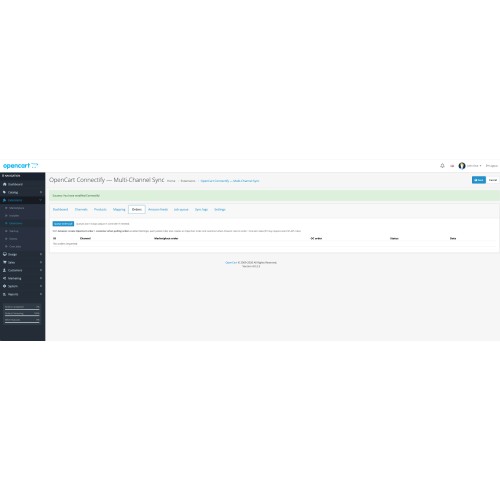
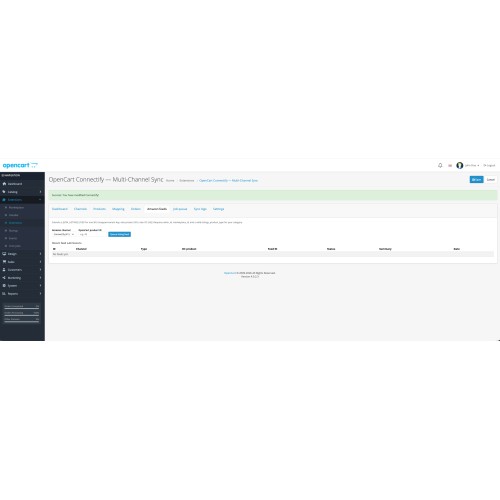
Connectify helps OpenCart merchants run marketplace operations from one admin module: channel setup, credential management, queue-based sync, product/order import workflows, inventory updates, feeds, mappings, logs, and cron processing.
Why Connectify?
Key Features
1) Multi-channel management
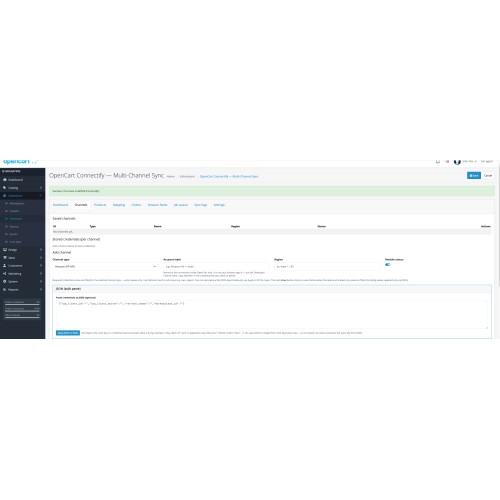
2) Flexible credential entry (rows + JSON)
3) Amazon SP-API support
4) Flipkart support
5) Job Queue + Cron engine
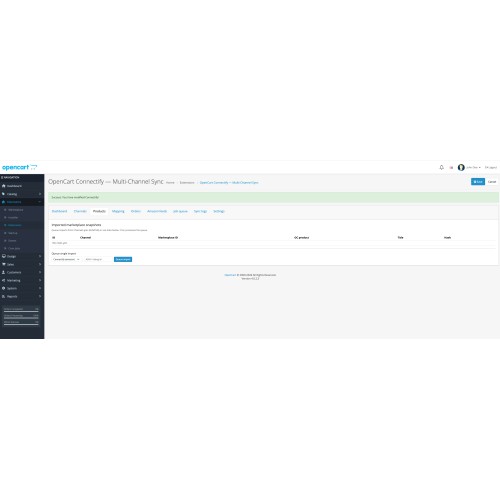
6) Product, category, and order workflows
7) Admin usability and diagnostics
Business Benefits
Technical Highlights
Requirements
Installation (Quick)
Support & Documentation
Important Notes
Connectify helps OpenCart merchants run marketplace operations from one admin module: channel setup, credential management, queue-based sync, product/order import workflows, inventory updates, feeds, mappings, logs, and cron processing.
Why Connectify?
- Faster operations: Centralized workflows for Amazon and Flipkart reduce manual copy/paste between platforms.
- Safer credentials handling: Masked secrets with Show/Hide and inline Edit; optional JSON bulk credential input for quicker onboarding.
- Scalable processing: Queue + cron architecture avoids blocking admin actions and supports retries with status visibility.
- Better visibility: Dashboard metrics, job queue status, and sync logs make troubleshooting straightforward.
- OpenCart-first approach: Optional OpenCart product/order/customer creation for practical local store operations.
Key Features
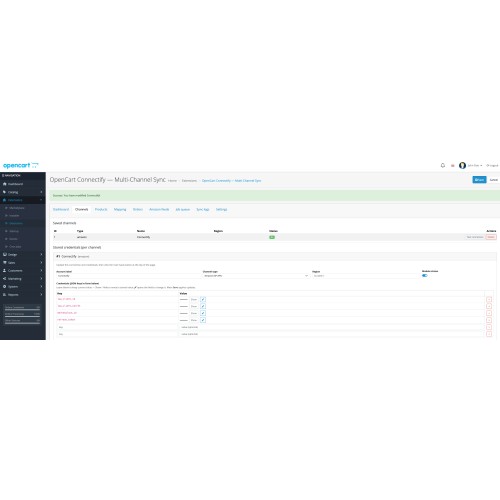
1) Multi-channel management
- Add unlimited channel accounts.
- Per-channel settings: type, name, region, active/inactive status.
- Edit existing channels without re-adding.
- Credential management with masked values, Show/Hide, and Edit icon.
2) Flexible credential entry (rows + JSON)
- Enter credentials one-by-one in key/value rows.
- Alternative JSON mode for bulk paste (flat object format).
- Apply JSON to fields for quick review and editing.
- Server-side JSON validation with parser feedback for invalid input.
- Merge behavior: JSON first, non-empty row values override same keys.
3) Amazon SP-API support
- LWA token flow (client id, client secret, refresh token).
- Regional endpoint routing (NA / EU / FE) based on marketplace context.
- Connection test with actionable troubleshooting hints.
- Catalog import workflows and order pull support.
- Listings/feeds support including Amazon feed queue & status tracking.
4) Flipkart support
- Channel-based Flipkart credential setup.
- Queue-friendly integration pattern aligned with Connectify core architecture.
- Unified interface with same operational controls and logs.
5) Job Queue + Cron engine
- Queue statuses: pending, processing, done, failed.
- Retry-aware execution with error capture.
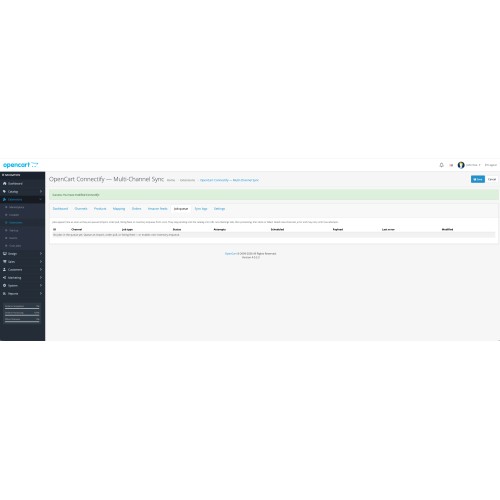
- Dedicated Job Queue tab for operational monitoring.
- Secret-key cron URL for secure scheduled processing.
6) Product, category, and order workflows
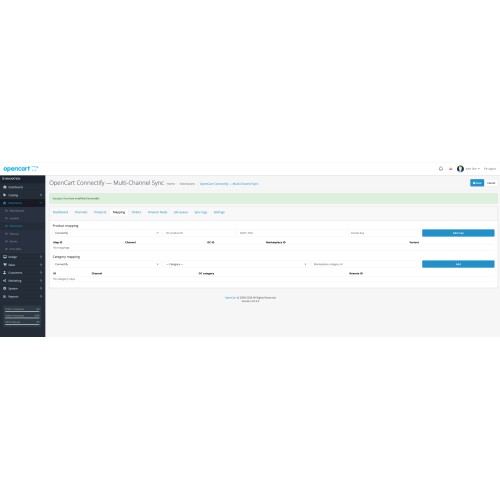
- Product mapping between OpenCart products and marketplace identifiers.
- Category mapping support for channel alignment.
- Order pull pipeline with optional OpenCart order/customer creation.
- Inventory/listing-related queue jobs for controlled execution.
7) Admin usability and diagnostics
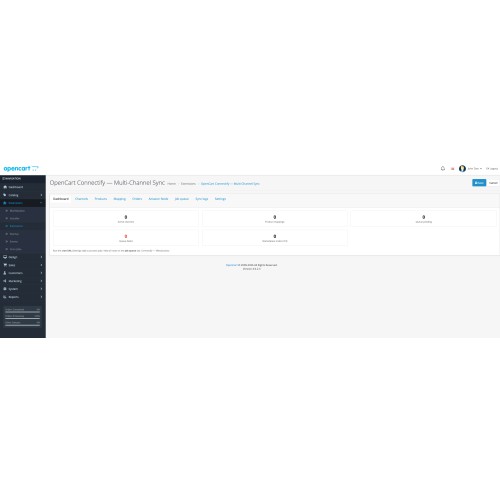
- Dashboard for key operational counters.
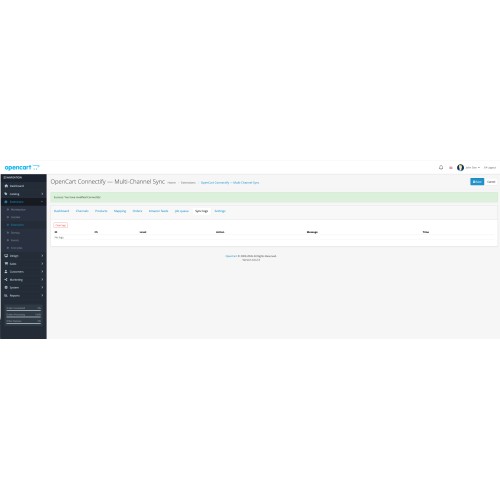
- Sync logs for diagnostics and support.
- Cleaner Channels UX for both new and existing channels.
- Improved warning messages (including JSON parse detail where applicable).
Business Benefits
- Save time: Reduce repetitive marketplace admin work.
- Reduce errors: Controlled queue execution and validation-driven inputs.
- Improve reliability: Retry-friendly background jobs and visible status.
- Scale safely: Add channels as business grows.
- Improve supportability: Logs + queue history simplify incident handling.
Technical Highlights
- OpenCart 4.x module structure.
- Installer-ready package with install.json at archive root.
- Queue and integration libraries designed for channel extensibility.
- No manual core-file dependency for routine operation.
Requirements
- OpenCart 4.0.x
- PHP 8.0+
- cURL enabled
- MySQL/MariaDB
Installation (Quick)
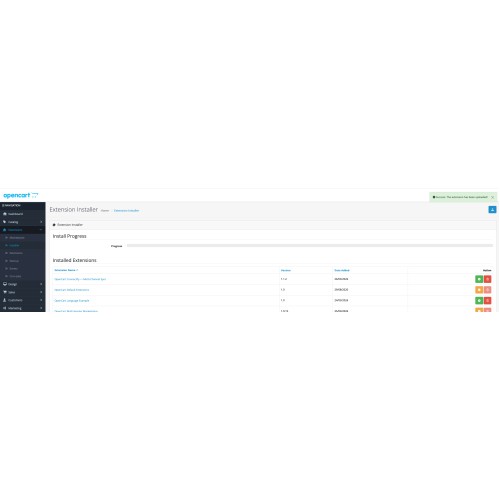
- Upload connectify.ocmod.zip via Extensions → Installer.
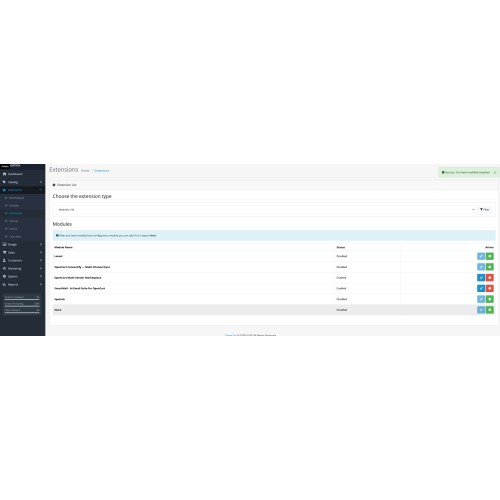
- Install module from Extensions → Extensions → Modules.
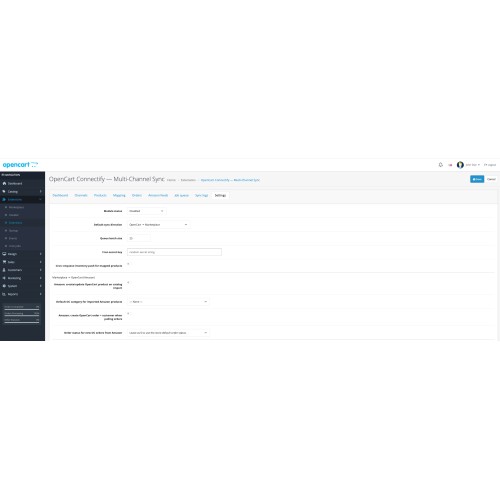
- Open Connectify settings, enable module, save.
- Set user group access/modify permissions for Connectify route.
- Configure channels, credentials (rows or JSON), and cron key.
Support & Documentation
- Support: contact@erevolutionsindia.com
- Website: https://erevolutionsindia.com
- Included docs: installation, setup, features, FAQ, release notes, marketplace submission guide.
Important Notes
- Marketplace API access depends on your own seller/developer account roles and permissions.
- Use valid Amazon/Flipkart credentials and marketplace identifiers for successful connection tests.
- Keep API secrets secure and rotate if exposed.
Download
- Developed by OpenCart Community
- Documentation Included
Rating
Compatibility
4.x.x.x, 4.0.0.0, 4.0.1.0, 4.0.1.1, 4.0.2.0, 4.0.2.1, 4.0.2.2, 4.0.2.3, 4.1.0.0, 4.1.0.1, 4.1.0.2, 4.1.0.3
Last Update
5 Apr 2026
Created
26 Mar 2026
5 Downloads
0 Comments

Login and write down your comment.
Login my OpenCart Account